We remain fully operational. Our teams are working around the clock to ensure your deliveries continue safely.

DOWNLOAD THE APP


Customer Services
Copyright © 2025 Desertcart Holdings Limited
DOWNLOAD THE APP
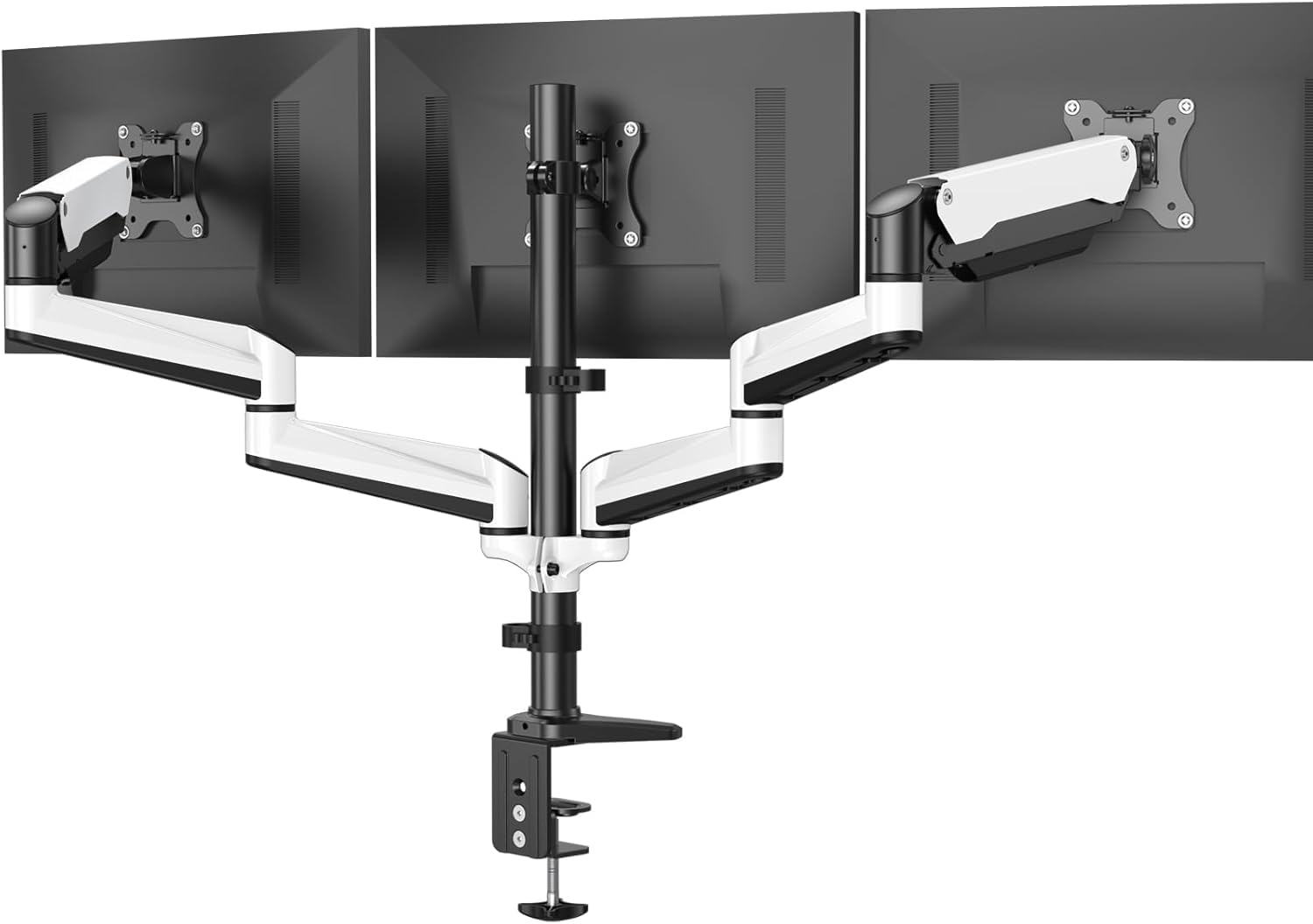

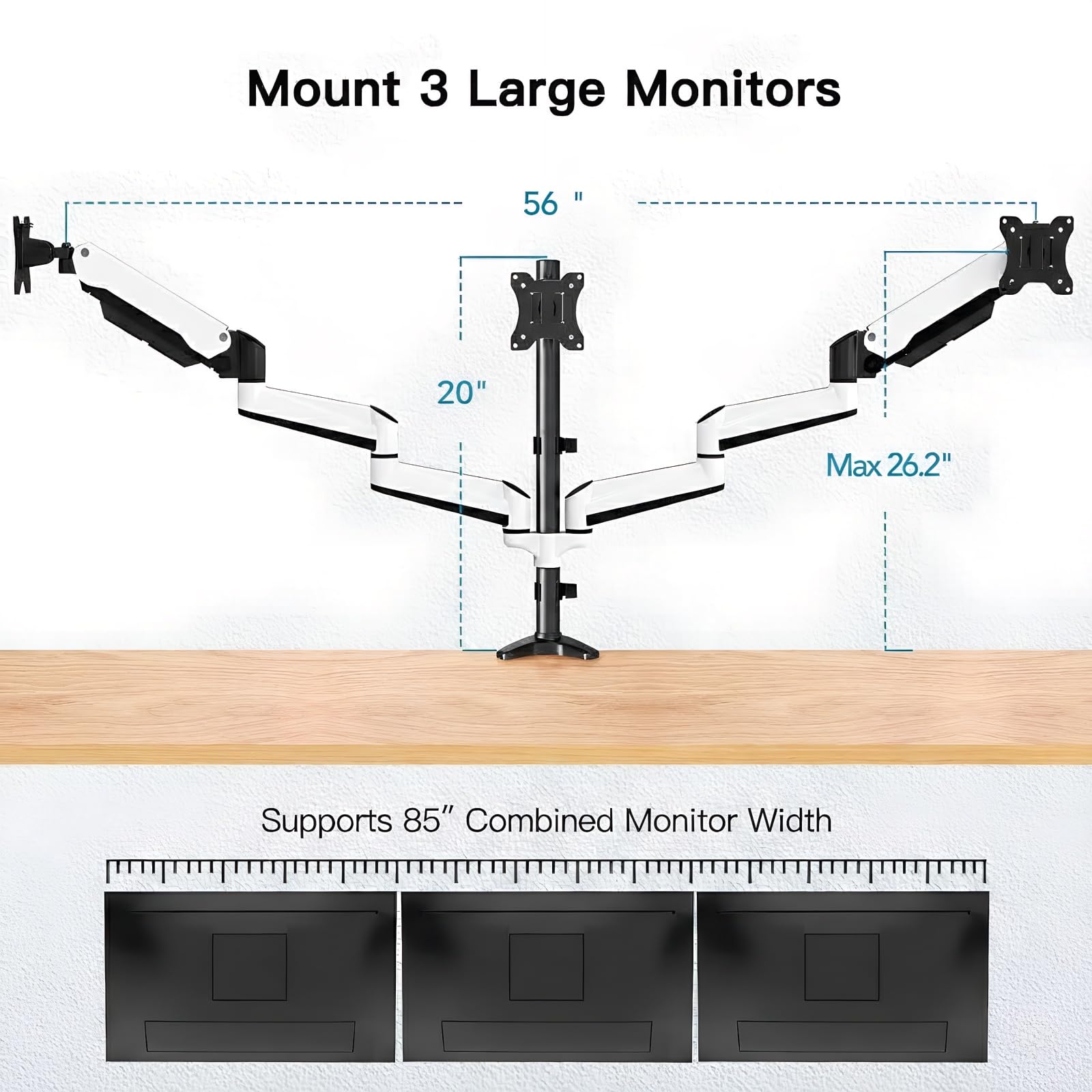


🖥️ Elevate your workspace, elevate your game.
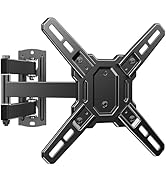
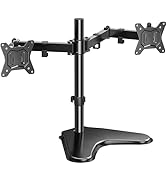
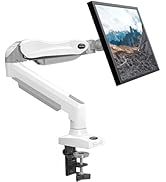
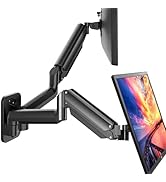
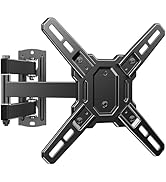
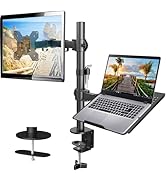
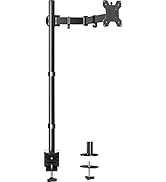
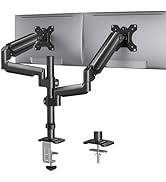
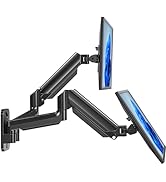
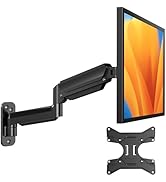
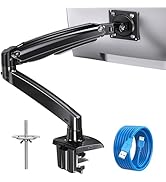
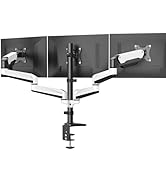
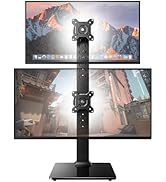
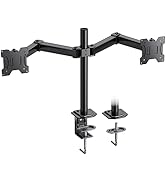
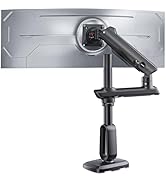
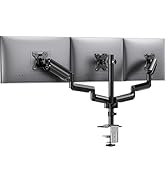
The HUANUO Triple Monitor Stand supports three 17-32 inch monitors with VESA 75x75 and 100x100 compatibility. Featuring full-motion adjustable aluminum arms with gas springs, it offers tilt, swivel, and rotation for ergonomic comfort. The stand includes both C-clamp and grommet mounting options, supports up to 17.6 lbs per arm, and frees up desk space for a cleaner, more productive workstation.







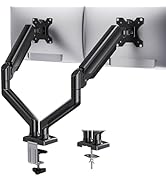
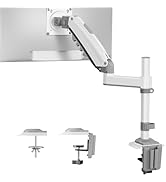
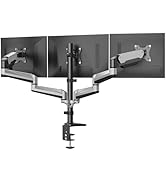
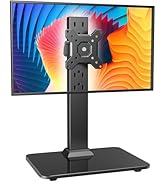




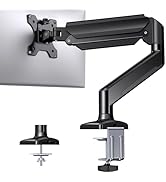
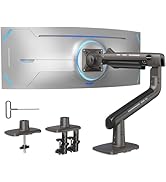
| ASIN | B07QS7BM8W |
| Brand | HUANUO |
| Color | ホワイト |
| Compatible Devices | Monitor |
| Customer Reviews | 4.3 4.3 out of 5 stars (1,889) |
| Enclosure Material | Alloy Steel |
| Manufacturer | HUANUO |
| Maximum Tilt Angle | 85 Degrees |
| Maximum-Supported Screen Size | 32 Inches |
| Minimum-Supported Screen Size | 17 Inches |
| Mounting Type | Tabletop Mount |
| Movement Type | Tilt |
| UPC | 810158821729 |
C**D
Easy to assemble Can hold my very heavy 36" monitor with no problem.
J**L
Really like this mount - I have 2 spare arms because my monitors are not 24inch wide - I have 3 monitors in total and this thing is just beautiful and functional. I absolutely love this product - in fact I should have purchased years ago to clean up my desk. I have a little bit more cable clean up to do (tucking it into the arms) but very happy with this. I have been using it for 4 days - I've fine tuned the adjustments so that everything including tilt is lined up and matches. What a great system. LOVE IT.
S**C
Excellent stand pour moniteur, très rubuste et facile à assembler.... mais... il manque de possibilités d'ajustements. J'ai 3 moniteurs 24 po, celui du centre est IPS et les 2 autres non. Si je ne mes pas les extensions, mes 2 moniteurs extérieurs doivent êtres derrière celui du centre. Il manque 1/4 de pouce pour les alignés. Si je mes les extensions, j'ai un jeux de 6 pouces entre les moniteurs ou ceux extérieurs doivent être à 45 degrés vers l'intérieur. Alors si vous ne prévoyez pas avoir vos moniteurs tournés vers l'intérieur, gardez en tête qui vous faudras des moniteur IPS si vous allez dans le 24 pouces.
R**.
First, there are a lot of work to install it (it's not something you buy and just use) but it is really robust and I understand that there are a lot of configurations coming with it so it's better that way. The instructions are well done and very detailed. I've installed by drilling a hole in my desk (didn't use the desk clamp). It look really good. I use it with 2x 22' screens and 1x 15' wacom tablet. It goes beyond my expectation as I can even bring the tablet in front of the middle screen in an angle so I can draw. The position is perfect. The only issues I had is that the adjustment screw at end of the arm that manages the springs as well as the tilt are so tight, I had to make a lever with a wrench to make it looser and adjust the screen to their proper height. I'm kind of strong so I believe it must be really hard for someone weaker then me to do, even impossible for some people.
M**.
I decided to go with a 3 monitor setup rather than my usual 4 monitor setup (2x2) as I wanted to reduce having to look up at the 2 monitors above. My monitors are 27" and when trying to do a horizontal setup, there is just too big of a space in between monitors. Meaning, if I put the third section of the outer arms in, they are just too spread apart. I could adjust this, but the arms would then hit the wall so I would have to pull my new desk out further, which I don't want to do. For now, I had to rotate the two outer monitors to vertical, which dims the screens a bit and messes with the resolution. I also wanted to make sure that the mounting bracket to the desk doesn't damage the desk. The box does not come with sufficient protective pads, so I use the round rubber peel and stick rubber feet from a switch and that seems to work fine. No slip, but over time this might leave a mark so I'm looking for something better for that. My only other options are to get larger or smaller monitors which I'm considering doing as I need move toward 4k monitors for my content creation work. Final thoughts: The mount is nice and the cable management easy. Installation was easy. Works well on my L-shape Autonomous desk. I will need to change my monitors to larger or smaller. Smaller than 27" would use two sections on arms for horizontal layout. Larger than 27" would use three sections on arms for horizontal layout. They need to provide better padding for the desk mounting bracket. Price is okay.
Trustpilot
2 months ago
1 month ago