🚀 Elevate your multi-PC command center with 8K clarity and lightning-fast switching!
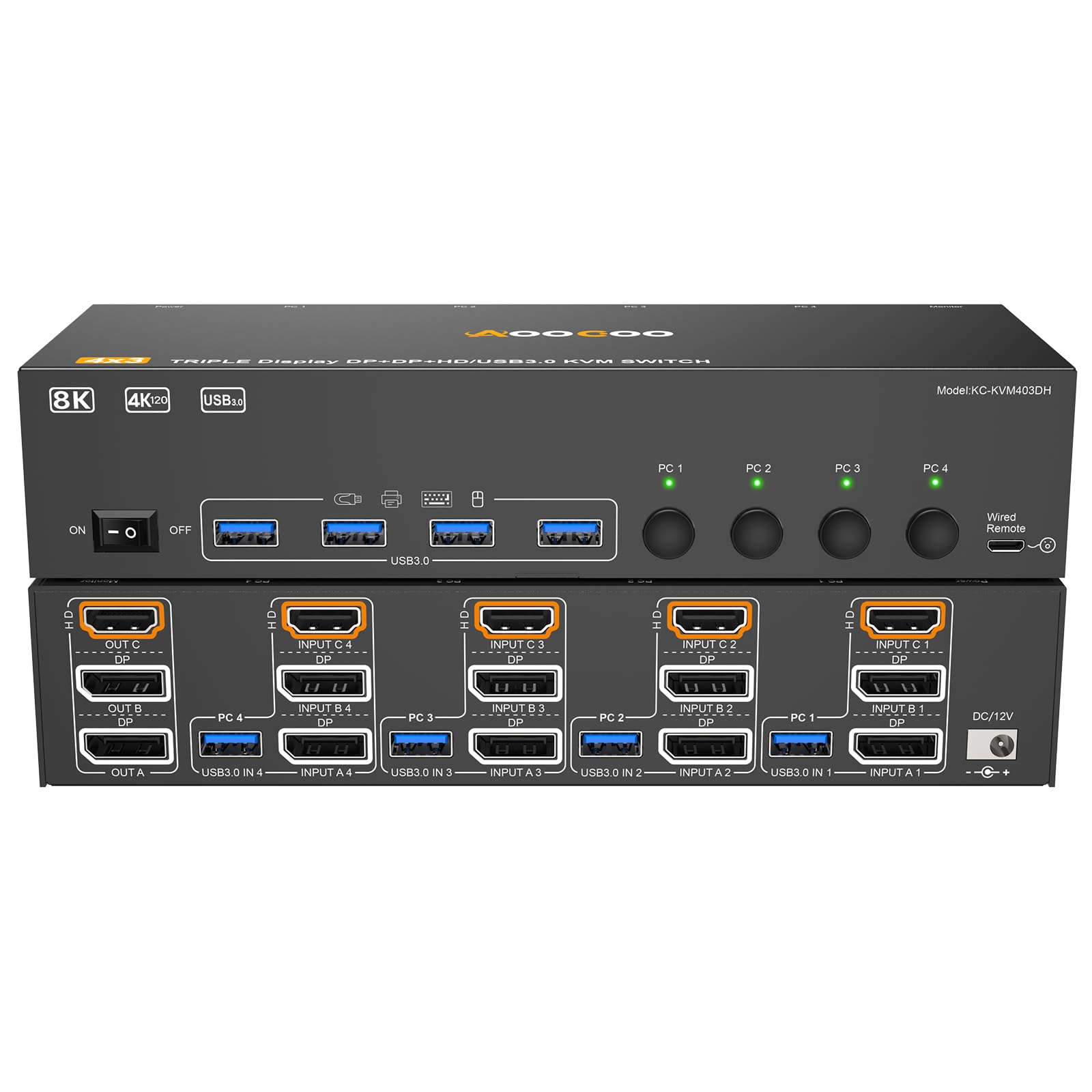
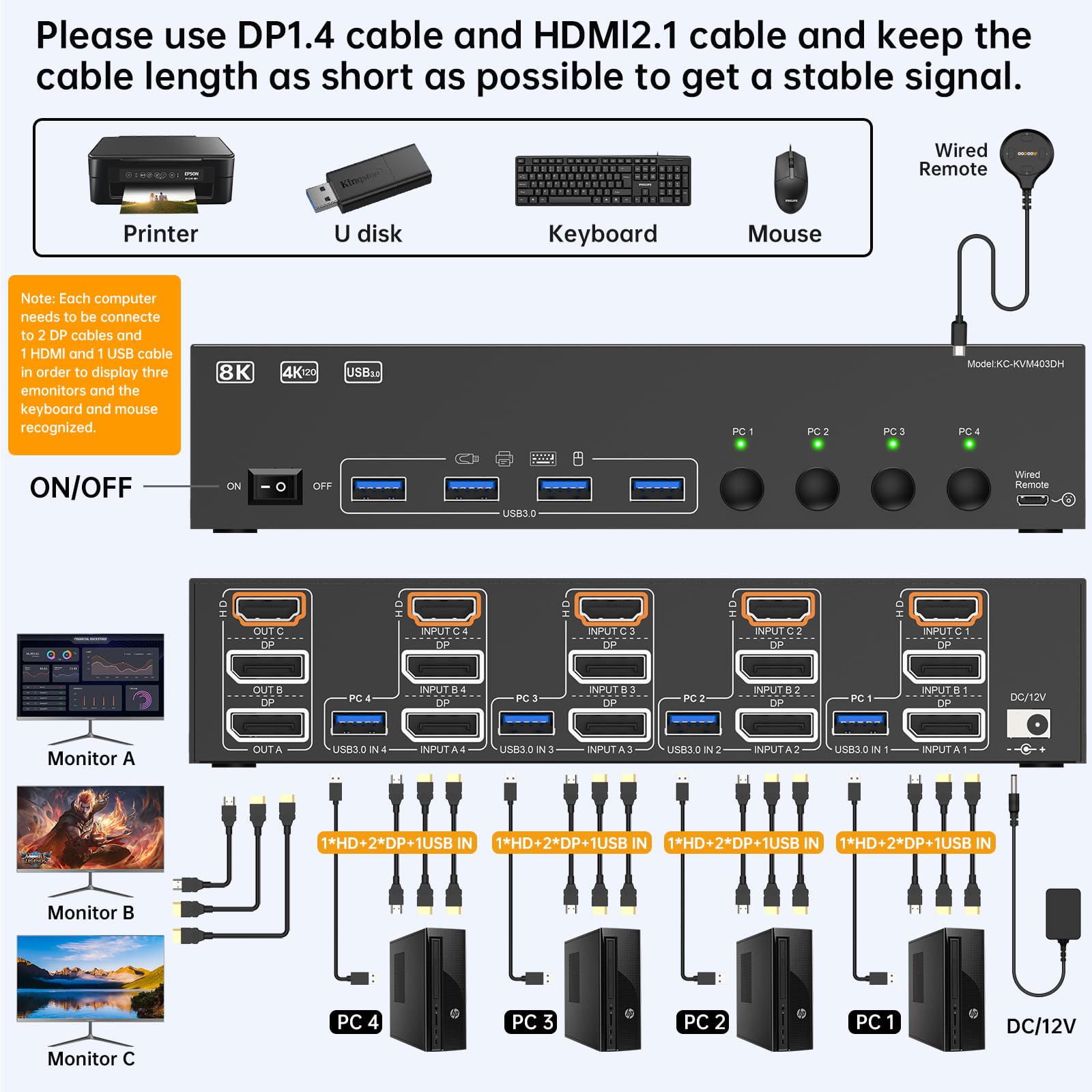
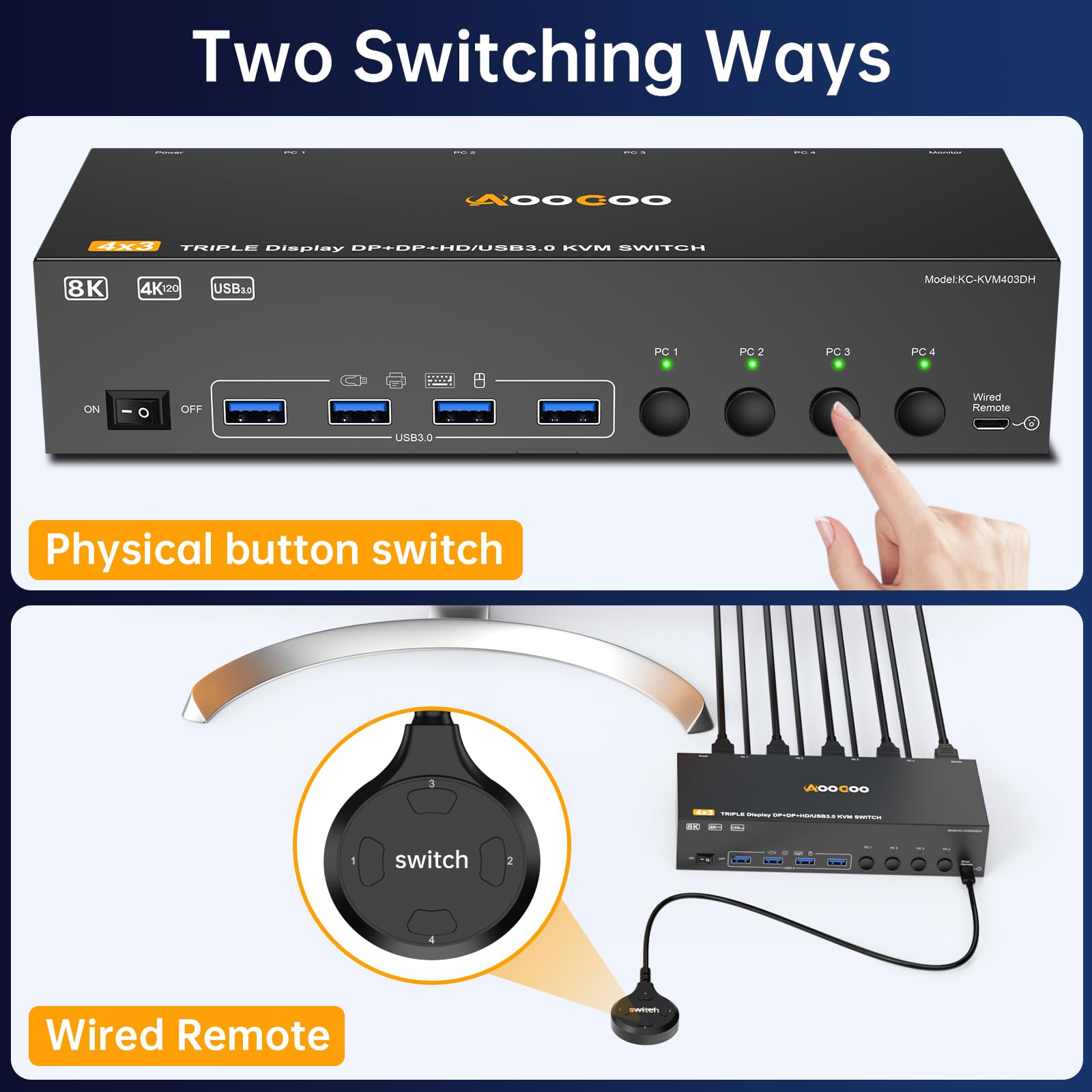
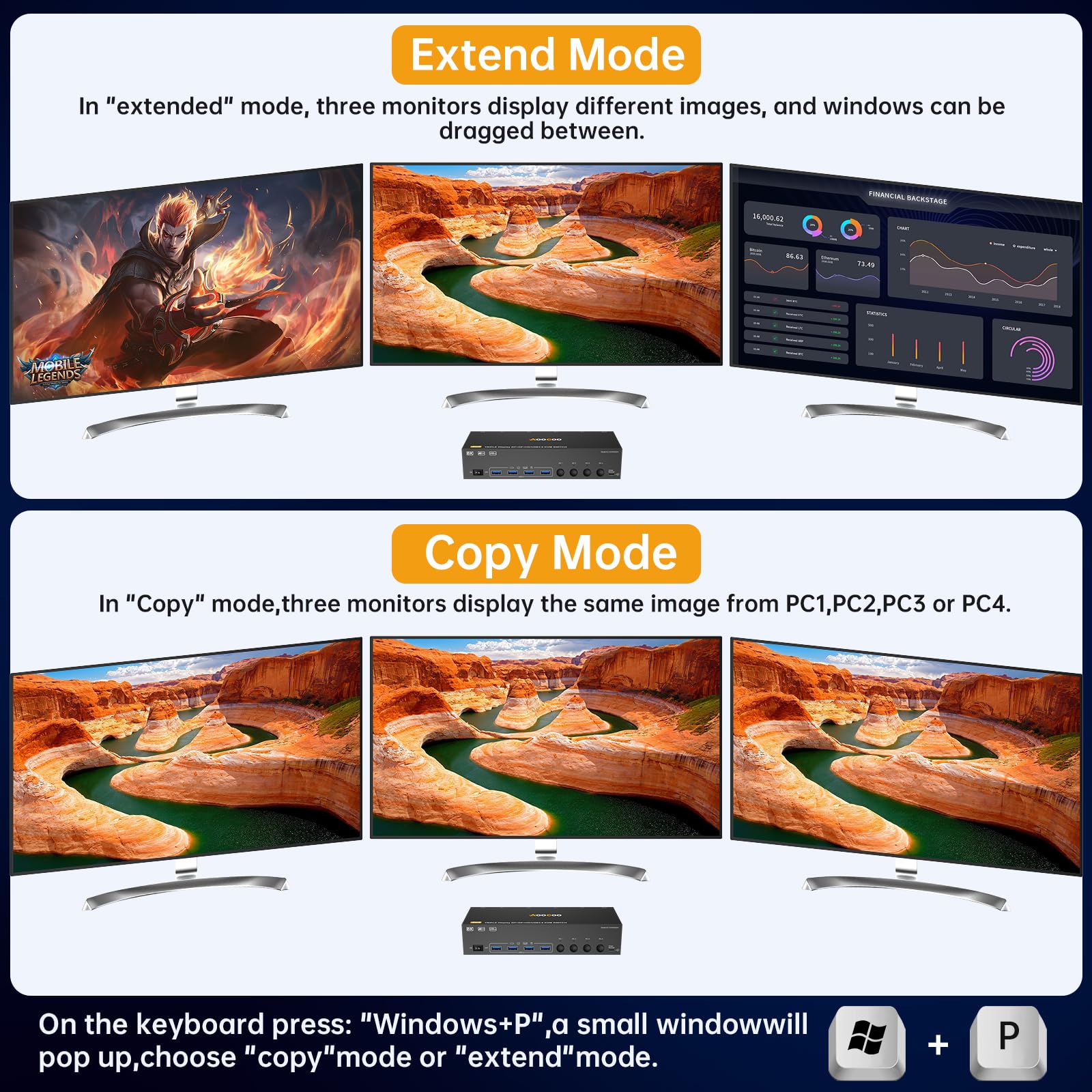
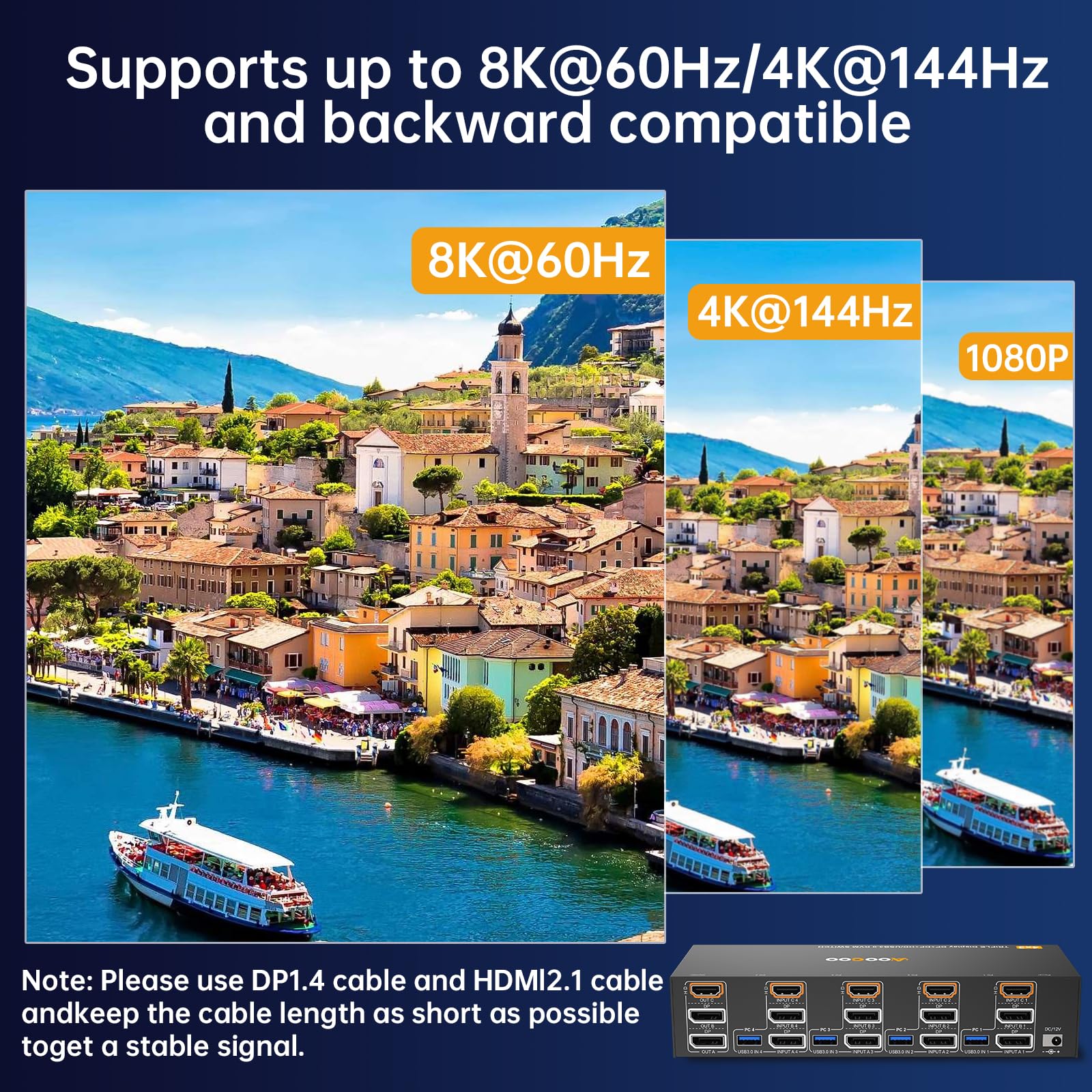
The AOOCOO HDMI Displayport KVM Switch supports 4 computers sharing 3 monitors with ultra-high resolutions up to 8K@60Hz and 4K@144Hz. Featuring 4 USB 3.0 ports for high-speed peripheral connectivity, it offers flexible display modes and easy switching via wired remote or panel buttons. Designed for professional multitasking, it streamlines complex setups into a sleek, efficient workspace.


| ASIN | B0F242H8Y7 |
| Best Sellers Rank | #66 in KVM Switches |
| Brand | AOOCOO |
| Brand Name | AOOCOO |
| Circuit Type | 4-way |
| Connector Type | Plug In |
| Contact Material | Metal |
| Contact Type | Normally Open |
| Control Method | Remote |
| Current Rating | 2 Amps |
| Customer Reviews | 4.1 out of 5 stars 183 Reviews |
| Manufacturer | AOOCOO |
| Material Type | Copper, Plastic |
| Mounting Type | Rack Mount |
| Number of Positions | 4 |
| Operating Voltage | 5 Volts |
| Operation Mode | ON-ON |
| Specification Met | ETL |
| Switch Type | Manual |
| Terminal | Plug in |
| UPC | 029082951994 |
| Unit Count | 1.0 Count |
J**M
Great product
Works great!
A**R
Works as Advertised
So far, the 3 channel KVM works as advertised. The only problem we've had is it will not wake any of the computers from sleep when a keyboard key is tapped or when moving the mouse. The power button on the machine(s) has to be pressed to wake them from sleep. Overall, it is a good product, has a clear picture, and all 3 channels are working.
Q**E
Solid KVM, no USB-C Support
Update: The KVM still works great. I was able to connect the second display, a Dell U2713HM, to all three computers. 1. The Lenovo with two Ugreen Revodocks (B0F24B1VJN) with Amazon Basics DisplayPort 1.4 6' cables (B08FBJYWTJ) works pretty consistently. Sometimes my USB peripherals don't light up when switching to that KVM input. Switching to another input and back usually resolves it immediately. I think it probably has to do with sleep behavior on the laptop, and not an issue with the KVM. 2. The Mac Mini works without any problem at all, using two Warrky USB-C to DisplayPort 1.4 cables (B07RY75V7Q). I get 144Hz refresh rate on one display, and 60Hz on the other, which is the max for both. 3. My PC with an RTX 3060 Ti works great on the primary display, a Dell S3422DWG. The secondary display switches to Nvidia failsafe, and does 640x480. Sometimes I can get it to switch to its native resolution of 2560x1440 and when I can it works great. But most of the time, it just doesn't work. I'm going to try some different DisplayPort cables, but will probably have to settle for a single monitor on my PC. Initial Review: This is the best KVM I've picked up so far. I don't have all the right cables yet, but it supports 144hz@3440×1440, which is great. I'm waiting on additional DisplayPort cables to show up so I can connect my second monitor, but initial impressions are solid. - Switches reliably between inputs. - No weird video problems. - Correctly passes audio over DP. I have two complaints. There are no USB-C ports. I had to use a USB A to C adapter to connect the USB 3 cable from the KVM to my Mac Mini, but it worked. There are also only 4 USB inputs, but that just happens to work for me. The second complaint is that the status lights are way too bright. I "fixed" that by placing a piece of painter's tape over the LEDs. They're still extremely bright.
D**E
Power to usb ports cycles when switching sources.
It's ok. It does it's job, which by itself would be four stars. Seems quality, no problems hooking it up. My problem with it is that, when switching sources, the power to the usb ports drops off. Which means any devices you have connected to them cycle. Not a big deal I guess for a mouse and keyboard, but I have a set of speakers that are powered through the usb. And so every time I switch sources, the lights on the speakers, which I prefer to be off, turn back on and a voice tells me that the speakers are in usb mode. Not sure how good cycling power to the electronics is for them either.
A**X
Works well with Mac and Windows setups
This works well so far and is a great value. For those interested in a similar setup, I'm using this to switch between a PC personal setup, and a MacBook Pro 24 work setup. After much trial and error, I have it fully functional via: HDMI/DP from PC to KVM Thunderbolt to HDMI cable/Thunderbolt to DP cable to KVM (have to connect into the two Thunderbolt ports of the Mac for two separate video streams, no MST) Monitor connections (HDMI, DP) Peripherals into the KVM USB A to USB A with a USB A to USB C Adapter into the remaining port on the Mac. I will say the switching is a bit slow, but that could be unrelated to the switch. Thought it was worth mentioning. I would recommend this to anyone looking to simplify their setup on a budget!
E**L
Worked until it didnt
The power cable is larger than the port itself so it stuck out and easily can unplugged. I assume that is what caued the failure to stop working so soon.
C**R
Display port function
Works perfectly. I am using the display ports for 2 computers and the monitor.
M**E
Excellent KVM. Full DP1.4 Passthrough including DisplayPort MST for more monitors.
Works seamlessly. Was able to drive 4 monitors with DisplayPort MST. So the pass through is true DP1.4. Have it tied to a TB4 Hub for my laptops, and a desktop. May try my Xbox through it next. I wasn’t sure from the photos, but the picture where it looks double stacked - that’s front and back. It’s a single unit.
Trustpilot
2 weeks ago
4 days ago



