
DOWNLOAD THE APP


Customer Services
Copyright © 2025 Desertcart Holdings Limited
DOWNLOAD THE APP
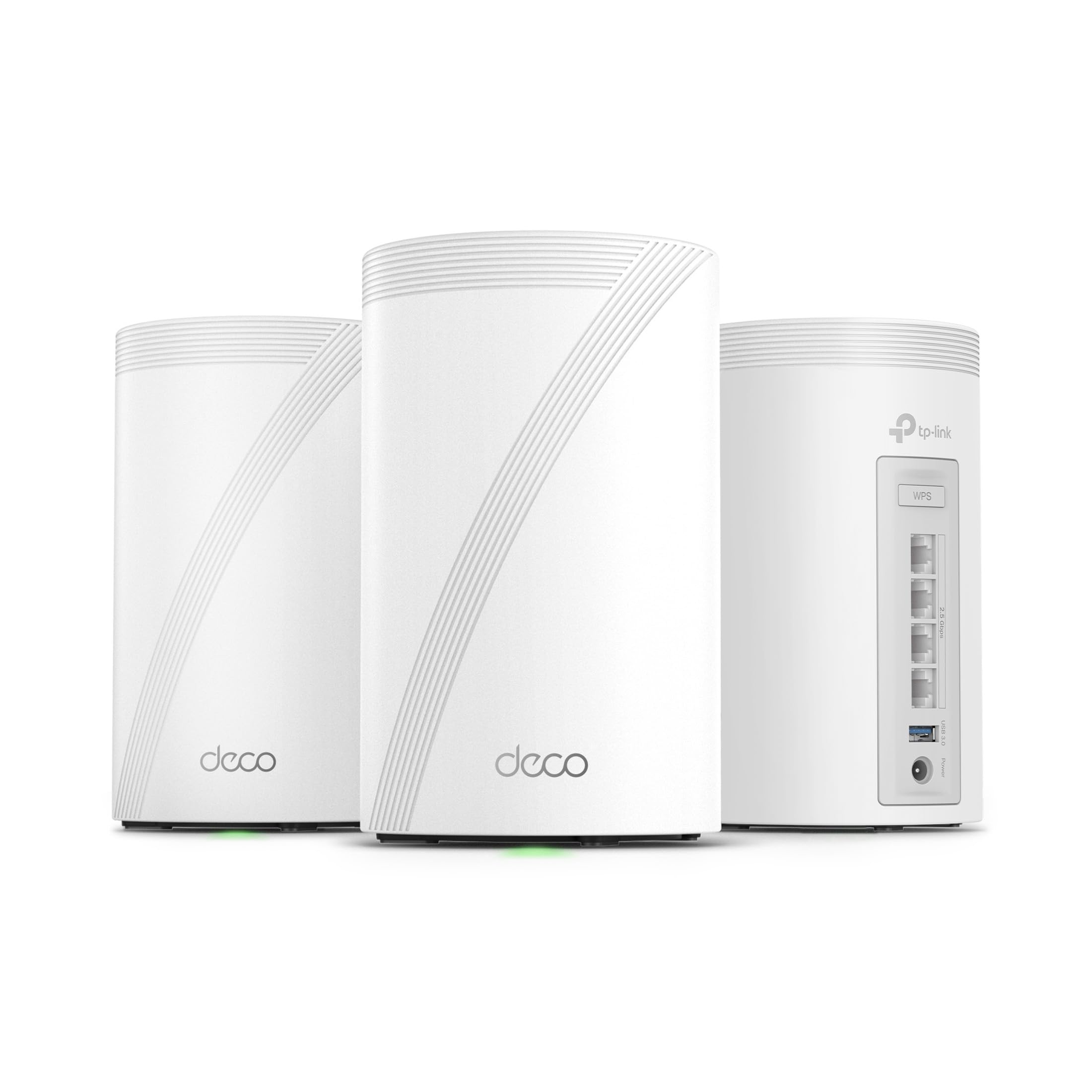
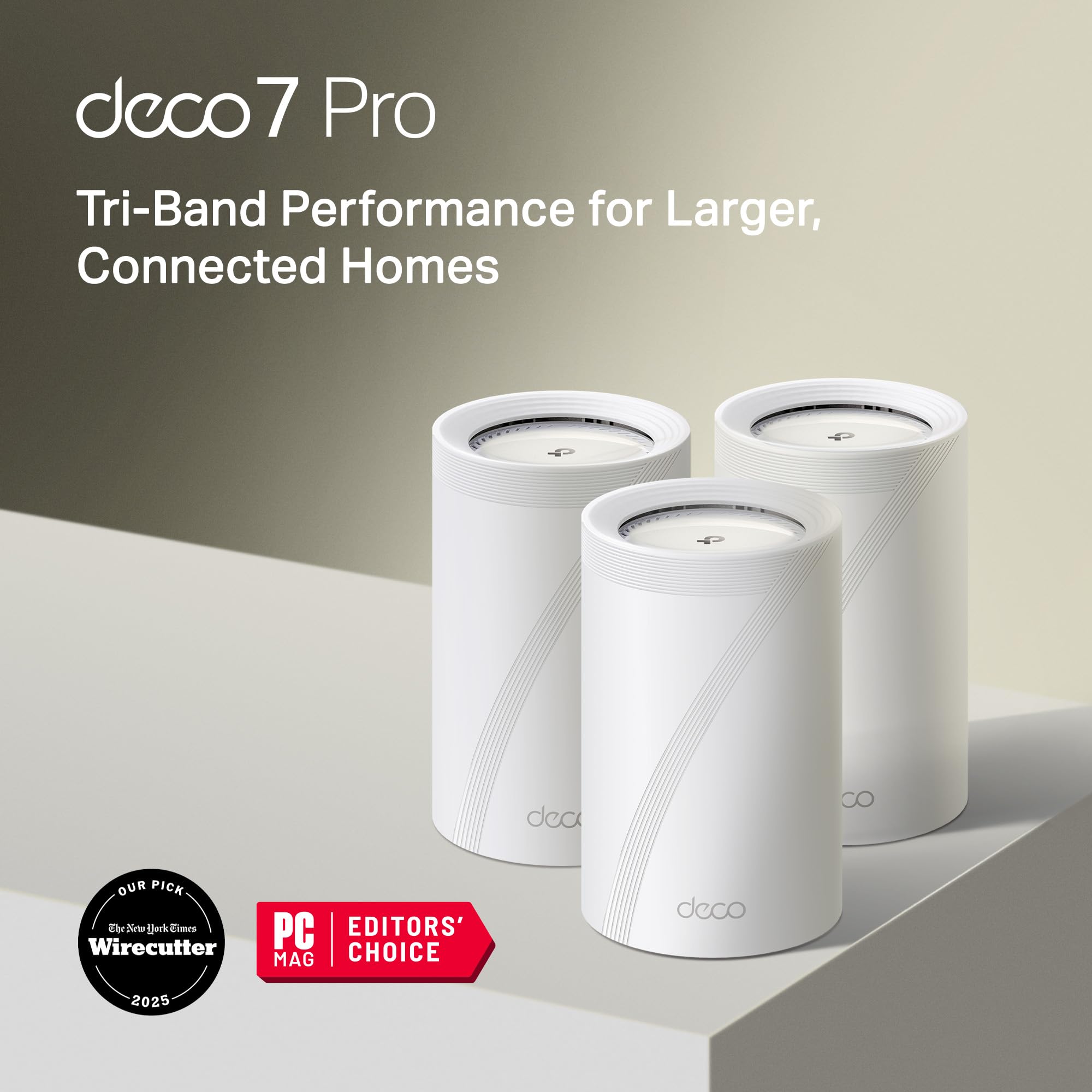







⚡ Upgrade to the future of home Wi-Fi — speed, coverage, and security in one sleek system!
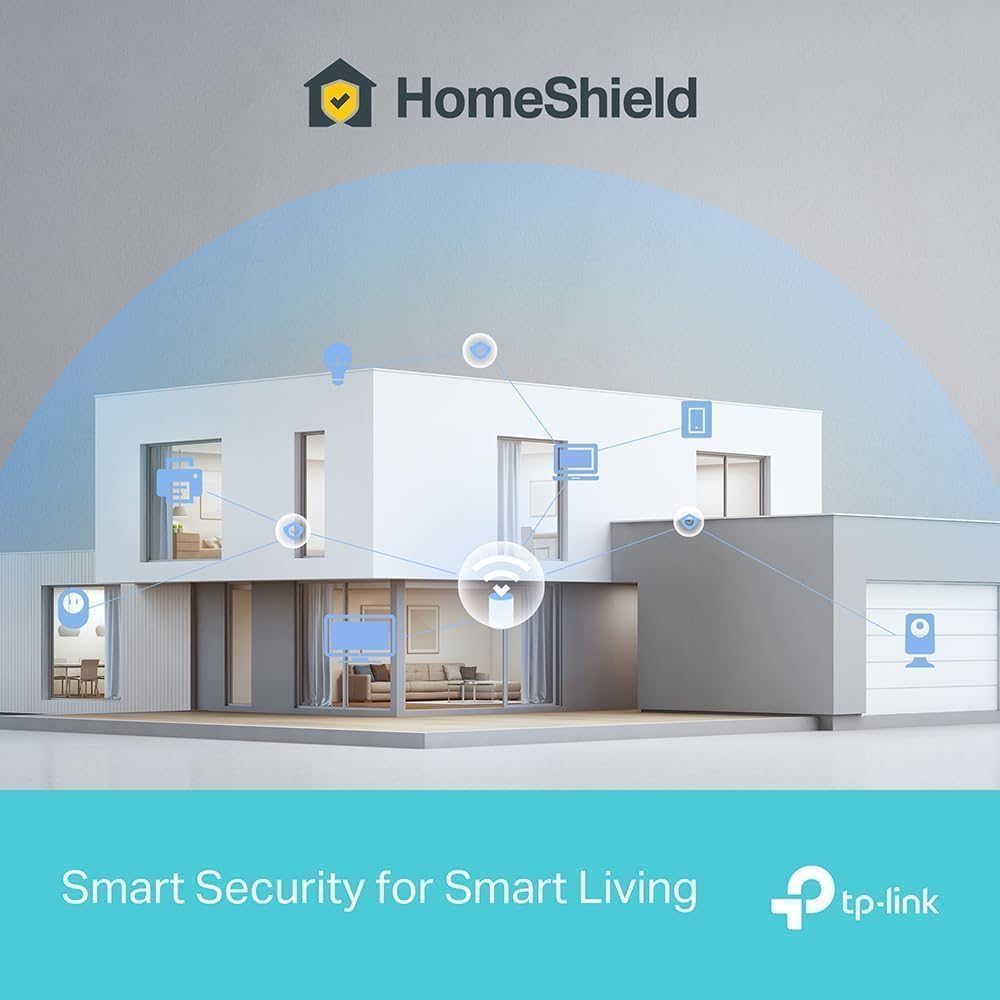
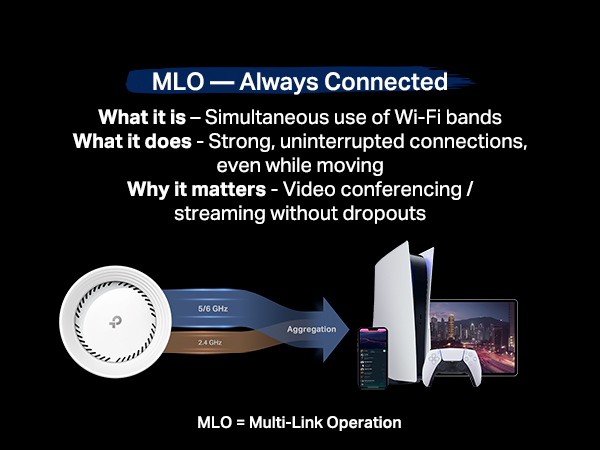
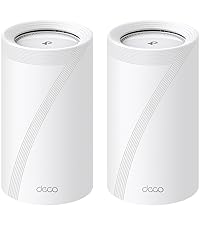
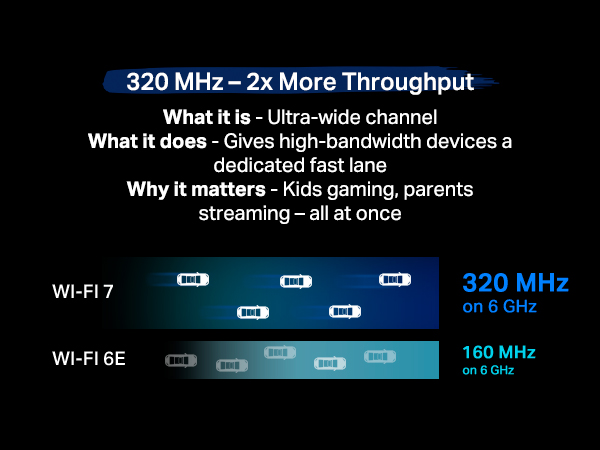
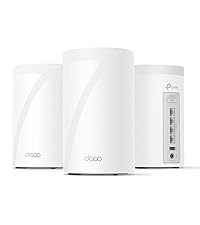
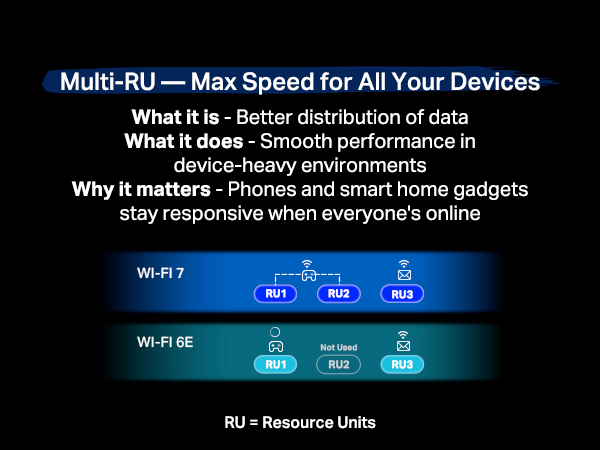
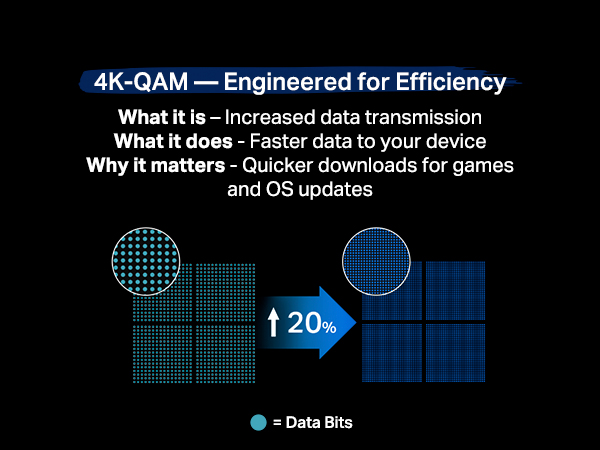
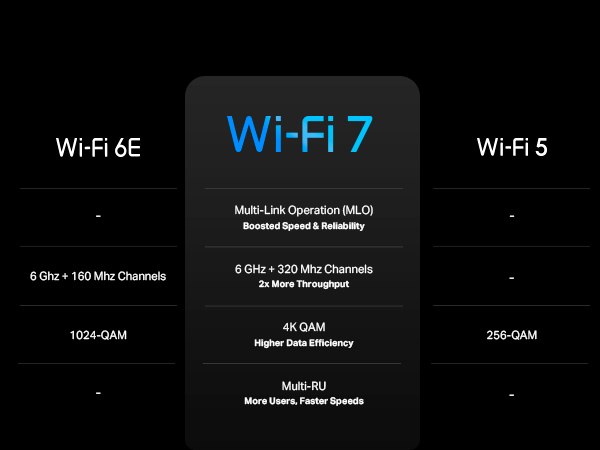
The TP-Link Deco BE10000 is a cutting-edge tri-band WiFi 7 mesh system delivering combined speeds up to 10 Gbps, covering 7,600 sq.ft. with support for over 200 devices. Featuring four 2.5G wired ports, AI-driven seamless roaming, and robust security with HomeShield and VPN support, it’s designed for demanding smart homes and future-proof connectivity. Easy app setup and voice control complete this premium networking solution.








| ASIN | B0CN8QLS4K |
| Antenna Location | Home |
| Antenna Type | Internal |
| Box Contents | 1 RJ45 Ethernet cable, 3 Deco BE63 units, 3 Power adapters, Quick Installation Guide |
| Brand | TP-Link |
| Brand Name | TP-Link |
| Colour | White |
| Compatible Devices | Gaming Console, Personal Computer, Printer, Security Camera, Smart Television, Smart Thermostat, Smartphone, Tablet Compatible Devices Gaming Console, Personal Computer, Printer, Security Camera, Smart Television, Smart Thermostat, Smartphone, Tablet See more |
| Connectivity Technology | Ethernet, Wi-Fi |
| Control Method | Voice |
| Controller Type | App Control |
| Coverage | 7600 square feet |
| Customer Reviews | 4.1 out of 5 stars 701 Reviews |
| Data Transfer Rate | 10 Gigabits Per Second |
| Frequency | 6 GHz |
| Frequency Band Class | Tri-Band |
| Is Modem Compatible | No |
| Item Dimensions L x W x H | 10.7L x 10.7W x 17.6H Centimeters |
| Item Weight Unit of Measure | 4.98 Pounds |
| LAN Port Bandwidth | 10 Gbps |
| Manufacturer | TP-Link |
| Maximum Upstream Data Transfer Rate | 1000 Megabits Per Second |
| Model Name | WiFi 7 Mesh System |
| Model Number | Deco BE63(3-Pack) |
| Number of Antennas | 4 |
| Number of Ports | 4 |
| Operating System | Linux |
| Other Special Features of the Product | Access Point Mode, Guest Mode, QoS, Remote Access, WPS |
| Security Protocol | WPA2, WPA3 |
| Special Feature | Access Point Mode, Guest Mode, QoS, Remote Access, WPS |
| UPC | 840030712685 |
| Unit Count | 1.0 Count |
| Wireless Communication Standard | 802.11.be, 802.11ac, 802.11ax, 802.11g, 802.11n |
| Wireless Compability | 802.11.be, 802.11ac, 802.11ax, 802.11g, 802.11n |
M**.
Love these things. I set these up as a mesh system for the ground floor, which doesn't have any router signal. Just connect one of them by Ethernet, then let the rest repeat off of that. You'll get great coverage for the entire ground floor. Also, setup is super easy as TP-Link has a great app for this. Thinking of buying another pack just to extend coverage even more.
D**D
Replaced an older ASUS mesh system that was a daily headache to deal with for a 4,500 sq ft house on 3 levels. Decided to give this TP-Link Tri-Band WiFi 7 BE10000 Whole Home Mesh System (Deco BE63) a go. Based on my constant problems with my ASUS mesh system, I was expecting this to be a pain from the start. I was dead wrong. This took about 30 minutes (if that) to set up and get going, start to finish, and it works flawlessly in this 3 level house. Whole house is covered, about 70 devices, and it hums right along with no issues. I'm very impressed (and relieved from not having to deal with that ASUS fiasco every day). I've only had this now for a couple of days, but everything is going well so far. PROS: 1. Setup was simple and straightforward via the Deco app 2. It worked perfectly out of the box - no hassles or hiccups 3. Enough flexibility to set your router's address and the DHCP range - if you have a lot of static IP addresses this makes transitioning to the TPLink much easier 4. Speed is great - I haven't benchmarked it, but it no one has noticed any lagging on any devices, multiple 4k TVs, etc. CONS: There are a couple of things - 1. What idiot designed these power adapters? First, they're HUGE. The way it has to be plugged in it takes up 3 outlets on a power strip. There's no reason a power supply has to be that large. Second, the flimsy power cord is way, way too short. Someone really dropped the ball in design of the power supply and cord, particularly for a $450 router. 2. The router has a USB port on it. (in fact each of the 3 units has the same 3 RJ45 and USB ports, but the USB for the main unit (the first one you set up and go through the installation) is the only one that you can hang an external drive off of and access it.)) I plugged an external hard drive into the USB port and was able to share it via the Deco app - the one catch is that you can't just create a share name, such as "backup". The router adds a "G" so that in order to use the share, it must be used as \\your.router.ip.address\G\backup ...not really a big deal, but I have many computers that run backups and I had to go reconfigure them to add the "G" to the network path. Other thoughts - You're forced to use the Deco app on a phone or tablet to manage the network. There is a webpage interface, but it's basic stuff only. That said, I'm pretty impressed with the Deco app itself - seems to have all of the needed features without a lot of stuff I don't really use or need that I had in the ASUS and have seen in other router setups. There is a basic level of security included for free, but TP-Link offers additional tiers of security. I ended up adding the Security+ ... but they also have a tier that includes advanced Parental Controls, VPN, Password Management, and several other things, for more money of course. So far so good on all of my IoT devices too. If you're looking for a router system with great coverage and speed that you don't have to muck around with daily, this appears to be a solid choice. I'll update this review if anything changes.
M**S
Easy to set up, app connects quickly, and the speeds are top notch. Probably the best option for the price.
D**T
I ordered the TP-Link Deco BE63 about a week ago, and I can confidently say this is the best investment I’ve ever made for my home Wi-Fi. Setup was effortless—truly one of the easiest tech installations I’ve ever experienced. I had the entire system up and running in minutes, and switching it to Access Point mode was a breeze. Be sure to visit TP-Link's website and read the article on setting up the Deco for Access Point mode if you just want to piggyback off your original router. For the first time ever, my entire home—every square inch—has a strong and consistent Wi-Fi signal. Even areas that were always dead zones now have full bars, and I’m getting incredibly fast speeds everywhere, including outside the house. It’s honestly a night-and-day difference. The coverage, reliability, and speed are outstanding, and placing the units throughout my home worked exactly as advertised. My only regret is not buying these sooner. If you're tired of spotty Wi-Fi and constant signal drop-offs, don’t hesitate—this mesh system delivers exactly what it promises and more. ** My internet is provided through FiOS, and these units work flawlessly with the G3100. ** Thank you for reading, and I highly recommend this product!
C**N
I purchased the 3-pack of BE63 devices to replace an Asus Mesh network. The Asus had supported us well until an early March release of firmware caused the router and mesh nodes to go offline often. A FW update released in late March was supposed to address the issue, but the issue remained and my router dropped offline often. I sought assistance from Asus and was given the old "let's reset everything and start from scratch" approach - something I didn't want to do as I knew the issues would remain. I took a deep dive with these TP-Link Deco units. They're not cheap but offer WiFi 7, which will "future proof" my setup for the foreseeable future. Most of what I've read and reviewed indicate these are a breeze to setup. That wasn't the case for me. I setup one of the devices as the main router. After repeated retries to find the Deco with my Android device it was finally detected. It took another few attempts for the Deco to "see" the internet. It eventually connected and I saved the WiFi information to my phone as part of the setup. Setting up the additional two nodes was a piece of cake - they simply needed to be plugged in and allowed to boot and were eventually detected by the app on the phone. But that's when the fun began. NO OTHER wireless clients would connect. They'd either indicate the network password was incorrect (I repeatedly checked the setting to ensure we were using the correct one) or that it simply couldn't connect to the network. I chatted with a Deco technician who eventually recommended resetting the Deco router and nodes, choosing one of the satellite nodes to be the main router, uninstalling and then reinstalling the Deco app. These steps worked. Clients were able to connect to all three points of access. An FW update was detected by the app and applied to all 3 devices in about 5 - 8 minutes time. A couple of notes. I used the same SSID with this new network as I had with the Asus network, the thinking being that wireless clients would automatically connect once the network was back up (and eventually accessible). During setup, however, I learned that setup mandated an 8-character minimum password. My previous password, while strong, was only 7-positions in length. This necessitated visiting every wireless client to update the network password for each. These include several Ring cameras, a Ring Chime Pro, several smart bulbs and 5 Bose Soundtouch devices (the Bose units were really "fun" to reconnect). During my chat with tech support I asked if there was any way to suppress the 8-character minimum but, alas, there isn't one. Network speed is impressive. I've got Verizon FiOS with 1Gb up & down. Wireless clients (none of which support WiFi 7 (yet)) exceeded 900Mb up & down. Speed can only improve as WiFi 7 devices are added to the network and Verizon eventually offers speeds exceeding 1Gbps. Signal strength from all clients is strong, indicating my coverage is good. I'm looking for a heat map application that I can use to determine actual coverage. All in all, I'm pleased with network performance, but setup (in my case, anyway) was not as advertised. Recommended!
Trustpilot
4 days ago
1 week ago