
DOWNLOAD THE APP


Customer Services
Copyright © 2025 Desertcart Holdings Limited
DOWNLOAD THE APP
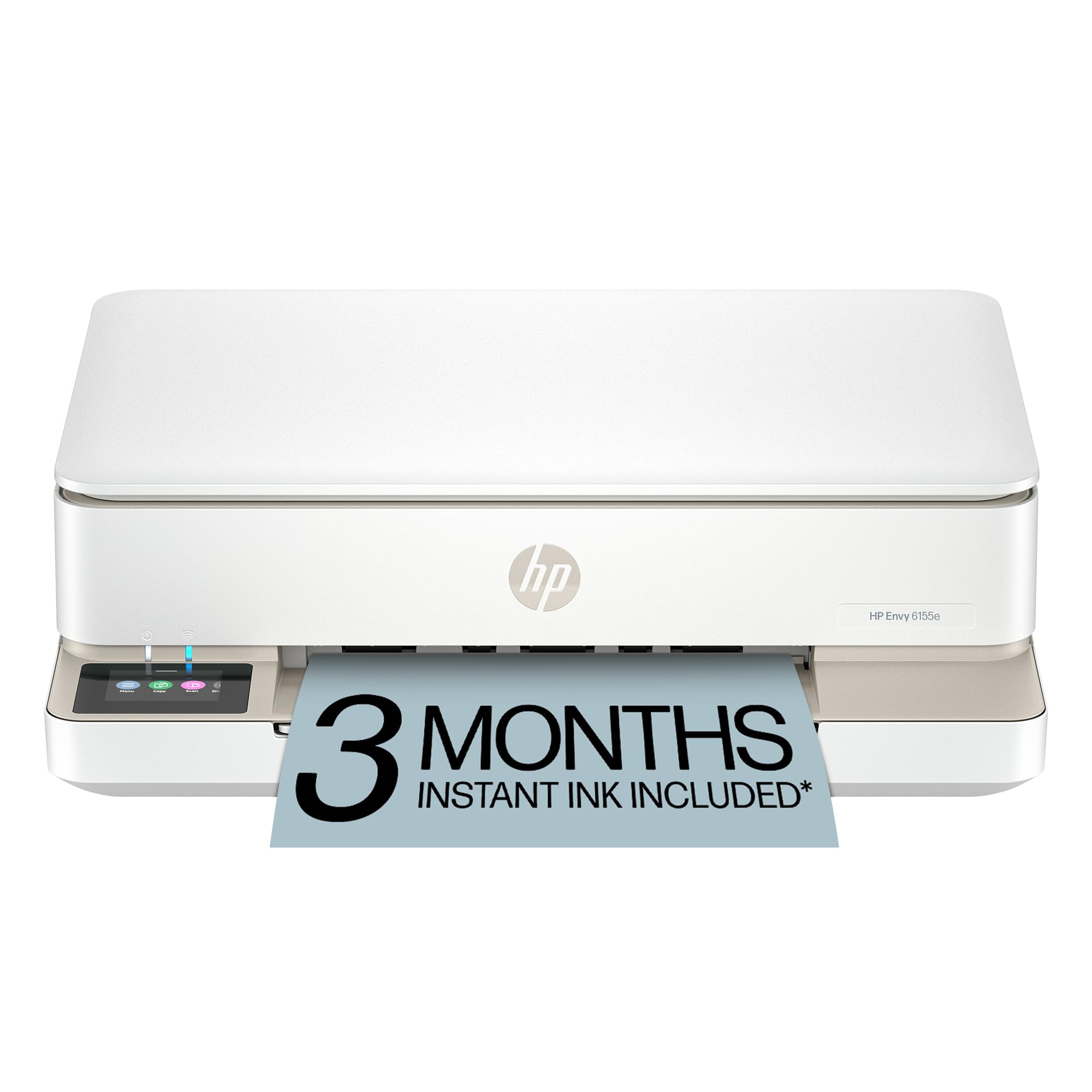
🖨️ Print smarter, live greener — your all-in-one creative powerhouse!
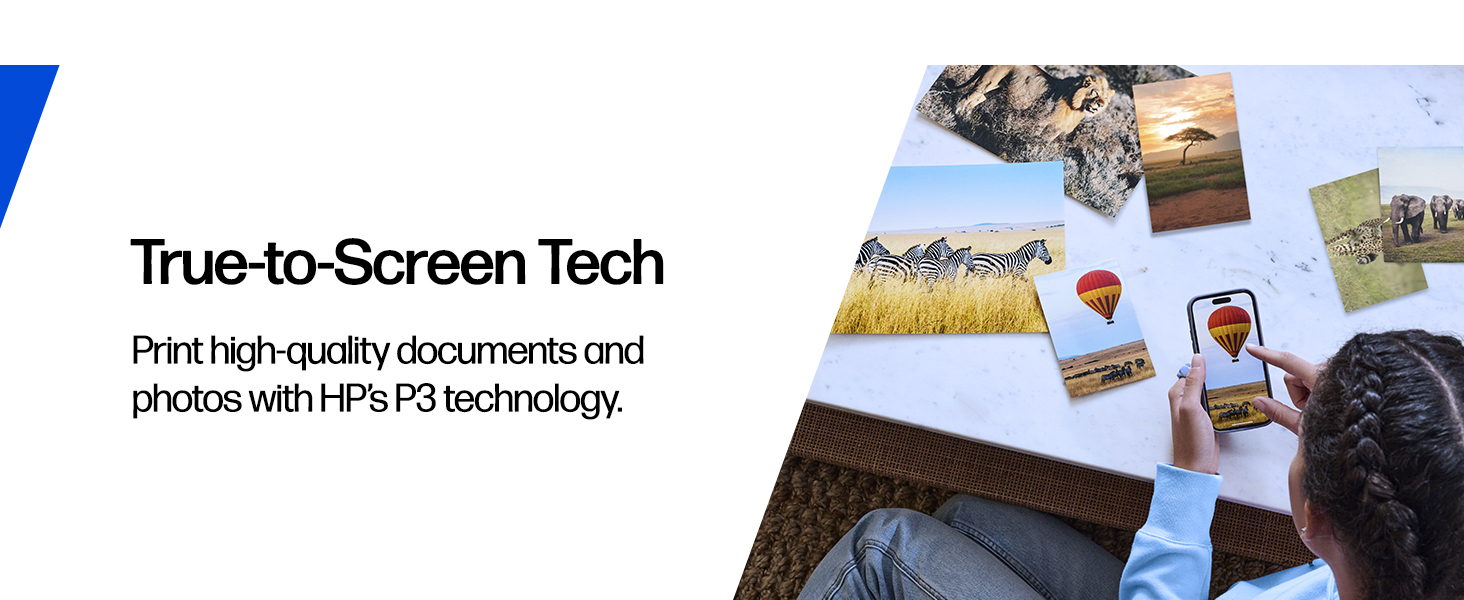
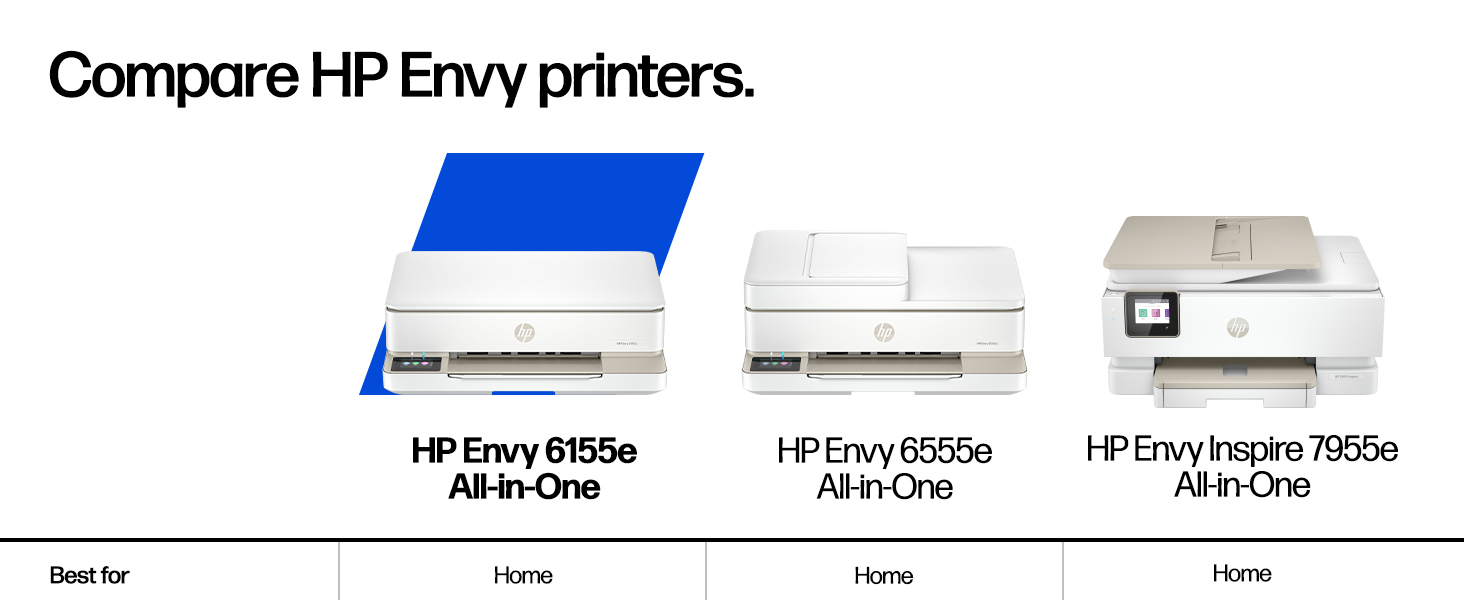
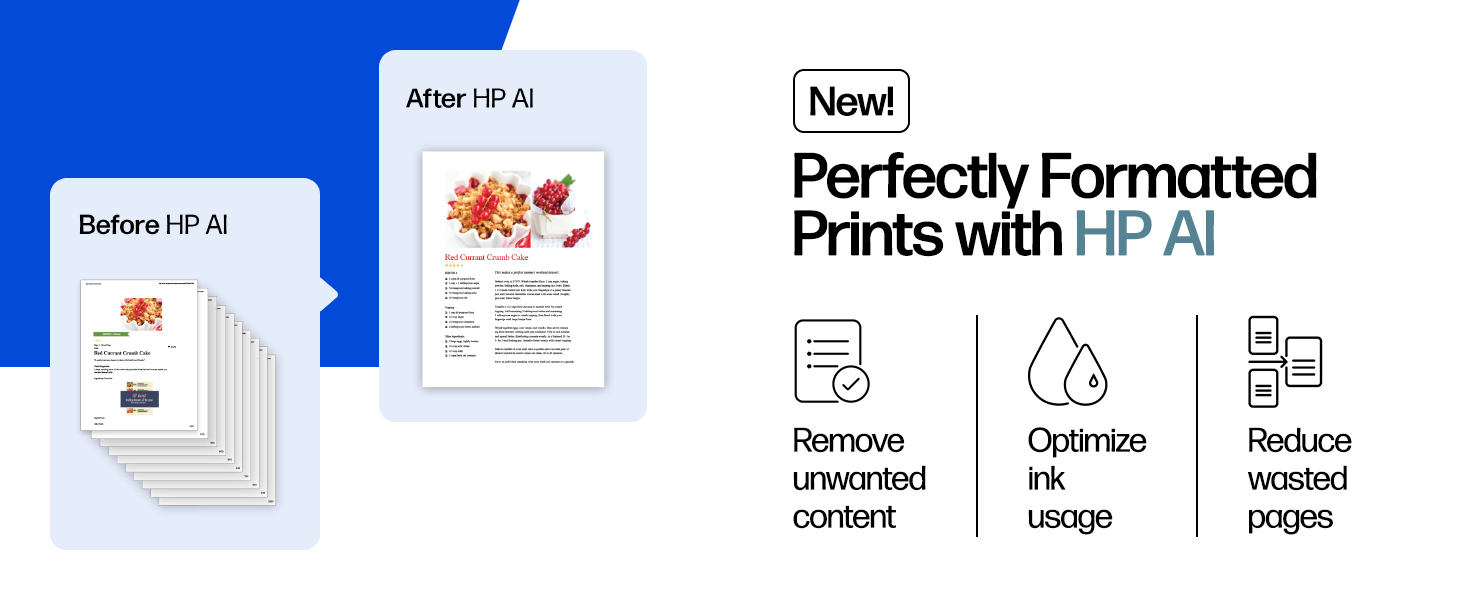
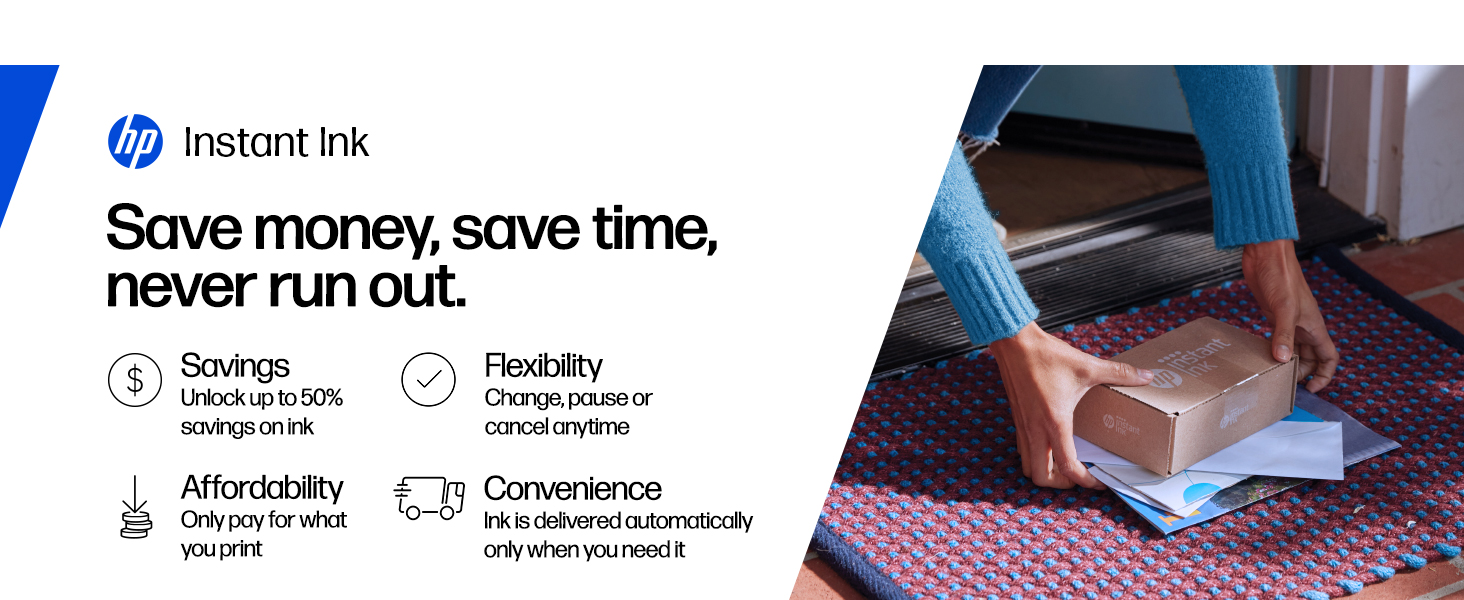
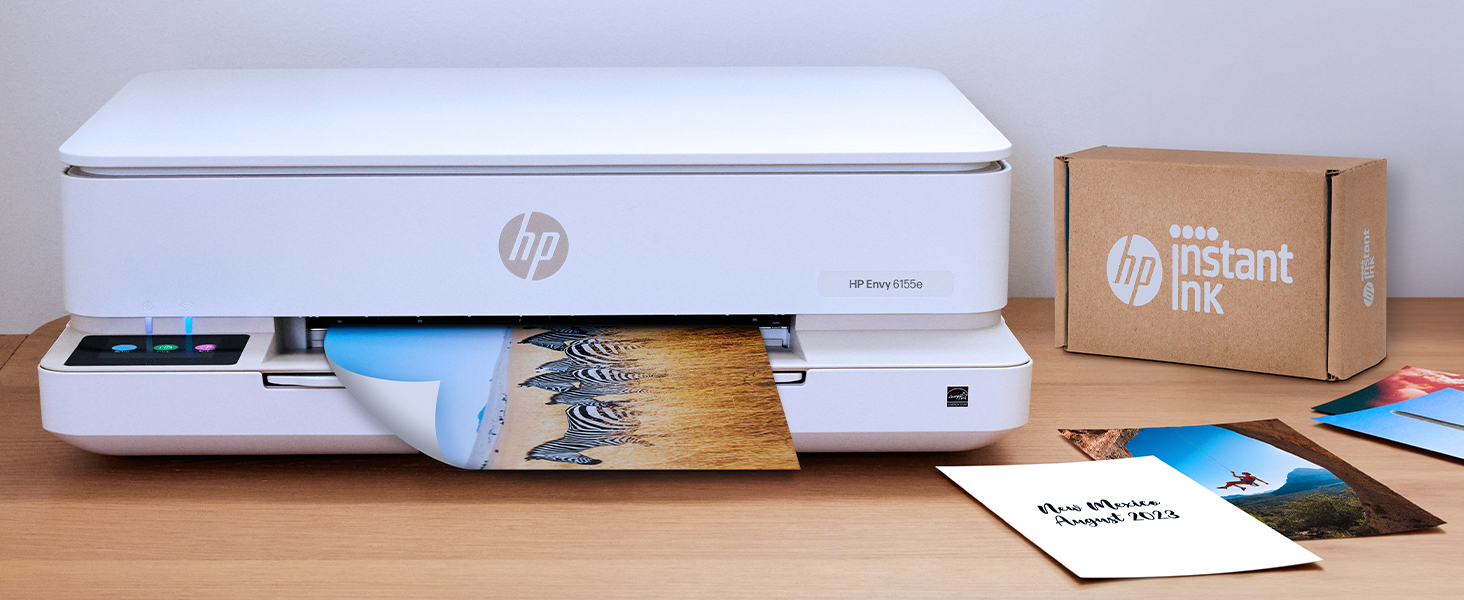
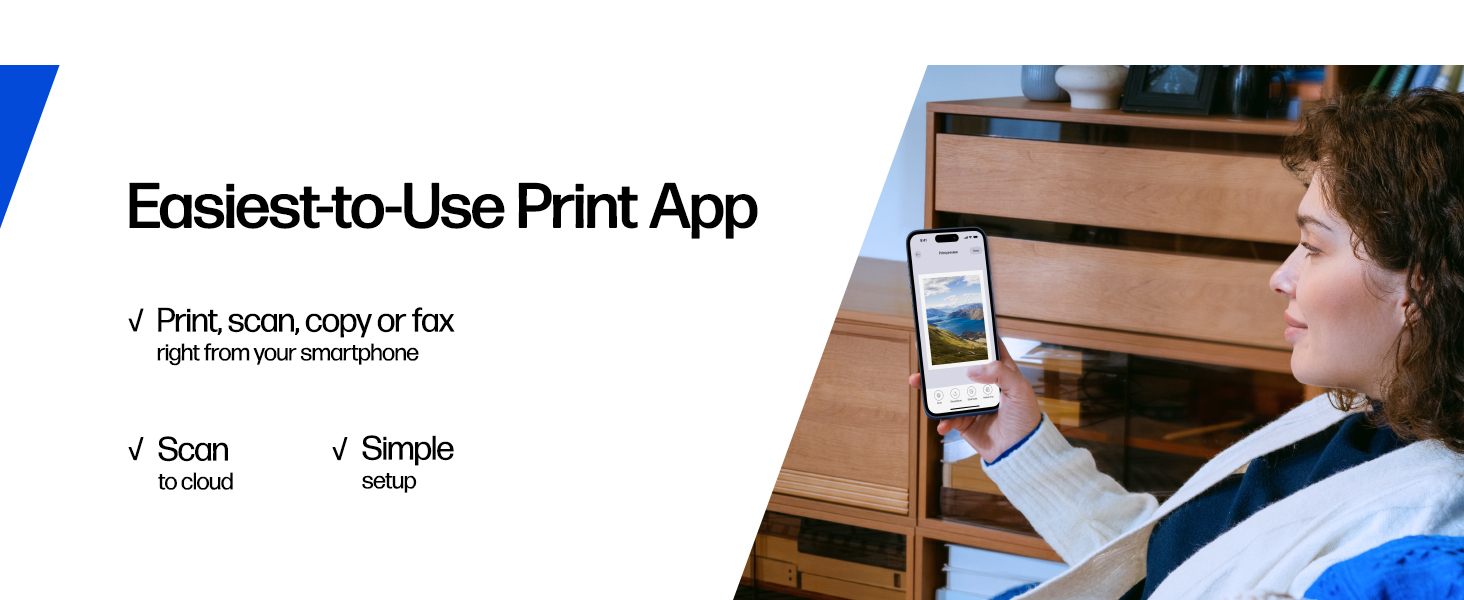
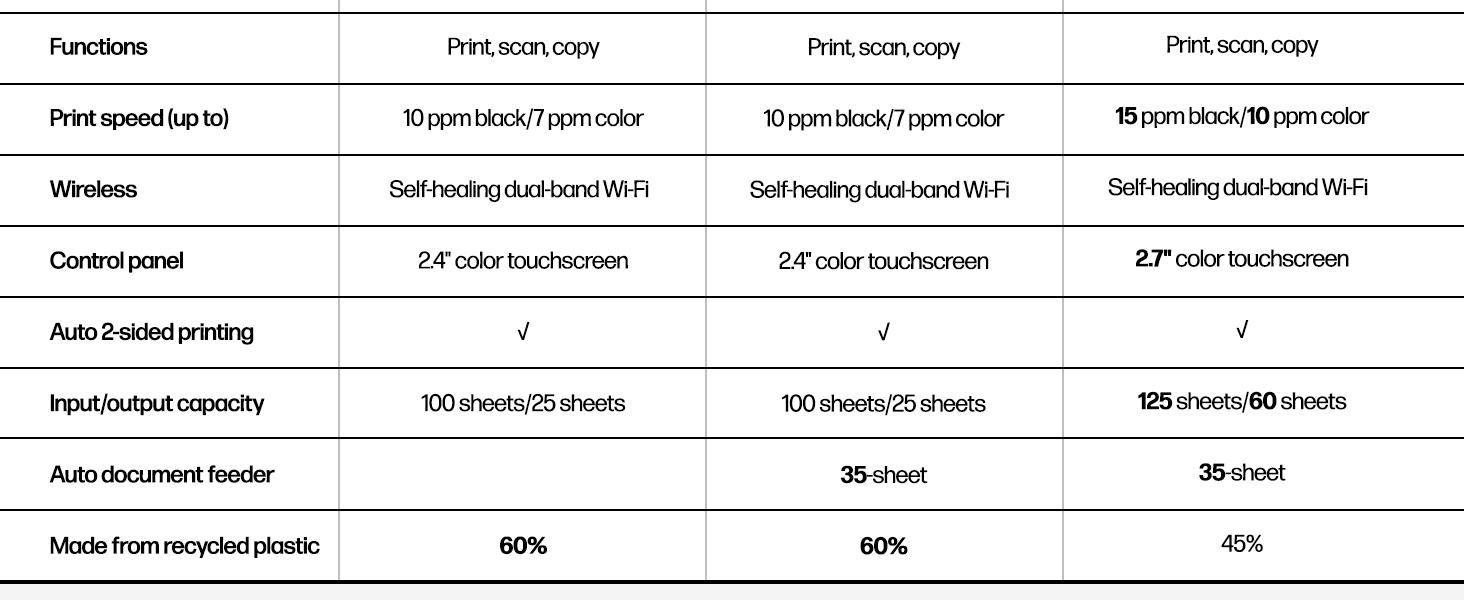
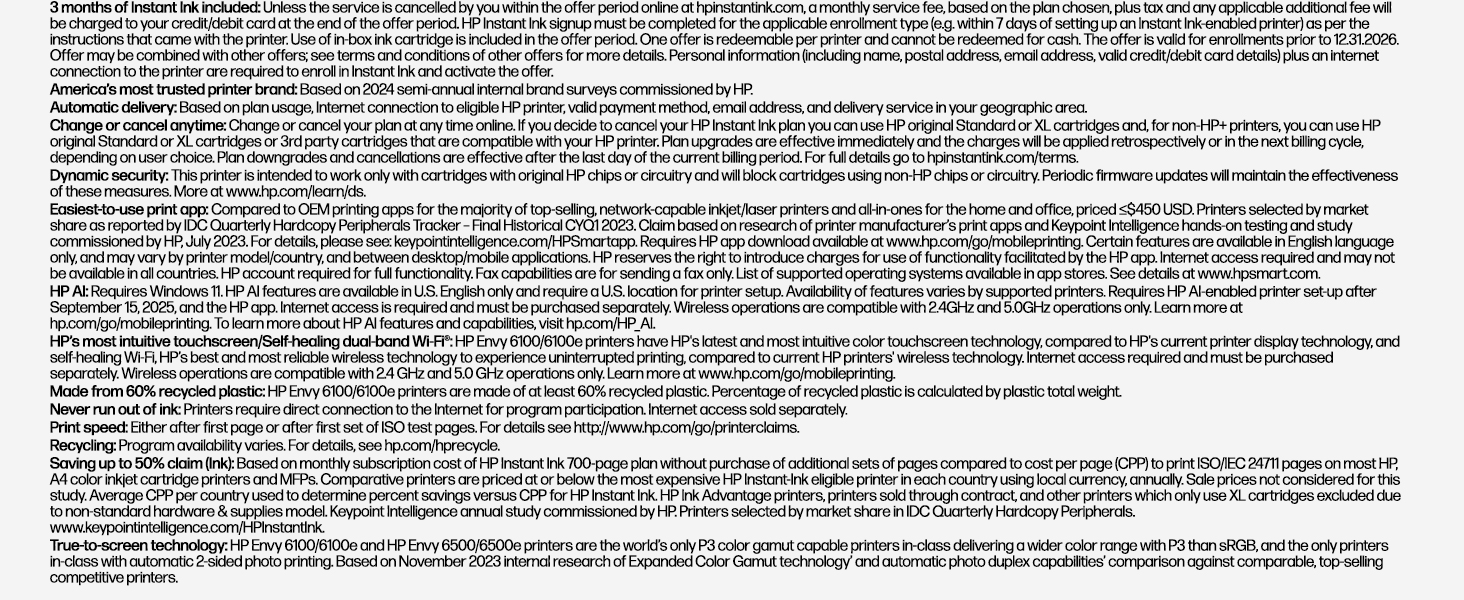
The HP Envy 6155e is a versatile wireless all-in-one inkjet printer designed for home use, offering fast color and black printing speeds (7 ppm color, 10 ppm black), automatic duplex printing, and a 100-sheet capacity. Featuring HP’s vibrant P3 color technology and a user-friendly 2.4-inch touchscreen, it supports seamless mobile printing via dual-band Wi-Fi and the HP app. Built sustainably with 60% recycled plastic and including 3 months of Instant Ink, it’s perfect for professionals and creatives seeking reliable, eco-conscious performance.

| ASIN | B0D7JS7S2P |
| Are Batteries Included | No |
| Best Sellers Rank | #21,011 in Computers ( See Top 100 in Computers ) #68 in Ink Tank Printers |
| Color | Portobello |
| Colour depth | 24 bpp |
| Compatible devices | Laptops, PC, Smartphones |
| Connectivity Type | Apple AirPrint; USB; Wireless (Wi-Fi); Print Anywhere; WWCB (Works with Chromebook) |
| Controller type | iOS |
| Customer Reviews | 3.9 3.9 out of 5 stars (14,763) |
| Date First Available | 16 October 2024 |
| Dual-sided printing | Yes |
| Form Factor | Multifunction / All-in-One |
| Included components | HP Envy 6155e All-in-One Printer; HP 68 Setup Black Cartridge; HP 68 Setup Tri-Color Cartridge; Regulatory flyer; Setup guide; Reference guide; Power cord |
| Item Weight | 5.12 Kilograms |
| Item model number | HP Envy 6155e All-in-One Printer |
| Manufacturer | HP |
| Max input sheet capacity | 100 |
| Maximum Media Size | A3 |
| Maximum black and white print resolution | Up to 1200X 1200 rendered dpi (when Printing from a computer) Dots Per Inch |
| Maximum color print resolution | 4800 x 1200 dpi |
| Maximum copies per run | Up to 99 copies |
| Number of USB 2.0 Ports | 1 |
| Power consumption | 4.25 Watts |
| Print media | Envelopes, Labels, Paper (plain) |
| Processor Count | 1 |
| Product dimensions | 36.1D x 43.3W x 13.6H centimeters |
| Scanner type | Sheetfed |
| Sheet size | 8.5 x 11;8.27 x 11.7;7.16 x 10.12;4 x 6;7.25 x 10.5; |
| Standing screen display size | 2.2 Inches |
| Wattage | 100 watts |
A**A
Excellente imprimante facile a utiliser ! Pas compliqué a installer et belle qualiter woooow
P**Y
I am not a computer person. I am a retired senior who finds this sort of thing to be extremely frustrating. Although I try, I have to go somewhere else to have somebody else put it together for me. Life is just too short to live with that level of frustration. I was able to put together this printer together on my own, which is shocking! It was so easy. It came with a very easy to read booklet of instructions that tell you exactly what to do. This booklet also show you what the codes mean when it’s having an issue. That way you don’t have to guess, which in my mind is a really good thing. What I was most surprised about, was the way that it is put together. It’s built unlike any other printer I’ve ever seen, but it seems to work really well. Ie, the paper is fed from a drawer inside of the printer. You basically have to lift up the whole printer itself to get at the paper or envelope drawer. It’s curious, but it works amazingly well! I also didn’t realize that it hasn’t extra bit of warranty which is a treat as well! Extra bonus! I have only had it for a few days and have not had an opportunity to try out it’s other features but for me, given the cost, this HP printer is one of the best.
U**.
"My transparent review of The HP ENVY 6000 Series" I RATED THE PRODUCT WITH 5 STARS EASILY AND WITH A FULL RECOMMENDATION. Well, first thing first…, In 2008 I purchased an HP DeskJet 3512 printer (print, scan, and copy). It also had the capability of connecting to the Internet which was optional. Just like anything else, it quit working and I had to replace it. I am on the tech savvy side of things and this helped me to maintain my HP_3512 printer for lasting as long as it did. Anyway, The HP ENVY 6000 Series caught my attention after exploring other brand-name printers. As I read the bitter and sweet reviews from different purchasers, I remembered the same thing when I decided to purchase the HP DeskJet 3512 printer. The bottom line on that is you can give it a 5 star rating depending on how you understood the instructions and followed them as written. Now, my previous Hewlett-Packard printer was connected to my desktop via USB cable and The HP ENVY 6000 Series was also connected to my desktop via USB cable. Looking at the setup guide, you simply do what it says… Number 1. Remove the packaging, tape, and cardboard. Number 2. I placed it down by my Dell PC desktop and first plugged it in. The unit then automatically powered on. Just like the instructions says in (step 2) you will need to wait until the printer lightning turns purple. INTERJECTION HERE_ my Dell PC desktop is using Windows 10 with 64 bits. Keeping away from any conflicts, I went to my 'Settings' and made sure I removed the old HP DeskJet 3512 printer from the Devices "printers and scanners section" From there, I used the same USB cable from the old printer and connected it to The HP ENVY 6000 Series. Now, when you get to step 3. You have the choice to hook it up with your iPhone or PC. I chose to do it using my desktop. Although the chrome browser is set up on my Android phone, 123.HP.com refused allowing me to connect because I probably needed the Apple iOS or iPadOS. Apparently my Android phone lacked the secured hardware or software program for a performance connection. Nevertheless, I made the connection using my desktop with the USB Cable, downloaded, and installed the software on my computer. Obviously, you want to make sure you have your paper and ink already in place during the HP Smart app installation. The easy part here is to lift up the scanner section and allow the printer to go through a 2 or 3 minutes sequence. Then you'll notice the color-black carriage automatically move into position so you can install your ink cartridges. Nevertheless, you will complete step 3. This is the online process for setting up the printer to work on your computer and hopefully successful. Then you go to step 4. Simply follow the instructions to connect the printer to a network and activate HP + features;during this part, I opted in to take advantage of the six-month free ink offer. In my case, I don't use a whole lot of paper or copying. As of now, I have activated up to Jul. 2024.. I had success with this without any problems. Moreover, I am able to use my Android to do printing and copying online. You can either choose the Apple Store or Google apps offering a large number of applications to install on your iPhone connecting your printer to a Wi-Fi link. I chose the Airprint app to do my printing using my Android. I made the HP ENVY 6000 Series purchase during January 10, 2024 from Amazon. The company delivered the product around 5 PM on January 11. Of course, HP have their reasons for you connecting your printer through Wi-Fi using your iPhone rather than connecting through your desktop or laptop. I just preferred using the USB cable as everything is working great. After shutting down my desktop, I also shut down my printer. I took this action because I prefer all lights turned off when I shut down my computer system. So, during Friday 12, I turned my computer back on and powered up my printer which automatically connected to the Wi-Fi without any problems. In conclusion, I had no problems with the installation nor am I having problems with the printer so far. However, if I have problems further down the road, I will do another review. Therefore, I have rated the product with 5 stars and do recommend it as a good purchase.
G**S
Received my new HP Envy 6100e yesterday. I bought this particular printer because my sister has the same one and she has been happy with it. It was easy to set up and runs very nicely so far. The first print job I sent to this printer came out great, nice, clear printing. Nice printer for the price. Not sure about its durability, but it should suit my needs. *Update: returned printer as it kept shooting error messages when there was,no error. Won’t be buying HP printers again.
T**N
Just a few buyer beware tips before you buy this (and probably any HP printer) printer. If you are just in need of the occasional label, document, or picture printing, you might want to skip this brand. First off even though Amazon (and possibly the seller)encourages you to buy the off brand (and much more affordable ink) don’t. Only HP ink works. Also, the major selling point, for me anyway, that even if one cartridge runs out, you can still print. Nope. And lastly, unless you’re using enough ink to warrant the monthly subscription fee for their service, which automatically sends out ink you definitely want to skip this printer. I bought it, along with the recommended off brand ink that was 3x more printing at a savings. Unfortunately a month after sample in runs out I pop in my off brand, but the ink wouldn’t work the printer just kept saying not HP, buy more ink. Then wanted my cc information for the subscription ink. Long conversation with tech support. They turned off the subscription request and assured me that as long as I buy real HP ink no problem. Fast forward 13 months, I get low/no ink warning and it won’t print a label even though the black shows nearly full and color shows at least half. After waiting a few days for yet more ink to arrive still won’t print and keep getting call to renew subscription. After a good couple of weeks of me, my kid, a friend all running through set up rebooting whatever you can think of it won’t accept the new HP ink I’m guessing because the subscription hasn’t been renewed. I’m done. Over Christmas I’ve ordered a new Canon printer, it might have issues who knows, but I’ll take my chances. At least their ink is inexpensive, available everywhere not just Amazon (oh yeah I should add no where locally to buy the ink, Amazon or the subscription are the *only* options). I. Will. Never. Buy. Another. HP. Product. Again. We’ve had their desktops, laptops, and printers for decades, but never again.
Trustpilot
1 week ago
3 weeks ago