
DOWNLOAD THE APP


Customer Services
Copyright © 2025 Desertcart Holdings Limited
DOWNLOAD THE APP


📺 Elevate your binge game with stunning 4K clarity and sleek style!
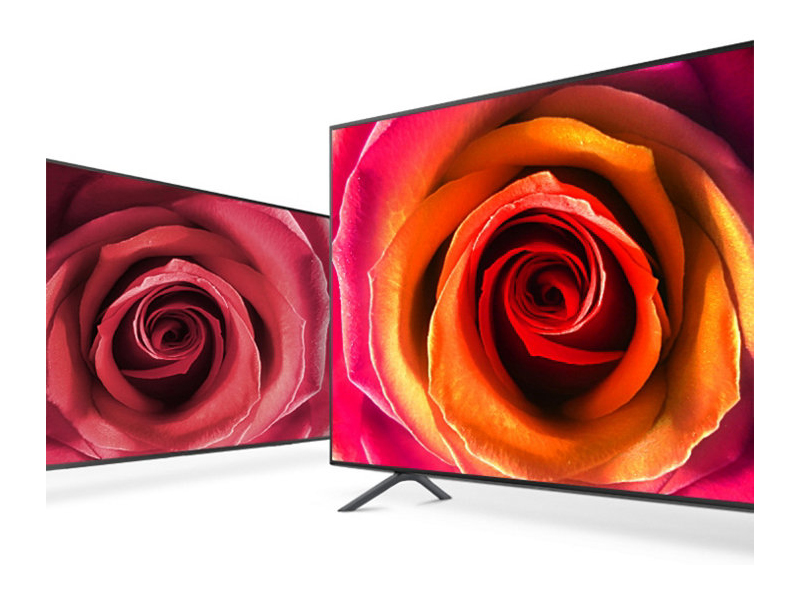
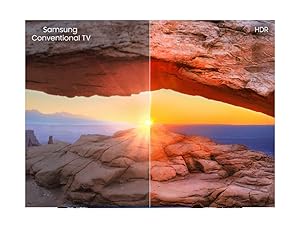
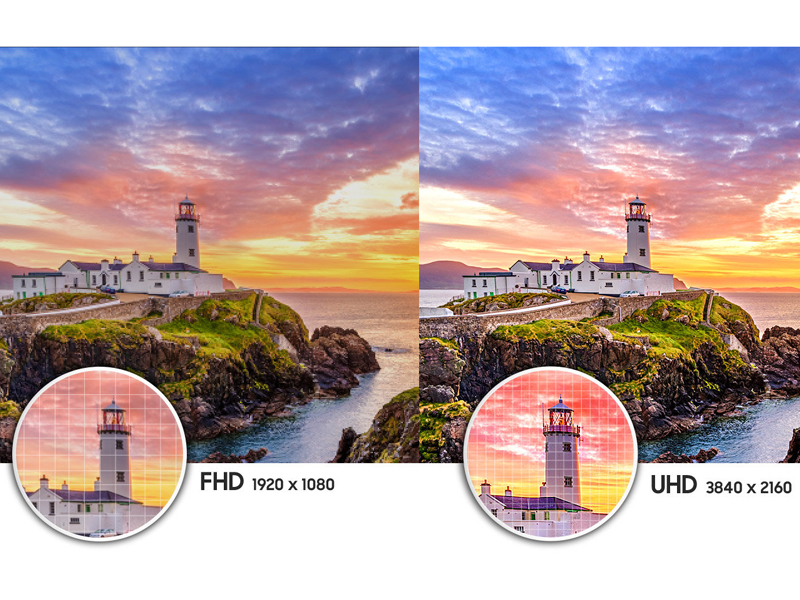
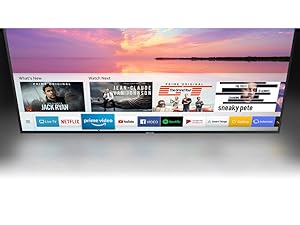
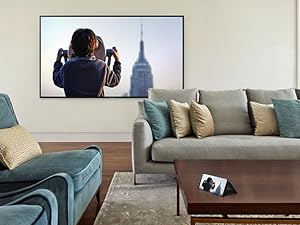
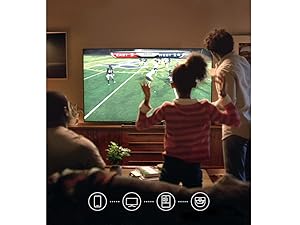
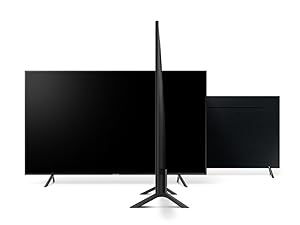
The Samsung 7 Series NU7100 43" Smart LED TV delivers a premium 4K UHD viewing experience with 120 Motion Rate for smooth action and Mega Dynamic Contrast for vibrant colors. Its slim, modern design fits seamlessly into any space, while smart TV features provide easy access to your favorite streaming apps. With enhanced brightness, it performs well even in sunlit rooms, making it a top-tier mid-range upgrade for professionals seeking quality and style without breaking the bank.






| ASIN | B079NBMTWQ |
| Aspect Ratio | 16:9 |
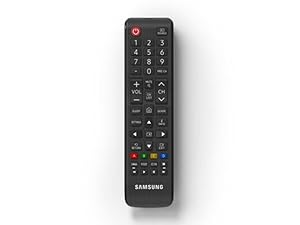
| Batteries | 2 AAA batteries required. |
| Best Sellers Rank | #298,301 in Electronics ( See Top 100 in Electronics ) #816 in LED & LCD TVs |
| Brand Name | Samsung |
| Color Name | Charcoal Black |
| Customer Reviews | 4.1 4.1 out of 5 stars (1,574) |
| Date First Available | March 20, 2018 |
| Is Discontinued By Manufacturer | No |
| Item Weight | 21.6 Pounds |
| Item model number | UN43NU7100FXZA |
| Product Dimensions | 38.2 x 8.2 x 25.1 inches |
| Speaker Type | 2CH |
| Special Features | Flat |
| Specification Met | (unset) |
| Standing screen display size | 43 Inches |
| Wattage | 50 watts |
S**N
Great value for money
This was my first 4K UHD TV, and I was upgrading from a pretty high-end Sony 1080p screen that I was very happy with. I purchased this TV from the Amazon warehouse and it was marked as having damaged packaging (and hence carried a significant discount), but when it turned up the packaging seemed perfect, and the TV was undamaged. In terms of picture quality, I found the "Dynamic" setting a little too bright and harsh on the eyes, so have tended to use my own preferred settings, however these are very easy to change using two clicks of the remote, so don't require a degree in engineering! Cabling the TV up to my amp and surround speakers was also very easy, and I was able to have my set top box, BluRay player, PS4 and home theater TV up and running within an hour of receiving the TV. I'm extremely happy with the picture quality, especially as this TV sits in an area where direct sunlight hits it. With my older Sony TV I could literally not see anything in those conditions, but with the new Samsung screen it's still pretty visible. I would absolutely recommend that if anyone is having problems with the display settings that they do a quick Google search and try out some recommended settings from other people; there are quite a few recommendations out there on forums and it was actually pretty fun to try these different options out and see which ones looked best to my eyes. Saved a lot of trial and error! In summary, if you're looking for a mid-range, affordable 4K UHD screen, I would highly recommend this one.
M**K
Great Value for a 4K UHD TV!
Bought this to replace a 55” LG standard HD that broke down on us, so we knew it was time to upgrade a bit. For the price, this is a fantastic TV. Not necessarily the most cutting edge TV tech as of early 2019, but if you’re looking to step up into the UHD 4K range and don’t care about having the absolute top tier tech, you cannot beat this option for the value. My wife and I are extremely happy and excited to have it. Picture is crisp and clear with nice color, and the smart TV functions are very smooth and easy to use as well. We don’t even need to use our Roku stick anymore. Sound is good and what you would expect from standard TV speakers. Don’t have any complaints so far!
A**R
Contrast is semi-bad without color calibration, settings menu weird, otherwise great
Update: I was mistaken. I used a crappy HDMI to Displayport adapter which I reviewed as follows: "This will mess up your displayed image by limiting it to "limited range ycbr420" instead of full range RGB. The "low" HDMI setting is actually just there to compensate for this and doesn't actually "fix" the problem as it just makes EVERYTHING darker / brighter to fake it. My Rift cuts in and out with this and my TV goes to 1080P frequently with this ON TOP of the color malfunctions." That's why Netflix / Hulu caused my TV to recalibrate - not a malfunction. THAT SAID go into Nvidia Control Panel / AMD Radeon Experience and make sure it's RGB with Full Dynamic Range - mine defaulted to limited range AND YCBR420 which will cause Windows to eat (DWM and Client Server Runtime Process) 30% ish of GPU when you move your mouse. Had to use my Spyder 5 Express to calibrate but otherwise great display. Spent about 20 minutes in the settings menu (where things are oddly placed) but now it's solid. Only weird thing is that in Windows if I go to Hulu and play an HDR video the dumb TV goes black and is like "LOL OPTIMIZING FOR THIS CONTENT" and it just breaks my color calibration and makes everything look like dog.. food. Which means that I have to disable HDR so.. that's awful. But considering that I, as someone who owns a Spyder and clearly cares about color reproduction, haven't been sold on HDR do to the cluster.. truck of terrible implementations and content... don't NOT buy this display. No display at this price does HDR well. You're looking at the 800+ range for good HDR. Without color calibration you're looking at dark grey blacks (and with you're still looking at very dark grey blacks bc LCD) and there's clearly SOME ghosting that I only see while scrolling my web pages, notes, ect. (but not in games, weirdly) BUT I hook my Switch up to this display (because my other TV loses the picture repeatedly - the Switch Dock is pretty much a hacked together and non-spec abiding servicable prototype BUT that's no excuse) and I'm not like "OMG THIS IS SUCH GARBAGE PICTURE QUALITY" so take that as you will. To be clear, I can only calibrate this via Windows - the TV itself doesn't have a calibration option for something like a Spyder so if your device doesn't have that built into it in some way then you can't really fix this sooo.. yeah. Basically if you've never looked at a display and thought "wtf is that picture?" this won't bother you because it's nice enough for the price. Again, it's an LCD LED panel - it's not IPS so idk why you'd expect a great color repro to begin with (: And, finally, input lag is fine. I haven't noticed any issues whatsoever. If you're planning on using this as a PC monitor you'll need a 1060 or higher, 2060 or higher, or an AMD 480 / 580 / VEGA / New ("VII") series card. Otherwise the HDMI isn't 2.0 enabled and you'll be stuck with a VERY CHOPPY AND LAGGY 4K 30hz - idk what went wrong but with my R9 270 this was unusably choppy. Not just "low fps" but just terribly non-responsive AND low FPS AND ghosting like crazy. OH one more thing! IT'S VERY IMPORTANT. This TV upscales all content super well. Got an old (or Nintendo Switch) console that can't send out an upscaled 4K image? (Xbox One S, Xbox One X, and PS4 Pro can do this) That's okay because the TV does a good job! I got a Hisense in my room and its upscaler is TERRIBAD. It uses some sort of blurry upscaling and then sharpens it giving it this messy crunchy look. Disgusting. Thank you Samsung for not doing whatever they did! Took them over a week to get back to me and it wasn't successful support. Sent me alternative firmwares to try but none of them fixed it. After a full month and a half of support AND that TV malfunctioning with my Switch I can strongly recommend this TV by comparison (
J**N
Disappointing
My first 4K television and picture quality is fine. Disappointed over a few things though. First, I dislike the UI (User Interface). Have a large collection of movies stored on a NAS (Network Attached Storage) device. The TV found the DLNA server just fine, but the folder structure is not modifiable and is worse than any of my BluRay players. Takes forever to scroll though the movies. Second, even though I have a Samsung SmartThings hub, it will not connect to the TV. It's the same manufacturer. How can that be? Third, because the TV won't connect to SmartThings, I CANNOT control it via my Amazon Alexa devices. Fourth, you can't edit all of the inputs. I don't need or want my DirecTV HDRs showing up as media servers. I just want the DirecTV satellite it's connected to via HDMI, my computer connected via HDMI, and my DLNA NAS server. In short, the TV is fine, but the software running on it falls well short of what I expect.
G**L
Great value for the money. I was concerned that it does not have Bluetooth, as I was going to use separate speakers. But the TV's speakers are fine. For some reason it doesn't have a "power On" light, so it is hard to tell if the TV is off or on. How much can a little LED light cost? TV was advertised as the US Version, but I received the Canadian version. I don't know if I can tell the difference other than the model number. The US version model ends in "FXZA" I got the Canadian version which ends in "FXZC". Like I said, can't really tell the difference. Overall the TV has worked out great
S**H
The TV arrived on time & it was really easy to get setup. The interface was really simple & easy to use, it's great for anyone looking for a good priced TV with a good quality.
J**L
I bought this brand new Samsung TV and it didn't last few months and the screen went completely dark, I contacted the seller for answers or anything they did nothing at all. I believe they're based in Quebec. Please Avoid this seller
M**N
Once i figured out the picture studding pronblem its worked out well. Hey Samsung, don't put auto motion in if its just a problem. You guys buying, first thing to do is turn auto motion plus settings off. love this picture quality
K**U
Product arrived in excellent condition. Really good quality TV that is very easy to use.. Great overall service. Highly recommend it!
Trustpilot
1 week ago
1 day ago