
DOWNLOAD THE APP


Customer Services
Copyright © 2025 Desertcart Holdings Limited
DOWNLOAD THE APP


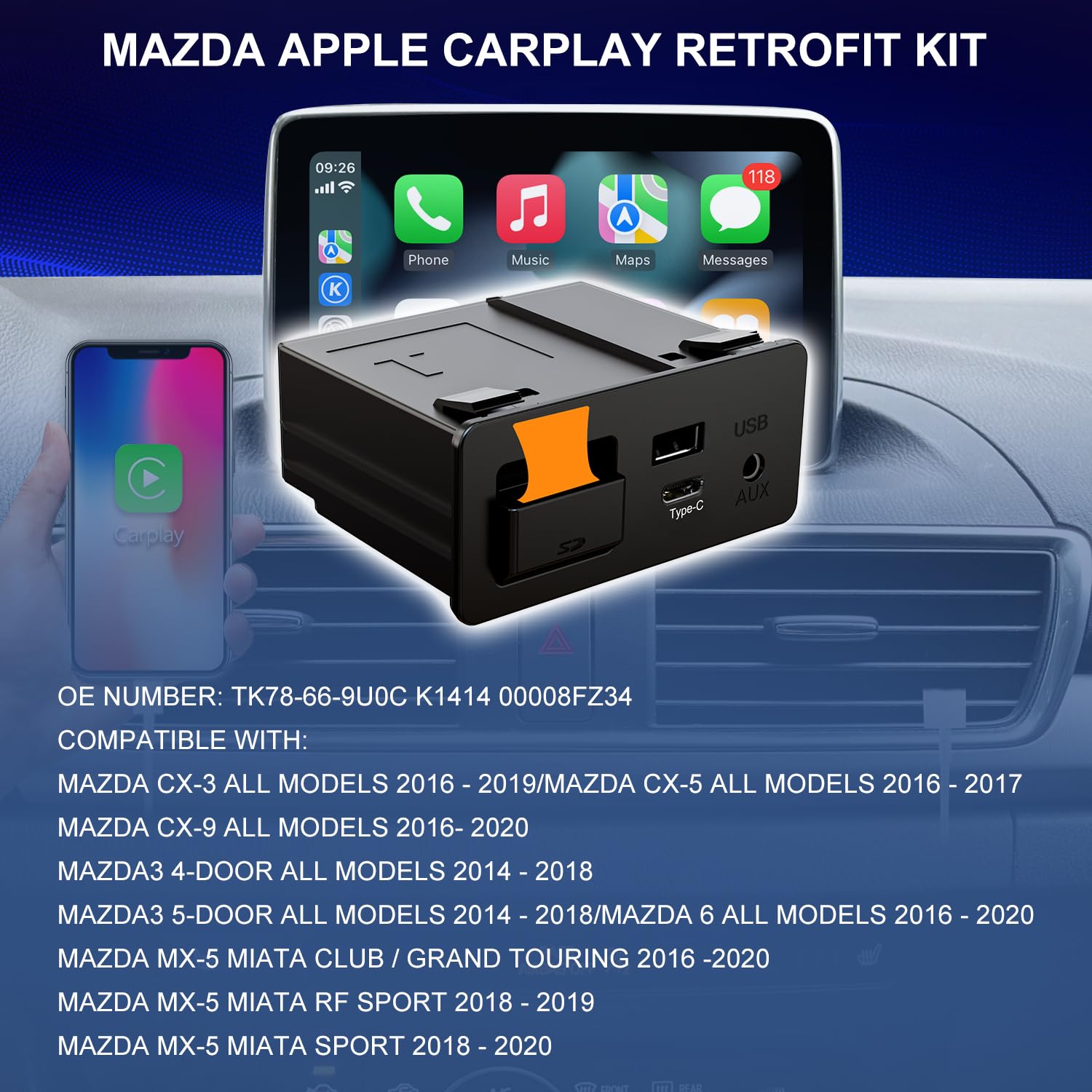


🚗 Upgrade your drive: Wireless CarPlay meets Mazda’s sleek OEM style!
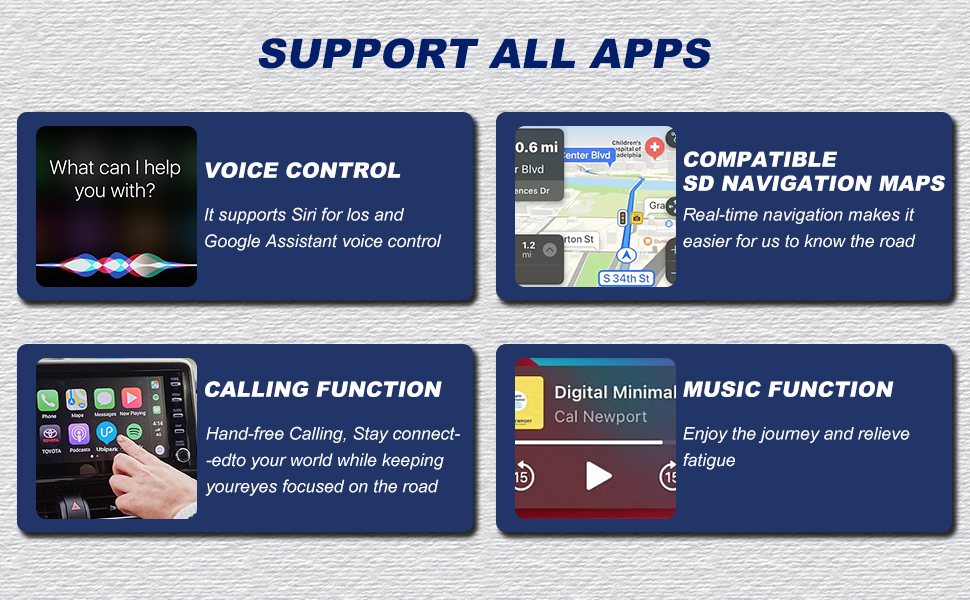
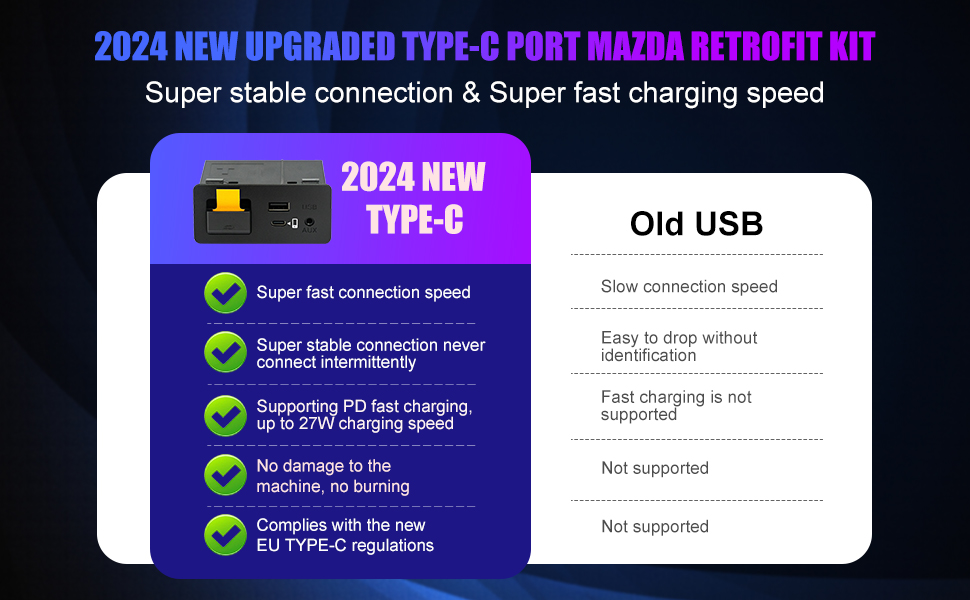
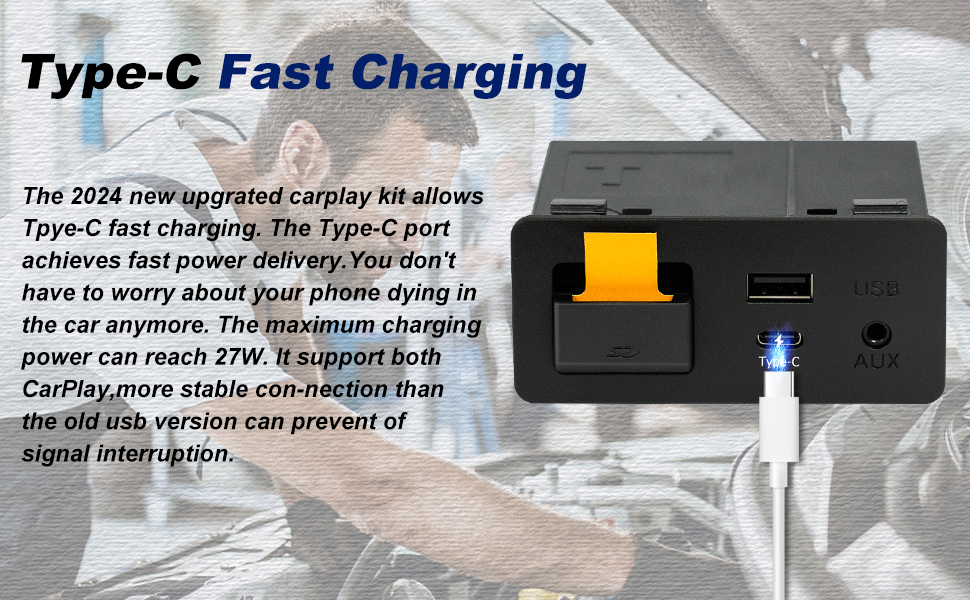
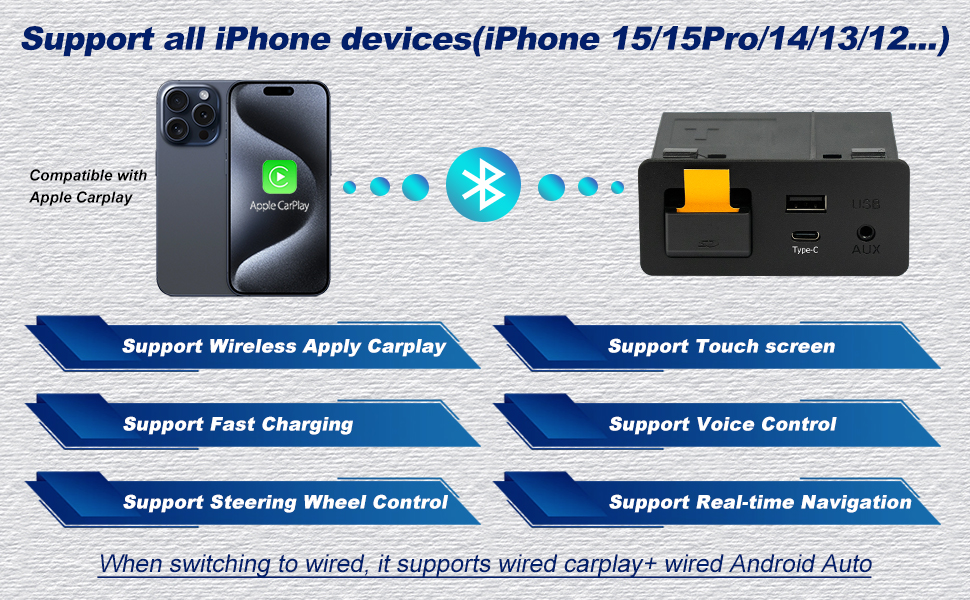
The Mazda Type-C Wireless CarPlay Retrofit Kit (TK78-66-9U0C) transforms your 2015-2020 Mazda infotainment system with seamless wireless Apple CarPlay, a fast 25W USB-C charging port, and full compatibility with original car controls and navigation. Designed for a clean, cable-free experience, it enhances driving safety and convenience while preserving your Mazda’s factory features. Firmware update required for installation.



| ASIN | B0D25GKH2Y |
| Best Sellers Rank | #18,833 in Electronics ( See Top 100 in Electronics ) #141 in Car Audio Receivers |
| Customer Reviews | 4.3 4.3 out of 5 stars (370) |
| Date First Available | December 15, 2022 |
| Item Weight | 14.4 ounces |
| Item model number | TK78-66-9U0C |
| Manufacturer | huazhi technology |
| Product Dimensions | 3.4 x 2.6 x 1.5 inches |
A**Y
Such a small but worthwhile upgrade.
Having a Mazda 3 from 2016 has been a mixed experience. The car itself is very reliable but the software for the infotainment system has been less than ideal. It is just decent enough to use but lacks any android/ios support and given the location of the 12v cigarette lighter port on this model leaves the options for your phone mount limited. This module replaces the old one with a new update to date bluetooth codec with support for BOTH android and ios phones (Switching compatibility is just a small switch under the SDcard port) and the USB-C port gives you a respectable boost in power delivery. Installation of this module is a completely different task however. You first need to upgrade your firmware for your infotainment system to the latest version before you can start removing the trim of your dashboard, center console and glovebox to reach the wires, screws and the module clips themselves. It is a daunting task that will scare anyone not tech and/or car savvy. (Youtube videos and google search will be your greatest friend in this) The instructions are just ok and straightforward. However the hardest part of the job was removing the old module. Ive seen people drill the module off but i just removed the faceplate and pull the clips off the module to get it off. Reinstalling the new module clipped right in but I recommend you attach the new wires that came with the product before clipping it on. This took easily about 3 hours to do but it was worth it. Controlling my music app and maps through the touchscreen has been a godsend. No more overpriced sd card maps to purchase every year and the added realtime traffic data really makes driving in Los Angeles just a tiny bit more enjoyable. I can’t recommend this upgrade enough.
J**Y
All good - easy upgrade
The gadget works as intended in my 2017 CX-9 GT. It was plug and play. Build quality is excellent from my POV. The device came with the necessary cables and foam stickers with which to wrap them. The instructions are clear. Removing the trim in the car is a tricky and at times delicate affair, but there are plenty of tutorials online. It bears repeating: update your infotainment system firmware BEFORE you install the new hub! The built-in wireless module boots up instantly and CarPlay is running within 15 or so seconds of starting the vehicle. Could have gone for wired but I pike a clean center console. It’s been a game changer (but I can’t give this hub credit specifically for the ability to install CarPlay - credit is to Mazda). Where this shines is the builtin wireless card and the Type-C port. I haven’t tried that but understand if the wireless card is selected (the little switch hidden under the SD cover), then the Type-C port only serves to charge your device. For those who care: note this is a p3.1 hub. I went with this because, based on my research, although the following iteration (p3.2) includes wireless Android Auto (only wired on p3.1), it does this through some chip baked into the hub with Android OS on it — which boots on ignition and then emulates CarPlay. On the forums, people have described this software implementation as slow and unreliable. tl;dr if you are on the fence, don’t think just buy. The price is fair for this aftermarket replacement with extra bells and whistles.
K**.
This purchase was fantastic
This purchase was fantastic; it has been very useful in my daily life. It was easy to install and works perfectly in my vehicle. I give it 5 stars. In addition, my order arrived on time.
P**G
Easy installation, spotty connectivity
The installation was easy. However the Bluetooth connection is spotty at times; the audio will drop out and pick up a few seconds later pretty frequently.
K**S
Worked perfectly
Worked perfectly. Instructions were not great, but plenty of videos on YouTube to follow.
T**L
CarPlay scam!
Bought the product on November 11th 2025, likely installed it same day or next. Had working CarPlay up until this week when the unit failed (January 6th 2026). I should’ve listened to the other reviews that said the unit works initially then fails because if I did I would’ve never bothered purchasing this. Stay far away from this scam.
A**I
2014 Mazda 3 iGT upgraded!
I went to the Mazda Dealership to upgrade the firmware, since my car's firmware was 54.0 something at that time, and the dealership said that they had to upgrade the firmware at 3 different stages to make sure that the firmware does not get fried. Later, I attached this kit in my cart. There are many tutorials out there, one thing that initially confused me was that the green and blue wires are supposed to connect side by side, which was not clear from those videos. Just something you know by trying. Also, I had to downgrade and upgrade Android auto in my mobile phone because it kept disconnecting at first. Once I restarted android auto (both in the car and in the mobile phone) a couple of times, it connected and has been connecting flawlessly ever since. I also attached a bluetooth android auto wireless device, so now I can connect with it any time I want without the wire. Also, the back camera and everything works, the knob also works. The touch screen does not work with Android auto, but that's okay. The touchscreen of Mazda 3 2014 is known to be sensitive, so it should not be used that much anyway. Overall, great product!
K**L
So far so good!
Installed this on a 2016 CX-5 GT, and it's working out really well so far, can use the Android Auto or the SD card Navigation, no complaints so far. Definitely keep in mind the 5 P's (proper planning prevents poor performance). ABSOLUTELY be sure to upgrade your firmware beforehand!! Also, make sure to wrap the wires in plenty of the supplied foam wrap before trying to install and run. Use the proper tools to remove the panels and the original hub, makes a world of difference. Only took me about 45mins in total, hardest part was removing the original hub without breaking the retention tabs (just in case), and there are plenty of YouTube vids on how to do that without completely dismantling your center console. Overall, pretty easy peasy if you're at all mechanically inclined, definitely worth it!
G**S
wasn't diffcuilt to install once car's firmware was updated, i do loose connection sometimes but restores shortly after. Other then that it works well
I**4
Det fungerar jättebra. Smidig och snabb gränssnitt. Omständig installation som krävde ca 45 minuter men till slut blev det bra.
V**C
Das Nachrüstkit hat meine Erwartungen voll erfüllt. Der Einbau war unkompliziert und gut machbar, da es sich um ein OEM-kompatibles Modul handelt, das perfekt mit dem Mazda MZD-Connect-System harmoniert. Alles passte ohne Basteln oder zusätzliche Anpassungen. Wireless CarPlay verbindet sich schnell und zuverlässig, ohne Verbindungsabbrüche oder Verzögerungen. Die Bedienung läuft flüssig, genauso wie bei einer ab Werk verbauten Lösung. Besonders angenehm ist, dass kein Kabel mehr nötig ist – ein echter Komfortgewinn im Alltag. Insgesamt eine sehr hochwertige Lösung mit tollem Funktionsumfang. Für alle Mazda-Fahrer, die Wireless CarPlay nachrüsten möchten, eine klare Kaufempfehlung und verdiente 5 Sterne! 🚗📱✨
O**A
Excelente Módulo! Es exactamente igual al que viene original en mi Mazda 6 GT 2018. Funciona super fluido en el alámbrico (principal razón por la que quise el alámbrico, eso y el sonido que no se comprime como en el inalámbrico). Todo funciona como si así hubiera salido de fábrica. Solo una recomendación: si tu Mazda riene ventilas de AC para los asientos traseros, prepárate para desensamblar la consola central, porque de otra manera no podrás pasar el arnés por la consola central.
N**P
La llevo usando casi 1 año y me ha funcionado perfectamente en mi Mazda 3 de 2014.
Trustpilot
2 weeks ago
1 month ago