


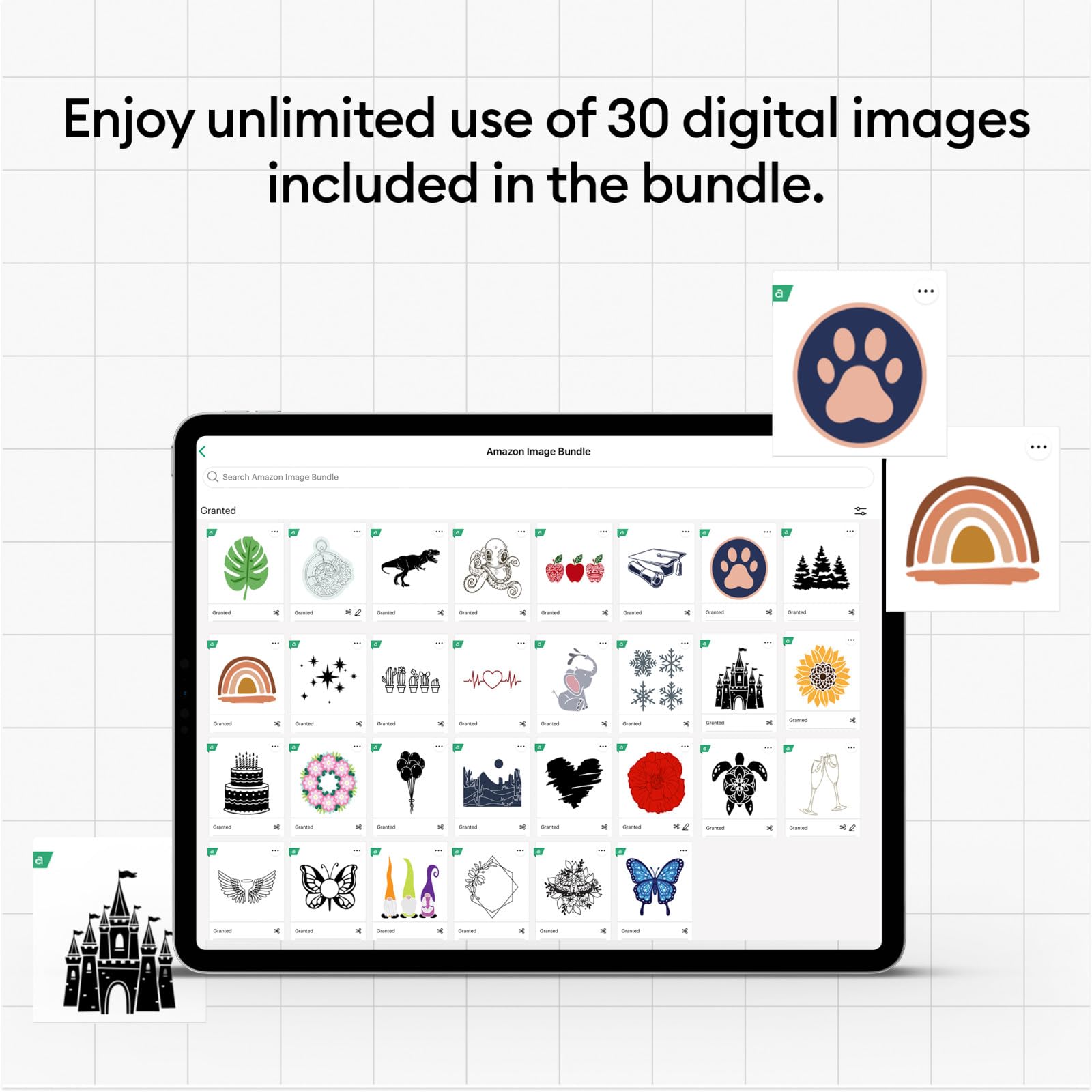
🎨 Cut, press, create — craft your next masterpiece with Cricut Maker 3!
The Cricut Maker 3 Smart Cutting Machine bundle empowers professionals and hobbyists alike with 2x faster cutting speed, 10x more cutting power, and compatibility with over 300 materials and 13 tools. Featuring wireless Bluetooth connectivity and cloud-based design access, it supports matless cuts up to 12 ft using Smart Materials. The included EasyPress 2 heat press ensures flawless iron-on transfers, while durable Everyday Iron-On vinyl withstands 50+ washes, making this bundle the ultimate creative toolkit for personalized DIY projects.


| ASIN | B0CYP6WKKH |
| Active Surface Area | 100 square inches |
| Best Sellers Rank | #26,482 in Arts, Crafts & Sewing ( See Top 100 in Arts, Crafts & Sewing ) #28 in Scrapbooking Die-Cut Machines |
| Brand | Cricut |
| Brand Name | Cricut |
| Color | Multi |
| Customer Reviews | 4.6 out of 5 stars 1,578 Reviews |
| Included Components | Cricut Maker 3 + Iron On Bundle |
| Item Height | 14.63 inches |
| Item Type Name | Maker 3 Iron On Starter Bundle + Digital Content |
| Item Weight | 17.33 Kilograms |
| Manufacturer | Cricut |
| Operation Mode | Automatic |
| Print media | Fabric |
| UPC | 093573405259 |
| Unit Count | 1.0 Count |
T**R
Excellent Service
Excellent Machine, works very well and cut very quickly and easily.
A**R
Highly recommended
This machine is awesome can do alot of thinks the previous cricut cant do the smart vinyl is way better than the regular its easy to use cuts awesome
A**Y
Love it!
I love the cricut maker 3. The color is even better in person. It cuts great with no issues. I have the cricut design center which makes using the cricut so easy. I love making personalized things for people. It’s fun to use.
T**S
Cuts to perfection!
I already had a cricut air but wanted a “maker” so that I could make all the things. Love the color and it works wonderfully. Cricuts are durable, easy to use and help me create all the things.
J**T
Excellent customer service!
This has been a lovely addition to my crafting supplies. I'm not sure why other state the customer service is lacking as I have had zero problems! My cord or machine has stopped working and when I called customer service I was very nervous because the reviews state they were not helped. I got Lilly as a representative and she answered the phone very quickly and was friendly. I am being sent a new cord and if it does not solve the problem they will send me a new machine as I am in the warranty period. If anything changes I will update the review. IF you're considering a purchase- my advice is to do it! Happy crafting.
A**Z
Great machine!!
So I have had my machine for a little while now and I’m still amazed at what all can be done either it. It speaks for itself when it really is an awesome machine! It is so fast too compared to my explorer 1. Great purchase for any crafter. Pictures of things I’ve made with it!
H**R
As a Business Owner, I love/need it!
We used a Cricut Explore Air 2 for a few years, but as the rollers started to wear out, we decided to upgrade to the Cricut Explore 3. We run a sticker business and sell hundreds of stickers each month, so our machine gets a lot of use. Here’s my honest review after switching: Wow — the Cricut Explore 3 is significantly faster and more precise than the Explore Air 2! I actually ran a side-by-side test on the same project, and the Explore 3 finished way ahead. It looks sturdier, sounds stronger, and feels like a real upgrade. One issue we used to have with the Explore Air 2 was that it sometimes wouldn’t cut the stickers perfectly centered — they’d be slightly off. I haven’t had that issue at all with the Explore 3, which has been a huge relief for our quality control. So, big win there! Now for the reason I’m giving it 4 stars instead of 5: For the first few months I couldn’t get the Explore 3 to connect. The Wi-Fi signal just wouldn’t show up on my device, and I couldn’t figure out what was wrong. As a small business owner relying on this equipment, it was incredibly frustrating. Then one day, it just started working — no idea what changed. Maybe it was a software update or a fluke, but it wasn’t a great experience after investing in an expensive machine. That said, once it finally connected, it’s been amazing. It’s fast, reliable, and helps us keep up with demand. I definitely recommend the Cricut Explore 3 — just be aware you might run into some initial connection hiccups.
J**E
Tentative Five Star
They work great when they work. Take negative reviews with a grain of salt unless their product came damaged. These are easy to use, but they aren't strictly point-and-click. Different materials need different settings, sometimes those may be custom settings that you have to go find. Sometimes those materials may need a different tool (e.g. scoring, deep knife, et cetera) I had to get a four year warranty with this one because the last one randomly stopped powering on. Getting replacement parts for these is effectively impossible. If they die, you've got ten pounds of plastic and metal and PCB going to the dump. If that's important to you, steer clear. You need a subscription to make the most of this and it isn't free. If that's not for you, steer clear. You can do some things without paying, but you need the sub if you want all of it. (It still doesn't get you all of it, but whatever.) Unfortunately, this is the best option on the market. The x-tool is over a grand. The silhouette has its own issues. This is the easiest and most reliable, as long as you don't have *any* issues with it.
Trustpilot
4 days ago
5 days ago



