We remain fully operational. Our teams are working around the clock to ensure your deliveries continue safely.

DOWNLOAD THE APP


Customer Services
Copyright © 2025 Desertcart Holdings Limited
DOWNLOAD THE APP


📺 Elevate your viewing game with Samsung’s 32" QLED 4K — where color, clarity, and smart tech collide!
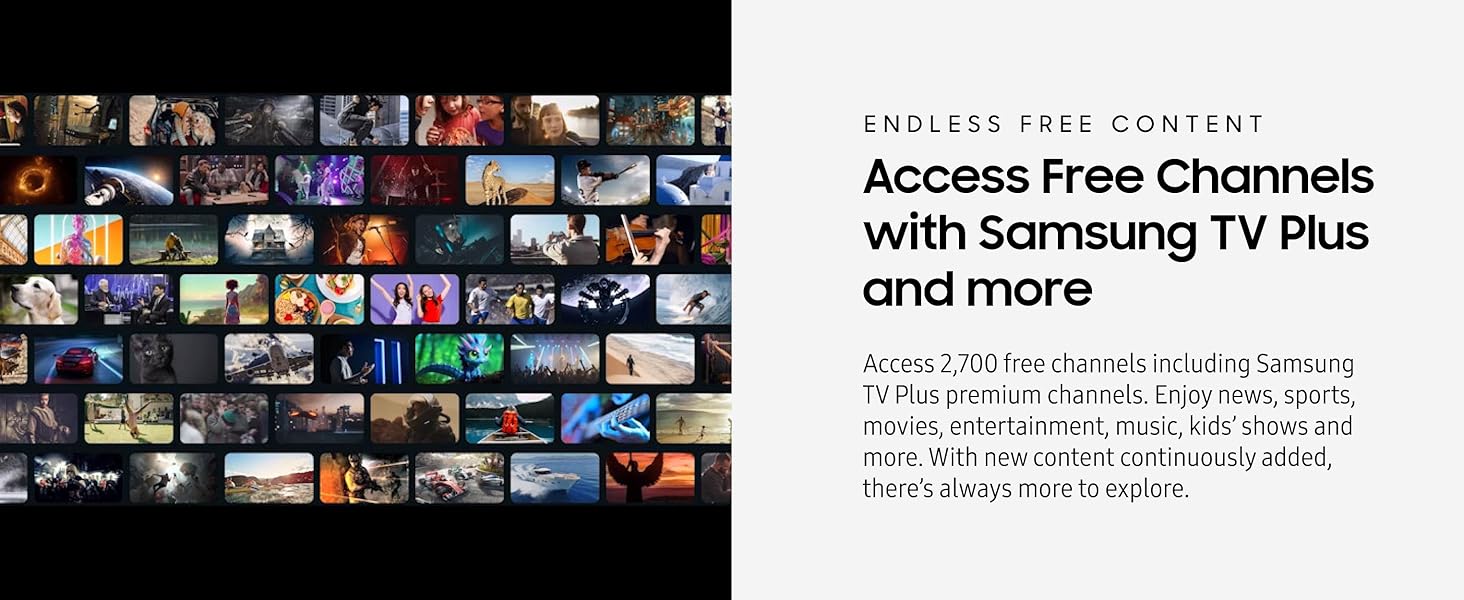
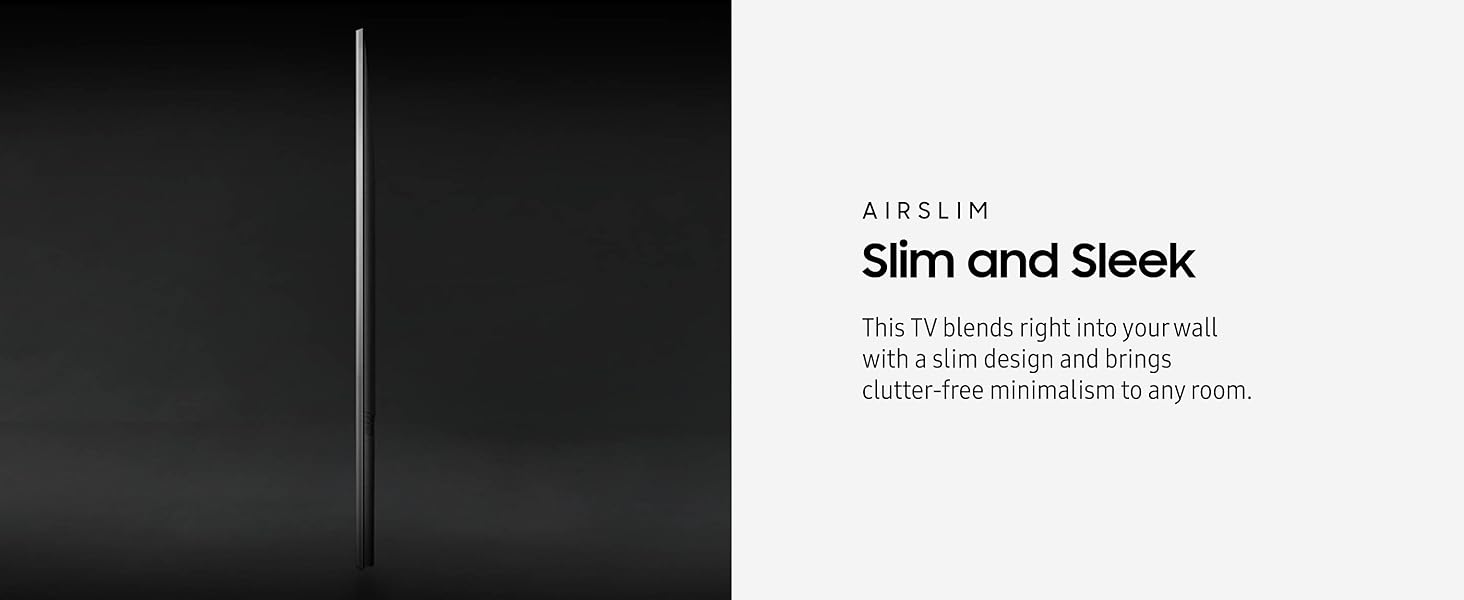
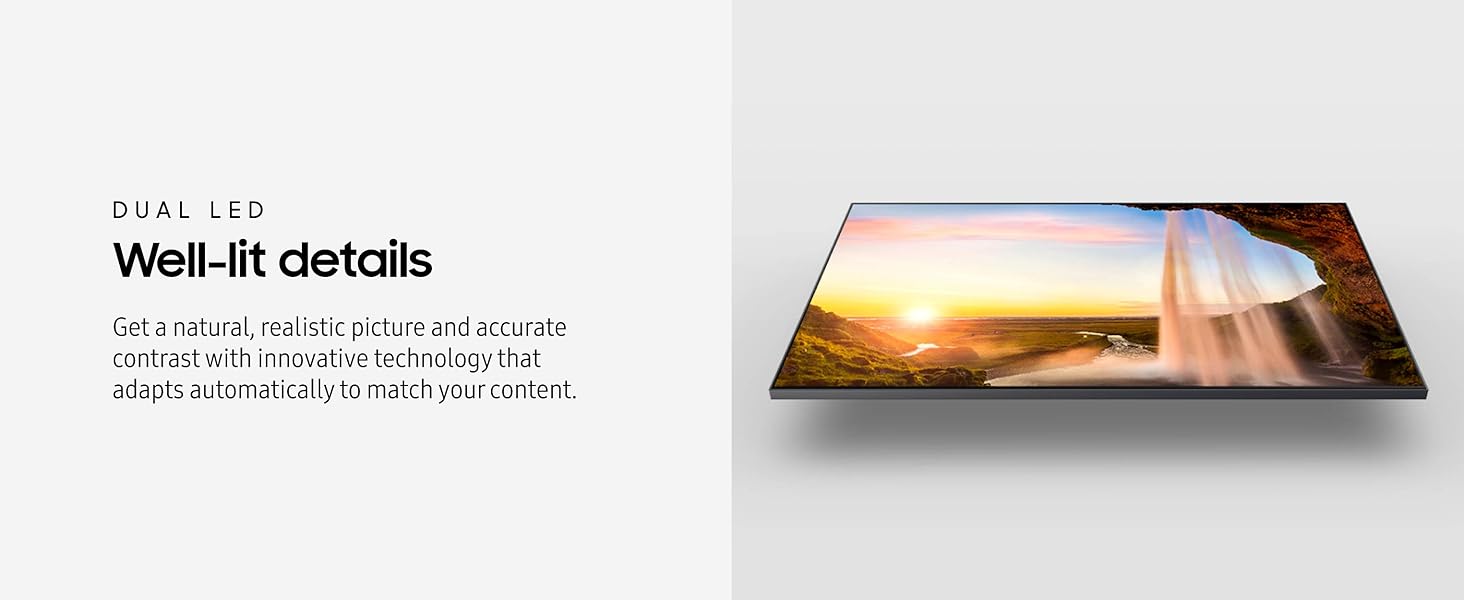
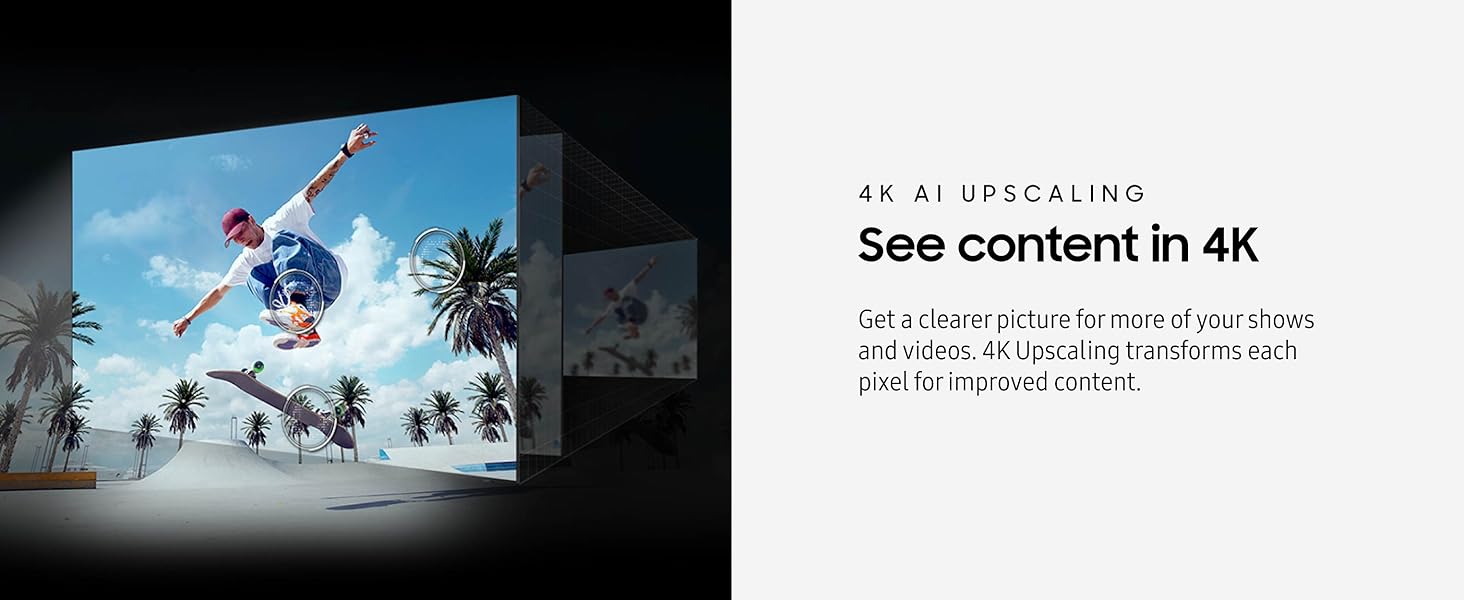
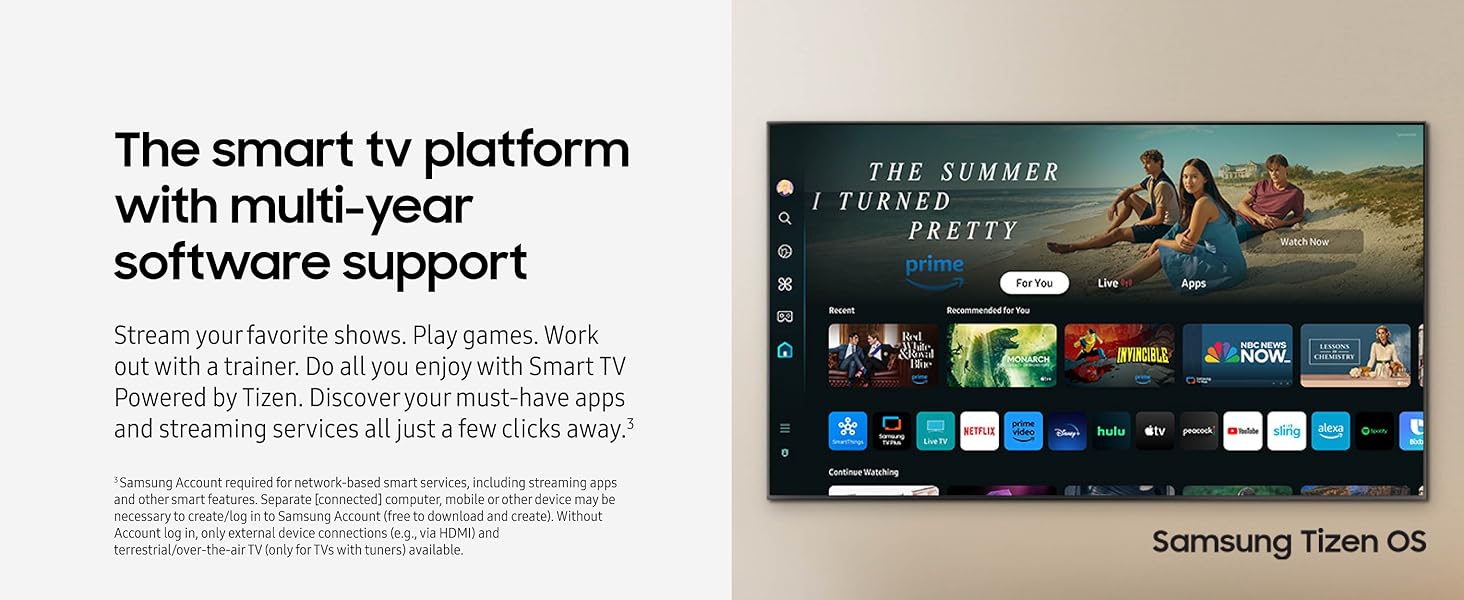
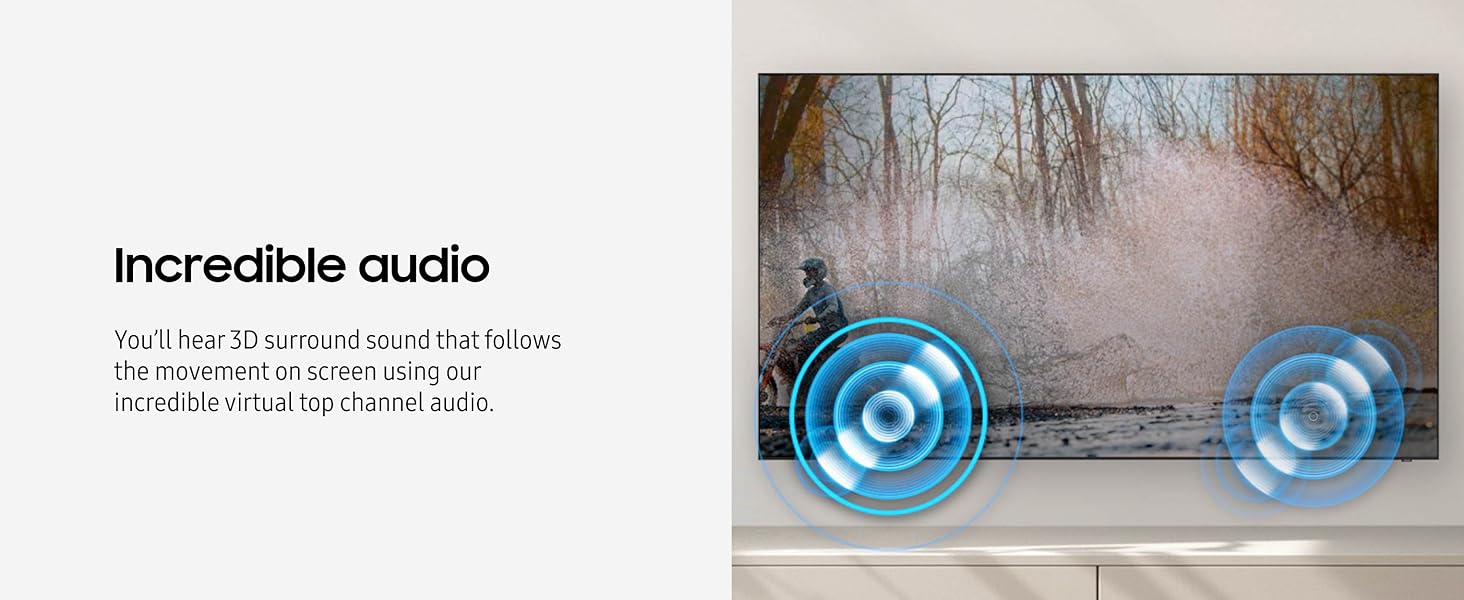
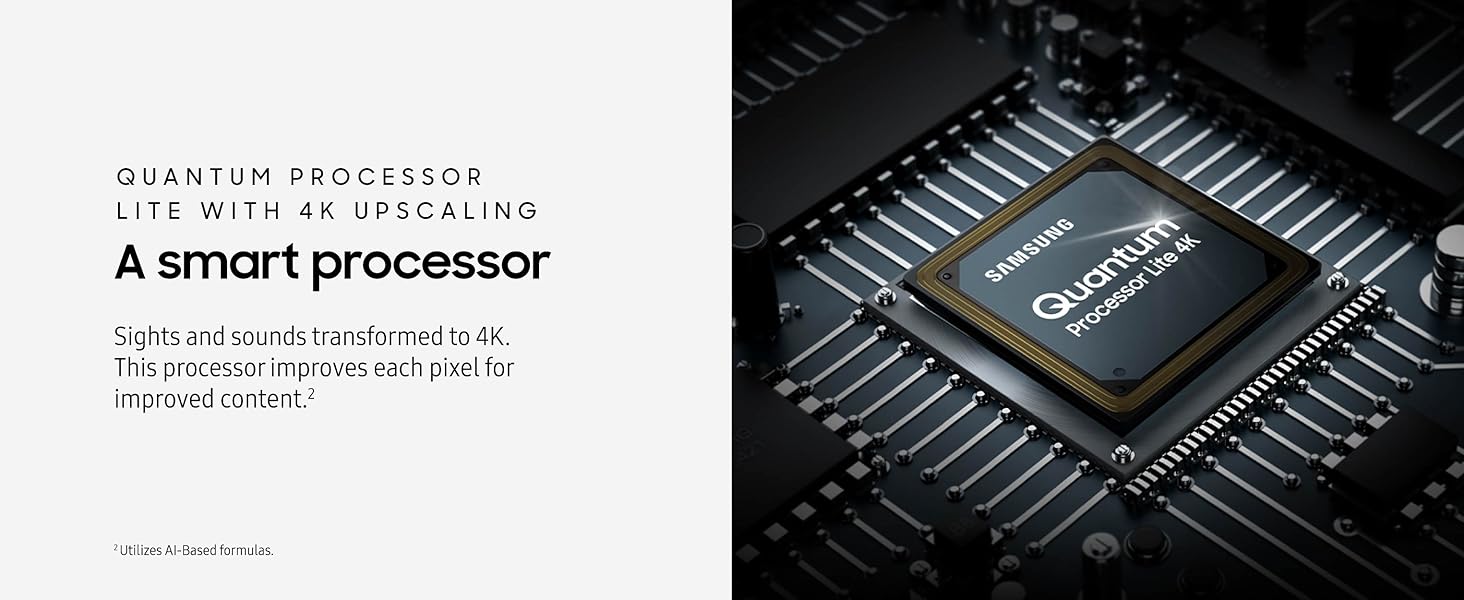
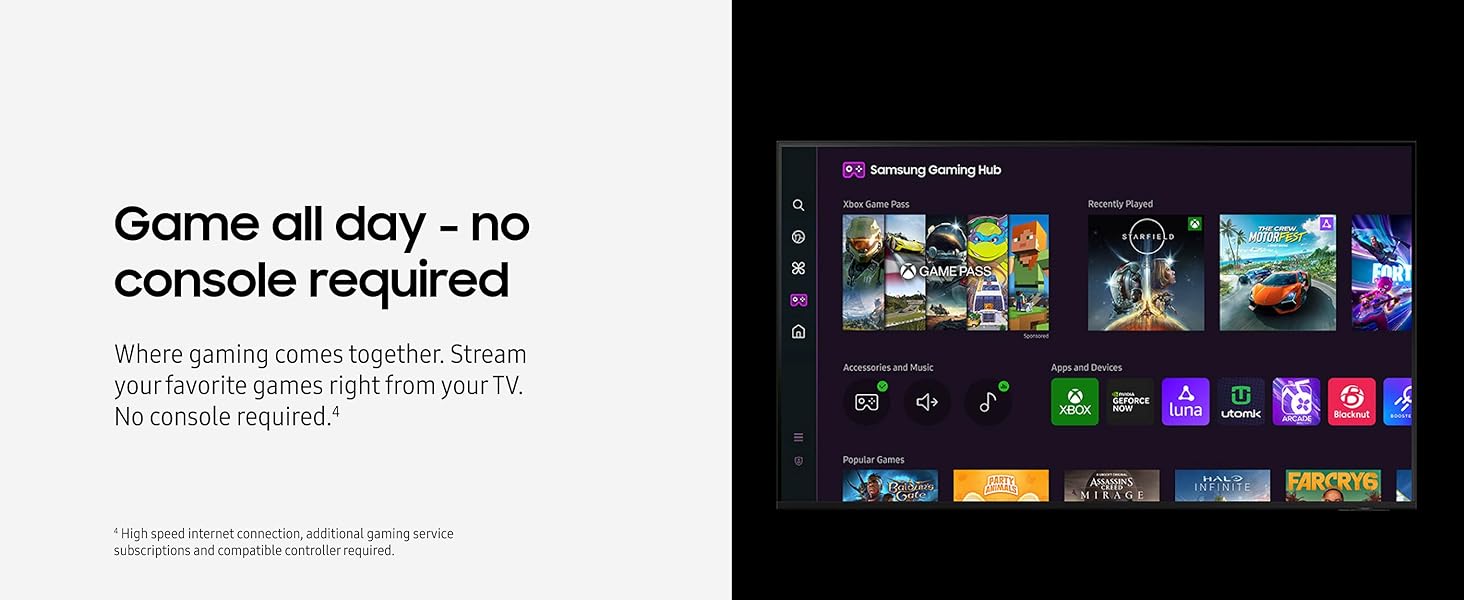
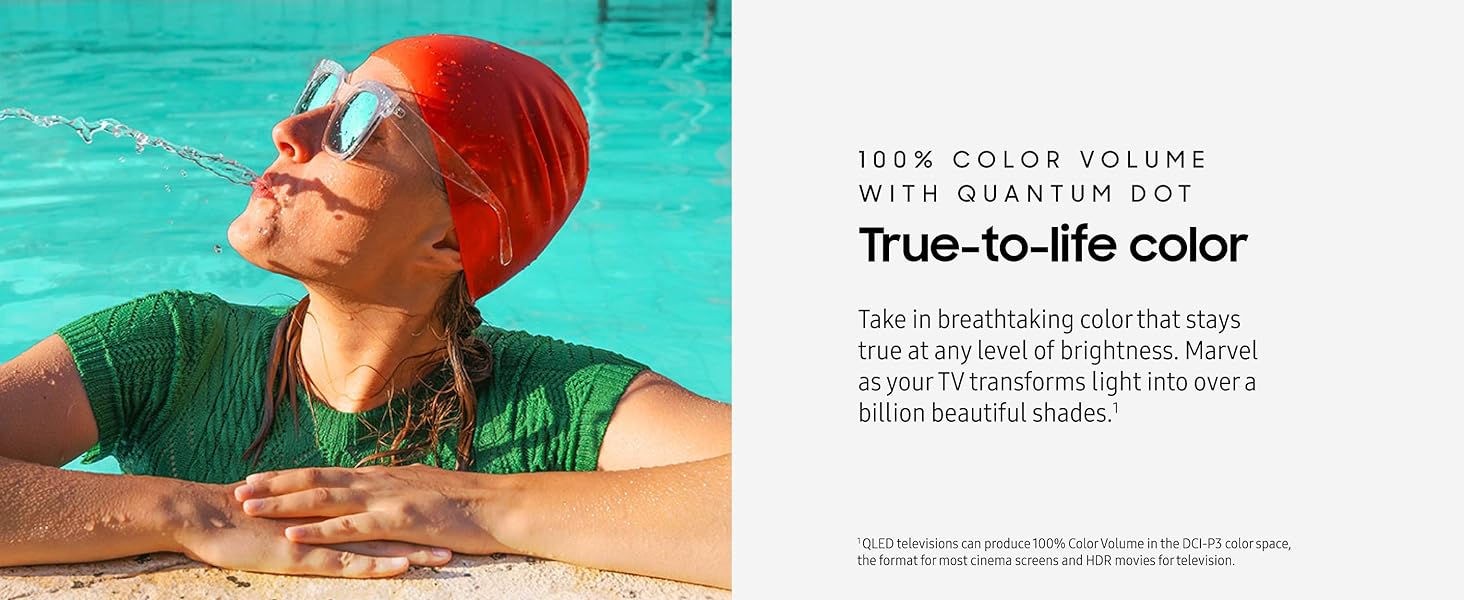
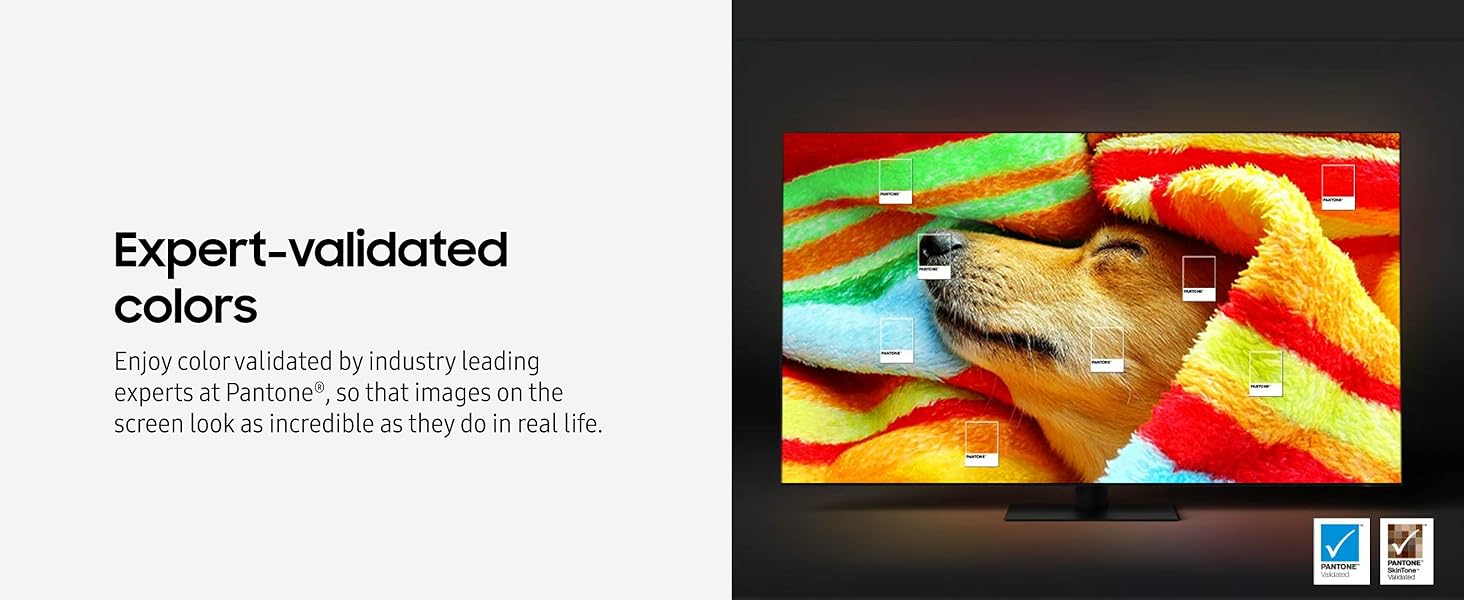
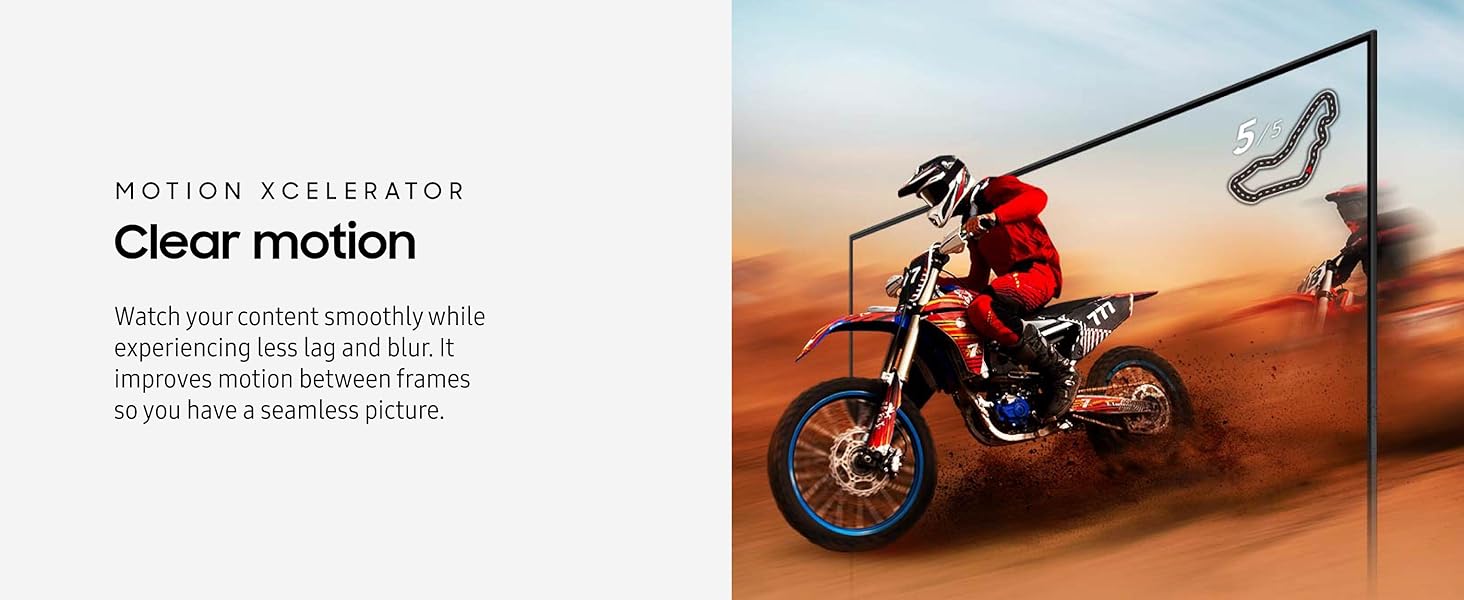
The Samsung 32-Inch Class QLED 4K Q60D Series TV delivers stunning 4K visuals with Quantum HDR and 100% Color Volume for true-to-life colors. Featuring Motion Xcelerator for smooth motion, Object Tracking Sound Lite for immersive audio, and a sleek AirSlim design, it’s a compact powerhouse. With Samsung’s Tizen OS, Alexa built-in, and a dedicated Gaming Hub, this smart TV is perfect for professionals seeking a stylish, versatile display that fits seamlessly into modern work and entertainment setups.



| ASIN | B0CV9MGX22 |
| Aspect Ratio | 1.77:1 |
| Best Sellers Rank | #6,943 in Electronics ( See Top 100 in Electronics ) #23 in QLED TVs |
| Brand Name | Samsung |
| Color Name | Black |
| Customer Reviews | 4.4 4.4 out of 5 stars (1,714) |
| Date First Available | February 26, 2024 |
| Item Weight | 11.9 Pounds |
| Item model number | QN32Q60DAFXZA |
| Product Dimensions | 6.1 x 28.5 x 18.8 inches |
| Speaker Type | 2CH |
| Special Features | Dual LED; 100% Color Volume with Quantum Dot; Quantum HDR; 100% Color Volume, Quantum Processor Lite 4K; Motion Xcelerator; Object Tracking Sound |
| Standing screen display size | 32 Inches |
B**K
Solid little TV for the money. (32")
Bought this for the size of it (32") first and foremost and everything else was more or less secondary to that. What you are getting at this price is a very nice TV with a pretty good user interface. It's not the best on earth but it definitely does everything you need it to do. Certain things are just not explained well either. Like how do you add an app to the quick launch bar in the home menu?? I had to google how that worked. Should have been part of the setup process after logging you into all the common apps like Disney+, Netflix, Amazon, Hulu, and Youtube. Maybe you wanted them in a particular order, without googling it I wouldn't have figured it out. Picture-wise? You really can't go wrong with it. There is a bit of backlight bleed on one of the edges of my screen when staring at a black screen, but with content up? You can't even tell it's there. The fact that it's a 4K screen at this size is really awesome too. The amount of detail is just fantastic for the size; It really pulls you into whatever you're watching. Colors aren't too bad out of the box, skin tones look decent and accurate. Only real negatives are it doesn't get SUPER bright and it doesn't support 120HZ refresh rate so it's not the *best* for gaming. Sound-wise? It's ok, it's never going to blow you away but it definitely is decent enough for a small room. If you want better sound there are always sound bars or full on surround setups that will solve that problem for you. Not an issue for me though. Final note: Weird little thing I noticed when setting it up on a wall mount, it is a VESA 100x100 pattern, BUT.. The wall mount I bought came with either REALLY short screws, or Samsungs mounting depth is just too deep. I ended up running over to Home Depot to grab some longer screws and that ended up fixing my issue. Not sure who's at fault for this but it's worth knowing just in case you do end up mounting it to a wall. Bottom line though? Great value, for under $500 you really can't go wrong with it and you definitely can't find anything other than PC monitors that are 4k in this size range. Wish I could give it 4.5 stars for the backlight bleed and weird UI but that doesn't seem fair, everything else is great.
P**R
Bright, beautiful, versatile & elegant. Perfect solution for my 3-monitor Mac Studio Pro config.
I have been a Mac user for 30+ years. This is the first time that I have stepped away from the rather pricey Apple monitors to try something new and different plus I needed something bigger than what Apple is offering. I bought this Samsung 43-Inch Class QLED 4K Q60D Series Quantum HDR Smart TV to function as the center monitor in a 3-monitor configuration with my Mac Studio Pro. I put a BenQ PD32205U on either side and it is a killer setup! You can read all about the tech stuff anywhere so I wanted write a brief review just to say what a great 'monitor' this is and how I was actually able to color match it pretty close to my properly dialed in BenQ monitors, which was a pleasant surprise. I use my Mac Studio Pro for photo & video editing but also for Logic Pro 11 in music production. I am also a private pilot so I have my system setup with the X-Plane 12 flight simulator to keep my skills up. I relegate the color critical demands to the BenQ monitors and use the 43" Samsung in the middle for general Logic Pro, Tools, video playback, word processing, Internet, flight sim, etc. I highly recommend this setup for home or studio and couldn't be happier. The picture is amazing and even the stand for this Samsung is elegant and rock solid. I for one have had great success with Samsung products from my Galaxy cell phones to our three 65 inch Samsung TVs in our home, and now this one in my studio.
N**.
Best TV I’ve Ever Owned for a Great Price
This Samsung TV has the clearest and smoothest video and color quality of any TV I’ve ever owned. The sound quality is not bad at all by any standards and if set up in the right place sounds fantastic. The ports are all very accessible and set up in ideal spots in the back of the TV. Whether you use the Samsung Smart TV side or plug in an Amazon FireStick, it works beautifully. This isn’t the cheapest TV, but in a world where many TV’s over $1,000 are rivaled by this one, the value for money is fantastic. Overall, excellent TV for what I think is a good price for what you get.
R**R
Great tv, very clear. Very good picture
Great tv and set up. Very easy to set up. I did the manual set up and did not set up a Samsung account. Just follow the prompts. As if someone was in the box directing me. It even paired my Samsung sound bar wireless woofer. It also paired my Xfinity remote. So much easier that my 12 year old 55 inch Samsung tv. The controller was easy to use. Just go to settings and pick the type of picture you want and off you go. Most everything you need it there. My wife loves it. Also the deluxe delivery was great. Would buy again. Love Amazon I also bought the recommend stand. It's harder to get the height right than setting up the tv. You do need two people to get the tv on the stand. ( you don't want to drop it).
I**.
Great tv for the price
So farso good. Great picture and sound. A little hard to get the controls figured out at first but time will resolve that.
A**R
Amazing!!!
Absolutely love my new TV. It works well and was super easy to set up. Amazon made it easy and their delivery crew was very professional. I was quite concerned ordering a TV on here but this TV is by far my favorite.
ع**ت
جيد
M**Y
Hasta ahora muy bien! Buena calidad
P**E
Comme neuf, impeccable
D**.
EXCELENTE RESOLUCION, LA PANTALLA REALMENTE DE 1" DE ESPESOR
J**R
El producto estaba claramente usado. Vino con el material de empaque en mal estado, sin film protector en la pantalla y con una falla pequeña, pero una falla al fin (había una zona oscura sin retroiluminación en una de las esquinas). Si el producto es reacondicionado o devuelto debería estar en la descripción.
Trustpilot
1 month ago
1 month ago