
DOWNLOAD THE APP


Customer Services
Copyright © 2025 Desertcart Holdings Limited
DOWNLOAD THE APP

🔐 Upgrade your door, not your keys — the stealthy smart lock for the modern home.
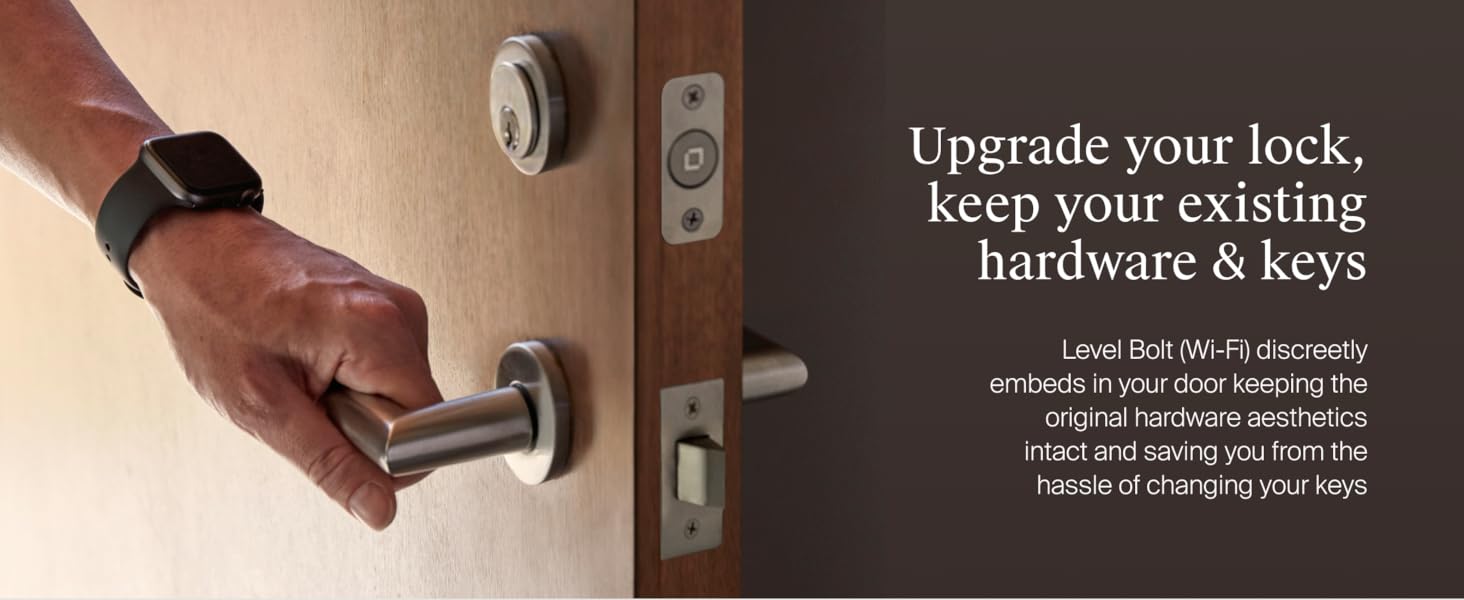
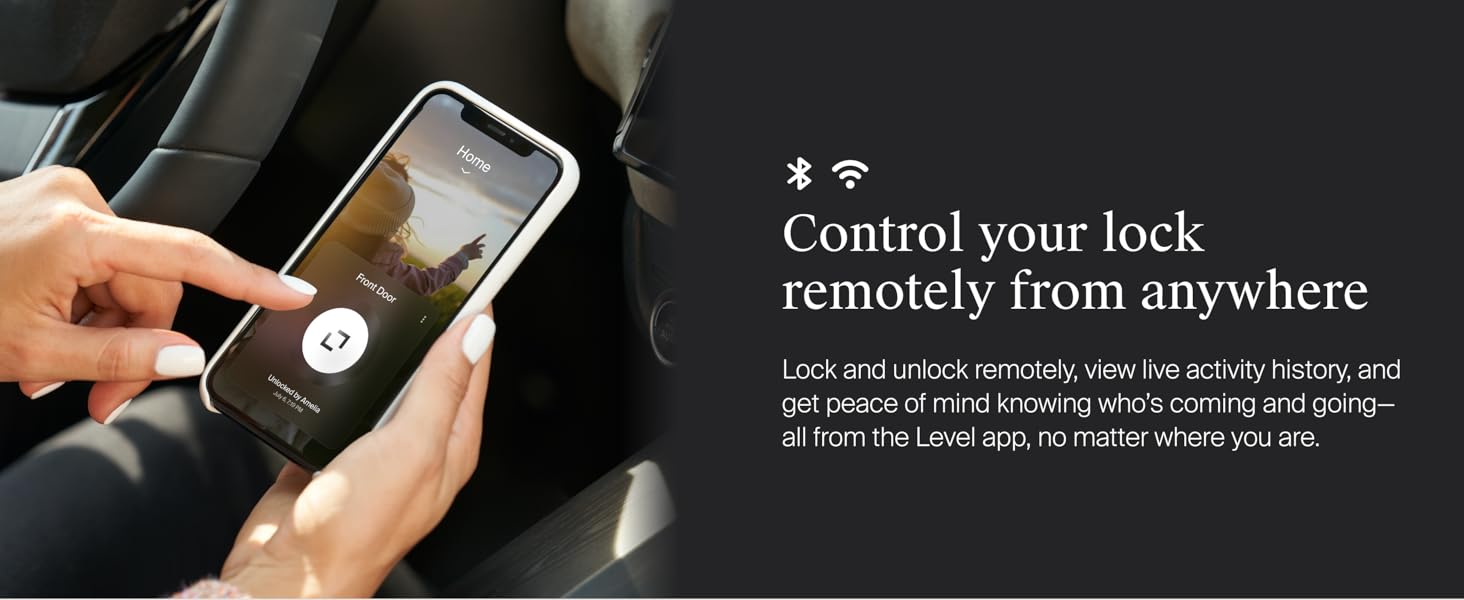
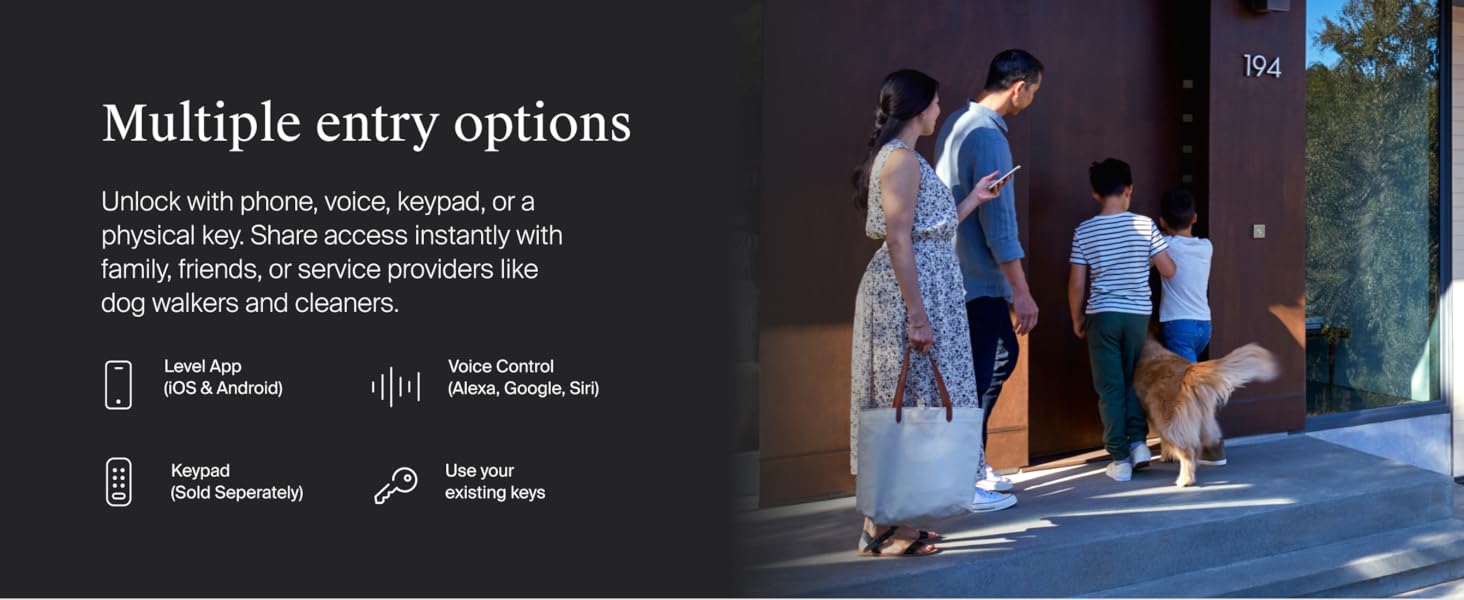
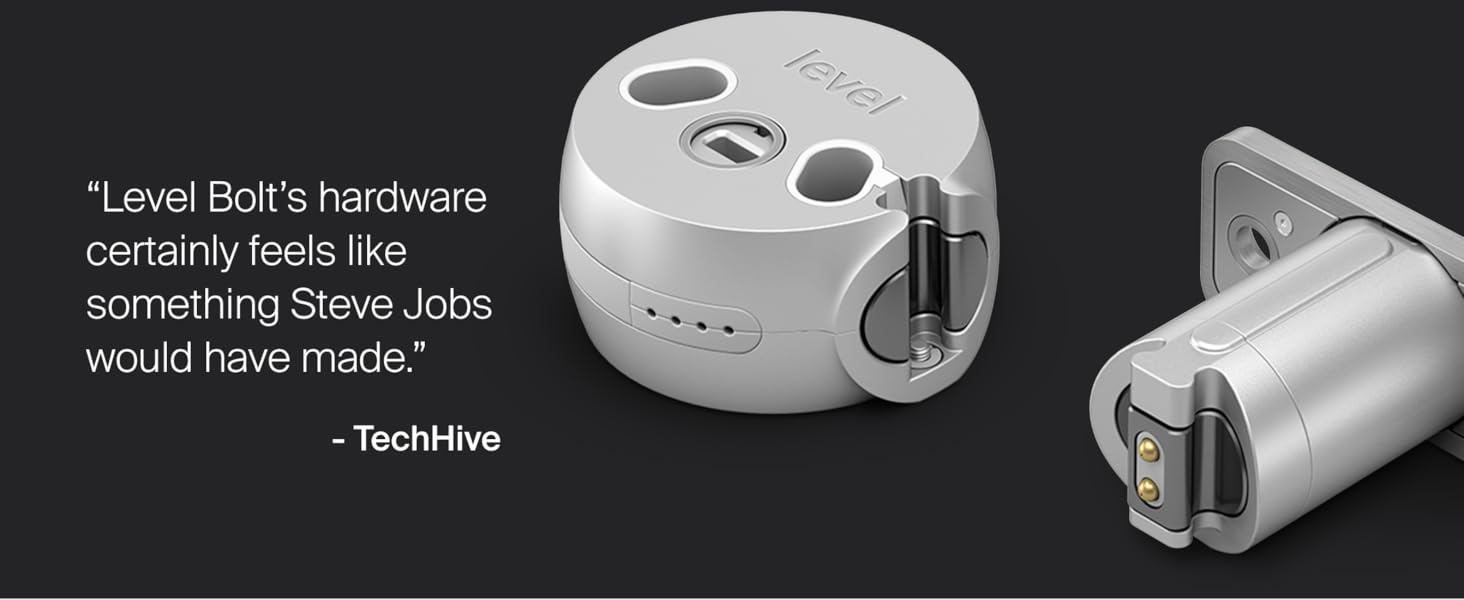
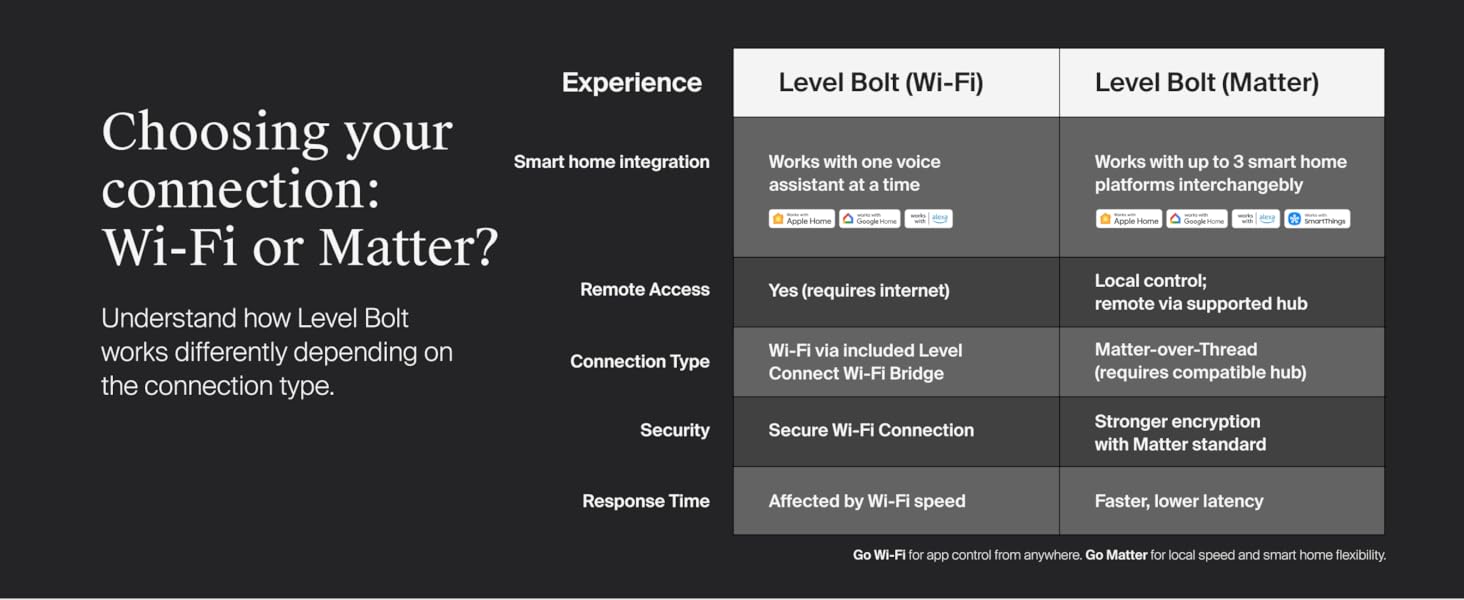
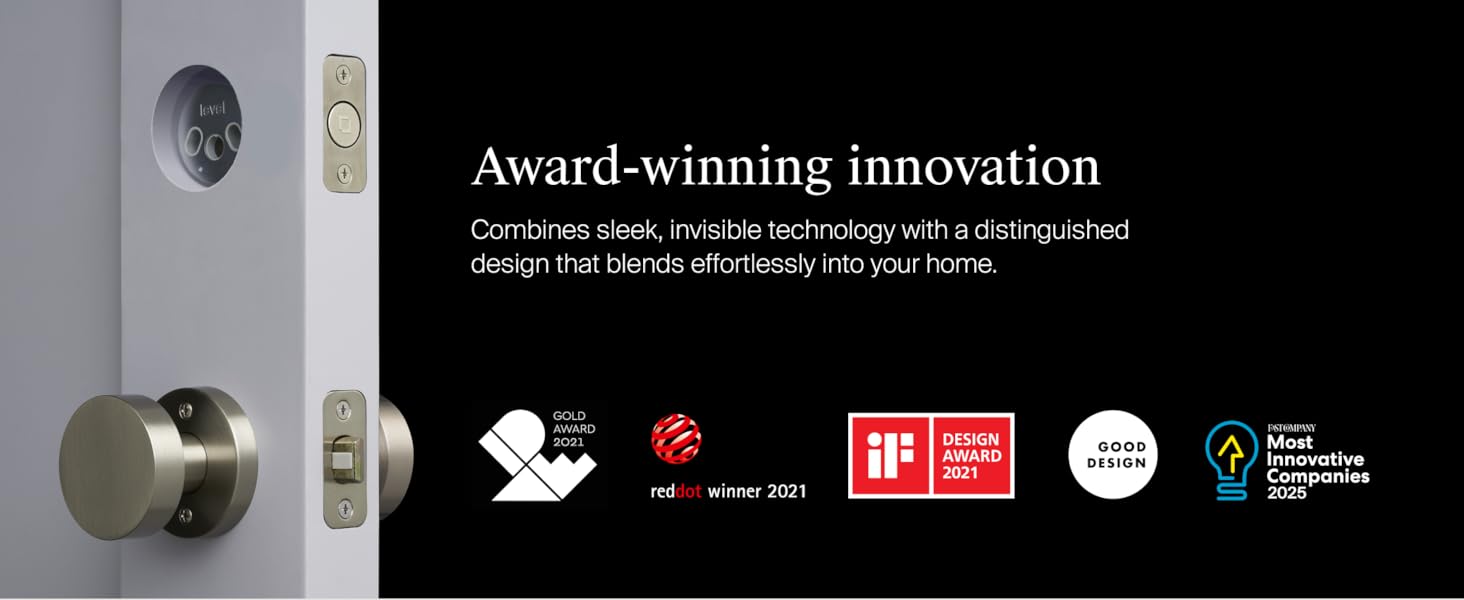
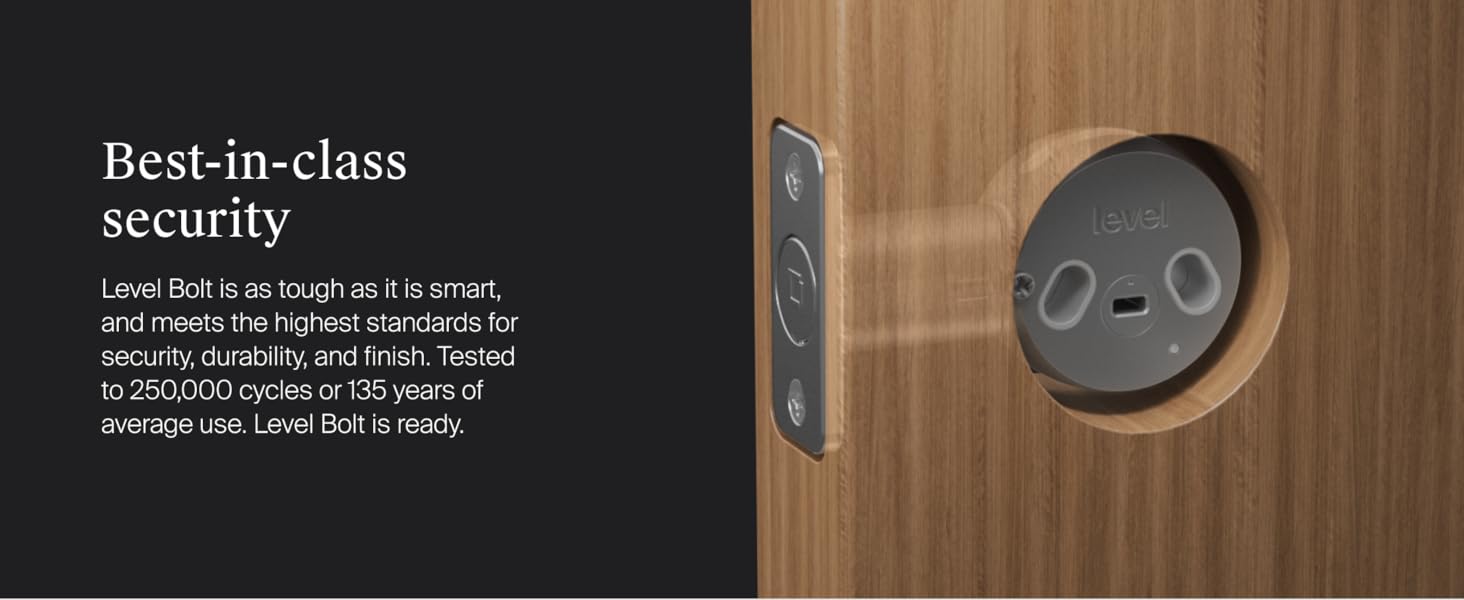
The Level Bolt (Wi-Fi) Smart Deadbolt transforms your existing lock into a high-security smart lock without altering your keys or door hardware. Featuring a durable 6-stage stainless steel gearbox, it offers remote lock/unlock capabilities via the Level Home app and integrates seamlessly with Apple HomeKit, Alexa, and Google Assistant. Designed for easy DIY installation, it fits most standard exterior doors and includes a Wi-Fi bridge for anywhere access, making it the invisible upgrade for smart, secure living.

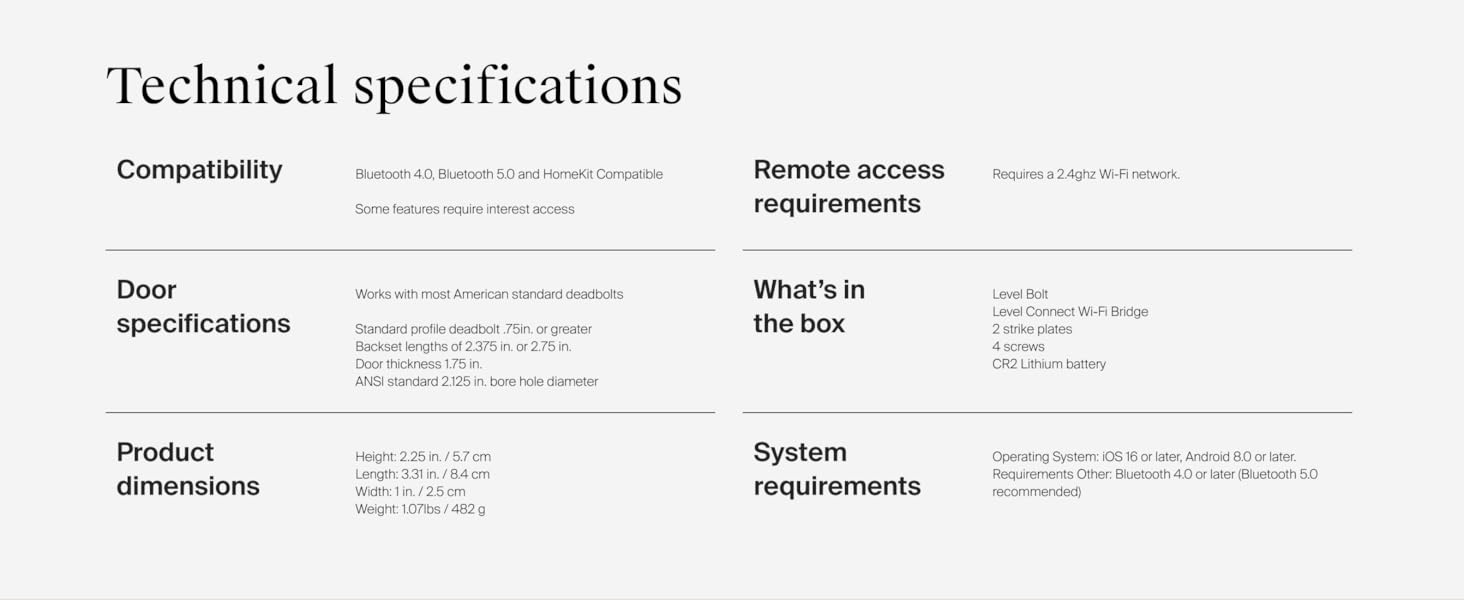
| Brand | Level |
| Item dimensions L x W x H | 3.31 x 1 x 2.25 inches |
| Lock Type | Deadbolt |
| Material | Stainless Steel |
| Recommended Uses For Product | Door |
| Special Feature | Auto-Lock |
F**S
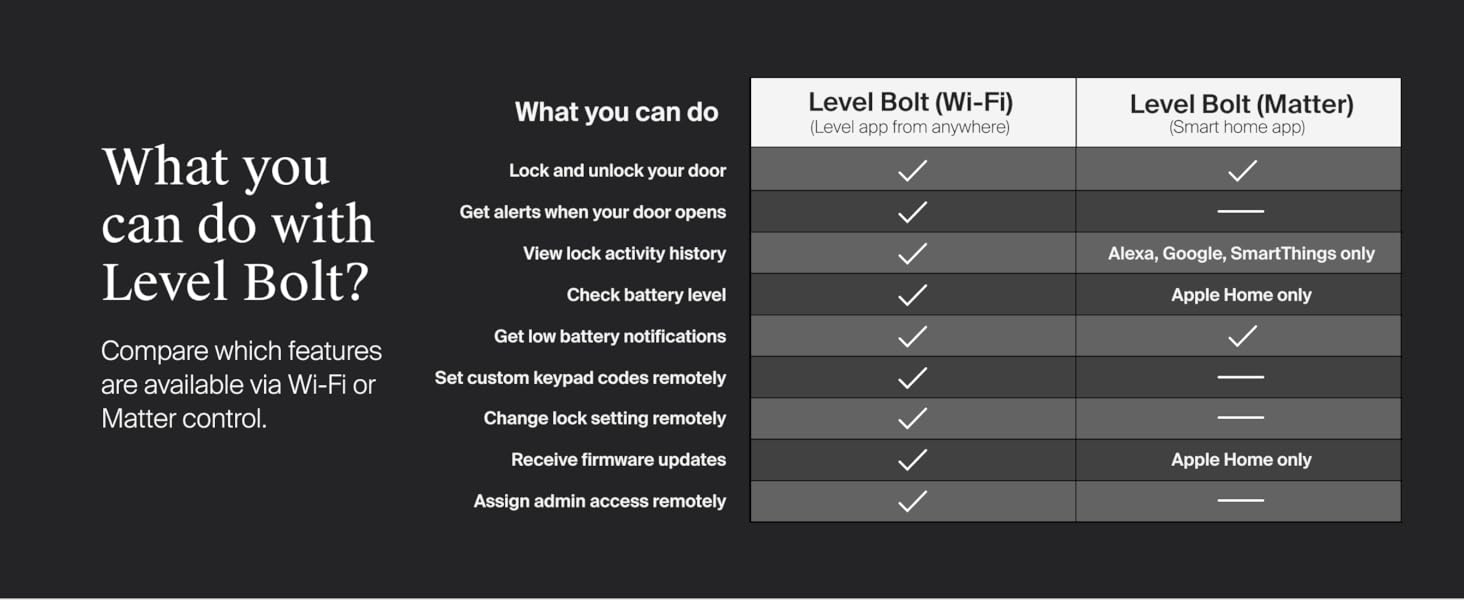
“Steathy” Smart Deadbolt - Matter-enabled! Compatible with Google and Alexa smart control features
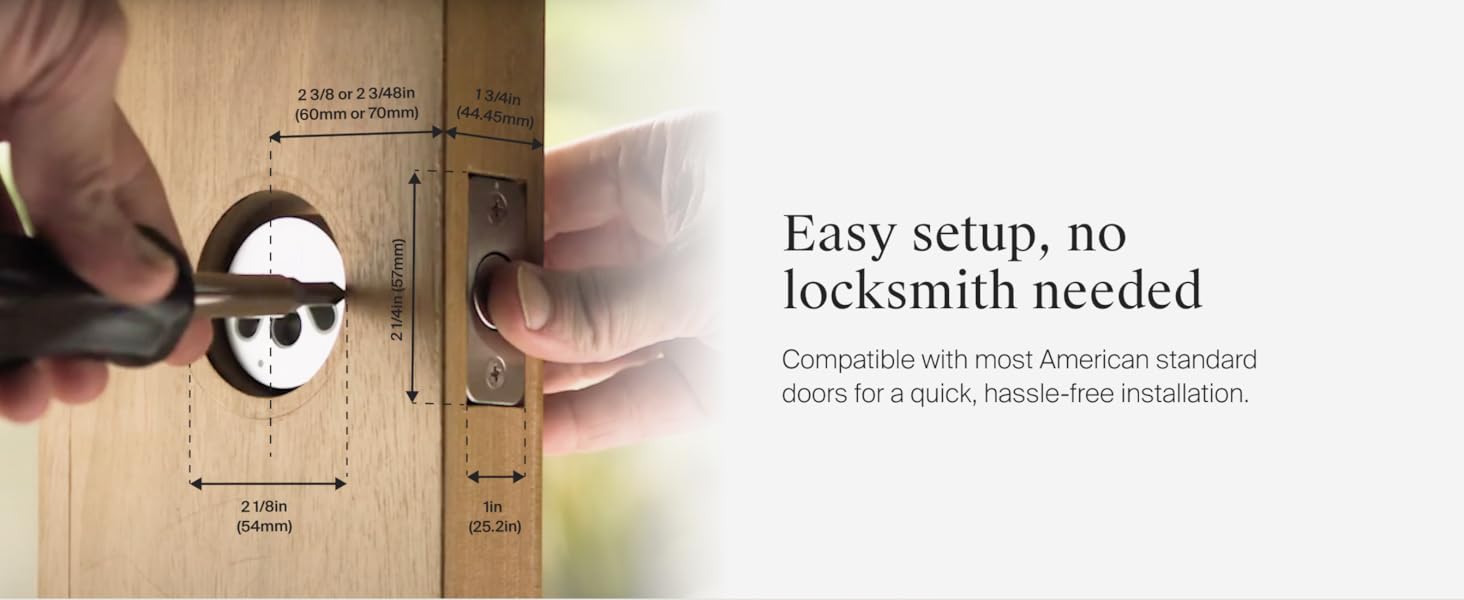
The Level Bolt with Matter is an amazing piece of engineering and design! Called “The Invisible Smart Lock”, the Level Bolt sits inside your deadbolt, only replacing only the existing latch and strike plate. No one will ever know you have a smart lock! Installation can take less than 10 minutes. Simply remove the existing latch and strike plate. Replace the latch with the Level Bolt, insert the motor, then install the CR2 battery and like magic it just works! For me, the time-consuming task was removing putty from around the existing strike plate added by our home builder and needing to slightly trim the wood behind the strike plate, as the Level strike plate is thicker than a standard contractor-grade strike plate. On inserting the CR2 Battery, Matter-compatibility executed a notification on my Google Pixel phone to “Set Up Your Device”. I simply scanned the supplied QR Code and everything self-installed, with Google Home being the default platform. Even before installing the Level app, most everything worked within my Google Home ecosystem, including naming the bolt and controlling the lock, less battery status. For security, you can’t unlock the bolt by a “Hey Google” voice command, but you can lock it. From within the Google Home app, you can remotely lock or unlock the bolt from anywhere. The packaging also claims compatibility with Apple Home, Amazon Alexa and SmartThings. I recommend also installing and registering the Level Home app. It adds firmware updating, calibration, sound level settings, battery status, Auto Lock options (setting a duration from 30 seconds to one hour to auto-lock my door after unlocking) and more. You can setup sharing and create a “Pass” e.g. setting temporary access for your visiting in-laws. he Level Home app does not include its own Google Widget, but the Google Home Widget works just fine. I definitely recommend the Level Bolt with Matter.
N**Y
Seamless and invisible smart lock
TLDR; Perfectly designed and machined, easy to use and integrate, but you'll likely need to do a little work on your door unless your builders were perfectionists. Also, get the connect wi-fi dongle. I recently got a house with a smart lock that told me I was unable to use it due to not being the "owner." While this makes sense from a security perspective, there was apparently no way to reset the device, even with full physical access, without engaging the prior homeowner. This wasn't a problem as we'd been in contact, but annoyed me no end. That, plus the fact that the prior smart lock was a tumor attached to the deadbolt, ate batteries, etc. led me to seek out a better solution. Level's bolt is the better solution. It is hidden in the door, uses your original hardware, seems to not be vulnerable to any standard attack with magnets etc. It's designed very well, to spec and standards, and works perfectly. The app is low footprint and can be dropped once you hook the lock up to google home or alexa. It just offers more details about lock and unlock history. I gave "alexa integration" five stars, though I am using it with Google Home. I have to assume the experience is similarly easy. Ease of install should be five stars, but it does require more fiddling with hardware than other on-top solutions. Ideally this would amount to a couple more screws to take out. However, beware that most homes are not drilled and cored to exact spec. This lock measures perfectly according to spec, but my door did not. I ended up carving out a little more wood on the wall side for the deadbolt to fit through (not much, it was flat before but drilled offcenter with a round hole). I also had to do a bit of carving with a chisel to get the strike plate on the door side to fit properly. All-in all, it was very satisfying and not hard, just a little time-consuming. Once it was in place, the rest of the setup only took a couple minutes. I'm fairly certain that the problems with door fit were why the prior lock solution ate batteries, as the motor in it had to struggle (as would a human with fingers) to get the deadbolt into place. Now that the hole is in the proper place for the deadbolt, keys, fingers, and the smart lock all work with no pressure/effort, and the lock has been in place for longer than it took to burn through a new set of batteries on the prior smart lock I had. Big thumbs up.
S**F
Auto-unlock feature doesn't work with Android
The auto-unlock feature doesn't reliably work with Android phones. According to the support person I talked with, this is an issue with the Android OS, not their lock. Unfortunately, I learned this after I could no longer return the lock, so now I am stuck with a smart lock that doesn't do the one thing I wanted it to do. Fortunately, I found a suitable replacement in the August Wi-Fi Smart Lock, which seamlessly auto-unlocks with my Android phone. It's puzzling why August was able to overcome the alleged Android OS issue when Level couldn't. This has cast doubt on the support agent's explanation. I had to install the Level Bolt lock twice to get it to lock/unlock most of the time. Even then, the lock still failed to lock/unlock if the door wasn't closed perfectly. While it would be nice to have a hidden smart lock so no one can tell it is a smart lock, it is more important for me to have a lock that works. If you are an Android user and the auto-unlock feature is essential to you, I highly recommend purchasing the August lock instead. It was easier to install and just works. I have had no issues with the August lock failing to lock or unlock, as I had with the Level Bolt.
Trustpilot
2 months ago
2 days ago