We remain fully operational. Our teams are working around the clock to ensure your deliveries continue safely.

DOWNLOAD THE APP


Customer Services
Copyright © 2025 Desertcart Holdings Limited
DOWNLOAD THE APP
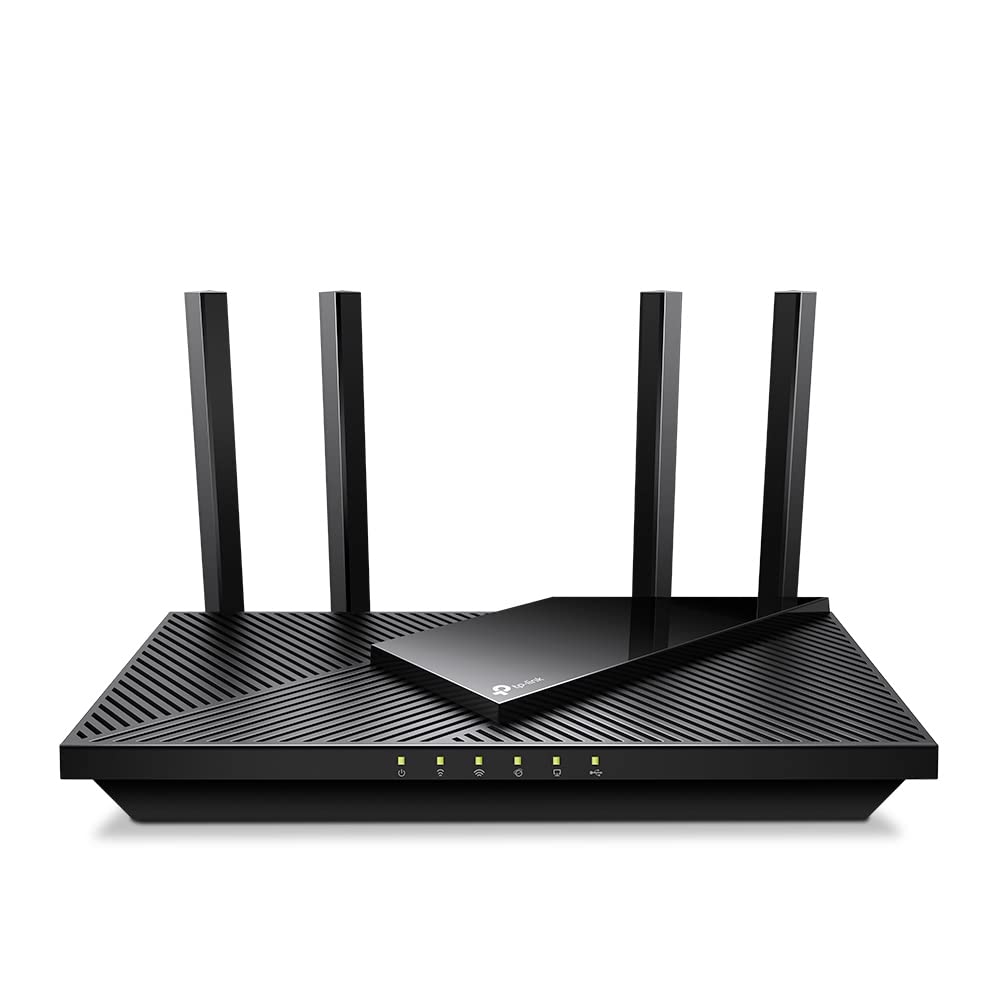
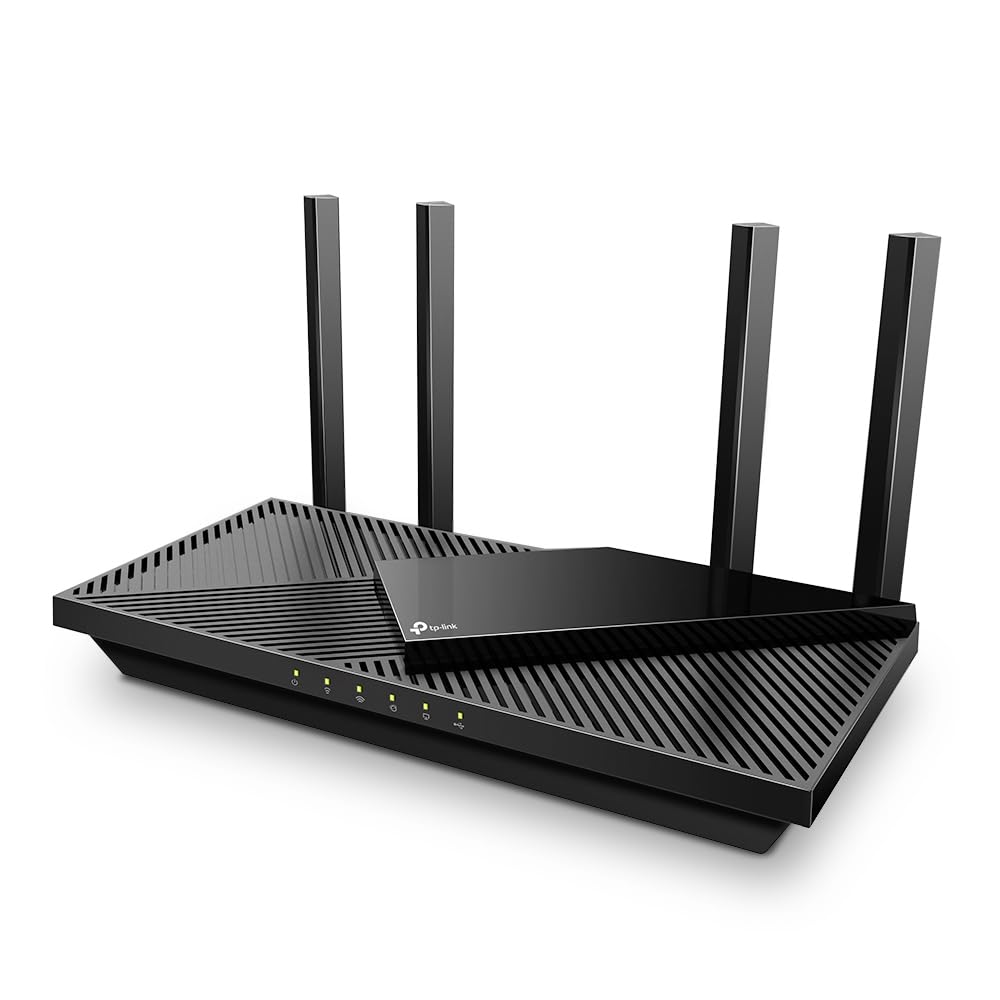
🚀 Elevate your home network to pro-level speed and security — don’t get left buffering!
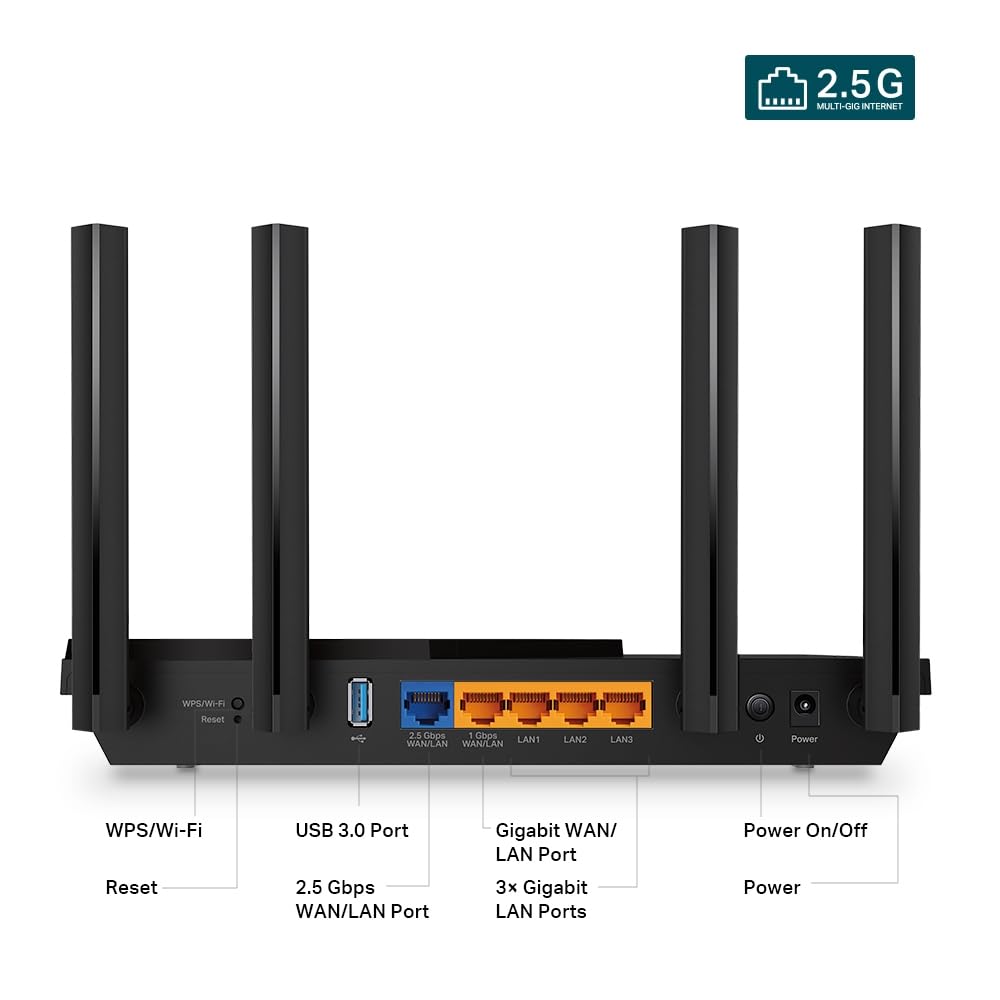
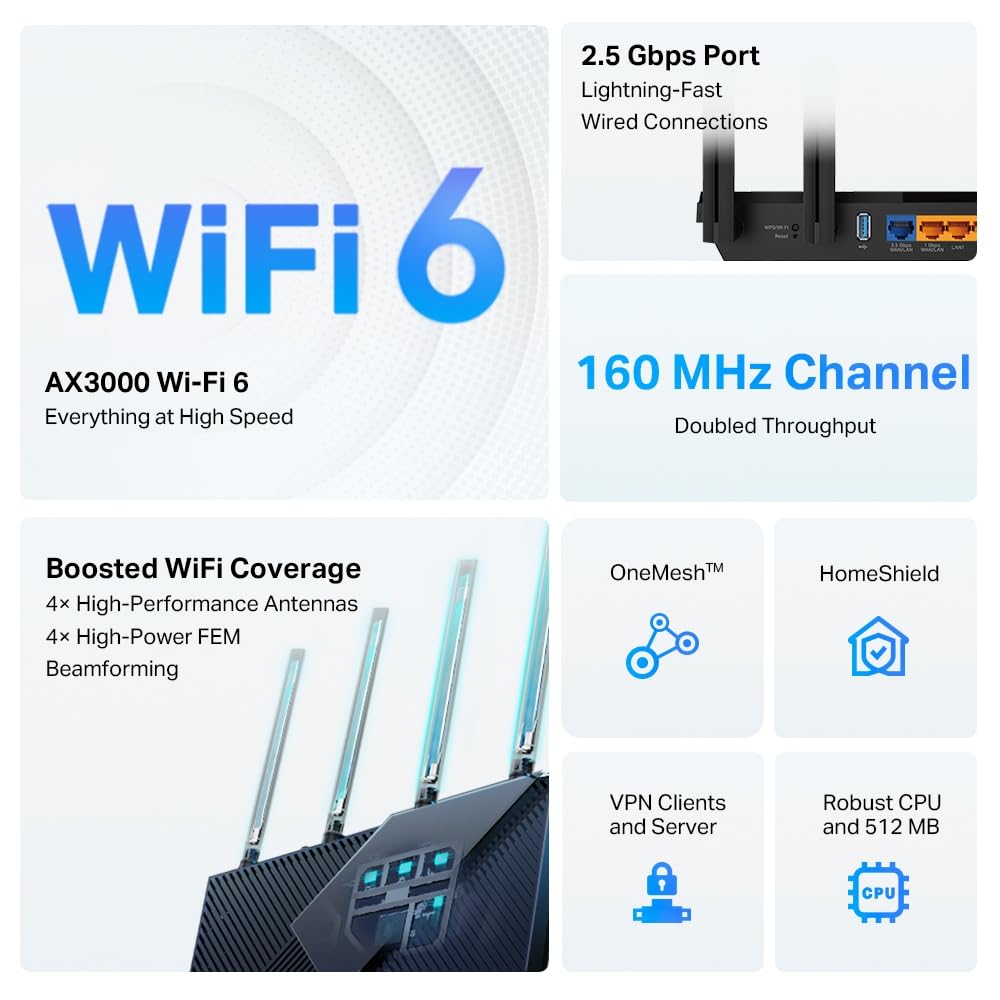
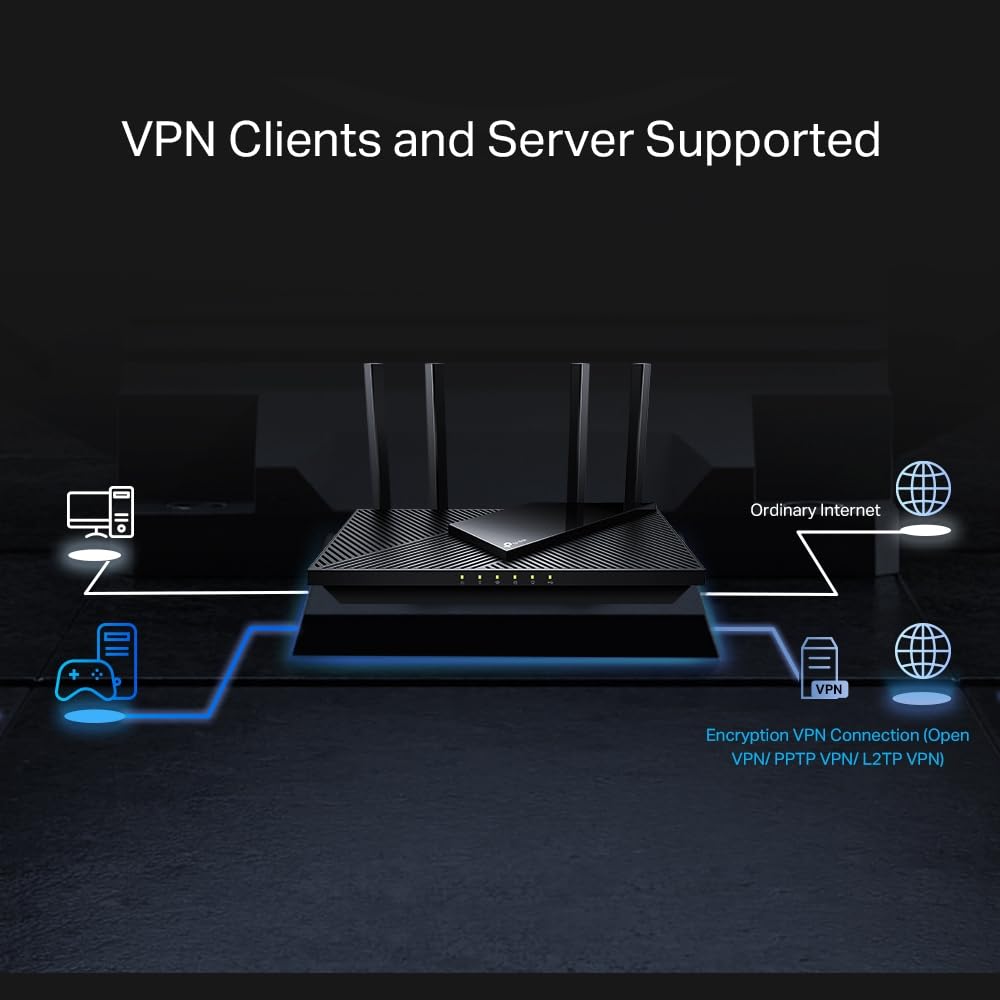
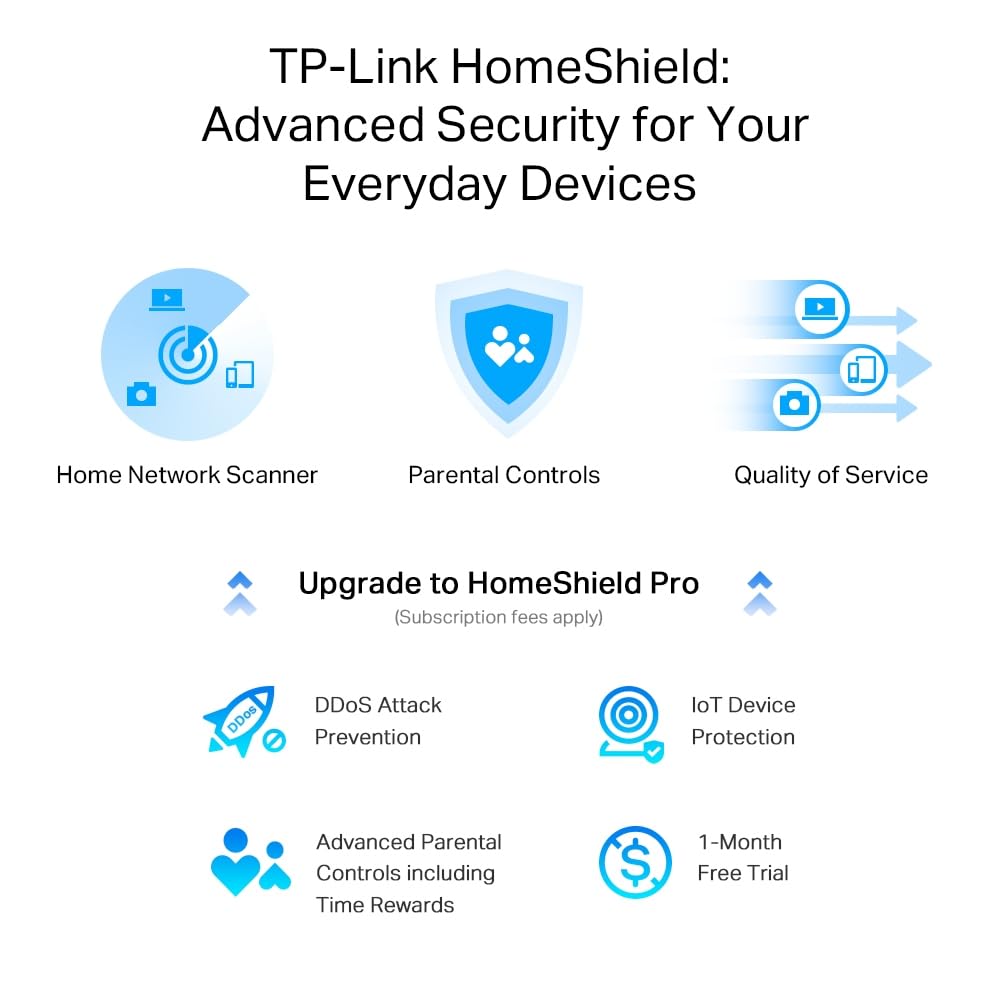
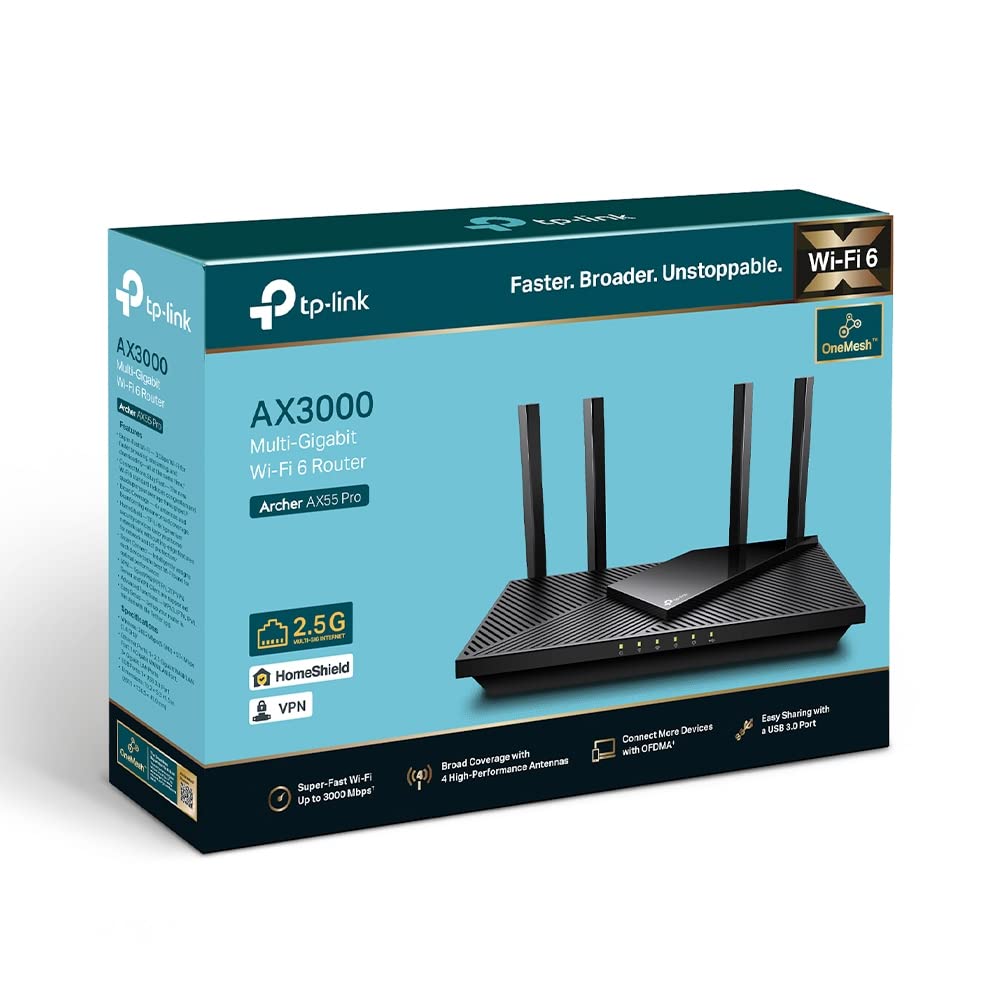
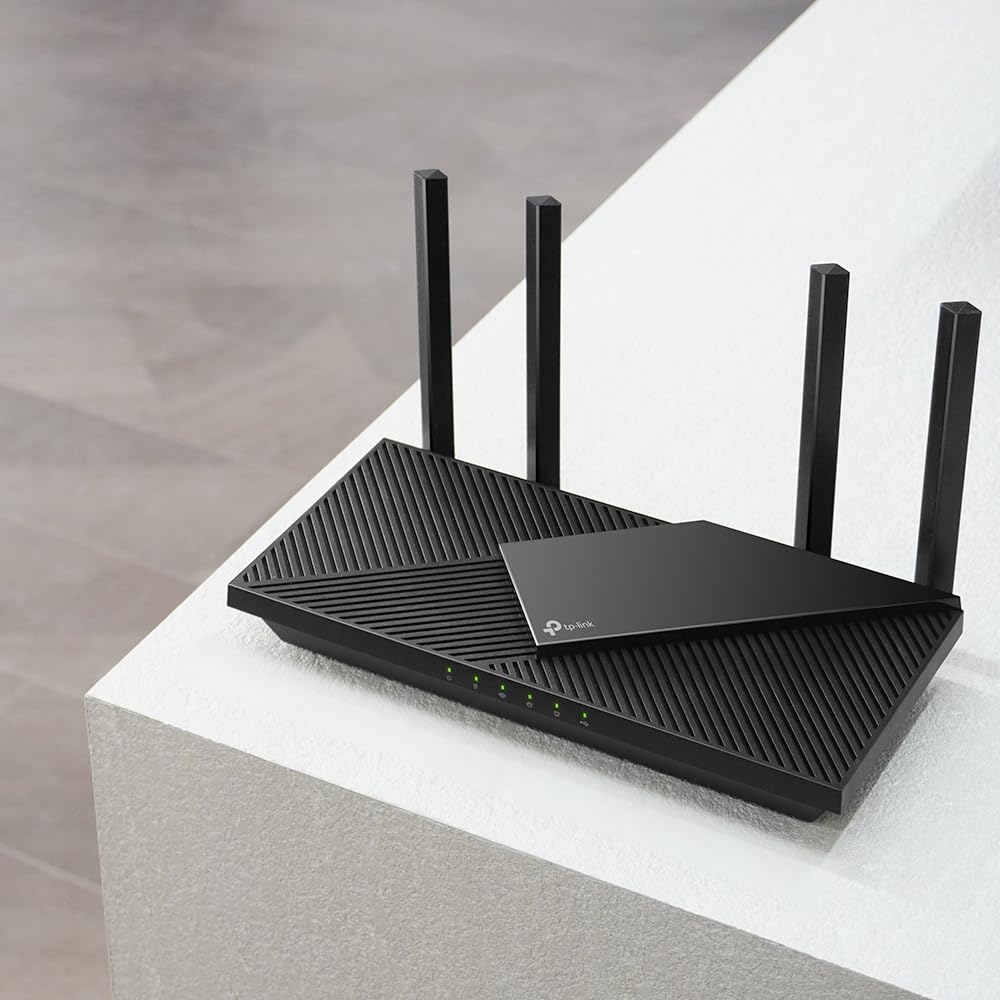
The TP-Link Archer AX55 Pro is a cutting-edge Wi-Fi 6 router delivering up to 3.0 Gbps dual-band speeds, equipped with a 2.5 Gbps multi-gigabit port, VPN client support, and OneMesh™ technology for seamless whole-home coverage. Designed for gamers and streaming enthusiasts, it features advanced security with TP-Link HomeShield and smart Alexa integration, ensuring a fast, secure, and future-proof home network.
| ASIN | B0BS9TC6SS |
| Are Batteries Included | No |
| Best Sellers Rank | #18,237 in Computers ( See Top 100 in Computers ) #351 in Routers |
| Brand | TP-Link |
| Color | Black or White |
| Connectivity Type | Wi-Fi |
| Customer Reviews | 4.3 4.3 out of 5 stars (189) |
| Date First Available | 28 February 2023 |
| Item Weight | 960 g |
| Item model number | ARCHER AX55 PRO |
| Manufacturer | TP-Link |
| Operating System | Windows |
| Product Dimensions | 26.1 x 13.45 x 4.1 cm; 960 g |
| Series | Archer AX55 Pro |
| Wireless Type | 2.4 GHz Radio Frequency, 5 GHz Radio Frequency |
S**A
Very good
Very good
K**S
Bought this for its VPN Client function and faster speeds, as replacement for existing TP-Link router (One Mesh). Swapping out the two routers was quick and easy, pairing with all our devices around the house - including our RE450 extender - was simple and 100% effective. Setting up VPN client on the router (NordVPN) was straightforward, and works like a charm. Really happy with the extra speed and VPN capabilities. The AX55 gives great coverage, fast speeds, plays well with devices that it should, and is supported with good set up instructions and software/app.
M**E
Brilliant router brought this as I was fed up with my super hub 3. Very speedy and if you have devices that are WiFi 6 you will see even better benefits, range is very good as well. Set up was easy enough and this was my first router that I put together. The router features tons of great features including IP and mac binding, smart connect, vpn features, nat forwarding, led lights control, reboot schedule, auto updates, WiFi bandwidth control, guest network. I would suggest doing the following first if you are connecting to a virgin hub. Best to connect wired. 1. Put the hub in modem mode (connect via ethernet cable 2. Once in modem mode (light turns red) turn off hub, disconnect ethernet cable. 3. Turn on tp archer router wait a few mins then connect laptop or desktop computer to the router lan port with your ethernet cable. Configure the router first make sure DCHP Is enabled (advanced settings) , finish wizzard. Make sure to select wan 2.5gb port on the wizzard. 4. Connect router to hub with ethernet cable make sure cable is in 2.5gb wan port. Turn on hub and wait a few mins. 5. You should have Internet on the router on the settings status. 6. The router will now be on 192.168.0.1 and your hub in modem mode will now be on 192.168.100.1 Overall I highly recommend this product.
R**N
I looked for a new wifi 6 router with a multigig (2.5 gbe) port to replace my old wifi 5 router. First impressions are very good - easy to connect, immediatly recognized my fiber connection without the need to do anything (dynamic IP supplied by the ISP), good wifi range/performance, really liked the interface and autmatich 2.4ghz/5ghz switching. This is a very good router if you want to have wifi 6 router with a multigig port at an affordable prices. Some models are priced two or three times more with a similar feature set - no idea why.
ع**ي
السرعه ممتازه والاعداد سهل لكن لابد تكون شابك على نفس الشبكه للراوتر في التطبيق والدخول بكلمة السر عند الاعداد في ويندوز لتدخل في التطبيق اذا علق وطلب اضافة جهاز لاتستعجل وتاكد انه مربوط بنفس الشبكه أخرج من التطبيق بدون اضافه تاكد انك على نفس الراوتر يضبط إن شاء الله بدون اعداد جديد
A**R
Beast of a router. Easy to setup and use. Had it connected to my gigabit fibre plugged into the 2.5 WAN on the router from the ONT. Cloned the MAC address of the ISP supplied router and out that into the AX72Pro router and was up and running in no time. Loads of features and easy to use on TP-Links Tether App you can download onto your mobile. From there I have full overview of my network. Great Parental controls. You can set permissions for individual people, and if that person has more than one device, you can group all the devices they use under that individual. You can ban certain websites, have content filtering so it protects them online. You can block social media or search engines if you wanted too. You can block communication websites if you wanted too. You can put a full block on the internet and cut it off to an individual device or with one click of a button I can stop the internet on my sons PC and tablet at the same time. You can setup bedtimes so the internet only works between certain times so you can be sure that they aren’t sat up in bed all night sneakily on a tablet , phone or PC etc. Wifi performance is great. 3 bedroom house with thick solid walls and signal reaches everywhere, including front and back gardens without the need for an extender of any kind. You really do get what you pay for when it comes to routers. And this was a steal with a RRP of £160 and Amazon having It on sale at £104. Bargain. Has latest specs with a 2.5 Gigabit WAN port and a 1 Gigabit WAN/LAN then 3 more 1 Gigabit LAN connections. Wifi 6 technology so latest devices can take full advantage of the increased speeds and reliability. If you do buy this, you won’t regret it.
Trustpilot
1 month ago
2 months ago