
DOWNLOAD THE APP


Customer Services
Copyright © 2025 Desertcart Holdings Limited
DOWNLOAD THE APP
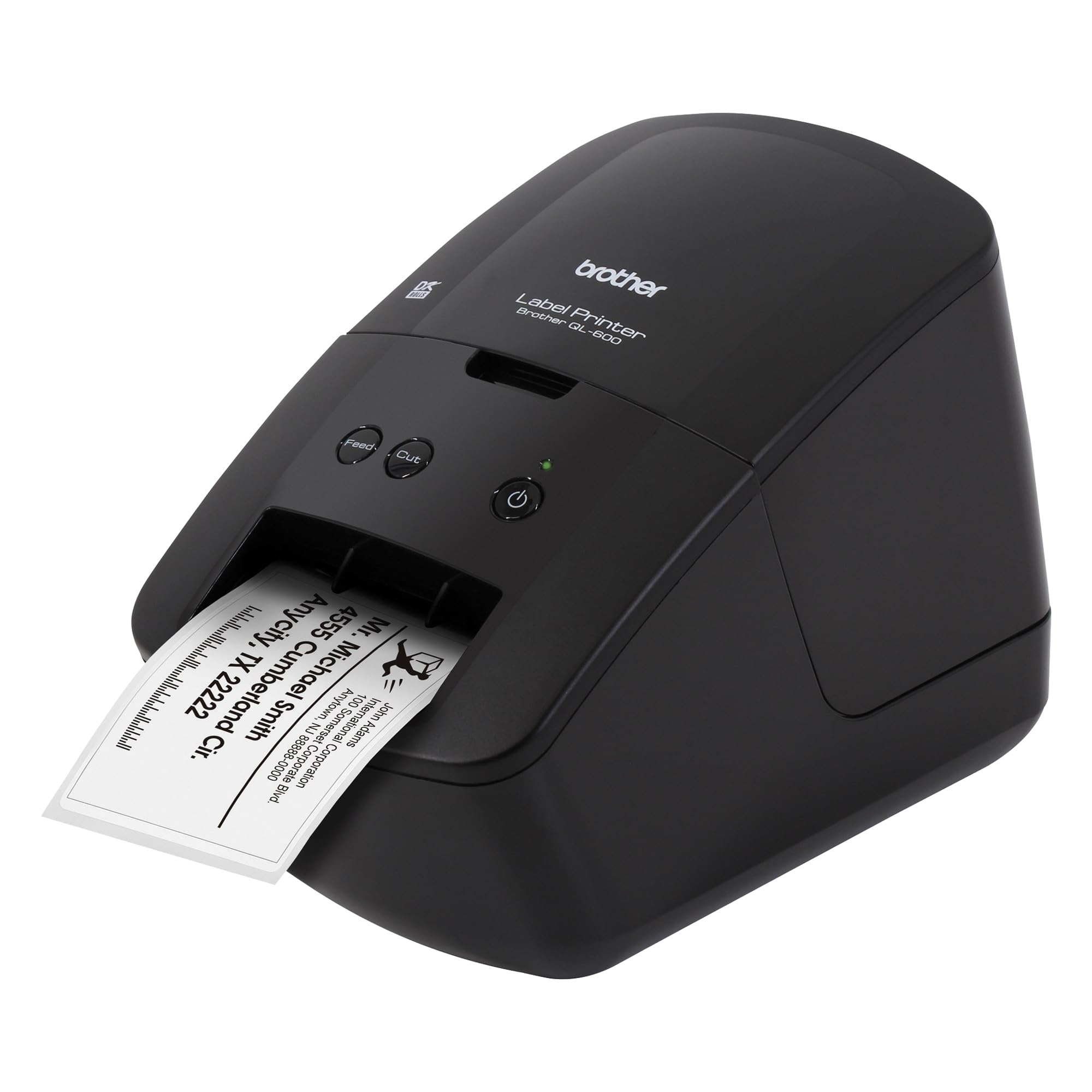
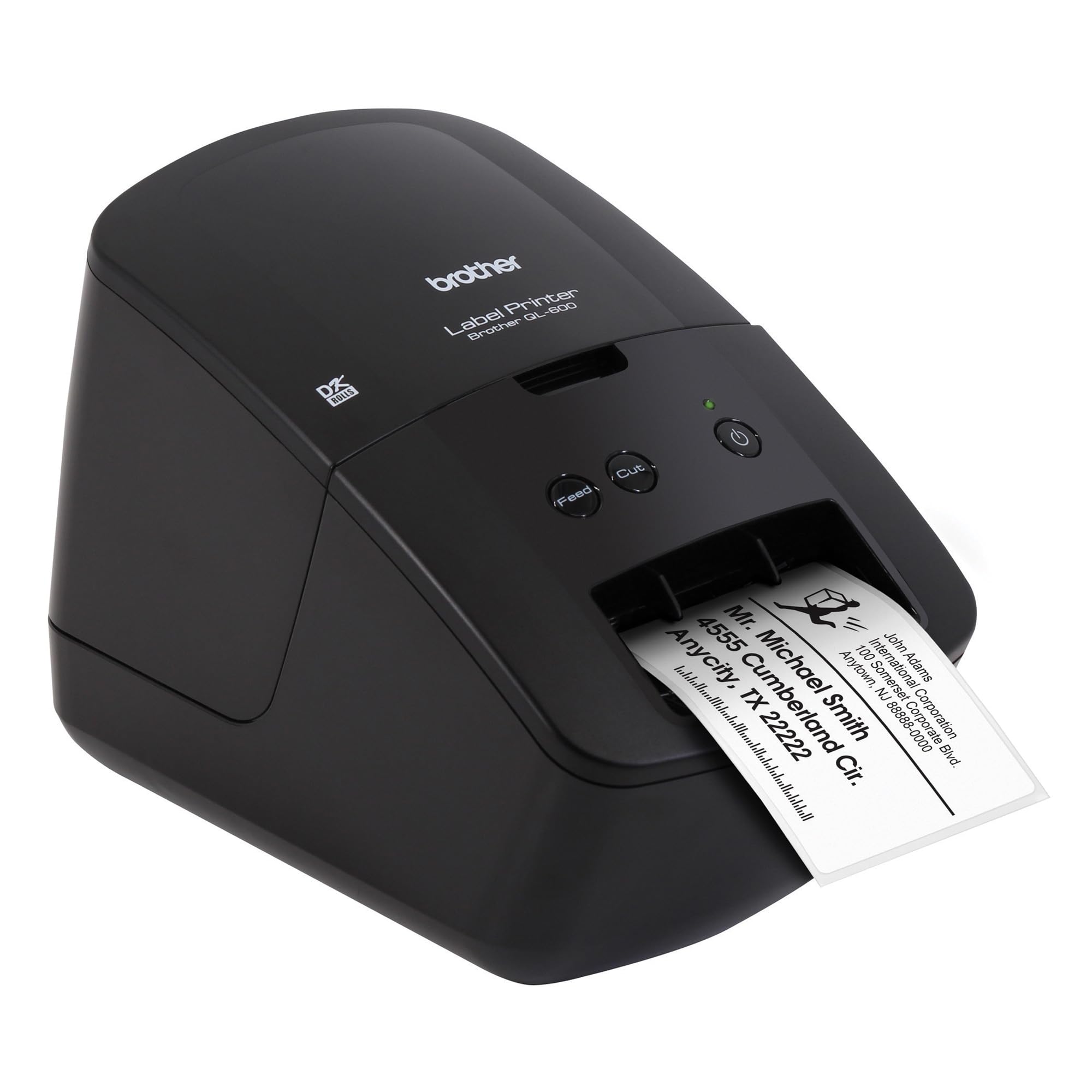
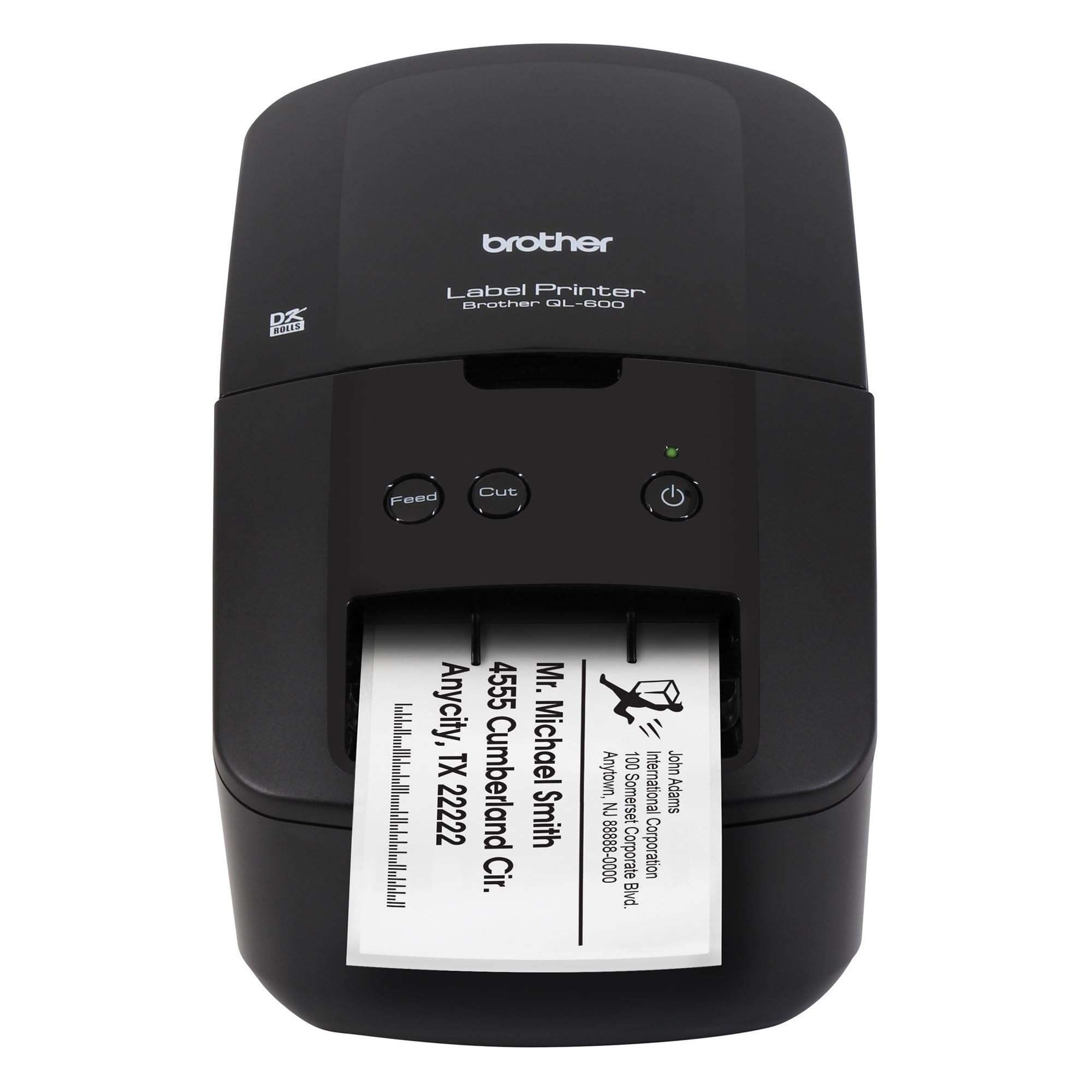
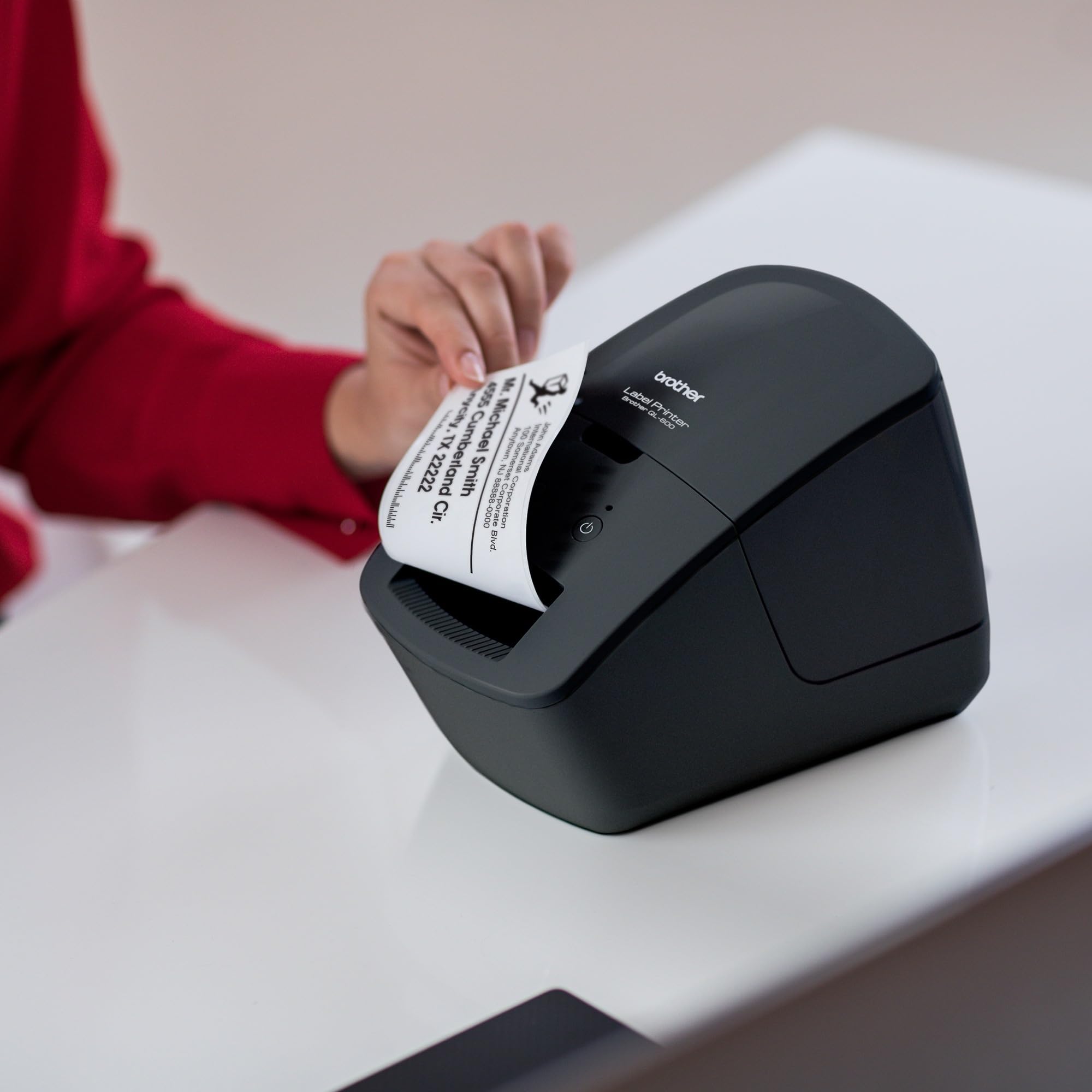
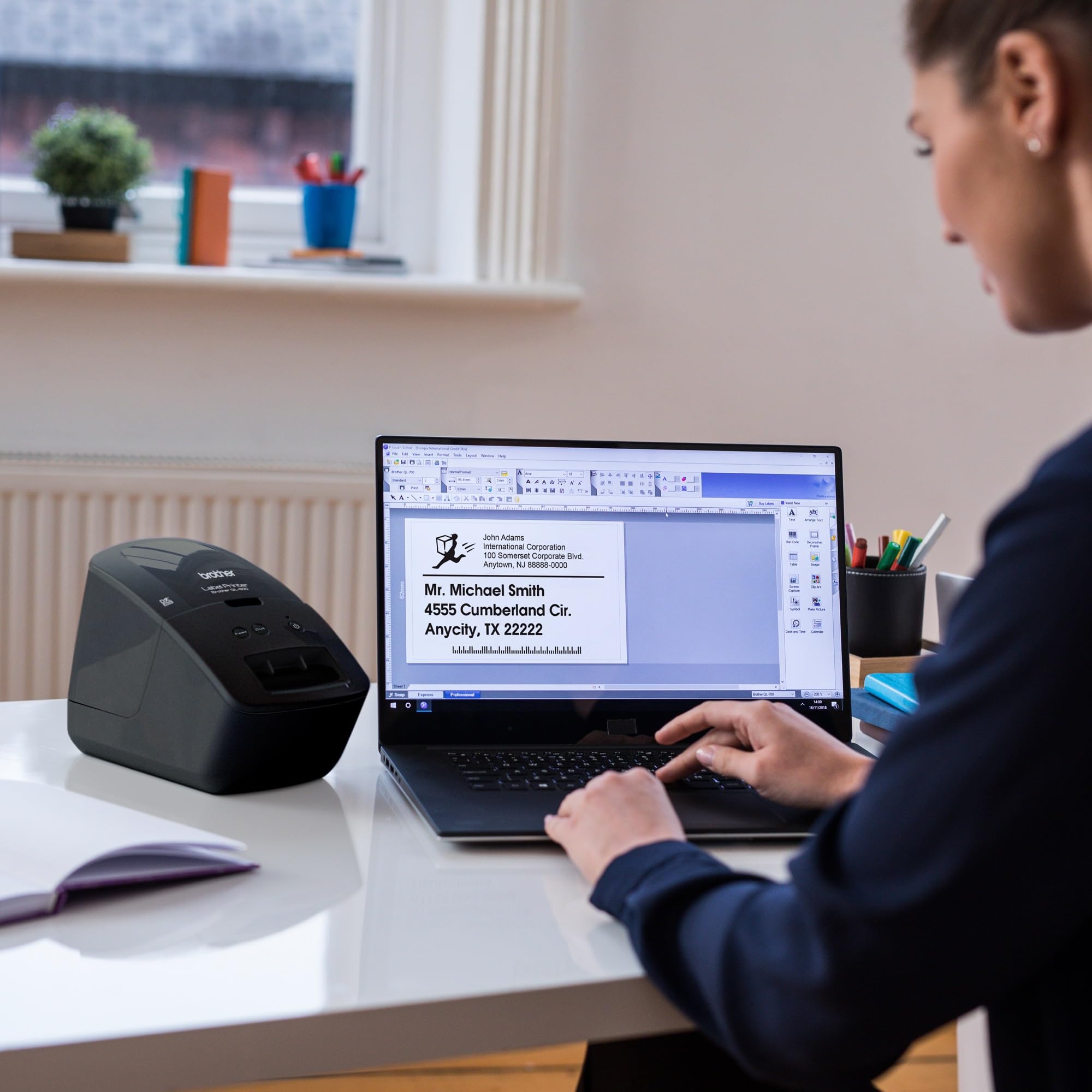
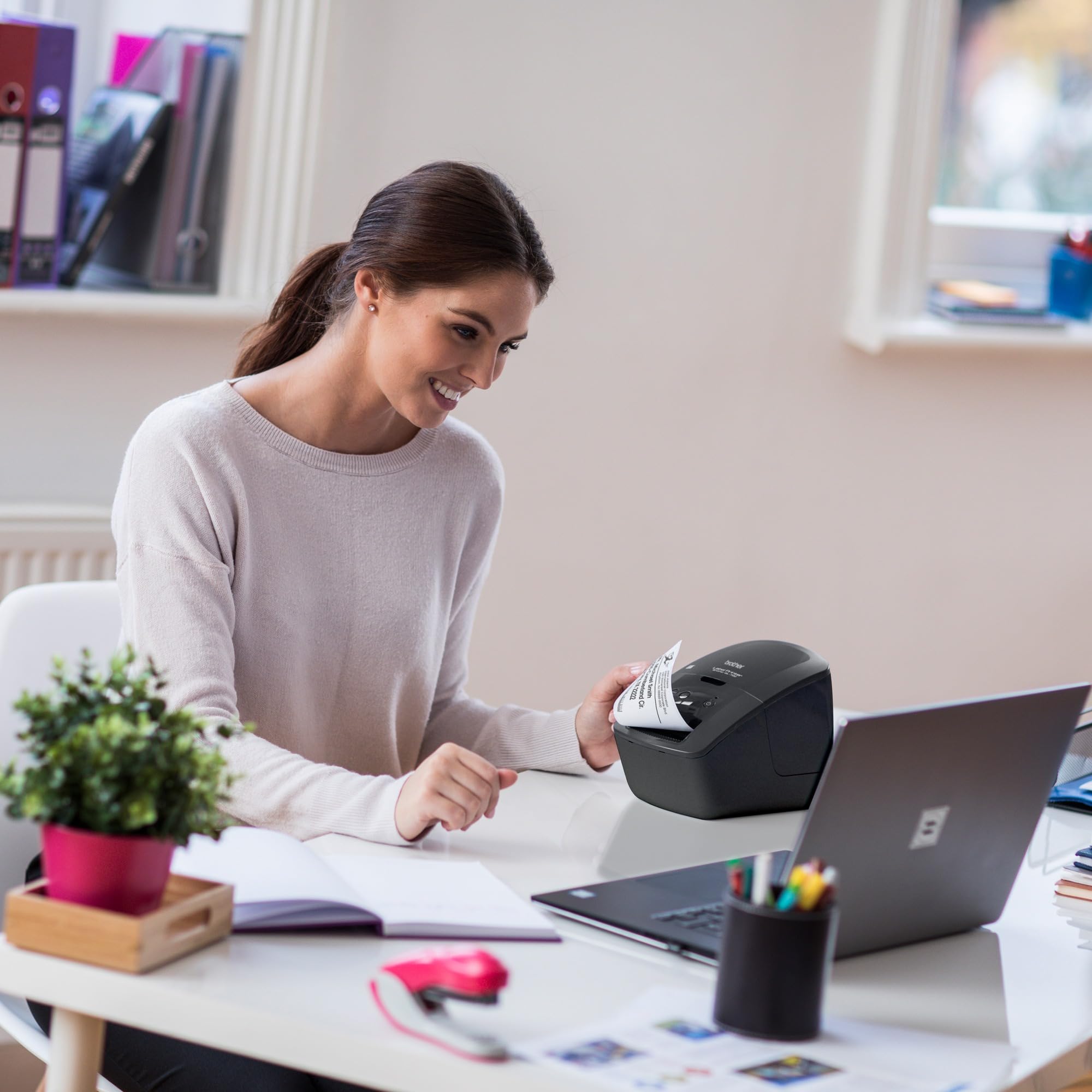
✂️ Cut through clutter with Brother QL-600 — your sleek, speedy label sidekick!
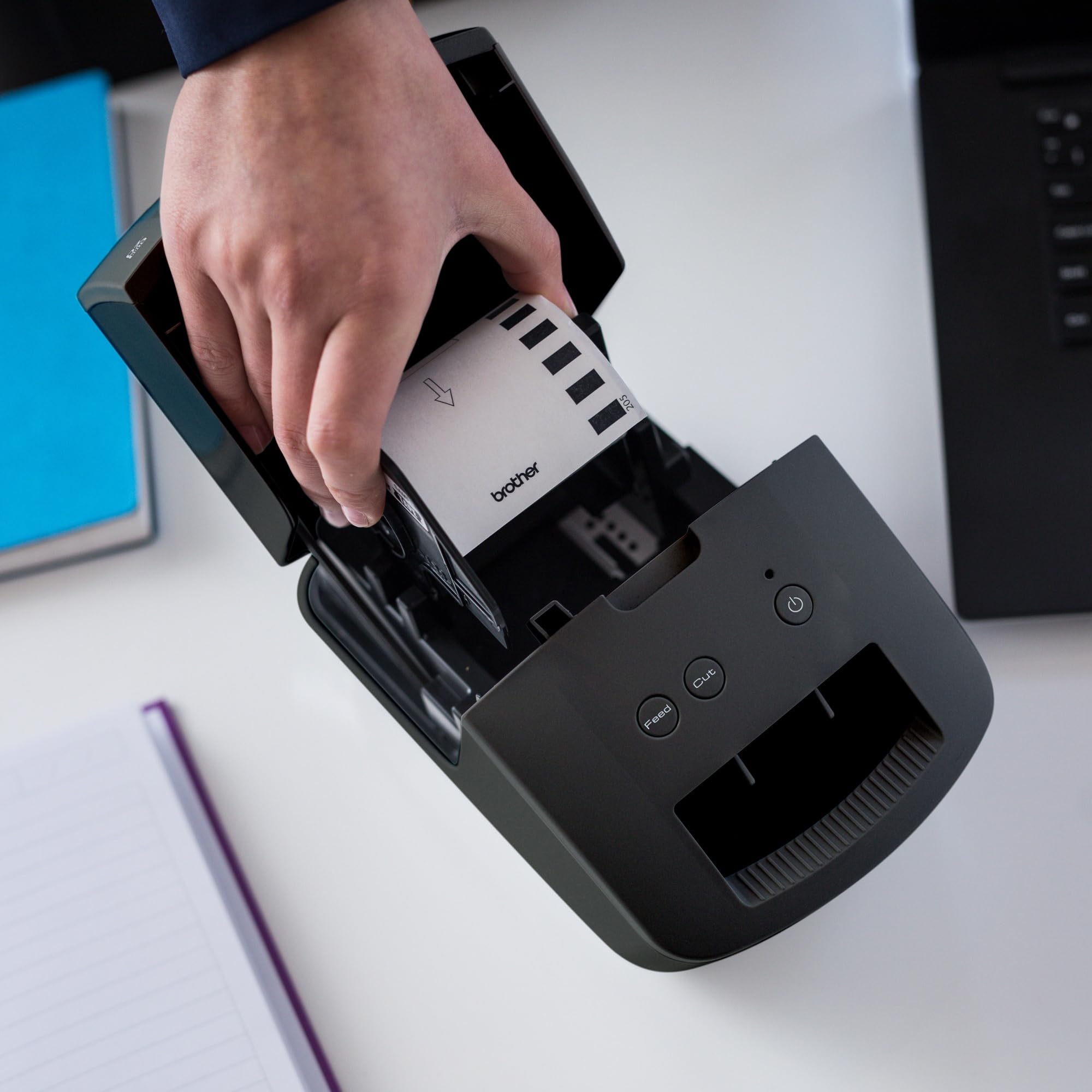
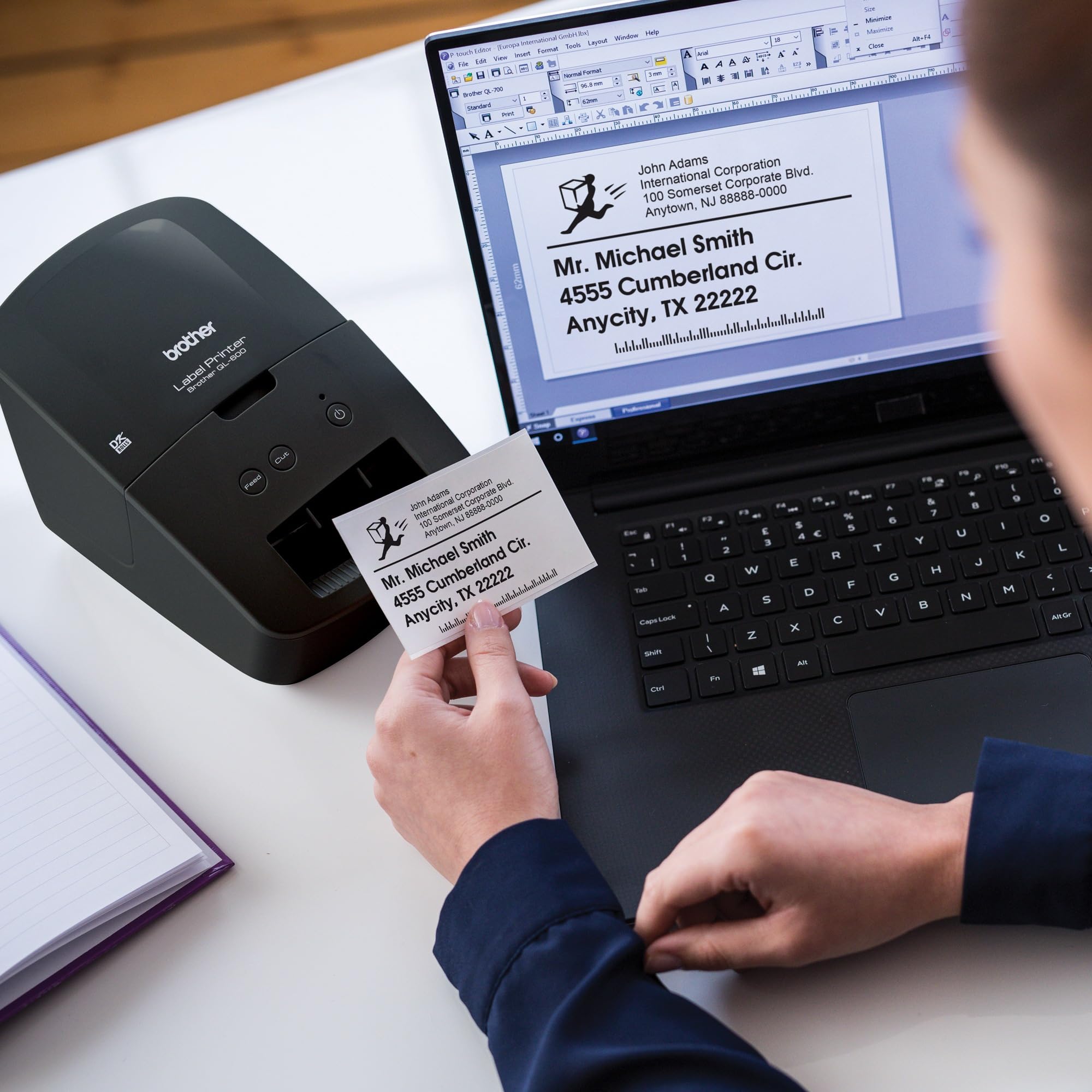
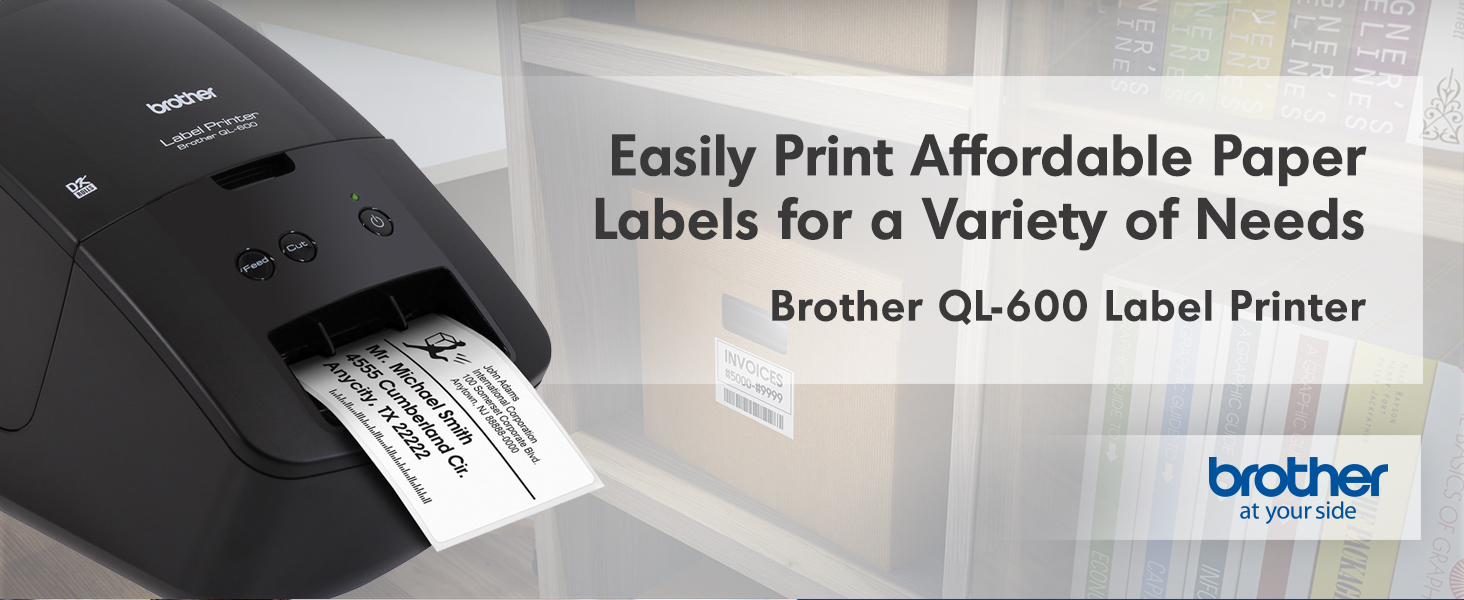
The Brother QL-600 is a compact, high-resolution monochrome label printer designed for home and small office use. It prints up to 44 labels per minute on 2.4-inch wide thermal labels without ink or toner, featuring a built-in automatic cutter for custom lengths up to 3 feet. Compatible with Windows, Mac, and Linux, it integrates with Microsoft Office apps for easy, professional label creation using Brother’s genuine DK drop-in rolls.




| ASIN | B085D3BZQL |
| Additional Printer functions | Print Only |
| Best Sellers Rank | #31,600 in Office Products ( See Top 100 in Office Products ) #49 in Label Makers |
| Color Depth | 1 bpp |
| Compatible Devices | Desktop |
| Control Method | Touch |
| Controller Type | Android |
| Customer Reviews | 4.2 4.2 out of 5 stars (489) |
| Date First Available | May 9, 2020 |
| Dual-sided printing | No |
| Duplex | Automatic |
| Hardware Interface | USB |
| Included Components | AC Power Cable, Brother QL-600 Label Printer, DK-2205 Sample Labels 2.4”(62mm) x 26.2” (8m), P-touch Editor Software & Driver |
| Ink Color | Black |
| Item Weight | 2.5 pounds |
| Item model number | QL600 |
| Manufacturer | Brother |
| Max Copy Speed (Black & White) | 44 ppm |
| Max Input Sheet Capacity | 44 |
| Max copy resolution black-white | 300 x 600 DPI |
| Maximum Black and White Print Resolution | 300 x 600 DPI |
| Maximum Media Size | 2.4" wide |
| Memory Storage Capacity | 64 MB |
| Model Series | QL |
| Number of Trays | 1 |
| Output sheet capacity | 44 |
| Print media | Labels |
| Printer Ink Type | Thermal |
| Product Dimensions | 8.8 x 5.1 x 6.1 inches |
| Sheet Size | 2.4 |
| Specific Uses For Product | Home, Home Office, Small Office, Labeling Tasks |
| Total USB Ports | 1 |
| UPC | 012502658177 |
| Warranty Type | limited warranty |
A**P
Perfect label maker!
After I read a book and know I’m going to love it and want to own it, I add a sticker/label to the inside to claim it as mine. I used to print out a whole sheet of address labels but I no longer own a printer and had used up the labels I had. I needed a new label maker and certainly don’t have the room for a printer! This is perfect and works perfect for small places and printing just what you need. It prints so quickly and so nicely!
Z**C
A label printer that does it's job.
I'm not much for writing reviews, but this machine had no reviews when I purchased it, so here we go. Pros: - Works great. - Feels like a tank. - Looks nice. - It's a brand new model so it has a long service life ahead of it. - Cost is very favorable against other similar models. (This might be because I was the first one to purchase it on amazon.) - Built in cutter cuts labels off after printing. - Prints directly from Google Chrome, should work with anything, without any extra software / bloatware. Only the drivers are needed. (Running windows 10) - Lots of label types available. Nice Touches: - The unit includes a USB cable, I haven't opened it but it looks to be a 1M long cable. - The unit does NOT need a power brick, it includes a straight line power cable from the wall to the unit. It's detachable for transport. - Unit doesn't seem to care about non-genuine label usage. There doesn't appear to be any functions for the printer to refuse to operate with such labels. However usage of these labels are at your own risk. (And may void your warranty.) I bought this unit with the intention of printing (almost exclusively) mailing labels. My volume of mail isn't enough that I need to print whole sheets at once, and doesn't warrant attempting to connect a laser printer to the network to print directly onto envelopes. However the volume is large enough that writing addresses is a chore. This unit is fairly small, and should easily fit into most deep drawers in an office setting if you intend to pull it out for use occasionally. I wouldn't recommend laying this unit on it's side in such a drawer though, it looks really nice and you might scratch it. Some cons of the machine: - It's lots of shiny plastic. Shiny plastic LOVES to collect scratches that make it not shiny. For the majority of people this will never be a concern. For the select few people that plan on taking this in a tote bag somewhere, you're going to want to put it in a separate cloth bag to protect it if you want it to remain shiny. - Not Rugged. I mean, it's quite obvious. If you intend to use this in a factory for mailing labels or product id labels, it'll work fine as long as the environment doesn't have any latent oil spray / mist in the environment. It's not sealed so it likely wouldn't last very long in an environment with anything more than some dust in the air. - Looks like it'd be difficult to clear out a jam. I haven't reached that point yet, but initial looks are that it's a complete tear down if something gets jammed between the feeder and the exit/cutter. (And a piece of paper folded over a couple times can't un-jam it) I was torn between Dymo and Brother for label printers, a few friends had indicated that they've used Brother products extensively in the past, so I choose this new Brother as my label companion. I hope to get a long service life out of it. Not including photos in the review because the unit looks exactly like in the pictures. Minus the fact that none of the pictures show the power or USB cables connected. If anything arises I'll update this review. Feel free to ask questions as well. Date of original review: June 27th of 2020 Update September 21st of 2020 Short update: I've printed ~250 labels in a few months without issues. Would I still recommend this label printer to others? Yes, absolutely. Long Update: I am currently using the printer wirelessly using a travel router that has OpenWRT and configuring a network printer. This requires additional software and configuration on my travel router. I set up the printer on my Windows 10 machine as a TCP/IP printer with no additional software requirements. The steps required to make this printer network based is pretty straight forward but unless you already have the knowledge and equipment to do it, it's probably not worth your time. For those interested in what software I used on the router, and the config: software packages: kmod-usb-printer , p910nd Configure p910nd as bidirectional. Reminder to make sure your firewall is open on the lan of the router for the printer's port. (default port 9100) OpenWrt has a good guide on this.
R**S
Fantastic label printer.
Us it daily and works great. Love the templates and functionality of the software. Easy to understand and use.
F**I
Compact labels printer
The unit has to be connected with included USB cable to a laptop or computer to print the labels from an online app. It has no wifi feature to print from cellphones. It's well made, compact ideal for home or small business use.
M**E
False Advertising!
The listing said this was Mac-compatible. It did not work with my new Mac when I attempted to download the software driver. The onscreen message asked me to call the Brother toll-free number, which I did. The support rep I talked to (who simply answered "hello," not "Brother") said that to make it work with my Mac, it would cost me $350! OUTRAGEOUS! That is 3x the cost of the unit. I will never again buy another Brother product.
P**L
Incredible Printer!
I do a LOT of shipping and I wanted to replace my Dymo Labelwriter 450 (it keeps printing lines and the recommended cleaning didn't work no matter what I did). I needed something easy to use with great quality. This printer fits the bill and it was exactly what I wanted! SET UP: It's easy to set up - you just plug it in, set the labels in the slot (super easy), let the PC recognize it, download the driver and the P-Touch Editor, and you're done! CREATING LABELS: I opened the P-Touch Editor, selected the label size (I got the 2-inch continuous feed), and created a label for myself. It printed very quickly and it cuts itself! CONTINUOUS LABELS: I realized that if my customer's name is long, I just make the label longer by clicking on the end of the label in the editor and dragging it to the right length. Since the label cuts itself (a setting you can turn on or off), it's always the perfect size! EXTRAS: I can add photos, images, clip art, whatever to the label and it prints beautifully. The software comes with about 100 fonts so there are plenty to select. I can connect to databases and Excel spreadsheets to import addresses. And, I can include barcodes, frames, tables, pictures, symbols, and calendars! Excellent quality and way more than I expected! I'm super happy with my purchase!
A**R
Able to use it for check-in and print the labels
It does not pick up the check In program.
N**.
Great little label printer.
Quick and easy to set up. Has a ton of uses from prescription labels to address labels.
I**N
Rápido y excelente la impresora , volvería a comprar otro .
J**T
I just got this printer set up last night after having it sit on my table in the box for a few days after I received it...trying to decide if I really needed it. The verdict...I absolute LOVE it!!! It zips out great looking labels so fast and doesn't take up much space on my desk. Definitely a keeper!
C**N
Compré esta impresora por el precio, pero no se puede configurar para usarla en México. Además, como no se vende este modelo en México, Brother no da soporte sobre este modelo. Y no se encuentran refacciones.
G**S
No se pueden descargar los drivers si estás en México, los bajé con VPN pero cada cierto tiempo hacer validación y bloquea el producto
B**N
La utilizo para mí negocio tiene la opción para personalizar las etiquetas. Me encantó y está a un excelente precio.
Trustpilot
1 month ago
1 week ago