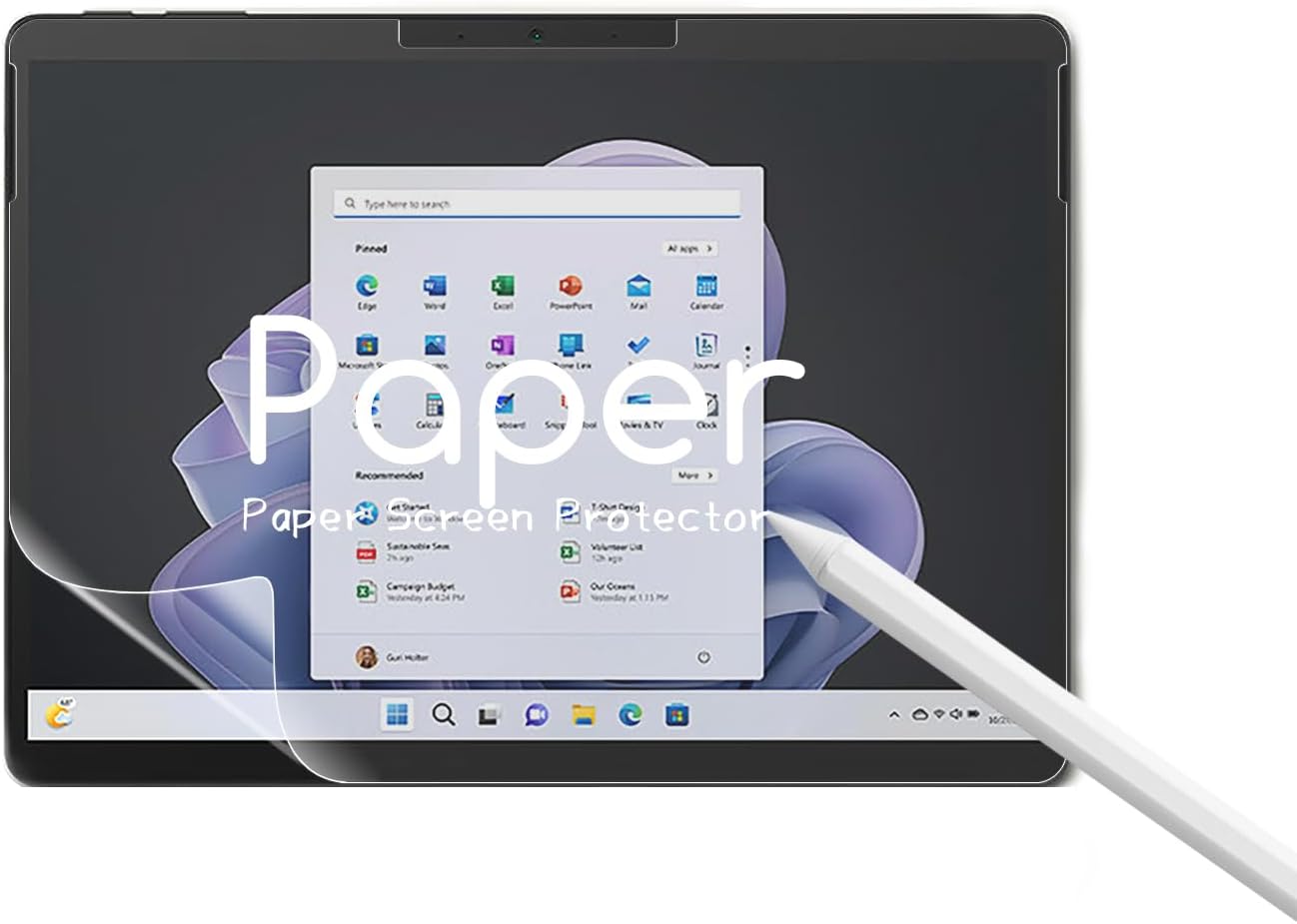
🖋️ Write like it’s paper, protect like it’s armor.
The KEANBOLL 2 Pack Paper Screen Protector is engineered for Microsoft Surface Pro 9, 10, and 11 (13 inch), delivering a premium matte finish that mimics paper for a natural writing experience with the Surface Pen. It features precise cutouts for Face ID and camera, anti-glare and anti-reflective coatings to reduce eye strain, and a scratch-resistant surface to safeguard your screen. Easy to install and remove without residue, this protector elevates productivity and creativity while protecting your device.
| ASIN | B0C6KHZRMQ |
| Best Sellers Rank | #43,341 in Computers ( See Top 100 in Computers ) #925 in Tablet Screen Protectors |
| Color | paper |
| Customer Reviews | 3.4 3.4 out of 5 stars (24) |
| Date First Available | 12 October 2023 |
| Item Weight | 118 g |
| Item model number | Surface Pro 9 |
| Product Dimensions | 25.65 x 14.48 x 1.27 cm; 118 g |
| Special features | Anti-Glare, Anti-Reflective, Scratch Resistant, Compatible with Face ID/Camera |
M**O
Was a bit hesitant to try this screen protector since there weren’t a ton of reviews related to art and drawing. I’m here to say, it’s a great screen protector for artists looking to add a bit more matte grip to their surface pro. The matte grip isn’t that strong so you won’t ruin your pen nib. There is also very minimal rainbowing and it’s not noticeable unless you’re really focusing and on a white background. At first it seemed like it’d have a lot of bubbles, but it was really easy to just push them out or lightly scratch them away. No finger prints! That’s always nice. Overall, I’d recommend this screen protector as someone who does art on the surface pro.
J**D
Great product. Easy to install, minor but not obvious bubbles on the screen. Great antiglare/matte screen.
A**I
Not a good product i would say. To much bubbles and the sturdiness is very poor. Installing was very hard.
H**.
The paper like feel does as it says, makes the screen feel like writing on paper, however a downside to this is the extra friction it causes on your pen, and over time can wear out the tip faster than usual so be prepared to buy for pen tips.
P**D
The writing, at least with the Surface Slim Pen 2, is not smooth, as it seems the pressure does not get uniformly and reliably transmitted to the screen. Seems to work fine as a screen protector, though gives the screen a bit of a duller appearance (on the good side, reduces glare). Finally, and for incomprehensible reasons, it comes with 2 screen protectors but only 1 set of cleaning/dust-removing tools, so can only be used for 1.
Trustpilot
2 days ago
1 month ago