🎯 Wingman XB 2: Your ultimate wireless co-pilot for next-level gaming mastery!
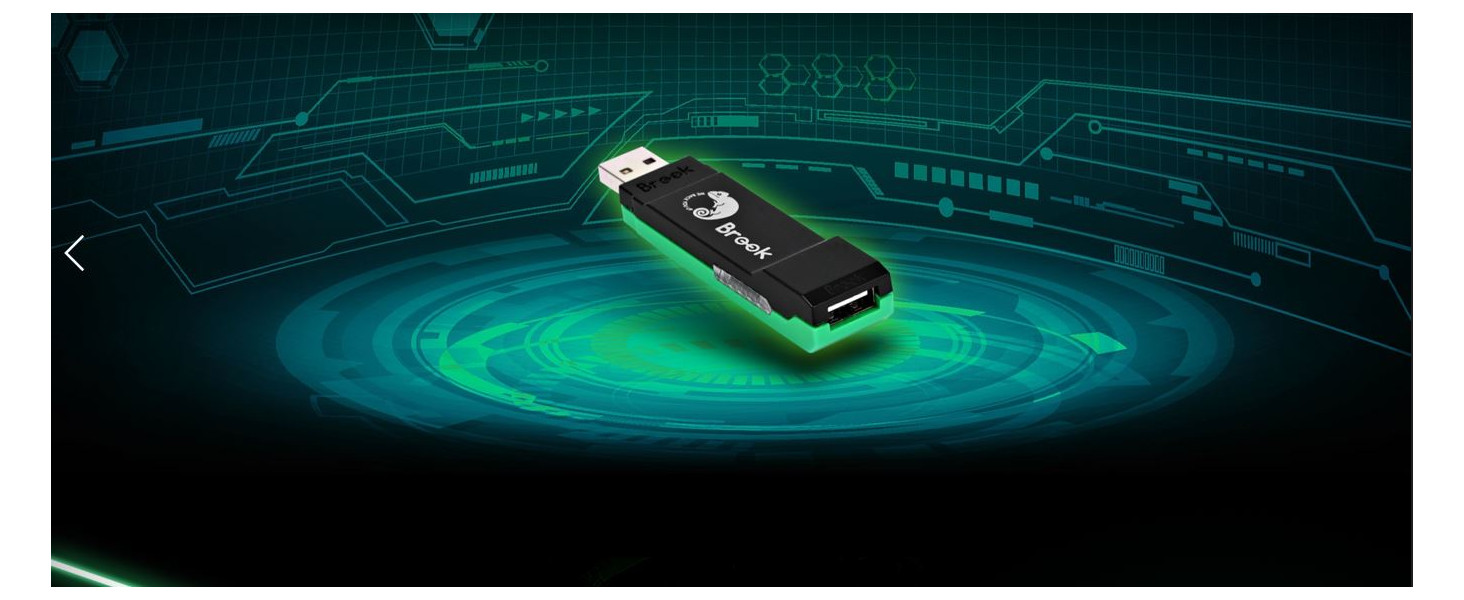
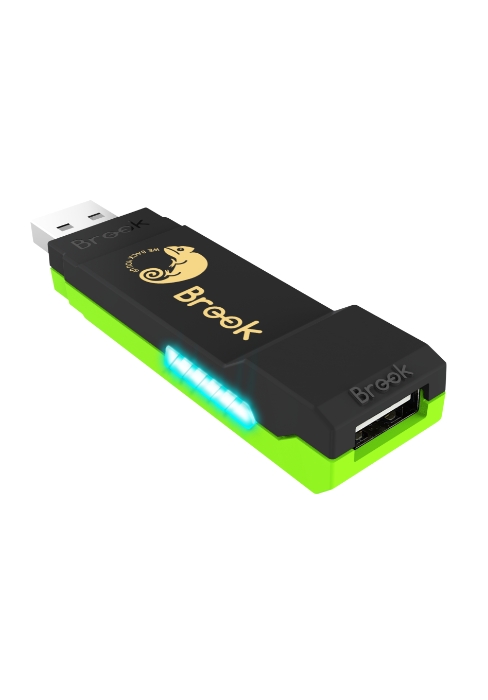
The Brook Wingman XB 2 is a cutting-edge wireless controller adapter designed for XB retro consoles and PC, supporting multiple controller types including Xbox, PlayStation, and Switch Pro. It features adjustable turbo levels, customizable button remapping, and lag-free wireless connectivity, ensuring a seamless and personalized gaming experience. Compact and easy to set up, it’s the perfect upgrade for gamers seeking versatile, high-performance control.


| ASIN | B0BJ6M9JPD |
| Best Sellers Rank | #25,486 in Video Games ( See Top 100 in Video Games ) #553 in Xbox Accessories #4,329 in PC Accessories |
| Customer Reviews | 4.2 4.2 out of 5 stars (733) |
| Date First Available | November 28, 2022 |
| Item Weight | 0.473 ounces |
| Item model number | Wingman XB2 |
| Language | English |
| Manufacturer | Brook |
| Product Dimensions | 3.03 x 0.79 x 0.51 inches |
G**D
My Xbox Finally Found Its Wingman
I bought this over two years ago so I could use a King Kong Pro 2 controller, which is officially made for Nintendo Switch I think, while playing my Xbox Series X. It has worked perfectly except for needing to restart the Xbox when the game I’m playing gets an update. A minor inconvenience for being able to use a controller with hall effect sensing joysticks and never have stick drift again. I recently upgraded to the King Kong Pro 3 controller and it works just as well. I sure went through a lot of Xbox controllers before I figured this out.
A**B
Good Adapter!
This is the best converter adapter for the Xbox, way better than the Mayflash adapter. I have not experienced any controller lag or latency issues as i had with the Mayflash adapter. I would recommend this product to anyone just tring to use a PC controller on xbox, this has worked for all my EASY SMX, Big Big Won, 8BitDo and Gamesir PC controllers.
T**A
Awesome adapter!
I recently started using my Xbox 360 again for some older games that aren't playable on the Series X. Unfortunately the 360's controller has not aged well. Not comfortable to hold for extended gaming sessions. Then I stumbled upon this wonderful device via a Reddit post recommendation. This worked right out of the box to sync up with my Elite Series 2 controller and works flawlessly. Whomever came up with the idea for this adapter is smart! This is a great addition for gaming. If you're looking to use current gen controllers on previous gen systems, Brook seems to know what's up!
W**A
Product works, installer sucks and a bit of false advertising. Lack of multi controller support.
From the testing, works pretty well. Within 3 hour testing on 360 and PC with Wireless XBOX Series Controller there were no disconnects. And it's a plug-and-pair-and-play so it's pretty easy to use. However, installing drivers was a *chore* - for some reason, on all my PCs and Laptops dongle did NOT want to cooperate to install drivers. No clue why but software they've "provided" (had to look into like 15 sub-websites with even Google Drive as an offline installer!?) was so hidden I had to mess with it for over 2 days before I got it to work. Additionally, Dongle (or maybe software) is buggy/loose enough that all the previously mentioned software and drivers didn't recognize it - It was "Not detected", "Detected" for millisecond, then back to "Not Detected". So I had to find perfect angle (and wait few moments) before I got it to work with installer. I'm unable to say how it looks on Linux since I did not test that (but I'm guessing it probably works since 360 adapter is built in there without additional drivers) but Dongle on Windows - no matter the port USB 3.0 or 2.0 - did not cooperate with Xbox360 adapter - so the part where you can put Adapter into the Dongle's Port into USB Slot is false advertising, or my fresh install PC is problematic (betting on the former). Overall, it's a good product but *lord* is it expensive to ship. Polish Amazon doesn't sell them so I had to ship it from American one to my address. Not a biggie with waiting but ~10% of monthly salary. Jeez. Edit: After finally getting a chance to test it out, turns out on actual 360 it can only allow ONE. of the 3rd party controllers. My original 360 pad doesn't work anymore and I had to buy second Series controller. Nope, either the old one or new one connected at the same time. By this point why did I bother? I'm better off buying those chinese ripoff 360 controllers.
M**Y
Issues with original Xbox, but otherwise works well
Works as intended. Using a Xbox Series X controller on an original Xbox wirelessly has random disconnects. No issues when using the controller wirelessly on a 360. When going wired, it works perfectly on both systems.
C**Y
Works great on 360
Works great connecting my elite series 2 controller to my 360. No more or less latency than the original wireless controller that I noticed.
A**R
Works as expected with my all my dual sense controllers including the edge.
I purchased this because the standard controller that comes with the series x has a small width and is designed for smaller hands than mine. As an adult gamer with XL adult hands, I much prefer the layout of the dual sense controllers. This does not support the haptic feedback or adaptive triggers of the dual sense but it does support the rumble and vibration options. The series x says that it doesn't support the device but just close the notice screen and then everything works fine. You do have to have to have the console on to pair the controller.
A**S
Struggles With Rumble On OG Xbox And Wireless On All Consoles
This would be an easy 5 stars if it worked correctly all of the time. Unfortunately, this adapter struggles in a couple of areas: - When using wireless controllers, the connection just randomly drops after a duration of play. It doesn't matter if you're playing on OG Xbox or on Xbox 360, this happens. - On OG Xbox, the rumble support is very hit and miss. On some games the rumble works as I would expect, but on others it either doesn't work at all or the controller gets stuck vibrating endlessly. I have not been able to find a firmware update on their website that fixes these issues.
L**N
Title says it all really. Being able to use current gen controller's on "old/retro" console's is a game changer. Especially when its almost impossible nowadays to buy decent 3rd party controller's, or original controller's that don't have any issue's after all this time through wear & tear. So easy to use too... *Connect the Wingman XB2 device to your PC, Download Brooke's software updater from they're site & update if needed. (Will most likely already have the latest update on the device when you get it, At least mine did anyway. But it wont hurt to check for update's with fixes) *Connect the Wingman XB2 device to your OG Xbox/Xbox 360 console & power it on. *Press & hold the 2 side button's on the Wingman XB2 until it start's flashing. *Press & hold the sync button on your controller until it start's flashing. *Within a few second's, Its connected. Great success. Highly recommend this device for your old OG Xbox & Xbox 360 console's!!! Love it!!!
G**I
Funciona perfeitamente!
S**I
Visto la mancanza di controller validi per rigiocare a vecchi giochi (nel mio caso Forza Motorsport 2, 3 e 4) questo adattatore risolve il problema permettendoti di giocare con il controller della Xbox One. Connessione Wireless immediata e senza nessun bisogno di aggiornare fimware.
H**.
يشغل يد نينتندو على الاكس بوكس امر جدا جميل 👌
M**A
Good
Trustpilot
2 months ago
1 month ago