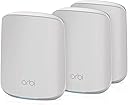
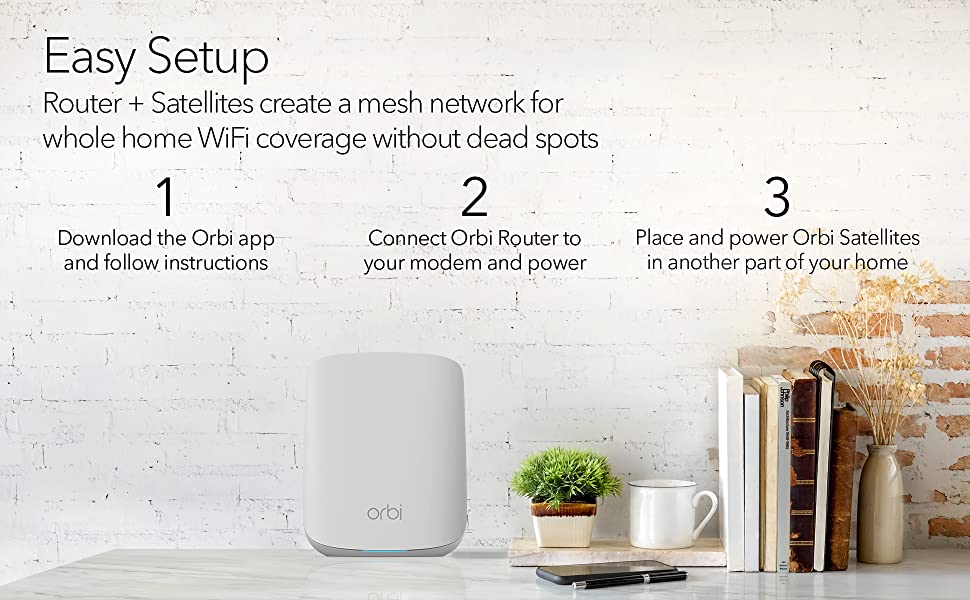
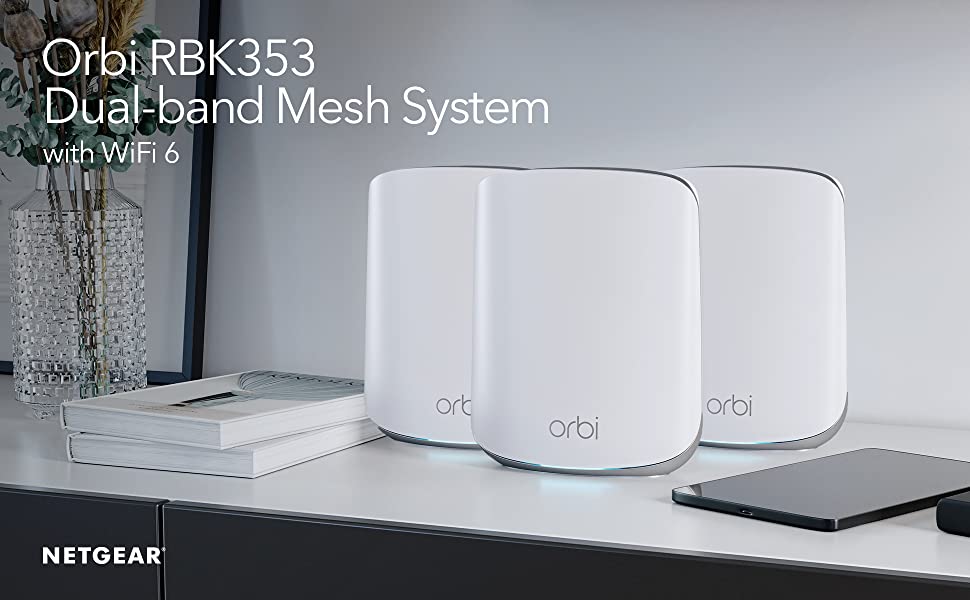
🚀 Elevate your home network—stream, game, and work without limits!
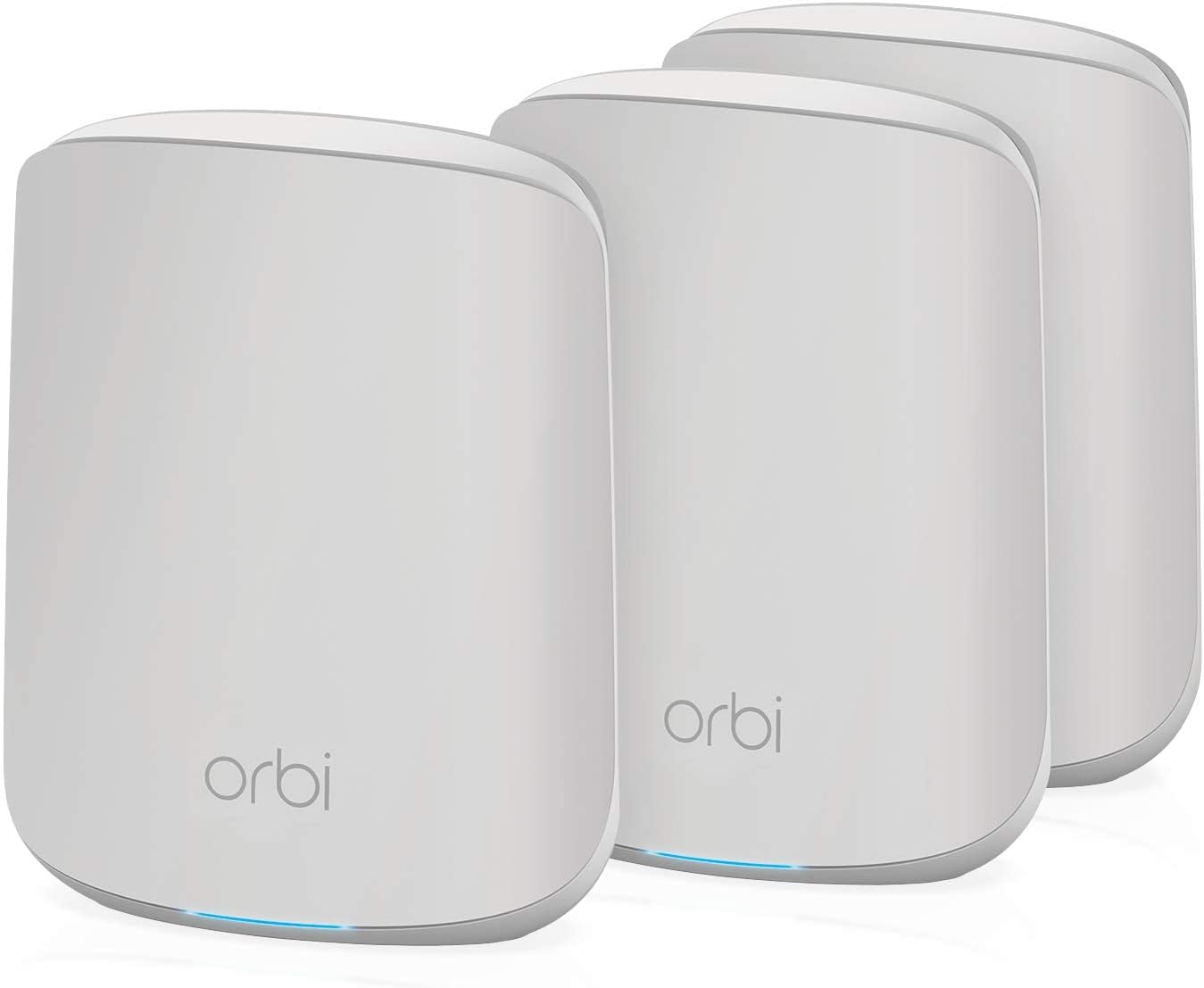
The Netgear Orbi RBK353 is a powerful dual-band WiFi 6 mesh system designed to blanket your home with ultra-fast, reliable internet. Covering up to 5250 sqft and supporting over 25 devices at speeds up to 1.8 Gbps, it replaces your existing router to eliminate dead zones. With 7 Gigabit Ethernet ports and compatibility across all internet providers, it’s the perfect future-proof solution for seamless streaming, gaming, and remote work.


| ASIN | B08FT9BLQX |
| Best Sellers Rank | #214,645 in Electronics ( See Top 100 in Electronics ) #169 in Routers (Computers & Accessories) |
| Brand | Netgear |
| Compatible Devices | Laptop, Personal Computer, Smart Television, Smartphone, Tablet |
| Connector Type | Ethernet, Wi-Fi |
| Customer Reviews | 4.0 4.0 out of 5 stars (2,201) |
| Data Transfer Rate | 1.8 Gigabits Per Second |
| Date First Available | 14 August 2020 |
| GSM frequencies | 5 Hz |
| Generic Name | Mesh System |
| Importer | Kaira Distribution Pvt Ltd. Unit No.305, 3rd floor, Luciya City Centre, No 6/2, OTC Road, Bangalore – 560002 |
| Item Dimensions LxWxH | 14.5 x 17.8 x 6.1 Centimeters |
| Item Weight | 2 kg 200 g |
| Item model number | RBK353-100EUS |
| Manufacturer | Netgear Technologies |
| Model | RBK353-100EUS |
| Model Name | RBK353-100EUS |
| Mounting Hardware | • One (1) Orbi Router (RBR350) • Two (2) Orbi Satellites (RBS350) • One (1) 2m Ethernet cable • Three (3) 12V/1.5A power adapters • Quick start guide |
| Net Quantity | 3 Count |
| Number of Ports | 8 |
| Number of items | 1 |
| Packer | Netgear Technologies India PVT LTD. 21 Paharpur Business Centre, Nehru Place, New Delhi - 110019 |
| Product Dimensions | 14.5 x 17.8 x 6.1 cm; 2.2 kg |
| Radio bands supported | Dual Band |
| Ram Memory Installed Size | 512 MB |
| Special Features | Access Point Mode |
| Wireless Type | 802.11a, 802.11ac, 802.11ax, 802.11b, 802.11g |
P**R
Value for money
Very good. Improves signal compared to Broadband Provider. Full house coverage in 2 satellite units. Using for 2+ years.
L**B
Exceeds Expectations !
With the sudden demand in internet speed and more connected devices since last year(online classes, TV media over internet, work from home etc), I was struggling for stable internet connectivity around my 2000 sqft apartment(with longish passage separating living, and study/bedrooms. I upgraded Internet speed , experimented router combinations with power line adaptors /wifi extenders etc still the demand was not being met. I was skeptical about the “mesh” systems with my experience with “extenders” which many times I found unreliable and required frequent “syncing”. However, I went ahead with NETGEAR ORBI 352, router and satellite installed at either ends of the passage, replacing old routers, and extenders scattered around the house. The improvement was dramatic, now internet connection and speed available across the apartment is very even and stable, and also having to deal with only one SSID all around the apartment !. I believe it is possible to interconnect the ORBI router and Satellite over Ethernet cable so more capacity can be freed up for connected devices. This completely serves my purpose and should be fairly future proof and good for speeds upto 1Gbps. As for my experience in the past one week Performance ,Coverage, availability and stability of connection is excellent. Installation was very easy and was up and running in the first attempt. There was however an issue with speed test which showed only 100 mbps whereas my connection was 300mbps.The problem was resolved within minutes through NETGEAR app chat support , the culprit was the old cable between my modem and ORBI router. This was systematically identified by Netgear’s support engineer( please note this was at 630am in the morning, and you deal with real people and not “chatbots” sending you automated elimination answers)
N**R
But it if you have extra disposable income and want a future proof wifi setup
Installing it is a bit complex because the app sometimes behave randomly. Once setup is done, it works like a breeze. Make sure you buy 12v router backup power supply which gives you uninterrupted internet when power cut happens. You need one for each endpoint. I got it because I already have 14 wifi devices (laptops, phones, tv, xbox, watch, tablets) connecting to my previous router. This was causing speed drop and internet fluctuations. Pros: 1. Great wifi coverage. Covers my 1800sq ft 3 bhk completely with zero blind spot, even in balconies and outside the main door. 2. Future proof. With wifi 6 and option to add satellites later, you dont to buy any other router as long as this works fine. When moving to a bigger house, simply buy an extra satellite. 3. Single wifi name for entire house. No separate 5ghz and 2.4ghz wifi or a separate extender wifi name. You get one wifi that works across the house. Devices connect automatically to 2.4/5ghz based on their compatibility. You can be on a video call and can roam across the entire house, your phone will automatically connect to the nearest satellite without breaking connection. 4. Works great with IoT devices like vaccuum robot, alexa etc especially if you move them around the house. 5. Same speed across the whole house. No drop in wifi signal based on your connectivity. Using this with Act Internet in Bangalore. Cons: 1. Expensive. Spending 18k on a wifi system for home doesn’t make sense. You can probably get the same thing with 2 cheap routers if you can live with separate wifi names. 2. Extra satellites are costly if you buy them later.
P**H
The WORST router ever! Connectivity issues; Need cleaner web UI and software improvements
The initial setup process takes a lot of time as you first need to configure the router first and then wait for it to sync that config to the satellites. It should have been a seamless process and everything should have just worked out of the box which was not the case. I prefer web UI for all configs and dont prefer the mobile app. While the mobile UI feels modern, the web UI has an outdated look and feel. Its difficult to navigate and i found myself navigating back and forth several times trying to configure settings.I had a lot of IoT devices and it took a lot of time setting up static ips for these via the web UI. The lights on the devices are only on during configuration, sync, or when there are any errors. They are really beautiful to look at. Unfortunately , you dont have an option to keep it on permanently. After the initial setup was complete, which took a loong time, it worked mostly well. On my second floor, with my previous router ( which was a TPLink 2 device mesh), there was a drop in speed. This one offered far greater speed and offered better range. Only issue with connectivity was that my IoT devices (smart plugs, bulbs) occacionally dropped out and it was showing up as unavailable on the respective apps. They use 2.4GHz so maybe there is some issue with this band of wifi. Update 1: After 1 month of usage - The IoT connectivity problem is still there. Devices automatically drop off the network and may not reconnect utill I manually reboot those devices which is causing quite an impact on some of the automations that I have configured. Also, the Ui feels slow, boot is also slow. For 20k, its not worth it. If software update could be provided to fix it, it would be great. Update 2: For some reason, I was getting amber light on both the satellites for the last few days. On checking, this light is when the connection to the router fails. I removed the satellite configuration from the router settings and attempted to add them again but it failed. I spent 5hrs trying to get the satellites up and running and it failed. I tried resetting both satellites but that also did not solve the issue. They kept blinking white for a loong time and would eventually show amber light. It never went into sync success light which is blue. Never buy this router. You sont know when it will fail. I thought my pervious TPLink software was bad. Compared to this, it is wayy better. I regret not going for tp link mesh. Update 3: After a full day of constant resetting and retrying, the issue was fixed. The amber light was incorrectly shown. If you wait for around 15 more mins, the satellite would again blink in white colour and eventually go to the blue light. So, the issue is not with configuration, but its due to the extreme slowness when initializing the satellites, which reiterates my first impression: bad software Update 4: So its been around 1.5 years since I have purchased this and I would never recommend this product. During this period, I had to reset and reconfigure the router at-least 4 or 5 times, and it takes up an entire day to do it each time. Also, WiFi devices frequently go offline until you manually power cycle those devices. Sometimes, even that does not work, even after a router restart. Also, the satellites still face random disconnection, and I am currently using only one satellite as the second one simply refuses to connect. The only way to fix this is to again reset the router, which I cannot go through again. Netgear will never see this review, but if someone sees it, please - Please don't manufacture such half cooked products. It is really frustrating that you pay a large amount of money to see it not perform.
A**R
الجهاز حل مشكلة عدم وصول شبكة واي فاي الى كل اجزاء البيت
B**N
Kanon för mig en perfekt produkt, snabb leverans och bra pris.
M**D
After more than a year of having orbi router and 2 satellites, I can say the worst wifi router experience. HW keeps on hanging. Software doesn't recognize login, and I regularly need to reset. The app keeps kicking me out saying forbidden access. Multiple login accounts to manage. Netgear website doesn't recognize my order (purchased from amazon). Support ignore my request to associate my device. Security is payed with annual subscription. Unfortunately the entire experience is bad. Absolutely rip off.
M**Y
سرعه صحيحة
O**E
Går ej att separera 2,4 GHz och 5 Ghz så för utrustning som bara funkar för 2,4 Ghz så funkar det inte
Trustpilot
1 month ago
1 week ago