Buy anything from 5,000+ international stores. One checkout price. No surprise fees. Join 2M+ shoppers on Desertcart.
Desertcart purchases this item on your behalf and handles shipping, customs, and support to Nicaragua.
🎨 Small Tablet, Big Impact — Unleash Creativity Anywhere!
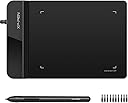
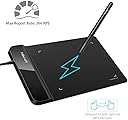
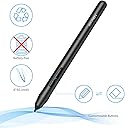
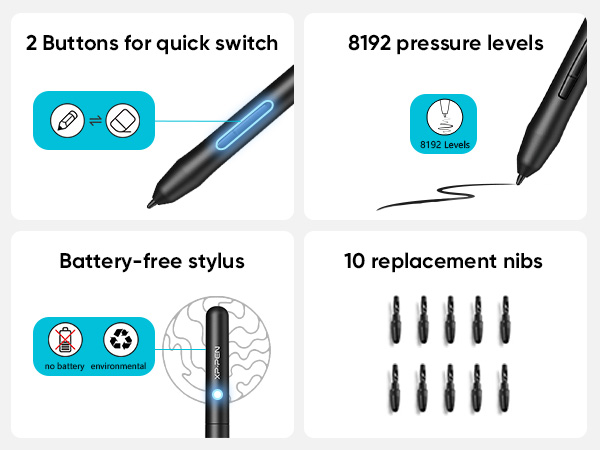
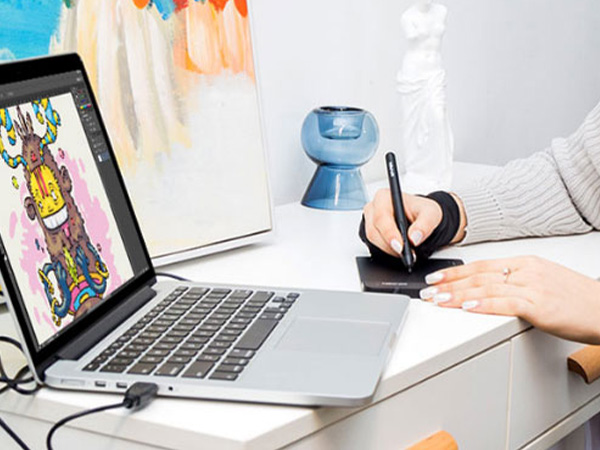
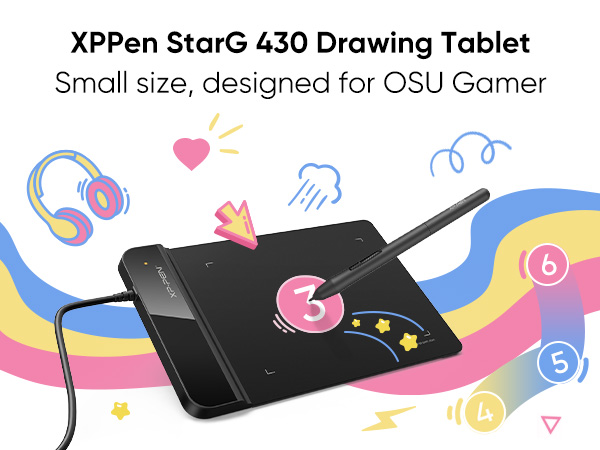
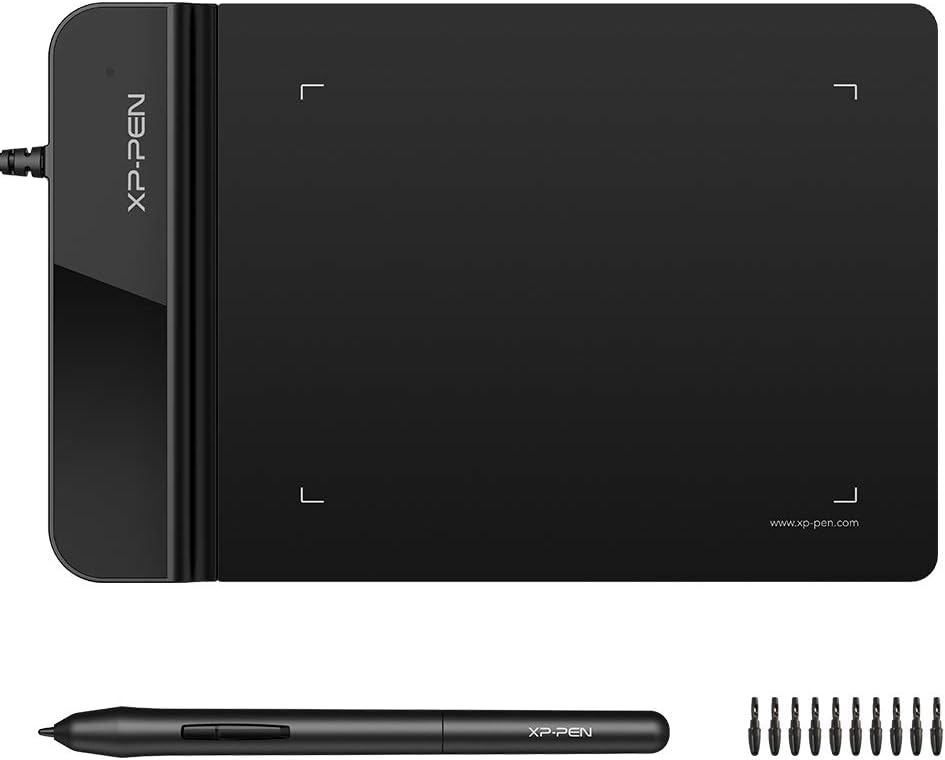
The XPPen G430S is a sleek, ultra-thin 4 x 3 inch graphic tablet featuring 8192 levels of pen pressure sensitivity and a 266 RPS report rate. Designed for OSU gameplay, digital art, and professional remote work, it offers battery-free stylus convenience and ambidextrous use. Compatible with Windows 7+ and Mac OS X 10.10+, this compact powerhouse is perfect for millennials seeking a portable, high-performance creative tool that fits seamlessly into their dynamic lifestyle.


| ASIN | B01BA6XQI0 |
| Active Surface Area | 4 x 3 inch |
| Additional Features | Stylus |
| Best Sellers Rank | #7 in Computer Graphics Tablets |
| Brand | XP-Pen |
| Built-In Media | Tablet, Passive Pen, Quick Guide, Replacement Nibs, Pen-Clipper |
| Color | Black |
| Compatible Devices | Windows 7 and above, Mac OS X 10.10 (or later) |
| Connectivity Technology | USB |
| Customer Reviews | 4.2 out of 5 stars 9,926 Reviews |
| Display Type | LED |
| External Testing Certification | Não aplicável |
| Item Dimensions L x W | 4.21"L x 5.12"W |
| Item Weight | 0.25 Pounds |
| Manufacturer | XP-PEN |
| Mfr Part Number | StarG430 |
| Model Name | Star G430S |
| Model Number | StarG430 |
| Native Resolution | 5080 line_per_inch |
| Operating System | Windows 7 and above, Mac OS X version 10.10 or later |
| Pressure Sensitivity | 8192 Levels |
| Screen Size | 4 Inches |
| Special Feature | Stylus |
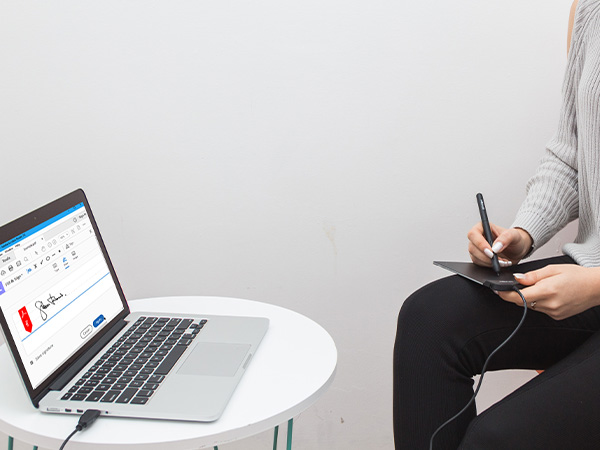
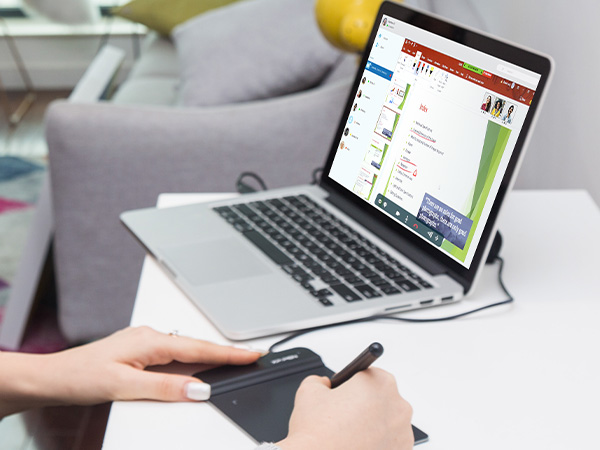
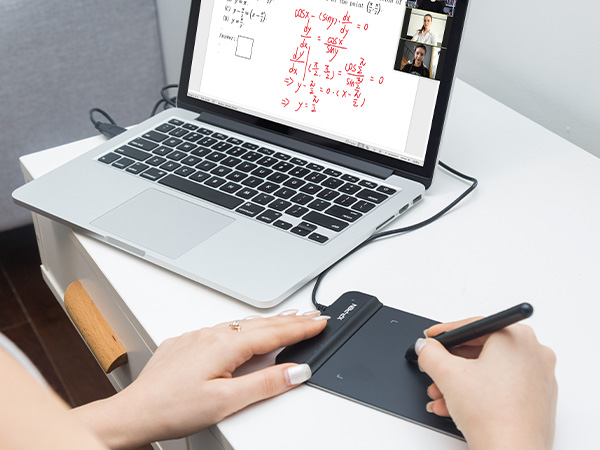
| Specific Uses For Product | OSU Game, Online Teaching, remote working |
| Target Audience | Teacher |
| UPC | 602258815575 |
| Unit Count | 1.0 Count |
| Warranty Description | 12-month warranty |
S**A
Good quality!
Very good for the price the pen does leave some marks but so far it's not affected the quality and it works perfectly I've been using this for a couple months and I haven't had any issues (you do have to set it to your dominant hand I believe it starts off as a left handed pen)
R**B
The best tablet there is IMO
I've been a freelance Motion Designer/3D/VFX artist for around a decade now and started using tablets exclusively 15 years ago due to wrist pain from using a mouse. This small, cheap tablet is without a doubt the best tablet I've ever used--for my purposes. I use a pen/tablet as more of a mouse replacement than an illustration tool--though I do use it for that some too. Size of tablet is a huge factor for me because the bigger the tablet is, the further away the keyboard is. This causes me to have to have one arm stretched out all day long which causes a host of physical problems. This little tablet fits right on top of my trackpad, so it is directly under the keyboard. The small footprint allows me to work without a table, setting the laptop...on my lap. This is an absolute godsend for a digital nomad who travels full time. If your needs are similar: a small sized pen tablet that can function as a mouse replacement. THIS IS IT! And it is crazy affordable. There are some small issues with jitter in the upper left corner, but I remap the surface away from it and prefer a smaller active area anyway. The smaller the active area the less I have to move my arm and the faster I can work. (I really on need something the size of a credit card.) Another issue I have is that when I first wake up my computer, the mapping will be back to default. Not a big deal on it's own, but unfortunately the software doesn't fire up when I click the icon either. It used to work but stopped for some reason. I end up having to reset to fix the issue. Not a deal breaker but annoying for sure. Still, this tablet is amazing and I highly recommend it. It's the best purchase I've made in a very long time. :)
E**E
Pretty decent tablet!
It was a pretty decent tablet! The design was kinda small for my hands so if you have big hands, you might want to consider something else, the sensitivity is fine for what it’s worth. This was my first ever tablet for Osu! And I have to say it’s was very good for it, you get like 10 extra tips and a thing to replace them with so you’re getting good value for your money.
C**B
Small and mighty: very responsive, no batteries, no BS!
I had no idea if this would work for the application I had intended it for. That is, being a mechanical designer, sometimes advantageous to mark something up on screen by hand in a natural fashion. As it turns out, it worked perfectly and continues to do so no matter what application I use it with. You can even use it as an extremely precise mouse if you want to, hovering the stylus over the pad. It’s small enough at 4 x 6“, to easily get stashed somewhere when you’re not using it and not have it take up half an acre of desk space. And I really like the little things that went into the design and function such as it knows immediately when you pull the stylist out and self activates ready to use. I also really like the fact that it comes with probably half a dozen stylist tips doesn’t use those tiny quadruple-A batteries that are in some Bluetooth stylus pens, and has all kinds of customizable function buttons and so forth that I could probably burn more time than I care to consider tailoring them if I want to. If like me, and you don’t need a full a size or bigger surface to draw on, this is ideal. It has an app interface that allows you to customize all different kinds of things, including stylus, pressure and angle, and on, and on and on, and probably most important of all at least for me it works, and it works well. I didn’t have to break the bank getting something bigger or more than I needed, and was able to blindly pick and win the lottery for exactly what I need. Probably the most difficult thing from starting out and it’s normal I expect, is tailoring the sensitivity and so forth to your writing style. Hand position, elevation of the stylus on the pad, stylus angle and pressure. It is extremely sensitive, which I think is fantastic, but it will take a little bit of getting used to and adjusting, so you’re not over or under correcting. Zero regrets: I should’ve gotten something like this years ago.
L**Y
Buggy Drivers
We've been working with this pen tablet for about a month now on a Windows 10 OS. If you have a kid in school that is using Seesaw, this isn't the tablet for you. We've installed two different drivers from the Pentablet website, both the beta and the approved. Both are quite buggy. Even though you can save your configuration, they don't apply properly if you import from the saved file, or restart the machine. The Seesaw application requires that you use it like the mouse. There are different selections in the beta vs. approved Pentablet application that are able to mimic this. However, once you get the settings where you want them, you have to re-do it every time you restart the system. The import appears to apply the changes, but they still don't work properly in the Seesaw application unless you apply the changes manually every time. This is very annoying. In the future, I think I will need to buy a more expensive tablet that has better drivers that are more compatible for our intended use. ---- Update - Looks like the issues we are having with this appear to be because my kid is logging in not as an administrator. If login as an administrator, the software appears to work okay (though the UI still has several bugs). The developers need to work on this issue because most Windows computers at this point are used in a non-administrator mode to keep malware from being installed automatically.
N**O
Travel sized, best for small areas, easy to install and use, plug and play
Originslly I was a bit put off with how tiny it before I realized it fits on my desk pefectly now instead of on my lap where I have to hold the balance from my old wacom tablet before. As for other features it was fairly simple to install no hassle came with extra nibs which is a bonus and is easy to use now that I can just use my free hand to scroll up without the tablet sliding off my legs and even scoot closer without worrying about my table blocking access for my arm. Would recommend to others who don't have enough space for larger tablets and on a budget.
P**T
Great! Wish it were wireless though
Works perfectly. The pen is responsive and feels smooth. The tabs on the top of the tablet are convenient and don't interfere with the writing surface. The only bummer for me is the cord. I wish I had purchased a wireless drawing tablet. Though the cord is long enough and fits well, it gets in my way. It's a personal preference and doesn't diminish the product's value.
C**.
First time size DOES matter for a tablet...
I've been working in the digital design and visual FX industry for over 2 decades.. I've owned and used tablets for my illustration and Zbrush work for MANY of those.. I have ALWAYS preached to new artists and illustrators that, despite me owning a LOT of Wacom products, you DO NOT NEED a large expensive tablet to produce quality art. THIS tablet has proven me WRONG!! Do you NEED a big and expensive fancy tablet? Absolutely NOT.. Can THIS tablet be used to produce quality illustrations and other art? NO.. your work will be 10x better spending the extra $10 on the Huion model that is one size larger.. (yet actually has thickness.. this 2mm stuff is useless trash with poor performance). Why? Simply put, using it flat on a desk, the tablet isn't large enough to properly hold it in place. The "real estate" for holding it still is useless.. And my preferred method of holding it in my hand/lap is completely out of the question due to the thickness mentioned above. I'm not telling you that you NEED to go buy some $200+ Wacom or even a higher end model from this company or Huion. I'm simply telling you that the extra $10 for the (one size larger) Huion WILL improve your ability to get what you want from your hand to the program you're using. Trust me, I do this for a living, and after my Wacom Intuos bit the dust, I ordered this AND the Huion to see which to keep. I believe I've explained why I'm choosing a return this one and keep the Huion. (I'm probably misspelling that by the way). Oh and just a side not, I had this less than a day, and Amazon is CHARGING ME for the return print label so I'm not even getting my refund (not all it).
I**M
small
very small
L**G
Excellent for text input
Work with Microsoft Word flawlessly. I use this for Chinese text input. Way faster and accurate than using mouse.
S**S
سهولة التحكم وتوصيل الجهاز
سهل جدا وسلس بالتعامل، اعتقدت انه فقط للرسم لكن تبين انه يمكن استعماله للتحكم بالجهاز كامل، حيث انه اذا اردت التصفح يمكنني الاستغناء عن الماوس. و اعداداته سهلة وغير معقدة.
S**I
Happy
Happy for my girl
A**M
ممتاز
ممتازة جدا، ويأتي معها سيريال نمبر لبرنامج ArtRage Lite تحصل عليه من خلال موقعهم الرسمي بإدخال سريال نمر الجهاز (خلف الجهاز) ينصح بتحميل البرنامج الرسمي للمنتج بالبحث في الموقع عن اسم الجهاز وتحميل البرنامج الخاص به (يأتي الجهاز بكتيب ينصح بقرائته به كل التعليمات)
Trustpilot
2 weeks ago
2 months ago