Buy anything from 5,000+ international stores. One checkout price. No surprise fees. Join 2M+ shoppers on Desertcart.
Desertcart purchases this item on your behalf and handles shipping, customs, and support to Nicaragua.
🔌 Master your multi-PC setup with one sleek switch—because multitasking deserves a power move.
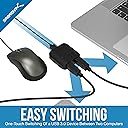
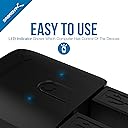
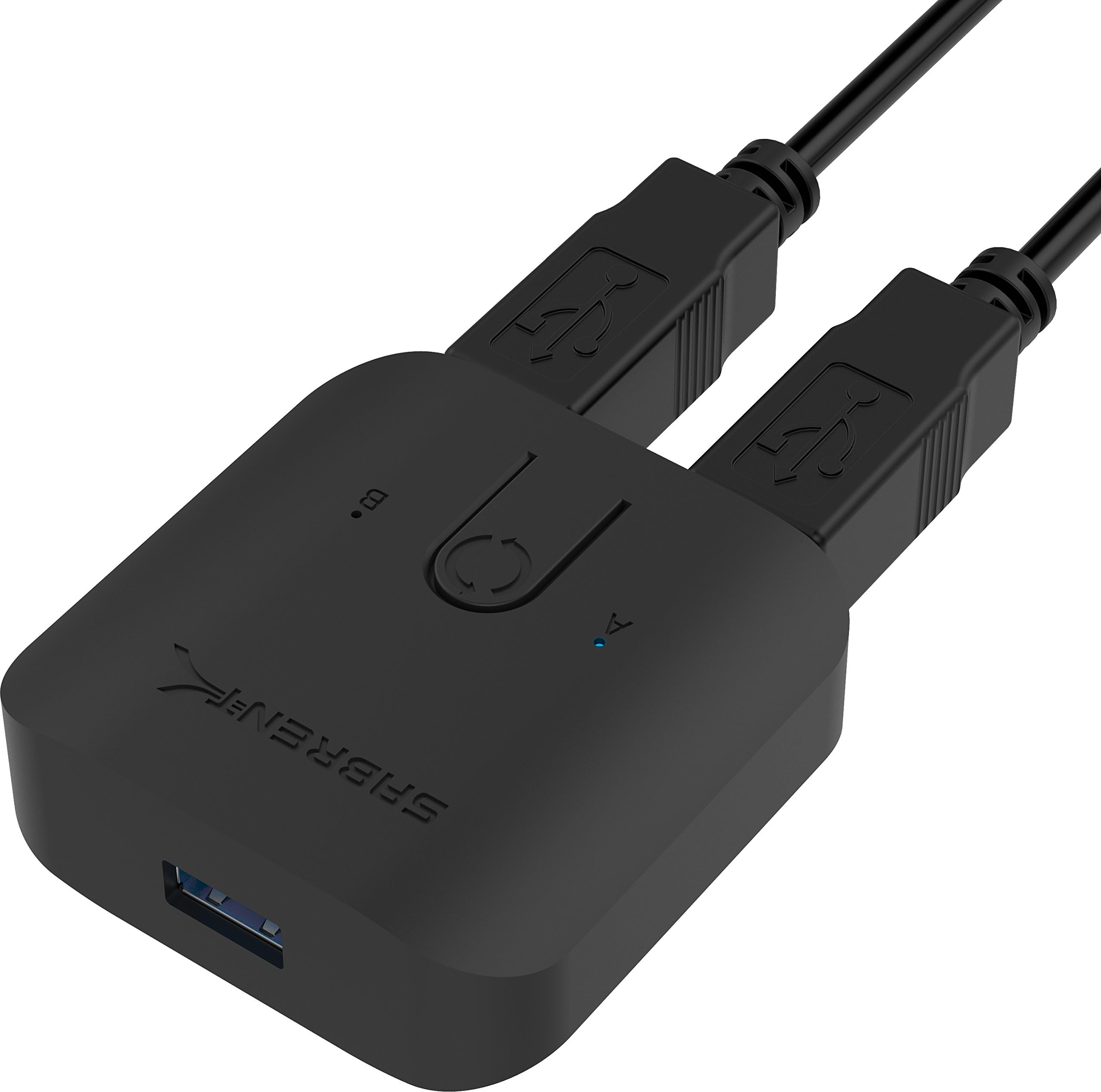
The Sabrent USB 3.0 Sharing Switch (USB-SW30) is a compact, driver-free KVM switch that lets professionals effortlessly toggle between two computers using a single USB keyboard and mouse setup. Supporting up to 5Gbps data transfer speeds and delivering 60W Power Delivery per PC, it ensures seamless peripheral sharing and simultaneous charging. With clear LED indicators and broad OS compatibility, it’s the ultimate productivity booster for dual-computer workstations.
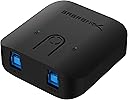
| ASIN | B074TYDJK2 |
| Actuator Type | Push Button |
| Best Sellers Rank | #32,899 in Computers ( See Top 100 in Computers ) #78 in KVM Switches |
| Brand | SABRENT |
| Brand Name | SABRENT |
| Circuit Type | 2-way |
| Color | Black |
| Compatible Devices | Keyboard, Mouse |
| Connectivity Protocol | USB 3.2 |
| Connector Type | Usb |
| Connector type | Usb |
| Contact Material | Plastic |
| Contact Type | Normally Open |
| Contact type | Normally Open |
| Control Method | Touch |
| Control Type | Button |
| Controller Type | Push Button |
| Current Rating | 50 Milliamps |
| Current rating | 50 Milliamps |
| Customer Reviews | 4.4 out of 5 stars 2,465 Reviews |
| Included Components | Sabrent USB 3.0 Sharing Switch for Multiple Computers and Peripherals LED Device Indicators |
| International Protection Rating | IP647 |
| Item Dimensions | 6.1 x 5.9 x 2.1 centimeters |
| Item Weight | 40 Grams |
| Lower Temperature Rating | 67 Degrees Fahrenheit |
| Manufacturer | Sabrent |
| Material Type | Plastic |
| Model | USB-SW30 |
| Mounting Type | Panel Mount |
| Number of Items | 1 |
| Number of Positions | 2 |
| Operating Voltage | 5 Volts (AC) |
| Operating voltage | 5 Volts (AC) |
| Operation Mode | manual |
| Operation mode | manual |
| Part Number | USB-SW30 |
| Smart Home Compatibility | Not Smart Home Compatible |
| Specification Met | CE |
| Switch Type | Push Button |
| Terminal | Button |
| UPC | 819921013569 |
| Unit Count | 1 Count |
J**K
Does its job pretty reliably
Very satisfied. Installation is a breeze and operation is very good.
A**D
high quality product + reasonable price
i usually use KVM to switch from pc to another, with this device, i can switch using my screen the video input and from this device i can switch keyboard and mouse.
A**I
Plug n play - 2 cables included
Great product , 2 cables are included Plug and play setup
S**D
Stopped working about a month
Worked great and loved it for about a month then all of a sudden just stopped working. Swapped cables and usb ports nothing worked. Assuming the switch box just stopped working.
J**S
Does the job
Pleasantly surprised to find high quality USB 3 cables included at this price.
R**D
Simple and functional
It's intuitive to hook up and use, and it works for switching a USB hub with a connected mouse, keyboard, and Yubikey. I haven't tested the USB throughput, so I can't speak to that. Only downside is that the LED indicators are a little dim and hard to see in a brightly lit room unless you know what you are looking for. This could be a good thing if you are using it in a darker room (e.g., watching a movie). It's not a big deal and you'll quickly get used to it. I'm happy with my purchase.
J**.
Works great for gaming keyboards
With the pandemic, working from home has been more and more common. Being a gamer, I looked for a KVM switch that would allow me to switch back and forth between my work laptop and my gaming desktop. I initially went with an IOGear KVM and was extremely disappointed because it couldn't keep up with my WPM and there would be some lag with typing. In worse cases, a key would get frozen and would stay stuck entering a key and the only way to stop it was to physically disconnect the keyboard from the KVM switch then reconnect it. I'm using a Razer Blackwidow After looking around and doing some research, I took the chance on the Sabrent USB 3.0 USB switch. It acts as a direct passthrough as opposed to running off of software firmware so by hitting the switch to go back and forth, it's like actually disconnecting the keyboard (or whatever device you have) and then reconnecting to the PC/laptop you want to use it on. My keyboard latency issue has been resolved by using this USB switch and no more stuck keys/characters. I highly recommend this to anyone who was having similar issues or wants a good USB Switch. This supports USB 3.0 but also works with USB 2.0 devices (my keyboard is USB 2.0). Also worth mentioning that it has a micro USB power port but not sure what that would be needed for as I'm not using it. The power is pulled from the USB ports connected the PC/Laptop. I'm assuming it might be for something that draws more power? Hope the review was helpful and this device works for your needs.
B**I
Excencial. Leia a descrição.
Funciona 100% bem , excencoal para quem tem 2 computadores, 1 monitor e um jogo de teclado e mouse.
G**.
Fais bien son travail mais c’est usb 3.0 pas 3.2
Fais bien son travail mais c’est usb 3.0 pas 3.2 C’est top pour basculer mon clavier et souris entre mon mac et ma xbox en un click
E**O
Funciona muy bien
Lo uso para compartir un teclado entre dos computadoras y funciona perfecto.
Trustpilot
2 months ago
2 weeks ago