🎤 Own the room with precision and style — spotlight your success!
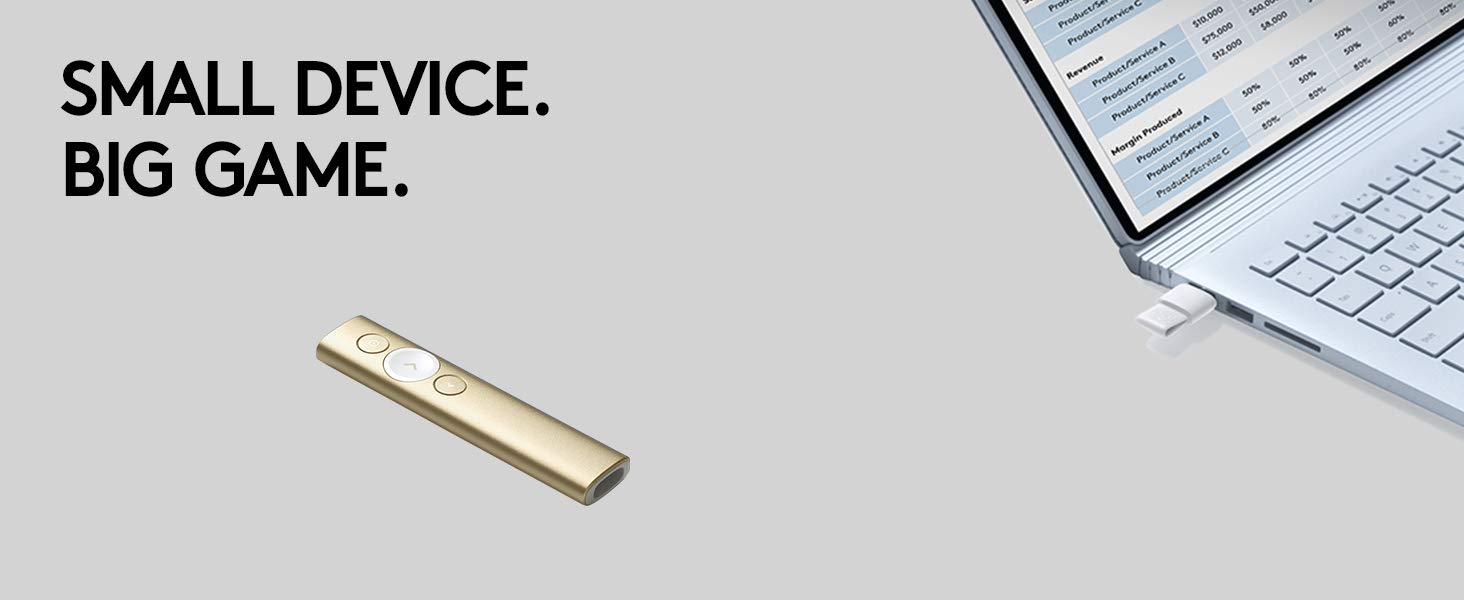
The Logitech Spotlight Presentation Remote redefines professional presentations with its advanced digital highlighting, 30-meter wireless range, and dual Bluetooth/USB connectivity. Designed for seamless compatibility across all major platforms, it offers smart time management alerts and customizable pointer effects, empowering you to engage your audience confidently whether in-person or virtual.


| ASIN | B06WP4QCKT |
| Are Batteries Included | Yes |
| Average Battery Life (in hours) | 3 months |
| Batteries | 1 Lithium Polymer batteries required. (included) |
| Battery Description | 1 Lithium Polymer batteries required. (included) |
| Best Sellers Rank | #4,899 in Office Products ( See Top 100 in Office Products ) #13 in Presentation Pointers |
| Brand | Logitech |
| Color | Grey |
| Connectivity Type | Bluetooth |
| Customer Reviews | 4.3 4.3 out of 5 stars (2,056) |
| Date First Available | 9 March 2017 |
| Hardware Platform | Laptop, PC |
| Item Weight | 48.9 g |
| Item model number | 910-004861 |
| Lithium Battery Energy Content | 3 Watt Hours |
| Lithium Battery Packaging | Batteries contained in equipment |
| Lithium Battery Voltage | 1 Volts |
| Lithium Battery Weight | 30 Grams |
| Manufacturer | Logitech |
| Number Of Lithium Ion Cells | 1 |
| Number of Lithium Metal Cells | 5 |
| Operating System | Windows, macOS, Linux, iOS, Android |
| Power Source | Battery Powered |
| Product Dimensions | 13.13 x 2.81 x 1.21 cm; 49 g |
| Series | Spotlight |
| Standing screen display size | 15.6 |
| Wattage | 5 |
| Wireless Type | 802.11a |
A**Z
Amazing device
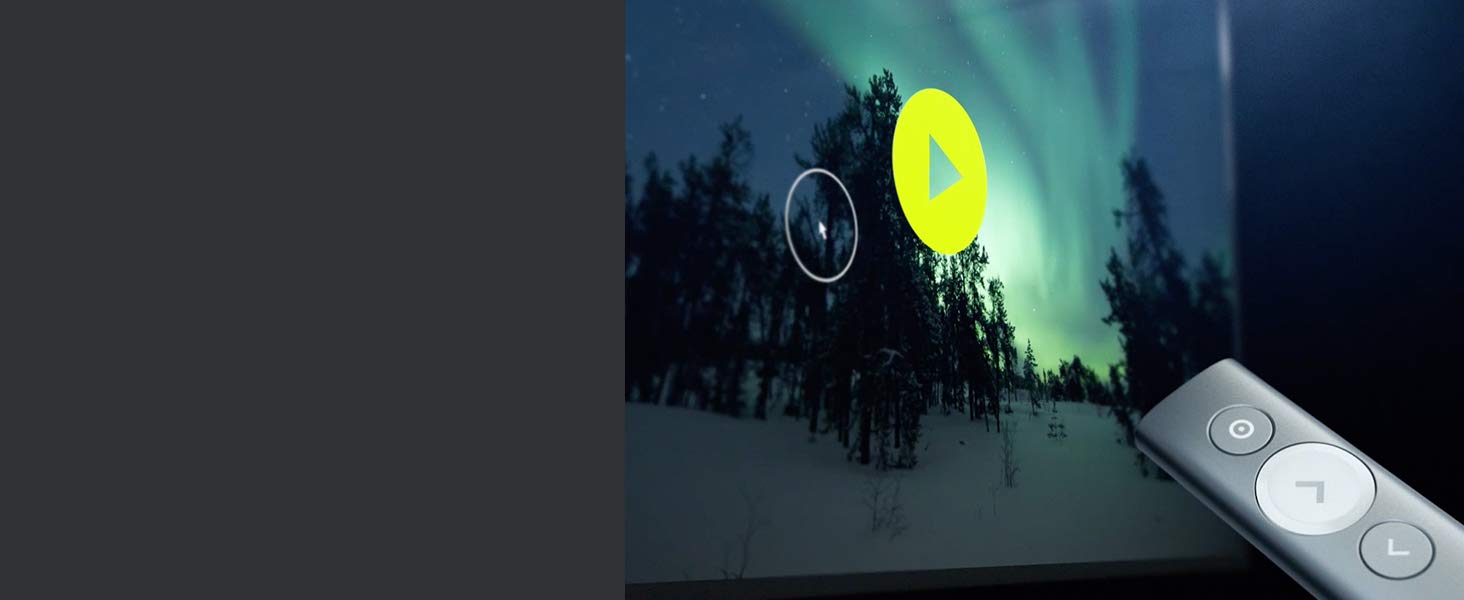
This is a different tech than usual presentation laser pointers, hence requires a logitec software installed on the laptop. However, it offers the option of installing the software on a USB drive so the device can work on any PC/Mac. The device has three modes - a multicolour pointer, a spotlight, and a magnifier. It connects via Bluetooth or an included USB dongle. Well built and a nice design, and comes with a sleeve and charging usb-c cable.
A**J
Outstanding
When this teams up with TED Talks, you know that this is serious and it means business. The built quality is quite attractive, the packaging is well put up, unlike the other presenters that looks like your split AC remote :-D The device itself (although looks simple) but packed with commands. You will seriously standout with the awesome "Spotlight / Highlight" feature, the customizable mouse cursor and many more smart options - the color option (Space Grey) pair really well with MacBook Pro. Yes this is a but pricy .. but a long term investment for sure..
R**D
Expensive but must to have
A**T
Outdated design with poor usability
Very disappointing design for such an expensive product. The dongle uses an outdated USB-A connector, which doesn’t work with my MacBook Pro. Most cheaper remotes now include both USB-C and USB-A options. There’s no real laser pointer—just a circular highlight with an arrow in the middle—and many of the advertised features didn’t work. I managed to connect it via Bluetooth, but it was only useful for turning pages. Charging is inconvenient because the USB port is recessed deep inside the dongle compartment, causing the cable to bend each time it’s inserted. For the price, it simply isn’t worth it—other remotes offer more functionality for far less. I’ve returned it and won’t be buying another Logitech remote again.
H**S
Best Presentation Remote in the market
Very etite design and best functions. Simply the best Presentation Remote in the market. Thanks Logitech!
M**N
Good
Nice worth it
M**Y
Impressive!
Multiple modes that will help you to give an impressive presentation. The setup is easy and everything is smooth
R**X
New and not charging
Bought it. Arrived today, but wouldn’t charge. Tried several cables as well. Still no. I am familiar with the process of charging as I had an older one that got lost. I had to refund and request for a refund. Hassle.
L**K
Cercavo un puntatore per il mio MacBook Pro 13”, e ne volevo uno collegabile direttamente via Bluetooth: su MBP ho solo 2 porte USB-C e durante una presentazione tipicamente una serve per l’alimentatore e l’altra per il monitor/proiettore. +Design+ Il più bello e funzionale di tutti. 3 soli pulsanti, di cui il più importante (“avanti”) in rilievo e ben evidenziato, in modo da trovarlo facilmente e con sicurezza anche senza guardare. +Connettività+ Come dicevo, è possibile connetterlo al Mac direttamente via Bluetooth. Basta un click sul telecomando per risvegliarlo (niente pulsanti on/off) e in un secondo un popup su Mac vi avviserà dell’avventura connessione, che è stabile e affidabile. È comunque dotato di ricevitore usb estraibile per connetterlo anche in maniera “classica”. +Software+ Vi parlo dell’esperienza su mac, ma credo sia analoga anche per Windows. Il software di accompagnamento si installa molto rapidamente e vi guida nell’associazione del dispositivo via bt. Comparirà un’icona nella menu bar, e da lì potrete regolare tutti i settings delle funzionalità Spotlight, il timer per le vibrazioni temporizzate, e molto altro. L’interfaccia di questo sw è una delle più curate che abbia mai visto, chapeau. +Batteria+ Non dovrete mai preoccuparvene: dura tantissimo, e anche nella malaugurata situazione in cui a 5 minuti dalla presentazione vi trovate spotlight scarico no worries: con 1 minuto di carica (letteralmente un minuto, il sw vi mostra anche un conto alla rovescia) avrete fino a 3h di autonomia dichiarate. Lo stato di carica è sempre visibile cliccando sull’icona su Mac/pc. +Spotlight+ Last but not least, veniamo alla funzionalità che mi ha fatto propendere per questo pointer. Spotlight permette di muovere il cursore (proprio la freccina) sul computer; per farlo basta tenere premuto il tasto in alto sul telecomando. A questo punto il sw su Mac vi permette di usare 3 tipi di puntatore, passando da uno all’altro con un doppio click sul tasto superiore: -Spotlight (da cui prende il nome), ovvero un cerchio di diametro impostabile al di fuori del quale tutto è oscurato -Lente di ingrandimento, stesso cerchio ma con zoom su quanto contiene -red dot, che sostituisce il puntatore laser (colorato a piacere) Nota finale, che mi ha convinto del tutto: è possibile fare dei click su computer usando il pulsante sul puntatore. Di fatto potete usarlo come mouse - nel mio caso lo uso come telecomando per Netflix e VLC sulla tv di casa quando connetto lo schermo esterno. Se non si fosse già capito.. consiglio ampiamente! Ps. Amazon propone una custodia rigida da associare all’acquisto, ma c’è una custodia morbida (foto) già inclusa nella confezione
A**R
I like it. Works great on Mac. The only important thing is that there is no classic laser built in. You need to install Logitech Options+ to have laser point on your screen. There is a good side of that... no one use it to play with cats;)
M**O
Tiene funciones más diversas
S**R
Nice tool for presentations. With the Mac app the magnifier doesn't work - it magnifies your desktop image, but not your presentation.
L**R
Produit magnifique compatible avec Mac. Cher on va dire mais ça en vaut le prix. Vous ne serez pas déçu en l’achetant.
Trustpilot
3 days ago
1 week ago