Buy anything from 5,000+ international stores. One checkout price. No surprise fees. Join 2M+ shoppers on Desertcart.
Desertcart purchases this item on your behalf and handles shipping, customs, and support to Nicaragua.
🔐 Unlock the future of login—biometric security that’s faster, smarter, and truly passwordless.
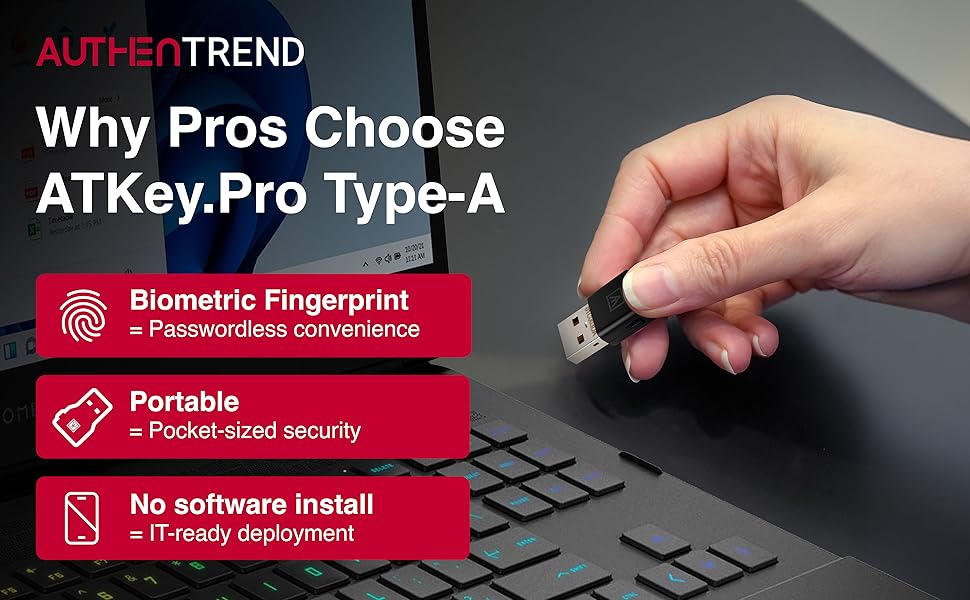
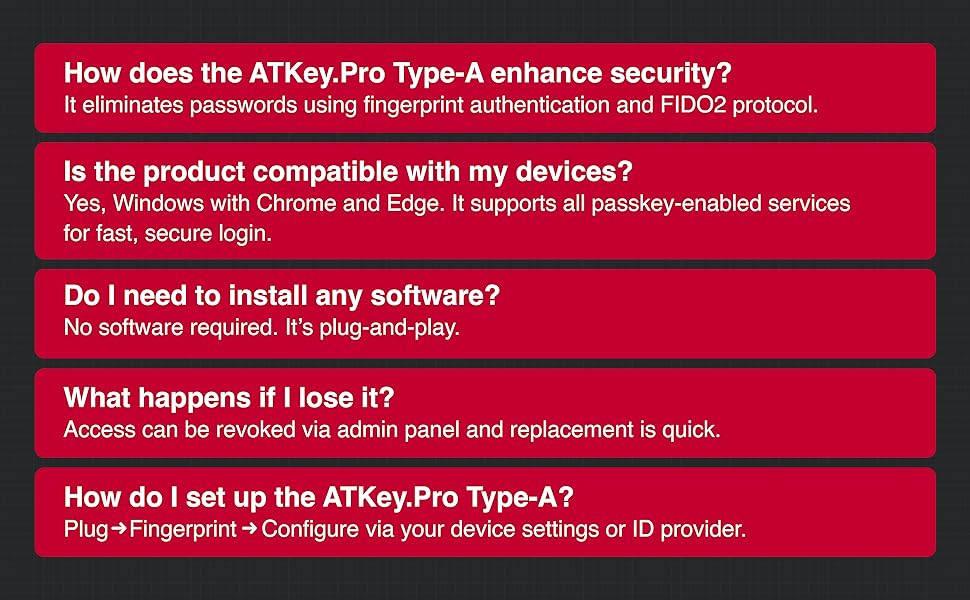
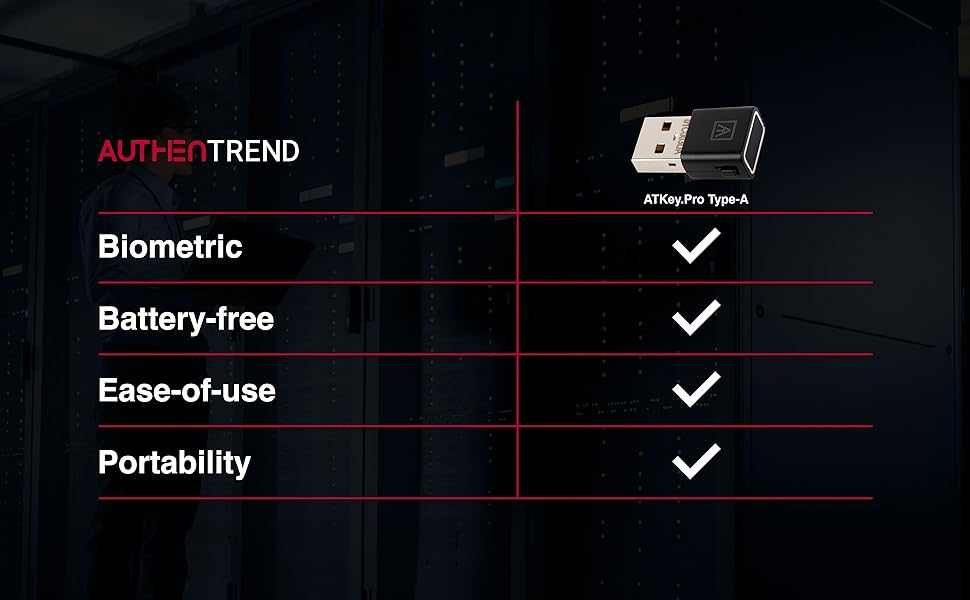
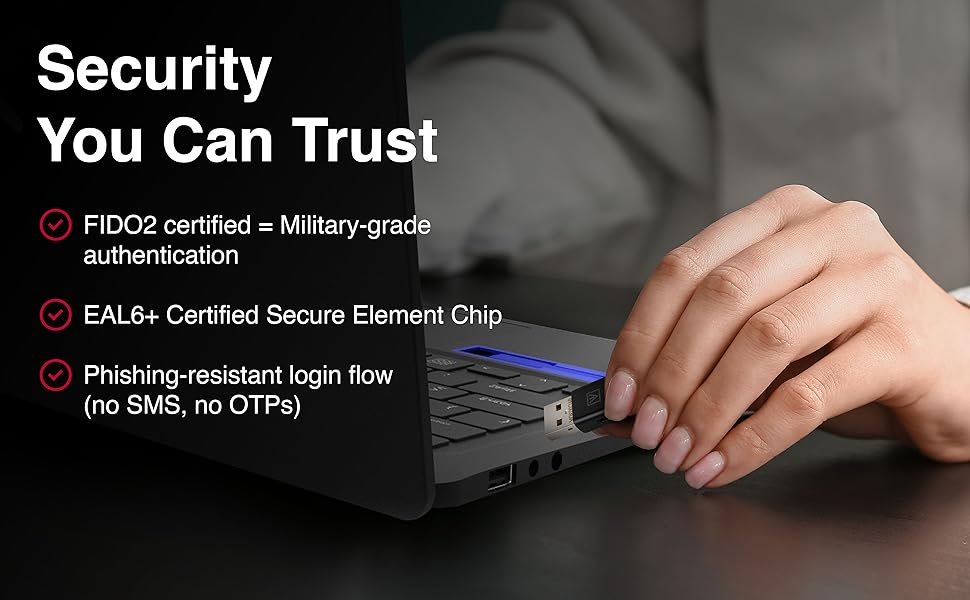
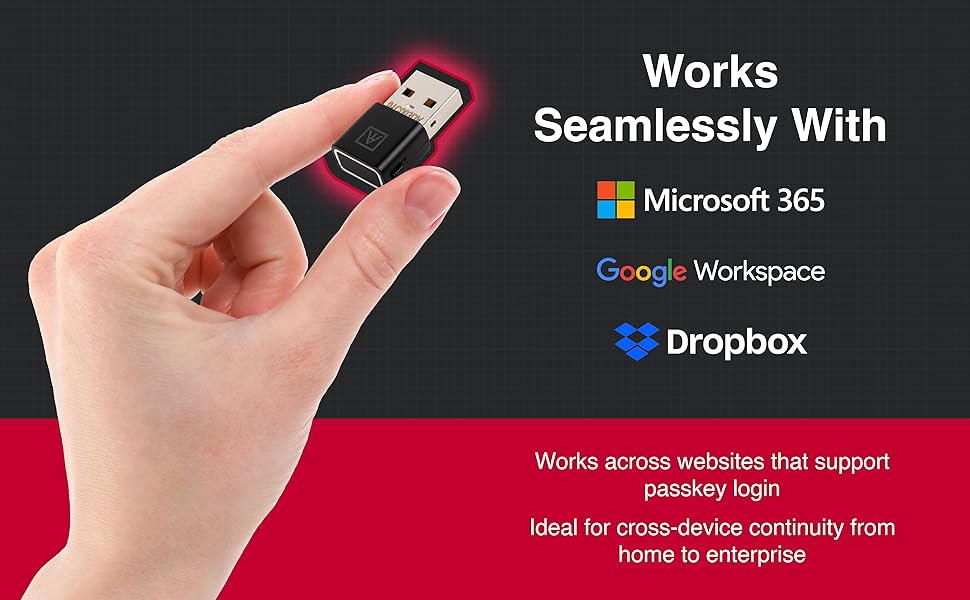
The ATKey.Pro is a FIDO2 CTAP2.1 certified USB-A fingerprint security key that enables passwordless, PIN-less login via biometric authentication. Compatible with major OS platforms and WebAuthn-enabled browsers, it supports fast, reliable fingerprint recognition in under one second, stores up to 10 fingerprints, and manages 160 FIDO2 credentials. Ideal for professionals seeking secure, portable, and convenient multi-factor authentication across devices.


| Asin | B084RFS5RP |
| Best Sellers Rank | #117 in Security & Surveillance Biometrics |
| Brand | AUTHENTREND |
| Color | USB-A Ports |
| Compatible Devices | Laptop, Desktop |
| Compatible Operating System Family | Linux, Windows |
| Customer Reviews | 3.6 3.6 out of 5 stars (113) 3.6 out of 5 stars |
| Data Link Protocol | USB |
| Data Transfer Rate | 150 Megabits Per Second |
| External Testing Certification | Não aplicável |
| Hardware Interface | USB |
| Item Weight | 4.54 g |
| Manufacturer | AUTHENTREND |
| Mfr Part Number | BLC-622A1 |
| Minimum Required Operating System Version | Windows 10 |
| Model Number | BLC-622A1 |
| Unit Count | 1.0 Count |
| Upc | 653552000051 |
User
Works with CachyOS / Arch Linux as a fingerprint reader Bonus it works as a hardware security key
Just delivered 15m ago, and already setup as a fingerprint reader in linux (cachyOS/arch).Plug it in, use chrome://settings/securityKeys to setup a PIN and finger prints. Setup the appropriate pam.d files with"auth sufficient pam_u2f.so" and you're pretty much done.Install pam-u2f if needed.I've been looking for a fingerprint reader for Linux and this works. Bonus that it has FIDO2 support.
User
Doesn't work in Linux Mint
Does not work on Linux. Does not include a manual, and the QR code on the package leads to a 404 page. The manual linked in the listing here does not provide instructions for Linux. There's one place where it provides instructions for within Chrome, which I will not be installing.
User
works in linux
look up "authentrend ubuntu" in youtube and you'll get instructions. There are even guides online.
User
It is not plug and play under Windows 10 or 11 23h2 and Linux Fedora. Very bad Linux Support
User
Versatile Security Key and Finger Print Reader
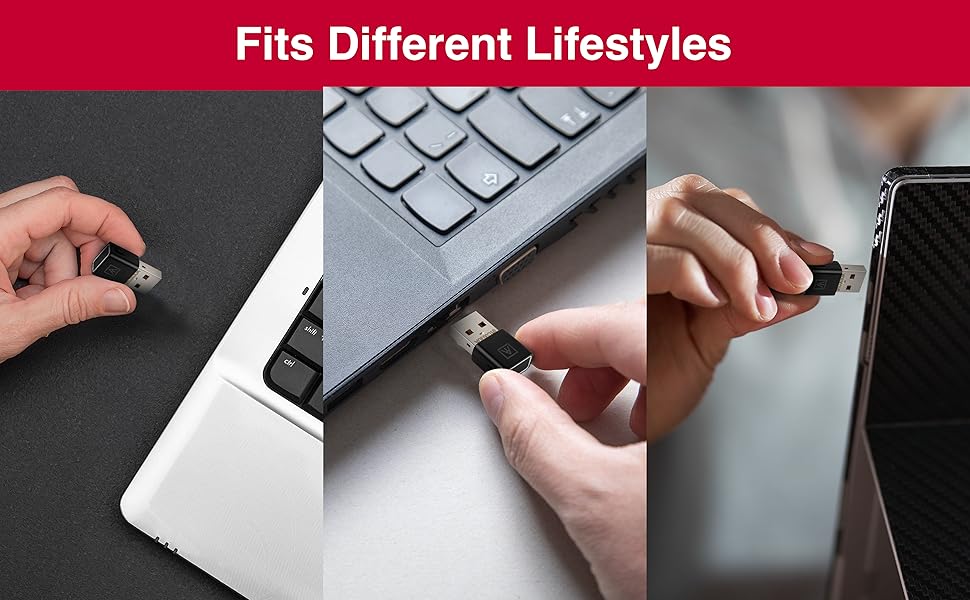
I’ve been searching for a good finger print reader that works with Windows Hello as well as FIDO U2F for websites that support it. The published specs for false positives and false negatives for this reader is comparable or better than TouchID found on iOS devices, which is reassuring. I already have a YubiKey, so I wanted a 2nd backup key. The AUTHENTREND ATKey.Pro fits the bill. It works great with Windows Hello, as well as websites that support U2F, such as Google, Facebook, and Dropbox etc. And since it supports U2F, I can confirm that it works on the aforementioned websites on both PC and Mac. I mounted it under my desk close to my mouse and keyboard so it’s within easy reach. It also came with a soft silicone cover with a key ring loop if you plan to carry it around. Be sure to install the ATKey app from their website so you can update the firmware if needed as well as set up Windows Hello Companion Device, so you can use it to unlock Windows.It’s not the cheapest security key, but you should not cheap out when it comes to securing your data. All in all I’m very satisfied with this device and would recommend it for anyone looking for a versatile security key and fingerprint reader.
User
Works For Me
So far this has answered the call for everything I have used it for. Plug and play and site compliant. Setup problems are due to different website requirements and protocols. Instant access to Windows, secondary authentication to websites.
User
I do not recommend, exaggerated and inaccurate description, extremely expensive for what it does
It does not use when starting Windows, only after you start with another method, password, key code, ..., is activated and will work conditionally, you do not have to restart, log off, sign out, change the account. Used only when the computer goes to sleep. It doesn't help when you start Windows. Password Manager only works with Chrome, enabling the extension, no extension enabled does not exist. Useless for Firefox, Opera or any other browser. Use on another computer requires the installation of drivers and software. Setup is not easy. It does not specify whether passwords are stored on the device, in the cloud, on the server, in the extension. To find out how it works and how to configure it, you have to search the WEB for the indicated site, the drivers, one from a site, one from the Microsoft Store.
User
Fast. Easy Use. Full USB. Portable.
Better portability than standard keys. The protective case is secure, and stays on keychain and the key can be pulled out when needed. Self enrollment is quick and easy to use. Plus, it is simple enough to recall the process later if needed. Works great as a security key, Firefox recognized it as a key for my service providers. The speed of the fingerprint reader is amazing, and reliable. I’ve been using it for two weeks with different services and have had no issues. Usage on macOS, a few *nix systems, and Windows is the same. As a security key it is system agnostic. Windows Hello integration was quick with the manufacturer’s app, which also provides firmware updates. Overall impressed and excited for wider acceptance of FIDO2 and secure passwordless login.
User
Doesn’t Work With Mac
Please don’t buy this if you intend to use it with Mac. The description over here is false. This product doesn’t work with Mac.
User
Linuxでのログイン用に購入→失敗かと思ったが半分正解だった
Windows10までしかサポートされない古い格安の中古PCを購入しました。そのため、Linux(Debian)を導入し、プログラム開発用にしたのですが、唯一の不満点が指紋認証の機能がなかったことです。そこで、このデバイスを購入し、指紋認証機能をログイン用に使えないかと思い購入しました。デバイス単独そのものだけで指紋登録できる点では結構優秀です。認証も早いです。ただその分、ちょっと大きいかなという点がマイナスですね。しかし、純粋な指紋認証機能ではなく、FIDO2/U2Fのデバイスであるため、当然、Linuxの標準機能では対応できず。色々と調査したのですが、結局できず。では、この商品の説明に書かれていたWindows Hello用に使おうと思ったら、どうもこのやり方は、マイクロソフトに非推奨とされてしまったようで、使えなくなってしまっていました。よって不要なものを購入してしまったかと思ったが、再度Linuxのログイン用に使えないかを調査したところうまくできました。(1)デバイスを使用するユーザーにデバイスのキー情報を登録。sudo apt install -y libu2f-udev libpam-u2fmkdir ~/.config/Yubicopamu2fcfg > ~/.config/Yubico/u2f_keys(2)/etc/pam.dのディレクトリ配下にあるファイルのうち、@include common-auth行をもつ、ファイルに以下の1文を加える。加える箇所は@include common-authの直前。auth sufficient pam_u2f.so例えば、GNOMEのデスクトップを使用している場合は、以下のファイルを変更する。・gdm-passwordCINNAMONを使用している場合は、以下のファイルを変更する。・lightdm・cinnamon-screensaver上に加えて、sudo時にも使いたい場合は、sudoというファイルも変更する。一応、これで快適に使えています。ただ、純粋なFIDO2/U2F用としては使っていないので、使い勝手がいいかどうかはわかりません。
User
Bitwardenの2FAに使用しています。
仕事用にTitan security key (Type-C)を使用しています。上記のセキュリティキーは接触式で、ぶっちゃけな話、セキュリティキー自体が紛失したら、誰でもそのキーを通して2FA認証できちゃいます。このことを防ぐには、セキュリティキー自体が生体認証を組み込まれてないといけません。色々検索した結果、本製品にたどり着きました。本製品の良い点:- Type-Cである- 指紋認証によるFIDO2認証- 日本語マニュアルあり- Firmwareアップデートあり以下、本製品の使用手順:まずは本製品をデバイスに挿入し、指紋を登録する(自分の場合はwinを使いました、macでも行けるはず)次に、Bitwardenの2FAとして、本製品を登録する。(2FA登録時は、登録済みの指紋を使わないといけない)Win, Mac, iPadでBitwardenのアプリ(/BrowserExtension)をダウンロードし、ログイン時にWebAuthenでこの製品を使って2FAできる。(もちろん、未登録の指でやると失敗する。そうでなければ、これはただの接触式セキュリティキーになっちゃう)(iPhoneにlightning->type-cのアダプタつけてやると、同じく本製品の指紋による2FAが動作する。)
User
Windows hello not working
I am using your ATkey pro and I’m trying to set it up with my Windows 10 PC (version 10.0.19044 build 19044)I set it up as a Security key sign in option and I added my fingerprint but it is not prompting me to use it at Windows login. I want to set it up for Windows Hello but my Windows Hello Fingerprint setting keeps giving me the error “We couldn’t find a fingerprint scanner compatible with Windows Hello Fingerprint”Please advise
User
「ATKey for Windows」がダウンロードできず無駄金でした
このデバイスの「ATKey for Windows」のインストーラー自体は Microsoft store で ダウンロードできますが、そのインストーラがこのアプリをダウンロードすると7%で停止してしまいました。windwos hello のデバイスとして認識させられませんでした。
Trustpilot
1 month ago
1 month ago