


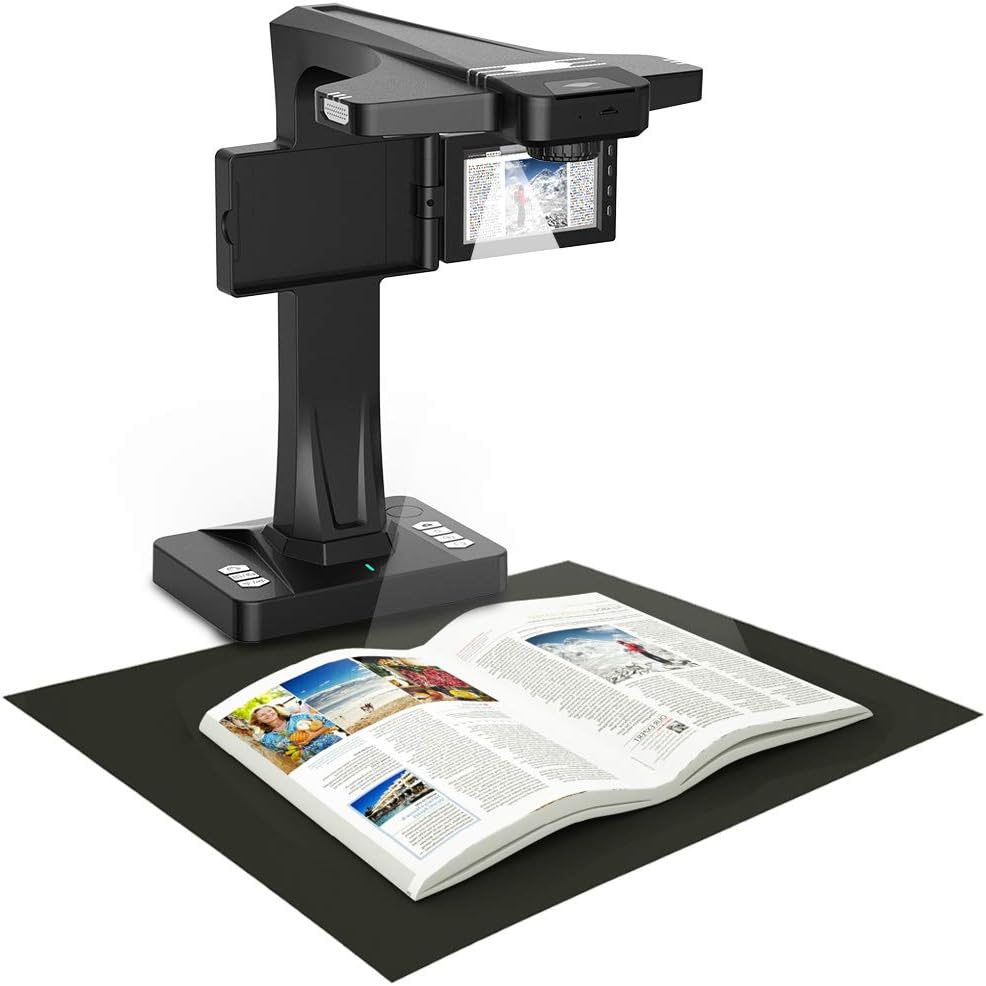
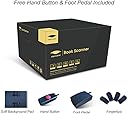
desertcart.com: eloam Portable Document Scanner, 5-inch Screen, Support Offline Scan, Auto Flatten, Split & Deskew, Convert Images to Word/Excel/PDF, PC only, 1860TP Review: Time Saver for Book Scanning - This is an impressive scanner for its compact size! Scanning books used to be a pain in the neck, but this scanner, especially the foot pedal included, just makes it so much easier and saves me a lot of time. It's also good at converting text on an image into word document with high accuracy, but when the texts are in different sizes and fonts, the recognition result may look weird sometimes and needs to be adjusted manually, which is acceptable for me. Overall, I'm quite satisfied with this product. Review: Great Tool, hard to use, yet clearly on the path to great - I'm currently researching the history of graphics. For the most part, I'm building a library of texts with the classic analytical graphics: Tukey's EXPLORATORY DATA ANALYSIS, Wainer's GRAPHIC DISCOVERY, and Rendgen's THE MINARD SYSTEM, etc. Minard, by the way, is the creator of the famous graph of Napoleon's army shrinking on its way into and the way back from Moscow. Larger format books like Rendgen's have 2 page graphics which I need to capture, that are wider than affordable flat bed scanners. I bought my eloam scanner to capture larger than flat bed graphics. I am happy enough with this purchase not to return the scanner. But I'm not doing backflips. Why? Because the scanner is a challenge to use. Photo 1 gives an example: When images are full-bleed (i.e., go all the way to the edge of the page, the eloam's software loses the image's edge, and kind of freaks out and jams spline curves. into the image). For example, follow the red line from the book to the screen in Photo 1 and you will see what happens. This can be overcome, but because the scanner attempts to flatten the image after it scans, pages still in books are difficult to capture. The full bleed workaround is to create an artificial margin outside the image/book. Can be full bleed to top, bottom, left, right, and middle of TBLR. So this workaround = time consuming. As a practical matter, it is easiest to cut the facing pages out of the book, and then to scan them flat, one along side the other. See Photo 2. I also turn off the page splitting by choosing "No flatten" with "Deskew & Crop" enabled. See red rectangle in Photo 3 for this scan option. Pros: 1. Well thought out product, in particular the foot pedal is great. eloam has accomplished a lot. 2. The software should work well for simple books without full-bleed images. 3. Having worked with software engineers for a long time, I am cautiously optimistic that eloam's software will imrpove. 4. Solved my wider than scanner problem for capturing analytical graphs. 5. Tech support is strong. Michael at eloam got on WhatsApp with me and sent detailed screen shots. = AMAZING!!! Cons: 1. Rapid scanning in eloam's demonstration videos is not possible on the images I'm capturing. 2. Product is complex. The software is making on-the-fly decisions that take trial and error, to harness productively. 3. Light scatter is terrible on glossy pages. I wish the scanner came with a glass pane that could counter glossiness. 4. The rubber pad that comes with the scanner is too bumpy. I'm going to replace it with ... something. This is a good product that could be an amazing product. I'm looking forward to software updates!!!


| ASIN | B07MKG5G8M |
| Customer Reviews | 3.4 3.4 out of 5 stars (10) |
| Date First Available | August 15, 2019 |
| Is Discontinued By Manufacturer | No |
| Item Weight | 5.4 pounds |
| Item model number | BS1860TP |
| Manufacturer | eloam |
| Product Dimensions | 8.3 x 5.9 x 15.7 inches |
R**N
Time Saver for Book Scanning
This is an impressive scanner for its compact size! Scanning books used to be a pain in the neck, but this scanner, especially the foot pedal included, just makes it so much easier and saves me a lot of time. It's also good at converting text on an image into word document with high accuracy, but when the texts are in different sizes and fonts, the recognition result may look weird sometimes and needs to be adjusted manually, which is acceptable for me. Overall, I'm quite satisfied with this product.
D**K
Great Tool, hard to use, yet clearly on the path to great
I'm currently researching the history of graphics. For the most part, I'm building a library of texts with the classic analytical graphics: Tukey's EXPLORATORY DATA ANALYSIS, Wainer's GRAPHIC DISCOVERY, and Rendgen's THE MINARD SYSTEM, etc. Minard, by the way, is the creator of the famous graph of Napoleon's army shrinking on its way into and the way back from Moscow. Larger format books like Rendgen's have 2 page graphics which I need to capture, that are wider than affordable flat bed scanners. I bought my eloam scanner to capture larger than flat bed graphics. I am happy enough with this purchase not to return the scanner. But I'm not doing backflips. Why? Because the scanner is a challenge to use. Photo 1 gives an example: When images are full-bleed (i.e., go all the way to the edge of the page, the eloam's software loses the image's edge, and kind of freaks out and jams spline curves. into the image). For example, follow the red line from the book to the screen in Photo 1 and you will see what happens. This can be overcome, but because the scanner attempts to flatten the image after it scans, pages still in books are difficult to capture. The full bleed workaround is to create an artificial margin outside the image/book. Can be full bleed to top, bottom, left, right, and middle of TBLR. So this workaround = time consuming. As a practical matter, it is easiest to cut the facing pages out of the book, and then to scan them flat, one along side the other. See Photo 2. I also turn off the page splitting by choosing "No flatten" with "Deskew & Crop" enabled. See red rectangle in Photo 3 for this scan option. Pros: 1. Well thought out product, in particular the foot pedal is great. eloam has accomplished a lot. 2. The software should work well for simple books without full-bleed images. 3. Having worked with software engineers for a long time, I am cautiously optimistic that eloam's software will imrpove. 4. Solved my wider than scanner problem for capturing analytical graphs. 5. Tech support is strong. Michael at eloam got on WhatsApp with me and sent detailed screen shots. = AMAZING!!! Cons: 1. Rapid scanning in eloam's demonstration videos is not possible on the images I'm capturing. 2. Product is complex. The software is making on-the-fly decisions that take trial and error, to harness productively. 3. Light scatter is terrible on glossy pages. I wish the scanner came with a glass pane that could counter glossiness. 4. The rubber pad that comes with the scanner is too bumpy. I'm going to replace it with ... something. This is a good product that could be an amazing product. I'm looking forward to software updates!!!
M**S
Will not work
We had this working, but now it does not recognize the camera, the USB cable, or any of the controls for menu. It is now a very expensive piece of trash, which only got used four or five times.
J**N
No good don't buy
better to claw the broomstick tie the camera and take photos of your documents is the same thing they want to sell you only with very ornate plastics get the broom
H**Z
Perfectly scan 13x13
I've been looking for a scanner that can properly scan 13x13 for a long time. Most of the overhead scanners could only scan A3, but this one really breaks the limit and solves my problem! The maximum size as it stated is 19x14, and it is true. You can adjust the scan area manually on its software. I've been worried about the reflection issue as I scan a lot of vinyl records. But it works perfectly. I would recommend this product if you are looking for a scanner for large books/items.
R**Y
The stand-alone mode isn't as proficient as using it with the Windows program
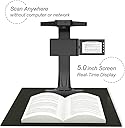
Actually, I bought this scanner _only_ because I wanted to use it in stand-alone mode using a uSD card, so I haven't tried the Windows software they provide. It's very easy to use in standalone mode: it just saves every scan as a JPG in the uSD card. However, none of the special features like deskewing, fixing the perspective, etc., work in that mode, so you have to be prepared to do the appropriate post-processing of the images if you want those features. (Or if they do work, I couldn't understand how.) My only real problem is that the viewline of the camera is _not quite_ perpendicular to the surface on which the document you're scanning rests. This means, for example, that a rectangular page becomes a parallelogram in the scan. I work around this problem by tilting the whole scanner slightly by sticking stuff underneath its front end. But you shouldn't have to do that. the device should either be constructed so that it _is_ looking straight down on the target document, or else there should be adjustments you can make to level the scanner. Update: I noticed yesterday too that the foot-pedal has started to deteriorate (after less than a 1000 scans), and sometimes I have to hit it 3-4 times to make a scan. Which is irritating, because sometimes you get to the end of the document and realize that missed a page or two, or scanned a page or two twice. It's not enough for a downcheck, since there's also a remove pushbutton that can be used instead of the foot-pedal, but it's still inconvenient!
S**T
Don't know if I would spend the money again
I am using this to digitize books or warranty info. I found that scanning an item with a shinny surface didn't work very well. Also some pages that looked good when scanned initially didn't look good when reviewing.
B**A
Good
Outdated software
Trustpilot
4 days ago
3 weeks ago