We remain fully operational. Our teams are working around the clock to ensure your deliveries continue safely.

Descargar la aplicación


Servicios al cliente
Sobre nosotros
Copyright © 2025 Desertcart Holdings Limited
Descargar la aplicación

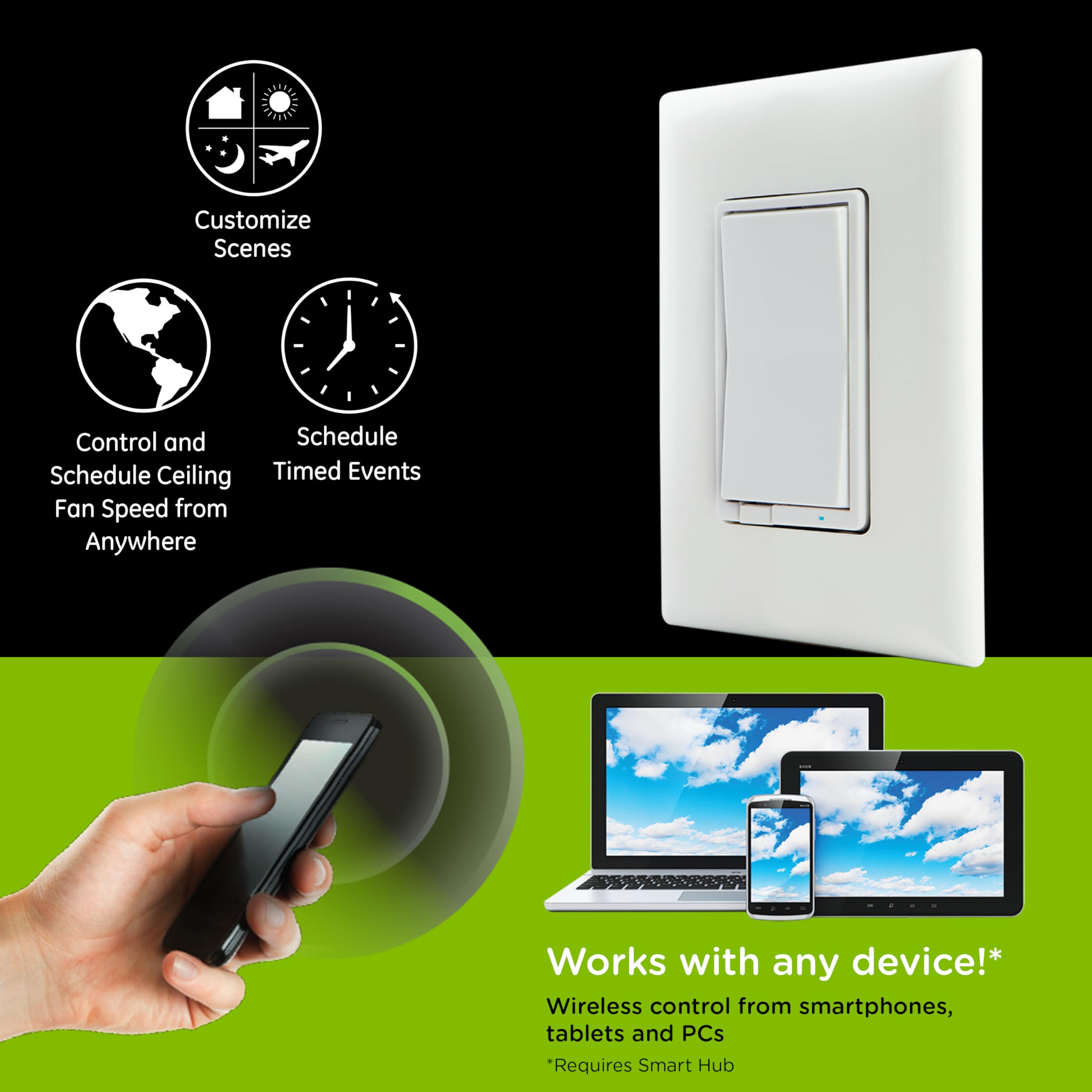


🌬️ Elevate your comfort with smart fan control that’s always a breeze!
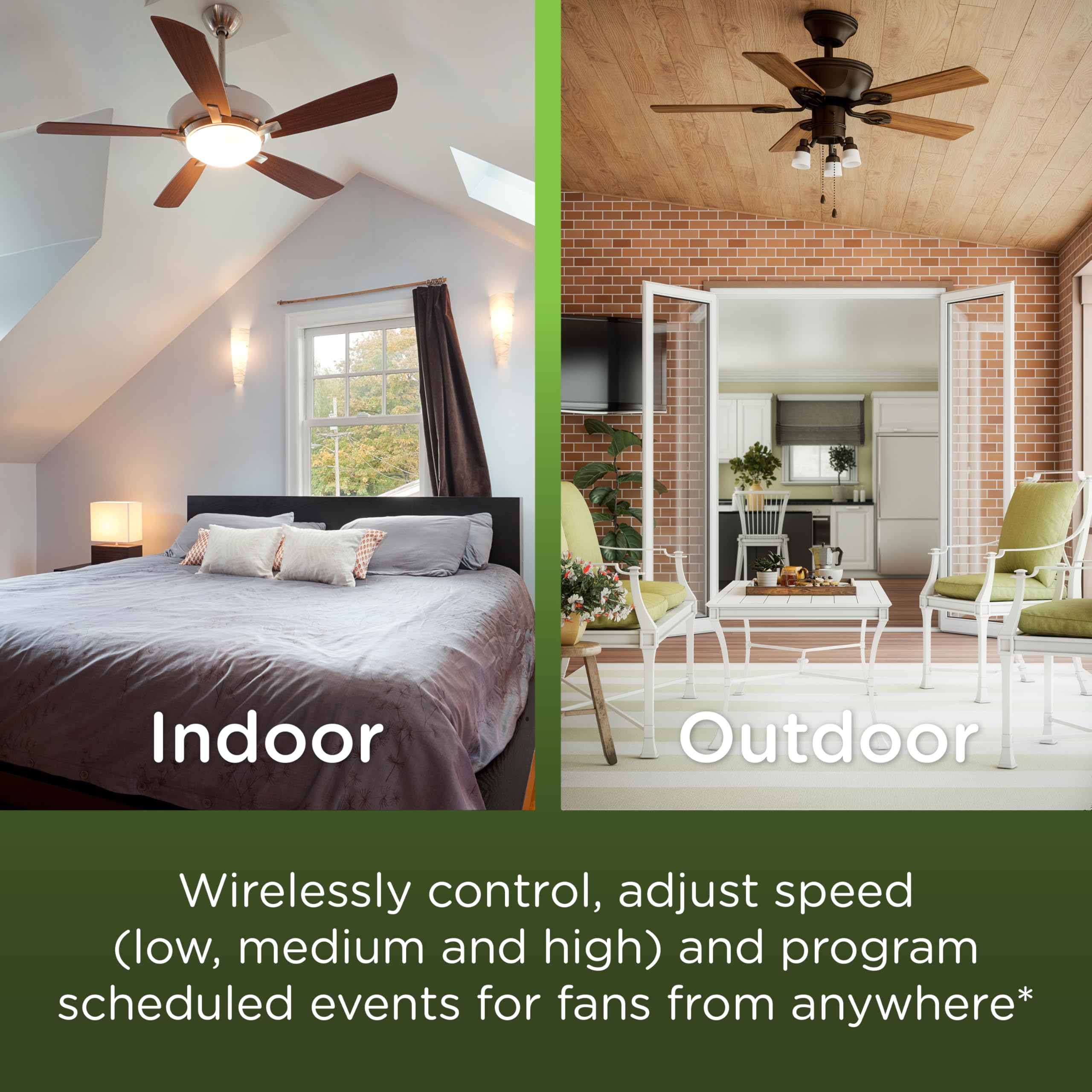
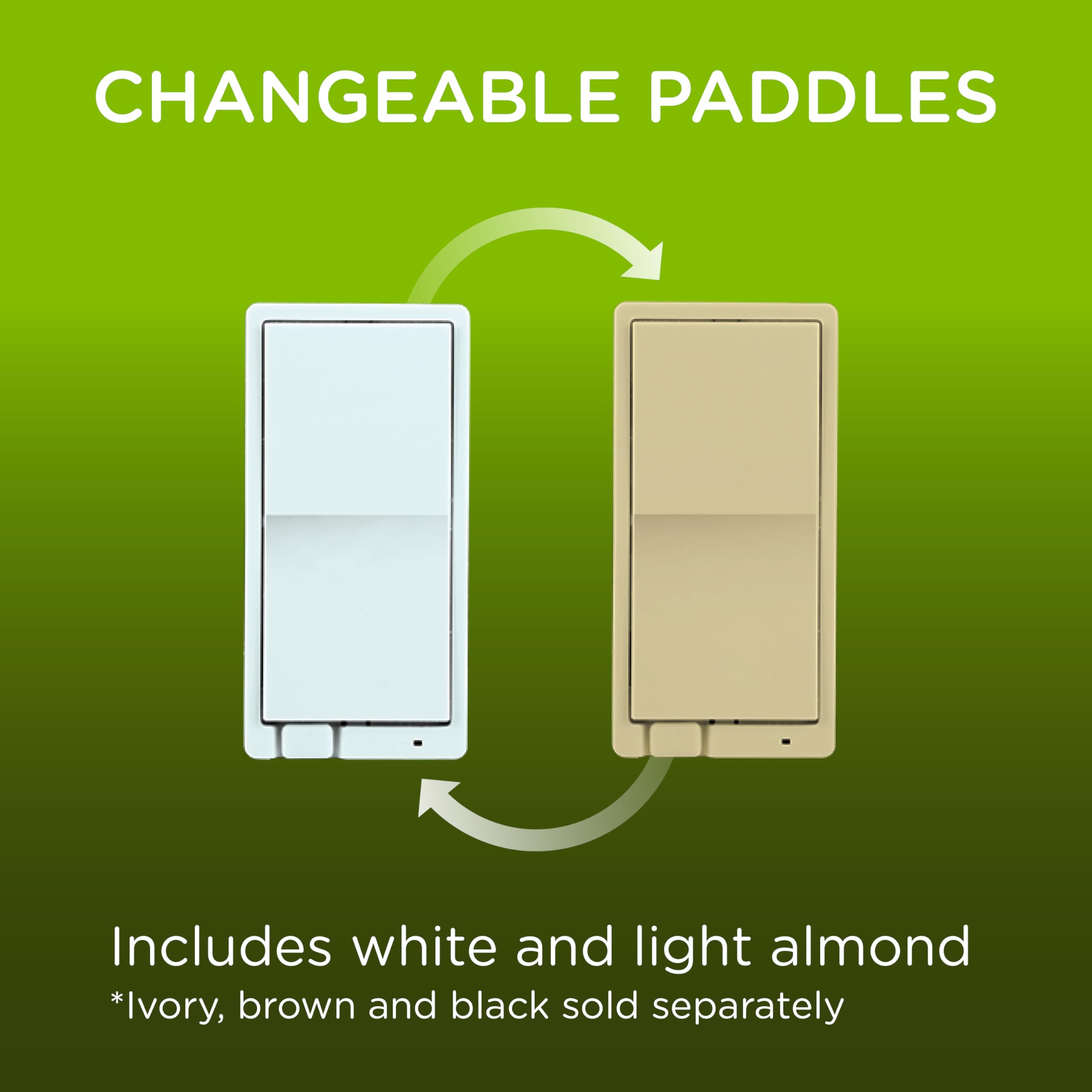
The Enbrighten Z-Wave Plus Fan Control is a hardwired, in-wall smart switch designed exclusively for ceiling fan speed management. Compatible with Alexa, Google Assistant, and major Z-Wave hubs, it supports remote control and scheduling of up to two fans. Featuring a 3-speed rotary control, it also acts as a Z-Wave range extender with up to 150ft signal boost. Available in white and almond with customizable paddles, it integrates seamlessly into existing Z-Wave home automation networks for enhanced climate control.
| ASIN | B07WSG4FN4 |
| Actuator Type | Rotary |
| Brand | ENBRIGHTEN |
| Circuit Type | 3-way |
| Colour | White |
| Connectivity Protocol | Z-Wave |
| Connector Type | Clamp |
| Contact Material | Metal |
| Contact Type | Normally Open |
| Control Method | Remote |
| Controller Type | Amazon Alexa |
| Current Rating | 2.5 Amps |
| Customer Reviews | 4.1 4.1 out of 5 stars (125) |
| Included Components | 1 Smart Fan Control |
| International Protection Rating | IP00 |
| Item Dimensions | 46 x 56 x 105 millimetres |
| Lower Temperature Rating | 32 Degrees Fahrenheit |
| Manufacturer | Jasco Products Company, LLC |
| Material | Plastic Metal |
| Model Number | 14314 |
| Mounting Type | Wall Mount |
| Number of Items | 1 |
| Number of Positions | 1 |
| Operating Voltage | 120 Volts |
| Operation Mode | ON-OFF-ON |
| Specification Met | cULus |
| Switch Type | Rocker |
| Terminal | Screw |
| UPC | 030878143141 |
| Unit Count | 1.0 Count |
| Upper Temperature Rating | 104 Degrees Fahrenheit |
B**Y
I have Enbrighten Z-Wave light switches controlling literally every light in my house. We have a large fan hanging from our vaulted living room ceiling and that was the only "dumb" switch I had left. So I was pleased to find this. I had to experiment as to which wire from the old controller went where on the new switch, but eventually figured it out without burning the house down. Since I have all of my Z-Wave switches integrated with Alexia via a SmartThings hub, I can now easily voice or app control the fan and it has worked perfectly since installation.
M**T
Works great with Home Assistant + Z-Wave JS UI. Quality seems great and on par with Zooz switches. Pairing was easy via Z-Wave JS UI inclusion mode. However, it did not support the QR-code provisioning entries "Smart Start" method that I prefer. I can toggle on/off easily in HA, but for speed control it only supports 0-100% slider so you need to know the thresholds to know which speed setting (1 to 3) you are in. There might be a workaround, but out of the box it shows the slider. Pictured with a Zooz ZEN72 Dimmer (right) and the Jasco on the left. Details: zwave-js-ui: 9.27.8.6c82b1d zwave-js: 14.3.7 Home Assistant Core 2024.12.2 (via docker) Zooz ZST39 800 LR USB Controller with FW v1.50
L**R
I’ve been using SmartThings in my home for over 10 years. I’m handicapped so nearly everything can be controlled from my bed. FYI: The 700 series are much better, smaller, faster connected, but this FAN control has some qwirks. Do not use the scan code to add this switch. It will add as a dimmer and not work. Instead chose GE fan controller from the menu, then when it asks you to scan the code it should work. These newer 700 and 800 Smart things switches seem to connect much faster, and are smaller. Makes things easier… but still obviously some oddities.
W**R
I’ve gone entirely too far down the Z-wave rabbit hole. I have over 40 switches, of which about half have failed. I’ve stupidly replaced most of them thinking this time it will be different. It’s not. So my Enbrighten fan switch died, surprise, surprise. I looked for alternatives to control a fan but cannot seem to find anything but a z-wave Enbrighten or a wi-fi alternative. But if you want to stay in the Z universe, you have few options so I got this fan controller. It is a newer version than the one that failed and has more features so I had hope. I quickly wired it up per the diagram and the switch worked fine using the paddles. Then I spent three hours trying to to pair it as a fan to Smartthings. Using the QR code or pin, it will pair as a Jasco dimmer. Or it might pair as a Jasco switch (no speed control). Depends upon its mood. Others advised pairing it as a GE fan to address this. I tried and it would eventually ask for the QR or pin to confirm and complete the setup. Whether I’d do this or skip this, the result was the same. It would connect as a light switch with no dimmer capability. I tried changing the driver after the fact but even though I have the GE fan driver in my hub, it won’t assign to this fan controller. Ultimately I tried again and again until I got a dimmer setup. It works, but smartthings does not recognize it as a fan and I cannot assign a fan driver and I cannot use all the fancy features. So, i think I will be migrating to wi-fi controlled devices moving forward. Z-wave is almost 2x the cost and seems to have little support from the manufacturers.
X**X
These work great. Super easy to install. Quality is great. Great value for the price. Super easy to set up and control. Dimming ability is a great feature.
Trustpilot
Hace 1 semana
Hace 2 semanas