Some deliveries may take a little longer than usual due to regional shipping conditions.

Descargar la aplicación


Servicios al cliente
Sobre nosotros
Copyright © 2025 Desertcart Holdings Limited
Descargar la aplicación

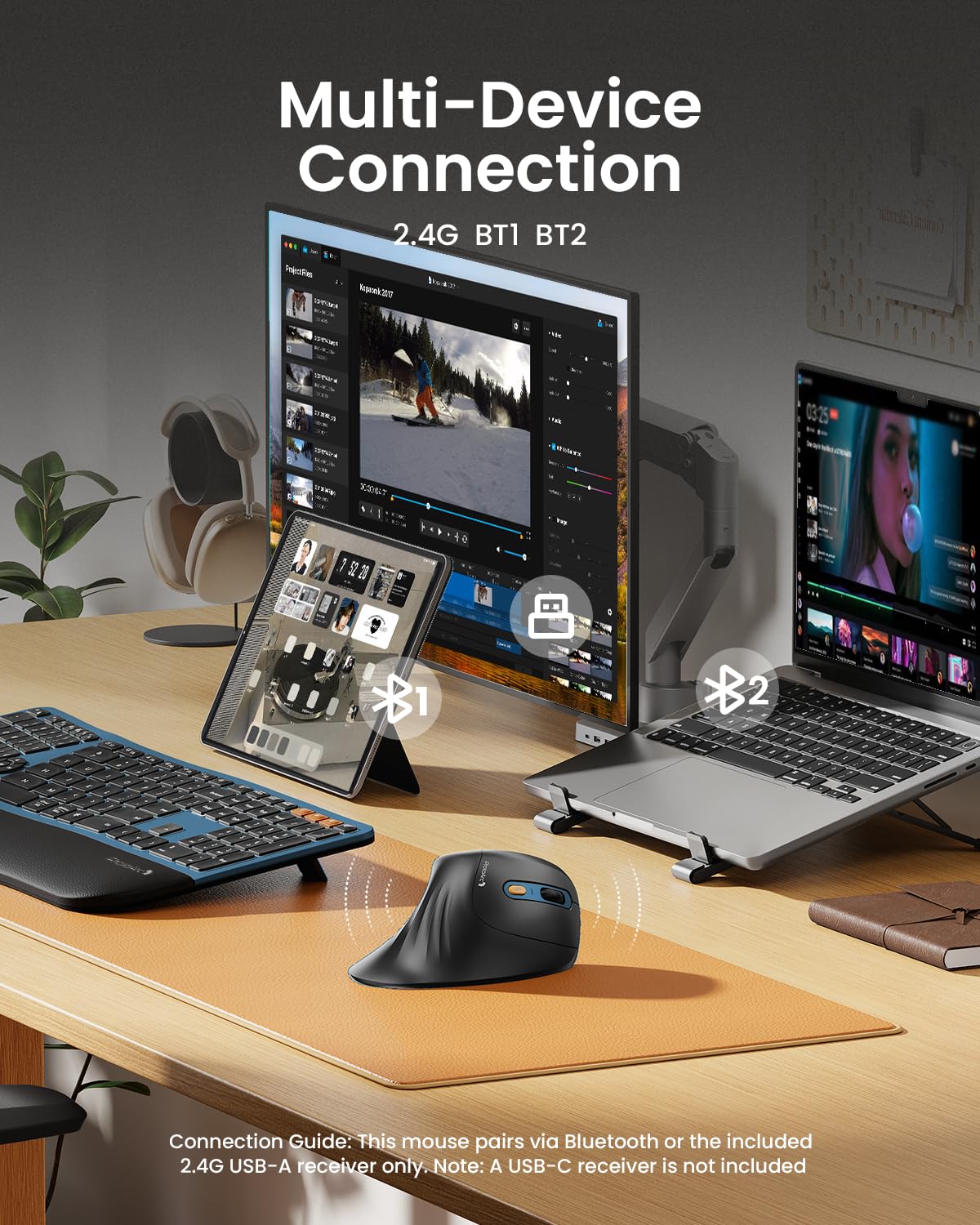
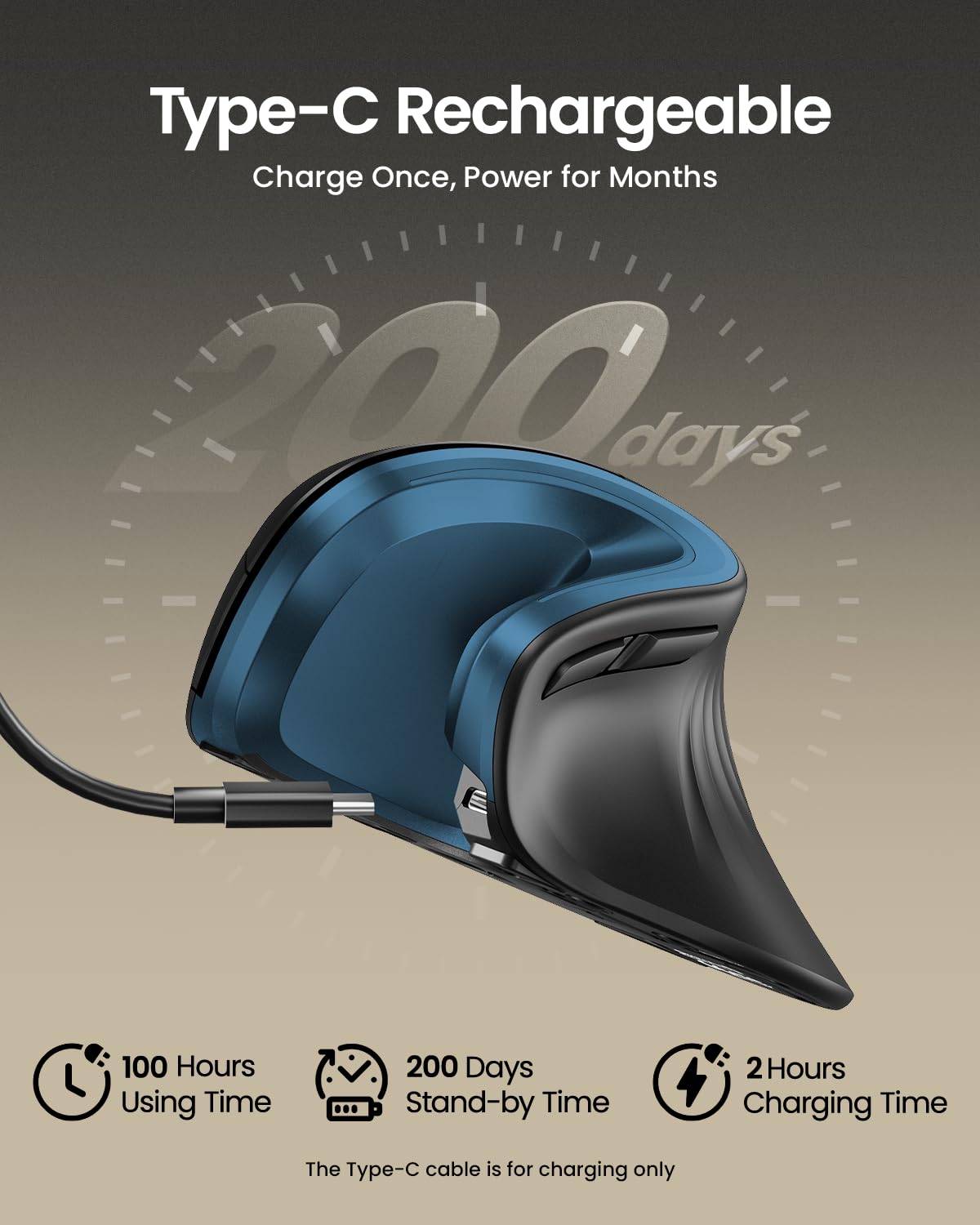


🖱️ Elevate your workflow with ergonomic precision and wireless freedom!
The ProtoArc EM11 NL Wireless Vertical Mouse combines ergonomic design with advanced multi-device connectivity, featuring a rechargeable 500mAh battery and adjustable DPI settings for enhanced precision. Compatible with Windows, Mac OS, and Android, it offers silent clicking and an extended wrist rest to reduce hand fatigue, making it ideal for professionals seeking comfort and efficiency across multiple devices.


| ASIN | B0DCBW3B3T |
| Guaranteed software updates until | unknown |
| Item model number | EM11 NL |
| Manufacturer | ProtoArc |
| Product Dimensions | 9 x 7 x 0.1 cm; 270 g |
C**.
De lo mejor para trabajar
J**S
This mouse is fantastic. Don’t let the low price fool you; it’s high quality. I’ve been using it for super-detailed 3D modeling work and it’s really helped to eliminate the wrist pain my old Razer gaming mouse caused. It keeps my hand in such a natural, supported position while I’m working and it fits my hand perfectly. I love the quiet buttons that always always perform the appropriate function with every click. The Razer mouse would often meet a click with resistance and drove me insane. It just works so well. Truly some of the best money I’ve ever spent, and it looks cool to boot! I got the one with the blue accents. Give it a try!
A**Y
Es un mouse funcional, la batería recargable dura para mí más de 3 semanas; lo único es que en ocasiones , aproximadamente cada tercer día, se desconecta y tengo que apagarlo y volverlo a prender. El precio me parece un poco alto, me parece debería de estar sobre los 500 pesos.
K**G
Great product. My wrists don't hurt anymore.
S**K
I love this ProtoArc Ergonomic Mouse. It is easy to pair with my MacMini as well as with my Dell laptop, just press a button to link with each device - I could connect a 3rd as well if I needed to. The mouse is good and responsive, holds its charge for a long time, and recharging the mouse is quick and easy. You can even continue to use the mouse while it is plugged in. The grip for this mouse is excellent for my small hands and it really does relief some of the pressure points around the base of my thumb and prevents my wrist from irritation on the desktop. If you have never used one before, these ergonomic mice does take some getting used to and will feel awkward for the first few days, but once you get used to it, it feels more natural, at least to me.
Trustpilot
Hace 1 mes
Hace 1 mes