We remain fully operational. Our teams are working around the clock to ensure your deliveries continue safely.

Descargar la aplicación


Servicios al cliente
Sobre nosotros
Copyright © 2025 Desertcart Holdings Limited
Descargar la aplicación
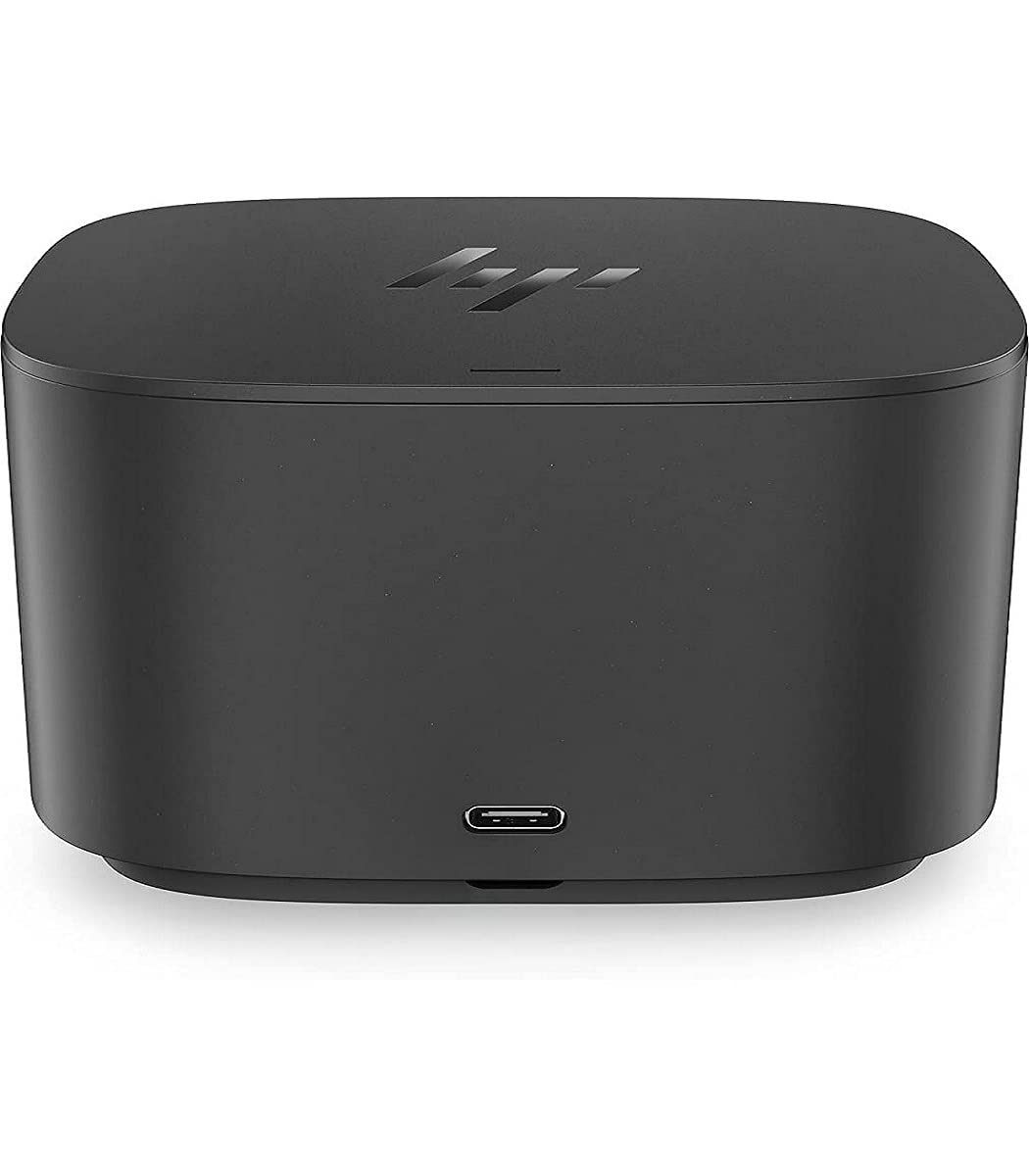
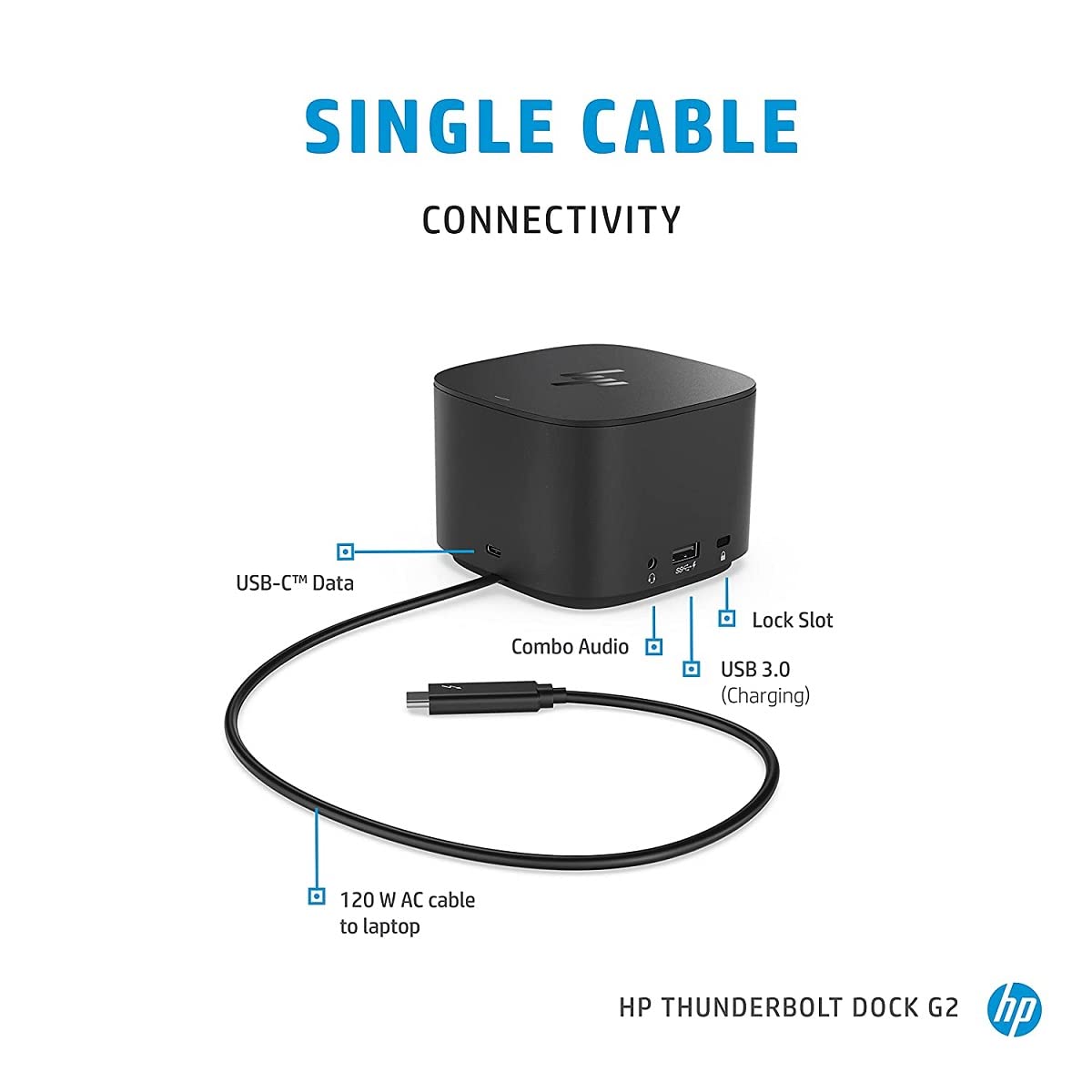
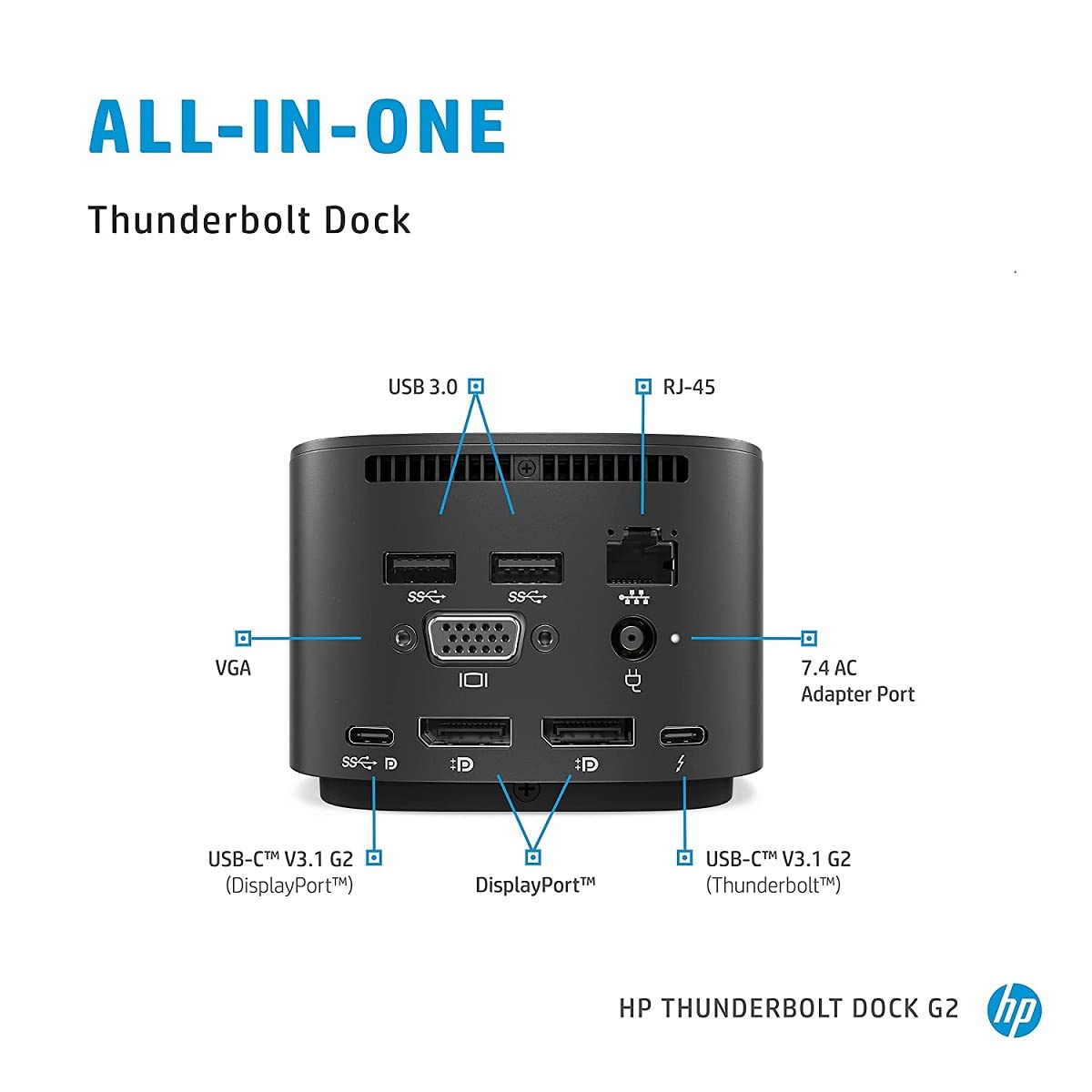
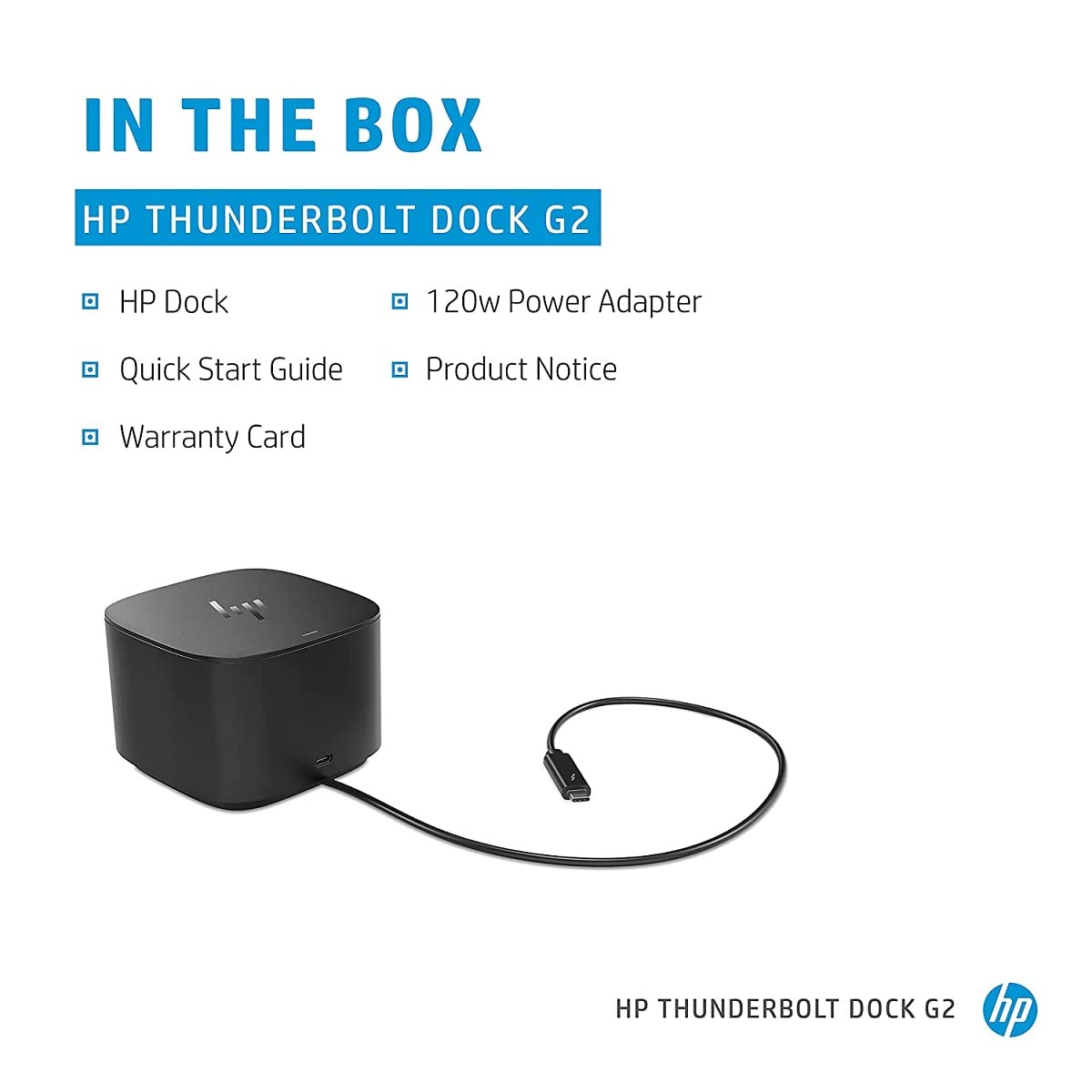
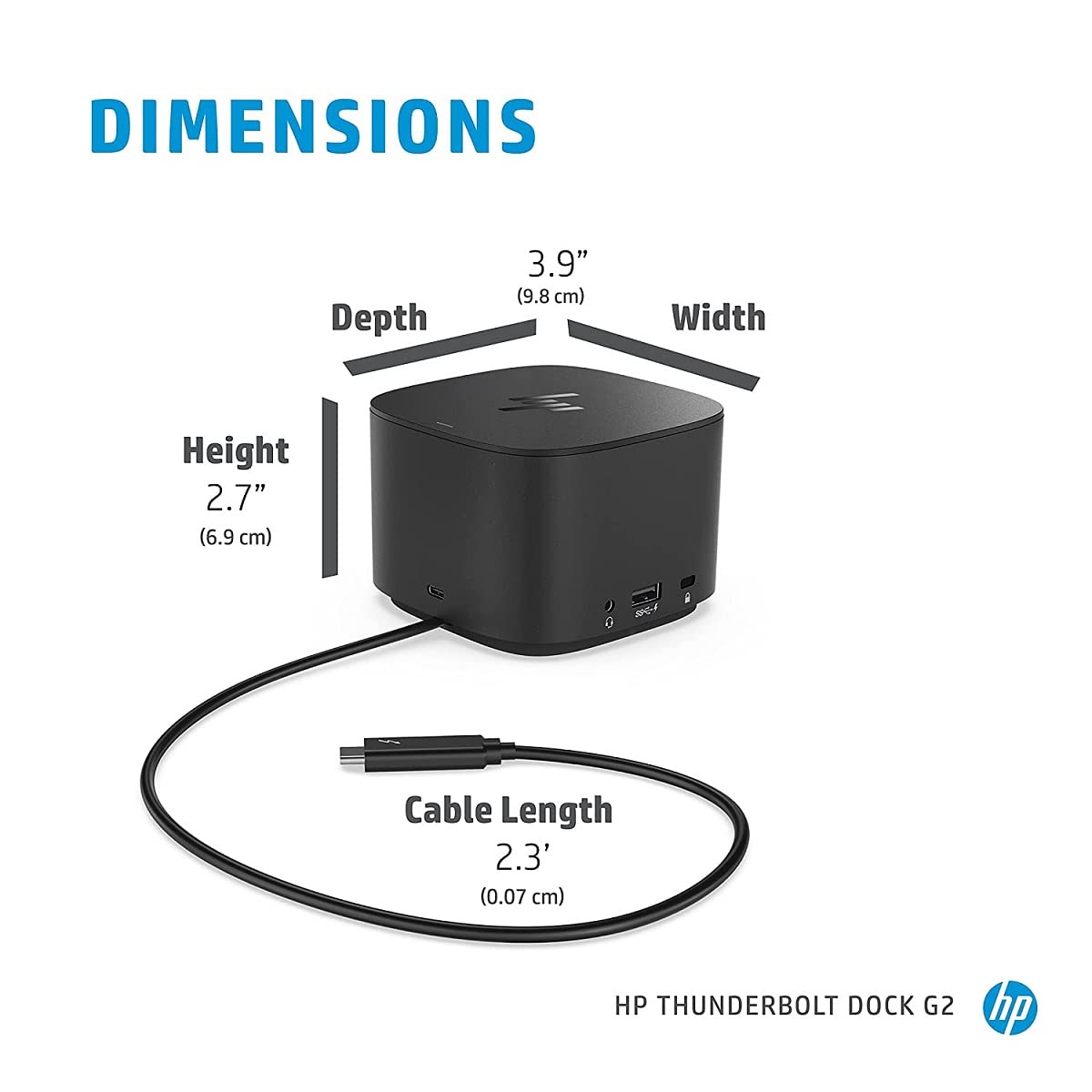
⚡ Power your productivity with HP’s ultimate Thunderbolt dock!
The HP Thunderbolt Dock G2 (120W) is a versatile docking station designed for professionals seeking seamless connectivity and powerful performance. Featuring 120 watts of power delivery, multiple USB and Thunderbolt ports, dual DisplayPort and HDMI outputs, and enterprise-grade Ethernet, it effortlessly expands your workspace while keeping devices charged and connected. Its compact, sleek design complements any modern office environment, making it a must-have for multitasking millennials who demand efficiency and style.
| ASIN | B07DPKVYXR |
| Best Sellers Rank | #3,841 in Computers & Accessories ( See Top 100 in Computers & Accessories ) #352 in Laptop Docking Stations |
| Brand | HP |
| Built-In Media | Docking Station |
| Color | Black |
| Compatible Devices | Workstation |
| Customer Reviews | 4.0 4.0 out of 5 stars (792) |
| Global Trade Identification Number | 00192018610804, 00192018610828, 00192018610903 |
| Hardware Interface | DisplayPort, Ethernet, Thunderbolt, USB, USB 3.0, USB Docking Station, VGA |
| Input Voltage | 120 Volts (AC) |
| Item Dimensions L x W x H | 3.86"L x 3.86"W x 2.72"H |
| Item Type Name | Docking Station |
| Item Weight | 1.76 Pounds |
| Manufacturer | HP-CTO |
| Number of Ports | 4 |
| Total Usb Ports | 3 |
| UPC | 192018610835 192018610767 192018610811 192018610866 192018610910 192018610798 192018610842 192018610897 192018610774 192018610873 192018810594 192018610781 192018610880 193424874118 192545618793 192018610927 192018610828 192018610859 192018610903 192018610804 |
| Wattage | 120 watts |
Y**D
Works as expected, at great savings
our company gives out G2 dock for home use. It worked great and I'd need to get one as a second dock at home to replace an old thinkpad USB C dock. I always had some concerns about buying electronics from third party sellers. This one works great and just looks like a new OEM part. so far no issues.
A**R
HP dock
Works as a charm. Wanted to find something that can work with Thunderbolt type-c port as well as can downgrade to work with regular usb type-c 3.1. This dock supports both options and works perfectly with HP EliteBook 840 G5 (Thunderbolt) and Lenovo ThinkPad E490 (usb type-c 3.1). Besides, tried to use it with Samsung DeX via Galaxy S8, but for now the phone does not detect connected monitor which may be fixed with connecting the monitor to some other port (still need to try) as such trick helped on another type-c mini dock.
N**G
Sufficient and Elegant
This is visually one of the nicest docks out there. It hardly takes up any space and makes plugging in everything much less of a hassle. I’ve had similar products at work and this has been my favorite so far. Most notably, it works better than other thunderbolt docks in the sense that my USB bus hasn’t been fried. I am able to charge my laptop and transfer data over a single cable from the front of the unit. My only complaint is the dock only supports a single external monitor. I’ve tried the documentation (which claims otherwise) to see if there was a special configuration for this, but the result is the same regardless of my port combination. It is yet to be seen if a firmware update will change this.
S**V
HP Thunderbolt Dock 120W G2 (2UK37AA) – Compact Powerhouse for Professionals
The HP Thunderbolt Dock 120W G2 (2UK37AA) is a compact and versatile docking station designed to enhance productivity for professionals. With a single Thunderbolt™ 3 (USB-C™) connection, it supports dual 4K displays, multiple USB peripherals, and provides power delivery to your laptop. Its sleek design ensures a clutter-free workspace, while the array of ports—including DisplayPort, USB-C, USB-A, VGA, and Ethernet—accommodate various devices and setups. Ideal for HP laptops and compatible with other USB-C™/Thunderbolt™ devices, this dock offers seamless connectivity and efficient power management
S**.
DOES NOT WORK WITH DUAL MONITORS
This does not work for dual monitors. It has the set up for it, but does not recognize the 2nd monitor. I was advised by our IT people that this Dock has a reputation for not working with dual monitors and it breaks down often so they have changed what docking station they use. DO NOT BUY
P**Z
Good hub, USB fall-back!
This is my favorite kind of thunderbolt hub, in that it has a USB fallback mode. I didn't even realize that until I forgot my laptop at work today and plugged my iPad in. A USB-C hub is the best. You plug it into your laptop, and Thunderbolt or not, it will accept the DisplayPort connection and also work as a normal USB hub for all plugged-in devices. This likely means that even the iPhone 15 will get keyboard/mouse monitor support if you plug this thing into one. Oh and all this while it's charging your laptop. I like it.
J**E
Some ports were nonfunctional ☹️
I had high hopes for this refurbished HP docking station. It was in very good condition. It looked new. Unfortunately, I was unable to get either of the DP ports to work. I returned it. As always, the return was blessedly easy and I really appreciate that convenience. By the way. I initially COMPLETELY MISSED the AC adapter tucked away in the BOTTOM of the box, beneath a piece of solid cardboard (that I mistook for the bottom of the box). I ended up buying one from a store on eBay that specializes in computer equipment. It works perfectly and was cheaper. 👍🏽👍🏽
T**Z
New?
The dock works but it's not new. Sold as new but it shows signs of wear and some scuffs. Cosmetic damage but it is not new.
J**E
The product does its job and is able to drive two 4K monitors and several USB peripheral devices. But just in a few months of use started glitching and eventually stopped working all together.
E**Z
MUY BUEN PRECIO Y BUEN PRODUCTO
李**鳴
期待以上でした! 機能性もデザインもすごく良くて、長く愛用できそうです。 あまりに良かったので、今回2個目を買いました。
R**Y
Works perfectly with my ZBook G6. USB charging works as well. Can also charge my Lenovo USB-C 14W budget laptop either through the main USB-C connector or even through the rear USB-C port. So far the best of three Thunderbolt docks I've tried out.
D**N
Vraiment pratique. 2 ecrans 4k dessus, je ne pensais pas que ce soit possible! le pc se connect en thunderbold et donc, vous pouvez enlever l'allimentation. en fait c'est la seule chose que vous devrez brancher, le cable thunderbold. le dock offre tout ce qu'il n'y a plus sur un portable hp (entre autre). du rj45, un video usb3, 2 displayports, 3 usb A, 1 usb C, un connecteur kensington. du coup, j'en ai un deuxième pour la maison, quand je télétravail. ps : si comme moi, le bureau pc fixe est le même que bureau pc portable, je vous conseil les claviers multistation logitech.
Trustpilot
Hace 2 semanas
Hace 2 meses