We remain fully operational. Our teams are working around the clock to ensure your deliveries continue safely.

Descargar la aplicación


Servicios al cliente
Sobre nosotros
Copyright © 2025 Desertcart Holdings Limited
Descargar la aplicación


Buy anything from 5,000+ international stores. One checkout price. No surprise fees. Join 2M+ shoppers on Desertcart.
Desertcart purchases this item on your behalf and handles shipping, customs, and support to Nicaragua.
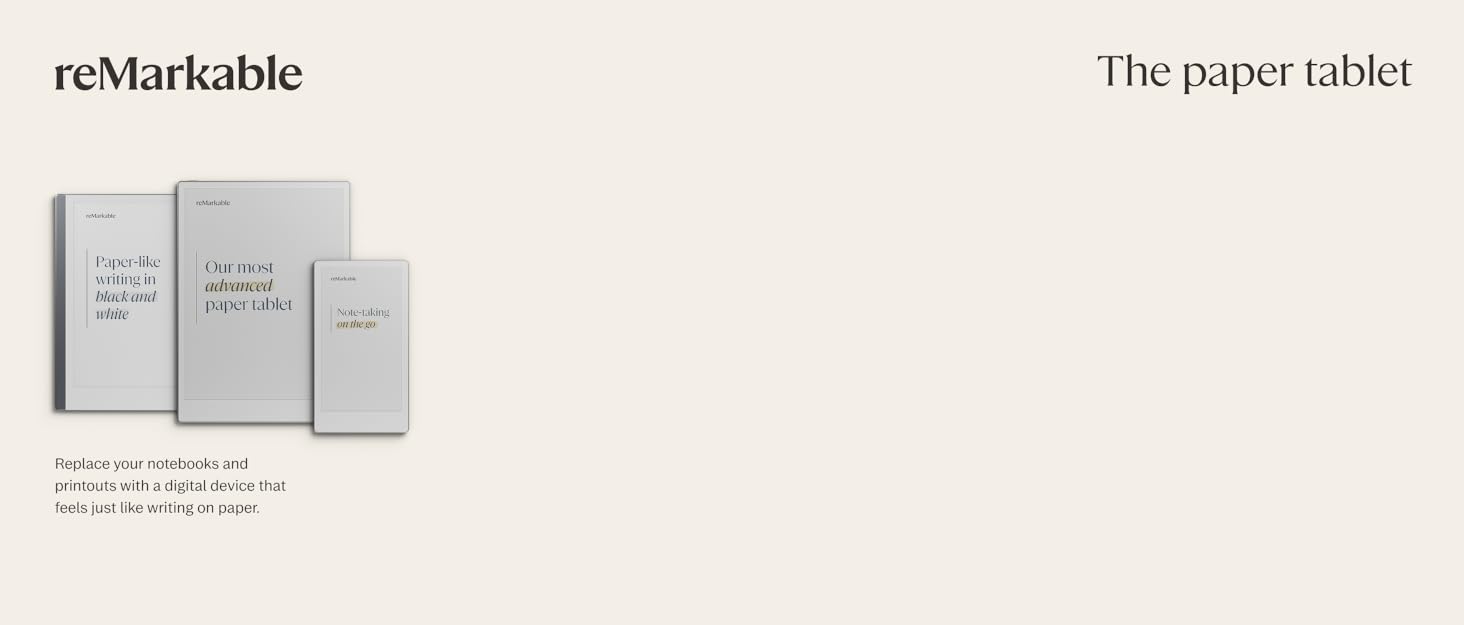
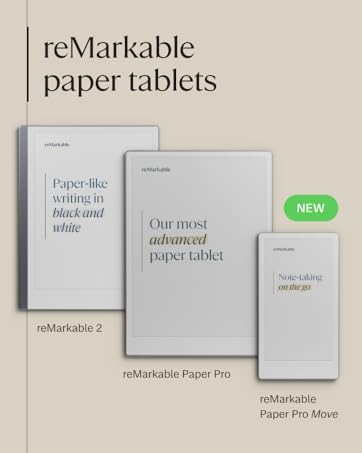
📝 Elevate your notes from mundane to masterpiece with reMarkable Paper Pro!
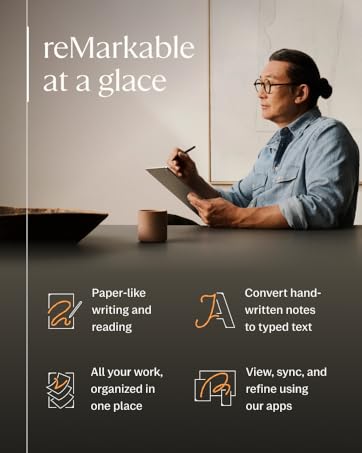
The reMarkable Paper Pro Bundle features an 11.8-inch color e-ink display designed for a paper-like writing experience, paired with the Marker Plus pen that includes a built-in eraser and six spare tips. It offers seamless cloud integration with Google Drive, Dropbox, and OneDrive, instant handwriting-to-text conversion, and a low-glare screen with adjustable lighting for comfortable reading and writing anytime. Lightweight and portable, it supports USB-C charging and delivers long battery life, making it the ultimate digital notebook for professionals and students seeking distraction-free productivity.


| ASIN | B0DG9ZXWMK |
| Additional Features | Portable |
| Best Sellers Rank | #2,450 in Computers ( See Top 100 in Computers ) #7 in eWriters |
| Brand Name | reMarkable |
| Color | Gray |
| Customer Reviews | 4.2 4.2 out of 5 stars (1,798) |
| Frame Material | Plastic/Polymer |
| Included Components | reMarkable Paper Pro, Marker Plus Pen, 6 Replacement Marker Tips, USB-C Cable |
| Item Weight | 526 g |
| Manufacturer | reMarkable |
| Manufacturer Part Number | RM81C-1000NW |
| Material Type | Plastic/Polymer |
| Model Number | RM81C-1000NW |
| Number of Batteries | 1 Lithium Ion batteries required. (included) |
| Number of Packs | 1 |
| Recommended Uses For Product | Office |
| Target Audience | Student |
| Unit Count | 1.0 Count |
| Writing Board Type | Doodle Board |
I**.
Very high quality product
The product was delivered after a bit of a mishap from Amazon but the product was worth the effort put to retrieve it.
H**R
Unremarkable price but the tablet is very user friendly
Writing comfort, the interface and pen holding plus the case itself are all very well done. I really like thr color implementation though it does not flow as fluid as the black text, so watch some reviews if that’s a concern. But in the base use you don’t scroll the screen so it is not a problem for me. Battery is good but with wifi the two weeks is a stretch target, I can use it for a few days as heavy user. But usb-c is every now so charging is simple. Very nice tool to increase productivity, 5 stars.
W**G
Kind of must have
Expensive, but it's an amazing product.
F**A
Unsatisfactory Experience – Beware Before Buying
I received the item in proper new packaging, but unfortunately, its performance did not meet my expectations. I requested a return, and while the request was initially accepted, the return was later rejected because I had opened the package. I was then offered only two options: receive a 50% refund or have the item sent back to me. This was disappointing, as my return was due to poor product performance, not any damage or misuse. Overall, a frustrating experience and not what I expected from a reputable seller
V**I
Perfect item
Perfect for site execution team for project in construction management. Nothing more to say
S**F
Waste of Money and Time.
I purchased last April, there some software issues, they said they cannot give guarantees purches on Amazon. Totally waste money and time. Please rethink before buying this expensive waste. There some other available in the market less expensive more facilities and 20 years software warranty.
K**S
Battery life is less than expected.
Two things I didn’t expect from the remarkable pro. First, there is a warm spot two thirds to the bottom in the middle of the screen. Secondly, the battery life is much less than advertised and maybe the warm spot is related to the fatter than expected battery drain.
S**T
الجهاز اشتغل لمده عددت ايام وبعدها لم يشتغل قمت بشحنه عددت مرات ولكن لا فايده
M**G
The reMarkable Paper Pro delivers an exceptional writing and reading experience that truly lives up to its reputation as a “paper tablet.” The large 11.8-inch colour display feels natural on the eyes, and the integrated reading light makes it comfortable to use in any environment, day or night. Writing with the included Marker Plus pen is smooth and highly responsive, closely mimicking the feel of pen on paper, which makes note-taking, sketching, and annotating documents genuinely enjoyable. What sets the reMarkable Paper Pro apart is its focus and simplicity. Free from distractions, it’s ideal for professionals, students, and creatives who want to think, read, and write more clearly. The colour display adds real value for highlighting, diagrams, and PDFs, while the premium build quality makes it feel like a serious productivity tool rather than just another tablet. If you’re looking for a refined, purpose-built device that replaces notebooks and paper clutter, this is a standout choice.
P**O
increíble producto antes escribir en Goodnotes en el iPad y la verdad es que no tiene punto de comparación, es como escribir en papel increíble producto
S**.
The reMarkable Paper Pro is a wonderful device and thus far I am loving using it. I love the size of the device, one of the main reasons I opted for the reMarkable Paper Pro and that it is dedicated for note taking and organising into individual folders, tagging pages, etc. Although you need to download and install an individual app on the computer for reMarkable, it's fairly straight forward, and adding PDF files if you have any eBooks in that format or ePub you can easily drag and drop across. For that, it is pretty decent compatibility with eBooks, just not for many of the other formats, unfortunately, but I'm not overly fussed on that as I use my Kindle Paperwhite for reading use. You'll find that if you use the device on full brightness, it's a pretty decent amount of light, you'd see that in person rather than from videos. However, intensive use that I use it for taking down a lot of notes from videos for my language learning, the battery will go down over the course of a day. I've used it just using a normal light and the backlight of it set to zero and it worked great. I had also done research and you can use the device whilst plugged into the laptop whilst it charges, it doesn't have any effect on the life of the battery. So long as you use it from time to time mostly away from charging to allow the battery to recycle, you're fine. The device for functionality is straightforward; learning to draw straight lines you just draw a line and if you hold it, it'll do it automatically, same for circles. Learning the menus are pretty straightforward, and creating a new notebook, don't confuse it as a page, you can create pages within notebooks, check the three dots menu and you'll find it there. I've found the quality of the screen to be fantastic, the device is very professional looking, I haven't had any issue with the light bleeding as some may have complained, I think it looks fantastic, it's a very textured feeling with writing and drawing anything. Whilst it is not going to be exactly like paper, it's good enough and feels great to write with. The refreshing of the screen happens a lot, but you get used to it. As for the weight of the device, I've found it's fairly light, I haven't had any major issues, it fits nicely alongside my Macbook Pro 16" and is nice and thin, I certainly have no issues regarding weight and is very portable, it just requires the right bag for it. All in all, this device is targeted for note taking and is not for all the bells and whistles of other uses like some of the other devices. I love the size and ability to use colour for highlighting which I do a lot and looks very professional. When connected to the computer you can use the app you download and install to export to PDF which I love. I'm very pleased with the device.
D**E
A very interesting product. A bit of a learning curve to upload documents, I had to look at Youtube videos, but still good. The paper feel is excellent. When drawing the colours are quite faded, very dull,.. so it will be interesting to see what the colours are like when I print. Charged really slow... I mean hours, when connected to my computer.. but, very quick on a basic 20W apple iPhone charger. It has to be said, it's expensive for what it is.
K**E
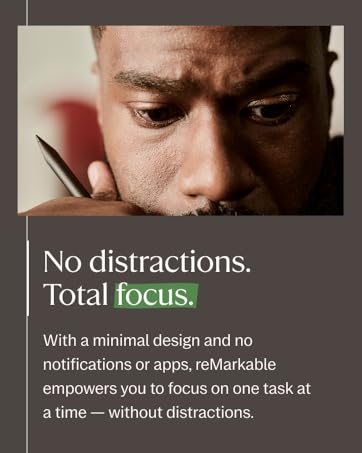
Very great to use. I thought about this for along time (over a year) before I actually bought it. The only complaint I have is that I waited so long. It’s convenient to have a “tablet” writing pad that’s not a tablet. There are no games or distractions. The brightness settings are cool for low light but you can turn them off to save battery. I love how you can have folders as well. Highlighter function is very cool. The remarkable is very user friendly. Writing isn’t quite like paper but pretty darn close for electronic. Very much worth the money and I would recommend it over and over again.
Trustpilot
Hace 1 mes
Hace 2 meses