🚀 Elevate your network game with speed and silence — because your data deserves the best!
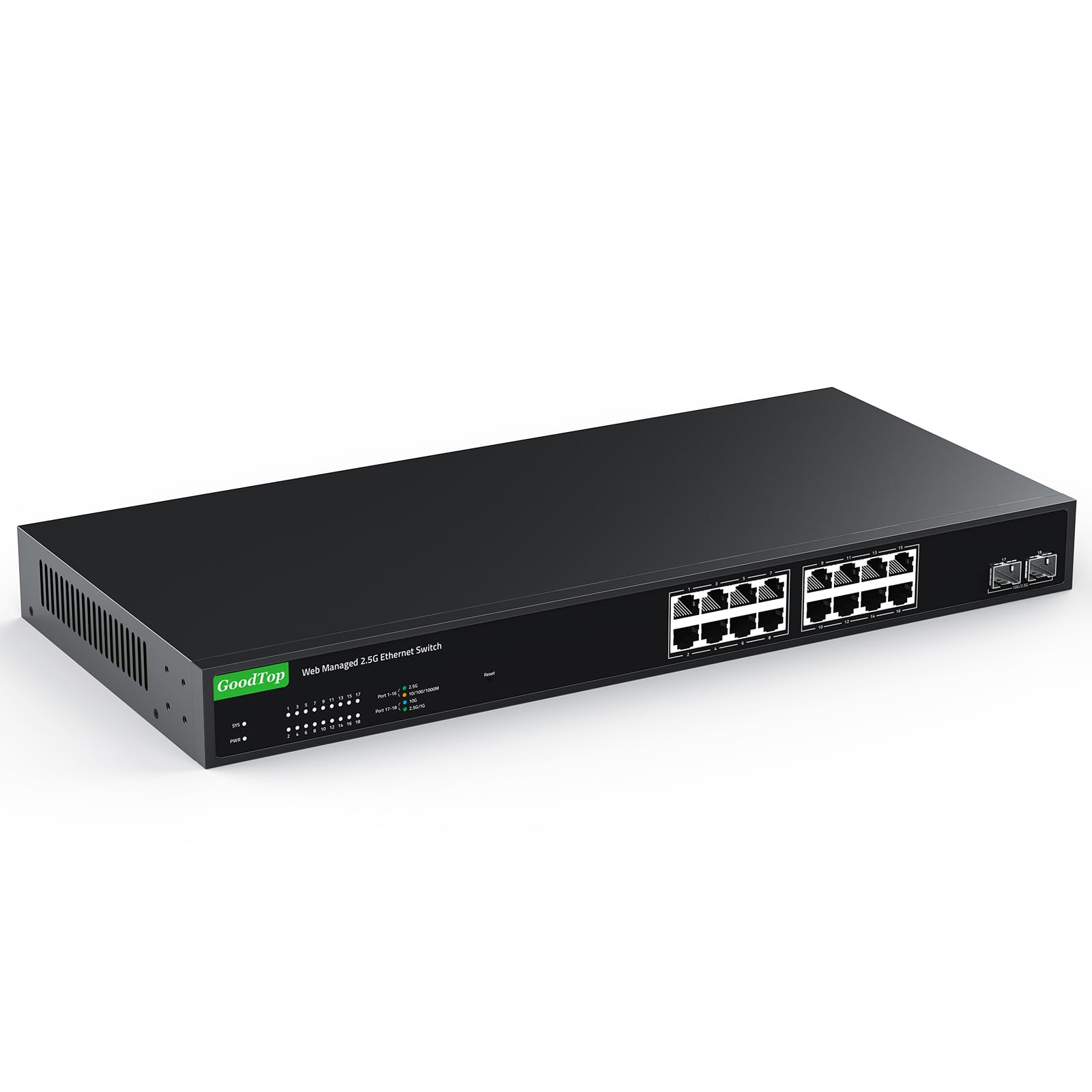
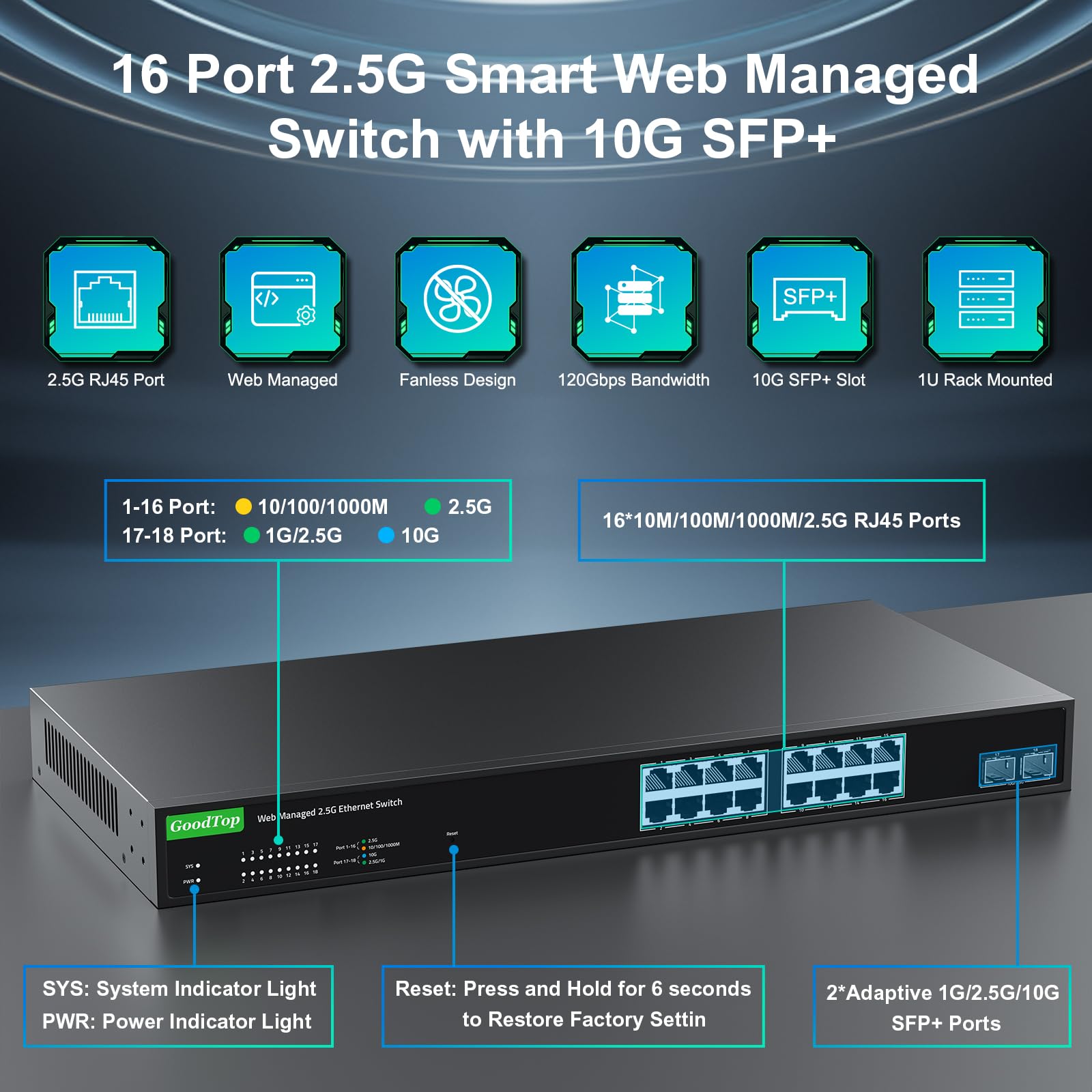
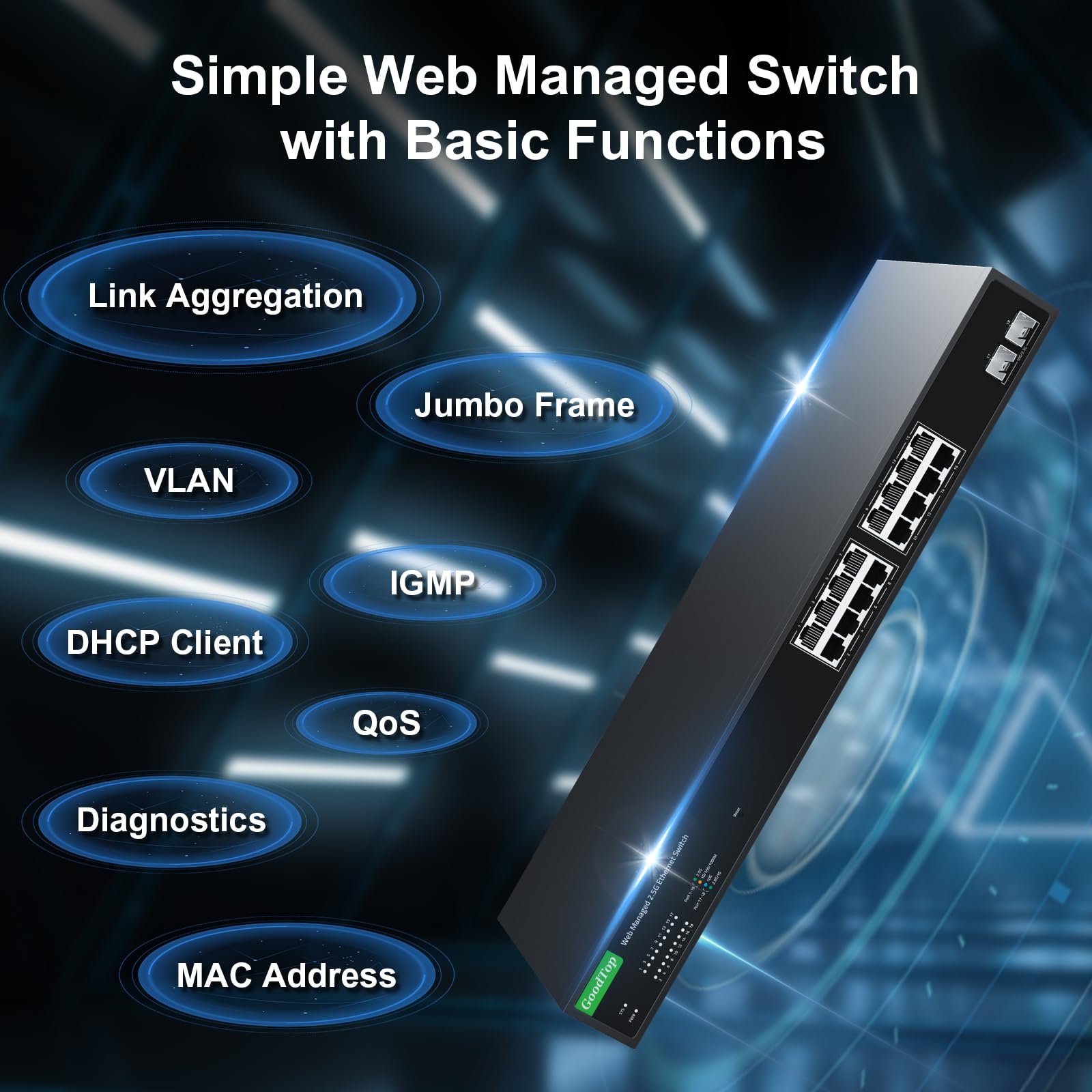
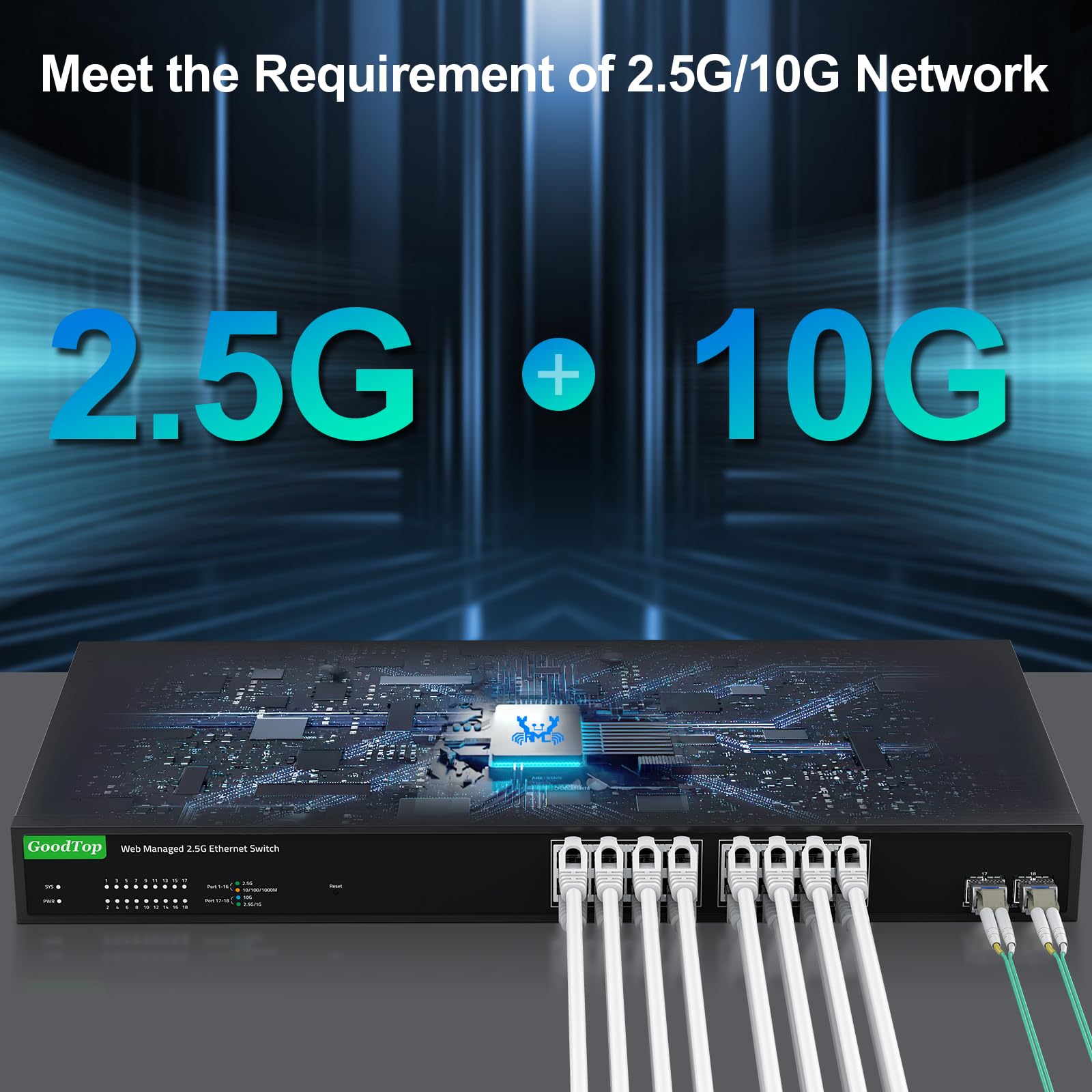
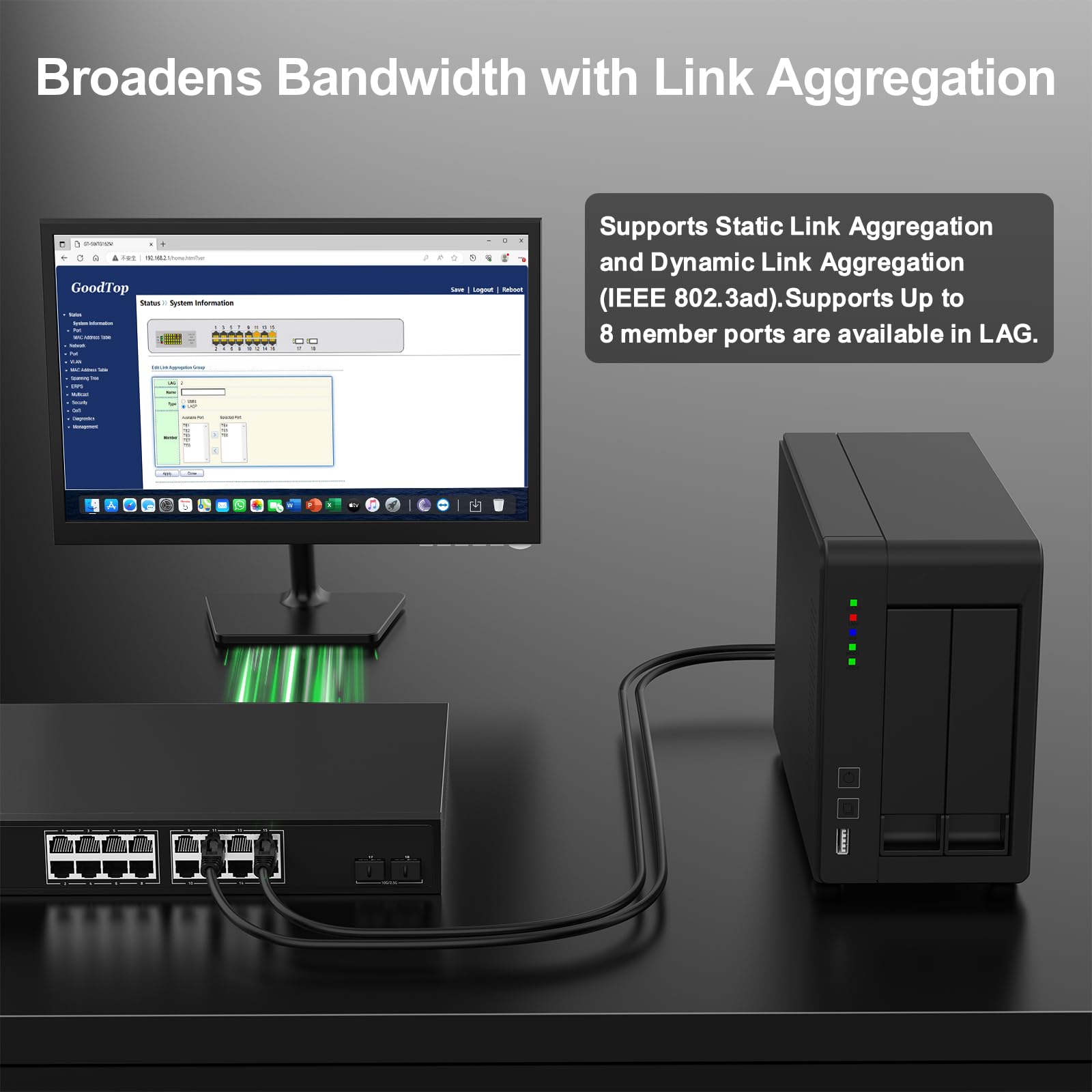
The GoodTop 16 Port 2.5Gb Smart Managed Switch combines 16 adaptive 2.5GbE RJ45 ports with 2 high-speed 10G SFP+ slots, offering a robust 120Gbps switching capacity. Its fanless metal design ensures silent, reliable operation, while easy web management supports VLAN, QoS, link aggregation, and more. Ideal for home labs, offices, and data centers, this 1U rack-mountable switch delivers enterprise-level performance and versatility for modern multi-gigabit networks.


| ASIN | B0CQRBZ47V |
| Best Sellers Rank | #1,149 in Computer Networking Switches |
| Case Material | Metal |
| Customer Reviews | 4.2 4.2 out of 5 stars (9) |
| Data Transfer Rate | 2500 Megabytes Per Second |
| Date First Available | April 15, 2024 |
| Interface Type | RJ45, SFP+ |
| Item Weight | 6.98 pounds |
| Item model number | 16x2.5G+2x10G SFP+ [Managed] |
| Manufacturer | Shenzhen GuangyangTianji Communication Technology Co., Ltd. |
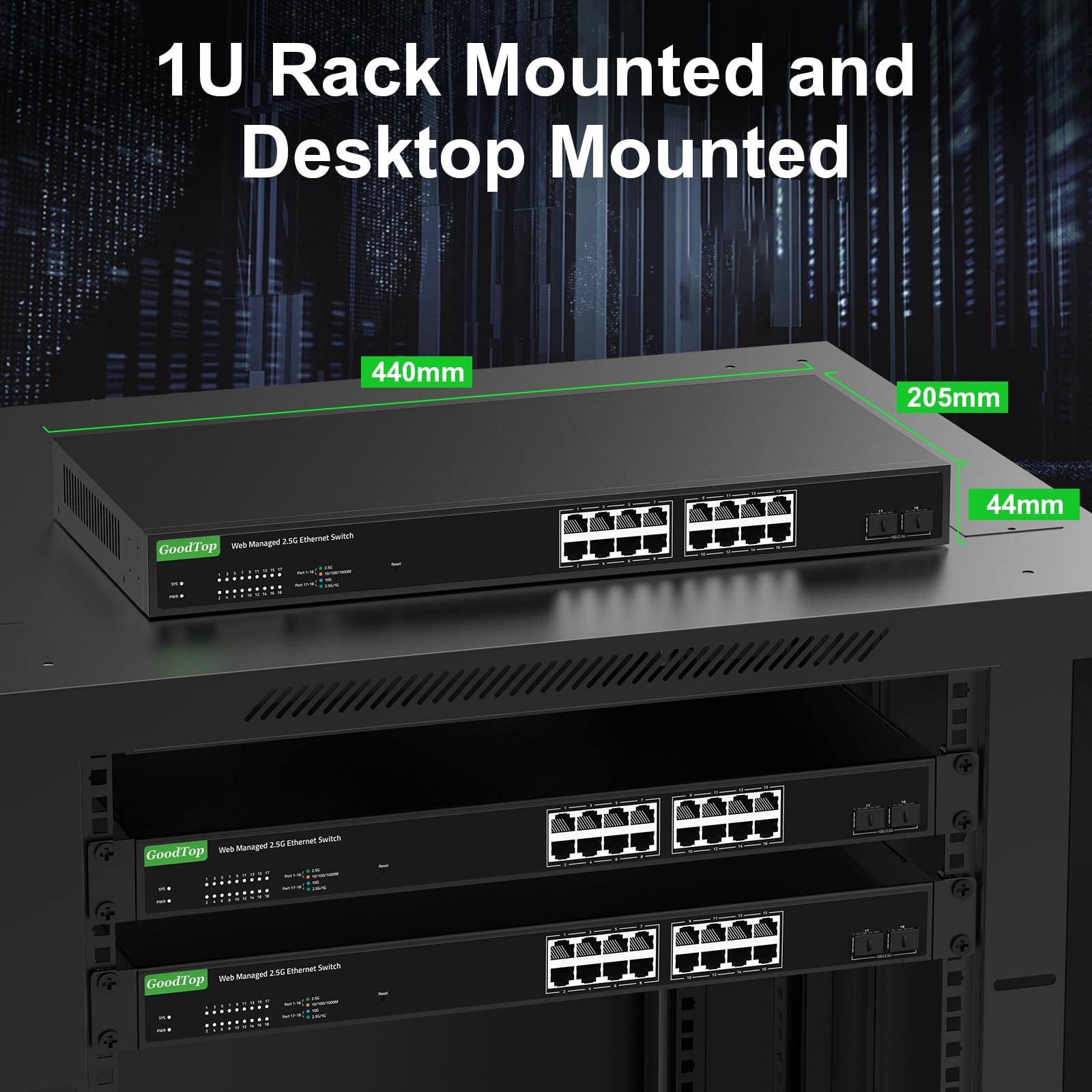
| Product Dimensions | 17.32 x 8.07 x 1.73 inches |
| Voltage | 12 Volts |
L**4
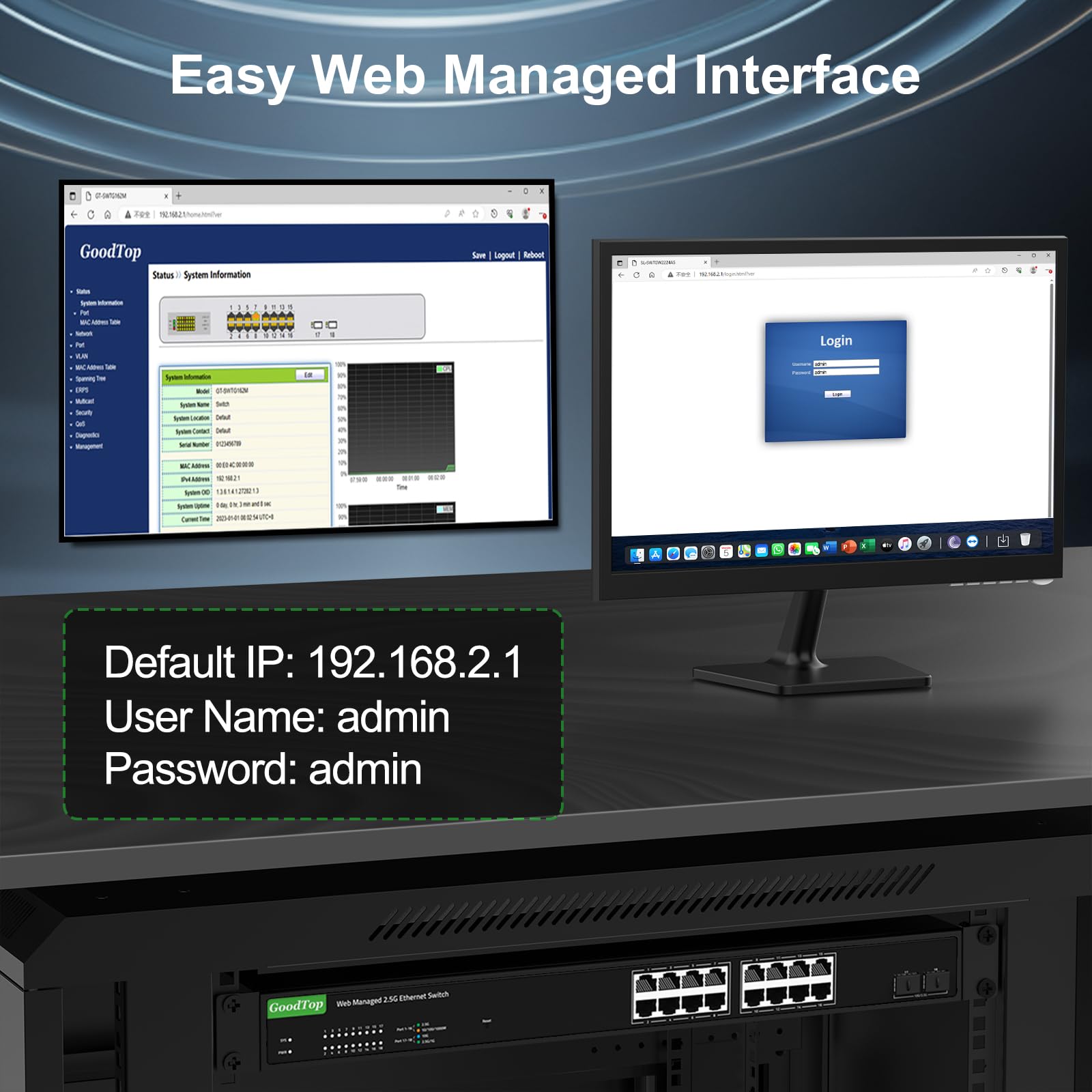
Set your computer's IP Config to 192.168.2.x to open the management functions.
This Managed Switch works great, I wish they had an 8 port 2.5gbe with 2 SFP+ slots. The 2.5gbe works great. Setup was easy but I had to connect it directly to my PC via Ethernet cable and make sure my IP configuration for the network matched the 192.168.2.x network. Once I did this I was able to login to the switch management at 192.168.2.1 address. The included instructions helped but this stumped me for a little as my default network was not the 192.168.2.x. I added a second network card to my PC and pointed it to the 192.168.2.x network so I can manage the switch settings when ever I want and still have access to my regular network (internet, printer, etc.) The management software is done via a browser and is straight forward in it's layout and function. So far the switches have worked great with no issues. The VLAN appears to be managed by port but I have not set this up yet. There may be a mac address settings that I have not seen. This was the reason I got the managed switches. From what I can tell it is a good idea to have managed switches from your internet provider router to the computers you want to have on a separate VLAN. So I have two linked in series. The switches don't seem to run hot so that is also a good quality. I have not tested the SFP+ ports yet so can not comment on that part of the switch. This switch is a good switch for home use by allowing a 10gbe backbone. I also like that the SPF+ ports are separated a little to help dissipate heat when using 10gbe Ethernet wired connections.
J**E
Excellent features works great
Worked great. Better than my original one-gig switch.
R**O
not good
no power button. you have to yank it from the back. ip change - forget about it! tried to change ip several times and cold restarted by yanking the power cord and waiting 1 minute. if you change the ip address and save and restart, it sometimes works, but then if you cold boot it may still return to the original ip 192.168.2.1. network ports do not have blinking lights; the link lights are to the left side with tiny numbers; so you have to look at super tiny letters with a flashlight and magnifying glass in order to read the microscopic light, then quickly look at the port number to match. the tiny lights are solid and do not blink with activity signal. after about 1 hour the link lights all turned off. it simply stopped working! could not ping anything. disconnected from power, off and on several times. also pressed the reset button with a pen until all lights blinked quickly. nothing! turned off/on several times and pressed reset button with it on, then as it was turning on. still no blinking lights, and now i cannot connnect. returning. i do not recommend it.
S**R
web interface
excellent unit. Easy to program.
Trustpilot
Hace 4 días
Hace 1 mes



