Some deliveries may take a little longer than usual due to regional shipping conditions.

Descargar la aplicación


Servicios al cliente
Sobre nosotros
Copyright © 2025 Desertcart Holdings Limited
Descargar la aplicación

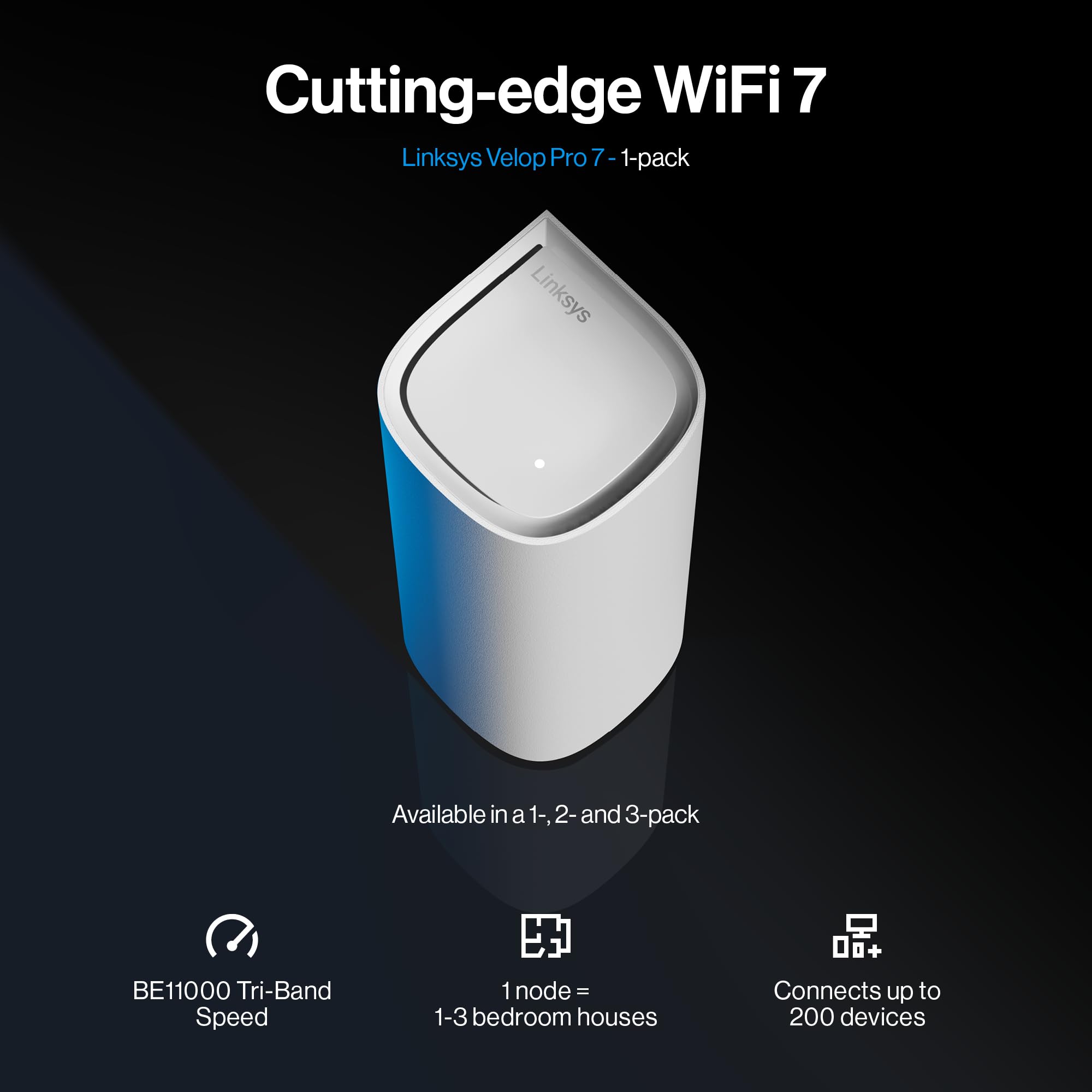


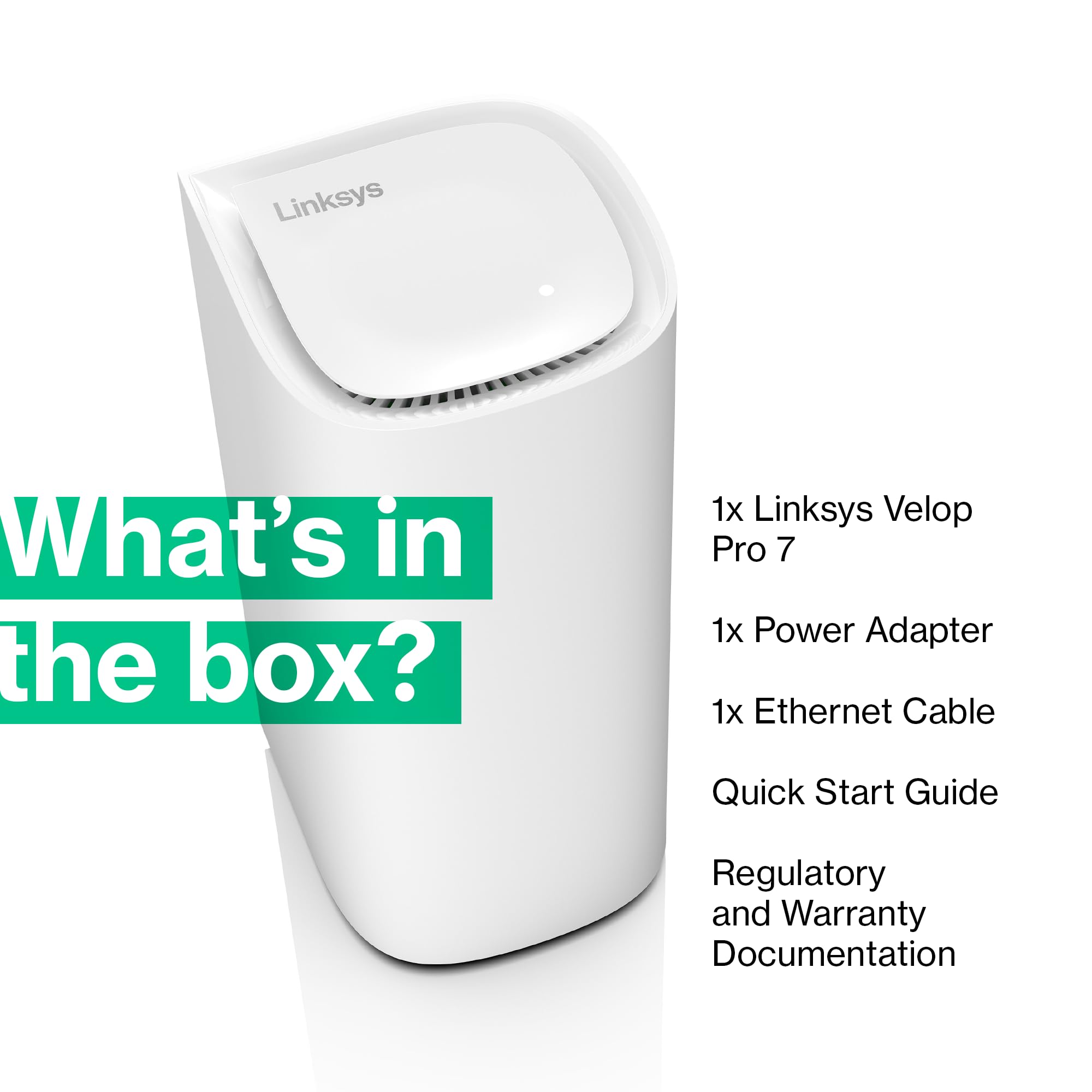


🚀 Elevate your home network to pro-level speed and coverage—because buffering is so last decade!
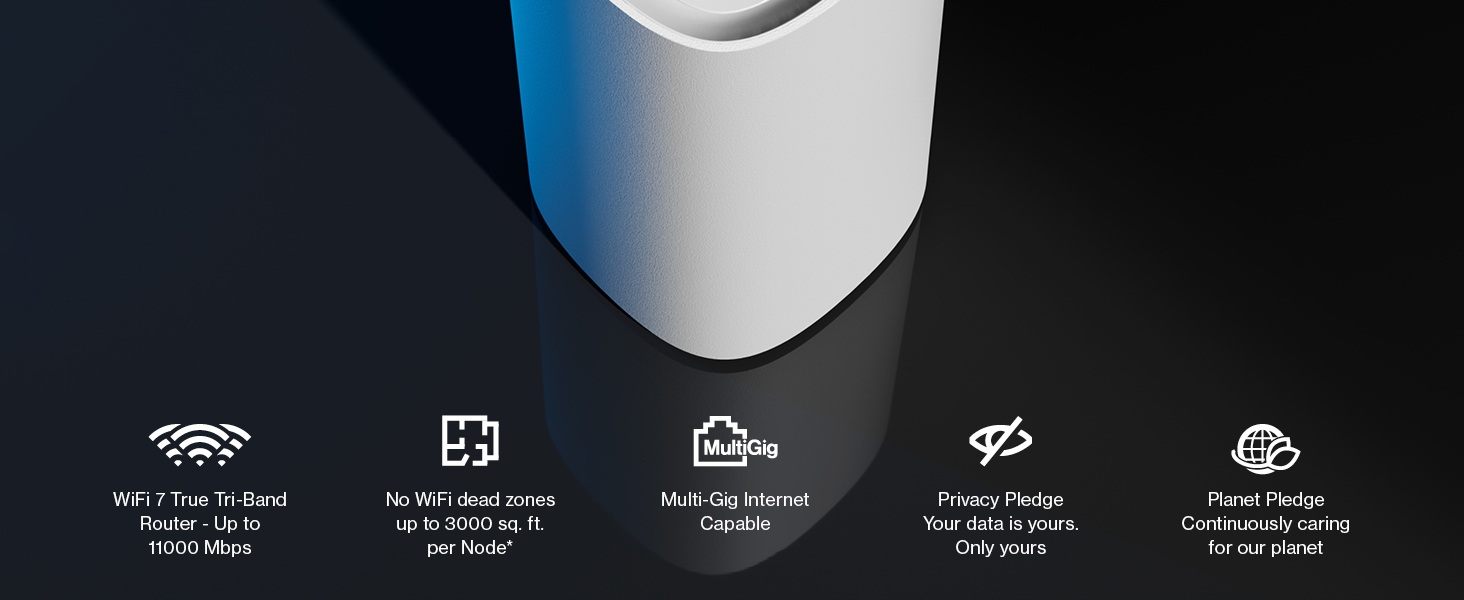
The Linksys Velop Pro 7 Mesh WiFi 7 Router MBE7001 delivers cutting-edge tri-band WiFi 7 technology with speeds up to 4.8 times faster than WiFi 6. Designed for whole-home coverage up to 275 sqm, it supports up to 200 devices simultaneously. Featuring a cognitive mesh system, it optimizes network performance and security with remote app support, making it ideal for demanding professional and smart home environments.




| ASIN | B0CJY367NW |
| Are Batteries Included | No |
| Best Sellers Rank | 10,573 in Computers & Accessories ( See Top 100 in Computers & Accessories ) 85 in Routers |
| Brand | Linksys |
| Colour | White |
| Customer Reviews | 3.2 3.2 out of 5 stars (162) |
| Date First Available | 9 Oct. 2023 |
| Guaranteed software updates until | unknown |
| Item Weight | 1.68 kg |
| Item model number | MBE7001-KE |
| Manufacturer | Linksys |
| Operating System | RouterOS |
| Product Dimensions | 10.4 x 26.5 x 25.24 cm; 1.68 kg |
| Series | Linksys Velop Pro 7 Mesh WiFi 7 Router MBE7001 - Cognitive Mesh System with Tri-Band and over 10 Gbps Speeds - Whole Home Coverage up to 275 sqm. |
| Voltage | 220 Volts |
| Wireless Type | 802.11.be |
A**A
Solid Devices. App Setup Sucks Big time.
So far the connectivity was as expected. Sadly features wise, I couldn't say much as I already had a Velop 6 Pro mesh setup. So functionality wise, I couldn't see anything extra. Ease of Setup - Not going to agree with this at All. The apps were a mess and couldn't get the setup wizard running on either iOS (iPhone 17 Pro Max) nor Android (Samsung Fold 7). Only way was to set it up via manually over the webUI interface.
A**R
This may only work well in its most basic mode. (Update to 1* : Avoid! Drops continue frequently.)
Does not work well in bridge mode, issue clearly described on Linksys Reddit community. Requires all nodes to be wired which is pointless and not how previous models worked. Keeping as I do need a solution and at least it's compatible with the older model overall saving me money, but if I had to do it all over again wouldn't not buy this model. Good speeds when working. Coverage is an issue since if one node dies the entire network goes with it, again not the behaviour of previous models. With self-caused connectivity issues the app to control/configure also offers a poor experience and eve local configuration as issues as it consistently believes the nodes are down even if they are not. There's even issues just using the "switch" ports for wired access when a node thinks it's not connected even if the light shows white. Overall, a disappointment especially when compared to previous MX4200 solution.
M**I
Amazing, once set up..
Let me get the negative out of the way.. Setup Awful, the app doesn't work for a seamless upgrade as it suggests. I tried so many times following the app to swap my current wifi settings over to this new system. However, after many hours of trying and with a good knowledge of networking etc. I failed. The app is great for operating your system but it fell flat on the upgrade to this new system. So to summarise, I simply set it up as new using the supplied wifi details on the base of one of the nodes then I switched on the other two child nodes let the system find them ( it did first time) and within 10 mins all 3 were set up and working. There were a couple of important firmware updates so I let them install and system eventually then settled down. Finally, I simply renamed the wifi name and password to what my previous set up was and once it rebooted all my devices reconnected as expected. Don't let the set up negative put you off, I decided to battle on in hope the app would work as it should of. The system is great, the nodes look great and they perform fantastic, I'm maxing out on wifi even in the garden 500mgbs achieved on my 500mgbs fibre service. I stuck with Linksys as my previous model were Linksys and I knew I could connect one node into the modem and that node would then act as a router so new additional hardware required. I would of given 5 stars but I had to take one star off due to app not performing what should of been a seamless transfer. Overall, don't let that put you off at all, these are superb, ive had them installed over a week now and not had to touch them. Plenty of lan ports on each node too, one has 2.5gb throughput.
C**R
Great mesh system
Easy to setup Manages to get signal through many thick walls over three floors Four Ethernet ports in each node is very handy
A**R
Very unreliable and constant disconnects.
Awful. "Upgraded" my existing Linksys MX4200 mesh system thinking this will fix many issues. Yes the coverage was slightly better, however constant and I mean constant disconnects from the latest iPhones. Teams calls were like stepping back to 2002. Returning and either reverting back to my old system or going for a different manufacturer.
A**A
I really really wanted to love this but sadly had to return it.
I was initially looking at the TP link but decided “absolutely not!” when I read that a) Apple devices in particular had issues connecting with it and b) more importantly multiple customers had raised the issue with TP link and they hadn’t been interested in fixing it. I therefore looked at alternatives and the Linksys system caught my attention. The nodes are sleek white towers. The reset and on buttons are on the base, which is a bit of a pain. As per the advice of others, I started by connecting one node thingie to the main router, with the other two nodes plugged in in the same room. (Once the Linksys is set up you can move the extra / child nodes to another location, but keeping them close initially helps with set up) App downloaded easily, it recognised the main and child nodes and life seemed good… Then….nothing. The main node seemed stuck on “white light mode” which apparently means it is in set up mode. I tried switching on and off, resetting etc but nothing. I note others mentioned this happened and kindly shared a workaround. Unfortunately it mentioned assigning IP addresses and my computer lessons were on a bbc micro so even the “basic” fixes were too complicated for me. Others with even basic knowledge might be able to understand and resolve the problem. At that point I turned to the Linksys app. Usually there’s a helpful troubleshooting section somewhere with step by step instructions for confused people like me. I could not intuitively find it. At this point I decided this mesh system was not for me. I understand that I could have contacted a support person but having recently spent nearly a week trying to sort out a laptop issue with support services, I just couldn’t face more waiting around. Probably easier and cheaper to hang out and use the Wi-Fi in a local coffee shop. I am disappointed though - I was really looking forward to internet access that doesn’t drop off if I turn over in bed. The nodes are quite lovely to look at. They have multiple connections on the back and are not too heavy to hold. The app downloaded quickly and it was easy to follow the set up instructions. Unfortunately there wasn’t enough information on troubleshooting and since it never connected properly I cannot comment on the speed or range. Other reviews are largely positive and I appreciate that someone even a smidge more technically knowledgeable might well have gotten it to work.
X**L
Posiadam Linksys Mx 5300 i mając iPhone 14 Pro Max nie odczułem żadnej znaczącej różnicy przesiadając się na Velop pro 7 . Moim zdaniem Mx 5300 ma lepszy zasięg od Velop pro 7 prędkości identyczne nawet chyba troszkę gorsze na Velop pro 7 . Rozczarowany .
ح**.
الجهاز والسعر ممتازين
C**N
Ottimo prodotto
T**S
C’est un investissement sur du long terme. J’utilise énormément le wifi et je ne connecte que le NAS en filaire car je connecte les appareils en wifi. Et donc pour avoir une utilité de ce que met mon FAI comme débit théorique à la disposition, j’avais besoin d’un investissement pour augmenter le débit par wifi. En fait, selon mon avis, il est déjà trop tard pour passer au Wifi 6 et il est plus judicieux de passer au wifi 7. Maintenant, j’ai payé trois bornes 625€ Pour ce prix, la solution entrait en considération malgré un prix conséquent Mais oui, j’ai des débit proche de mon accès à internet proche du giga et il y a des déperdition dans le bâtiment en fonction d’où on place les bornes mais dans l’ensemble, tout le trafic est grandement amélioré et satisfait ma demande et celle de ceux qui en bénéficieront sur des années à venir. En wifi, j’avais 67 Mbps avec la connexion wifi de mon FAI alors que dans le bâtiment désormais on n’est pas en dessous des 500 Mbps plus ou moins Je parle ici d’une solution dans le domaine du privé Mais en entreprise sur le réseau social de la marque à la fenêtre, je vois les sociétés informatique qui propose cette solution de wifi 7
C**N
Estaba cansado no tener cobertura wifi en toda la casa y compré este pack de dos nodos. La satisfacción es absoluta. La velocidad en toda la casa es brutal y el proceso de configuración desde le la app de Linksys muy fácil y sin problemas. La app está muy bien y se controla el estado de conexión de todos los dispositivos en cada momento. Algunas veces (pocas) la app se bloquea pero no me supone major problema más que cerrarla y volverla a abrir. Wifi de nivel pro y alta satisfacción con la compra.
Trustpilot
Hace 1 día
Hace 1 semana