We remain fully operational. Our teams are working around the clock to ensure your deliveries continue safely.

Descargar la aplicación


Servicios al cliente
Sobre nosotros
Copyright © 2025 Desertcart Holdings Limited
Descargar la aplicación


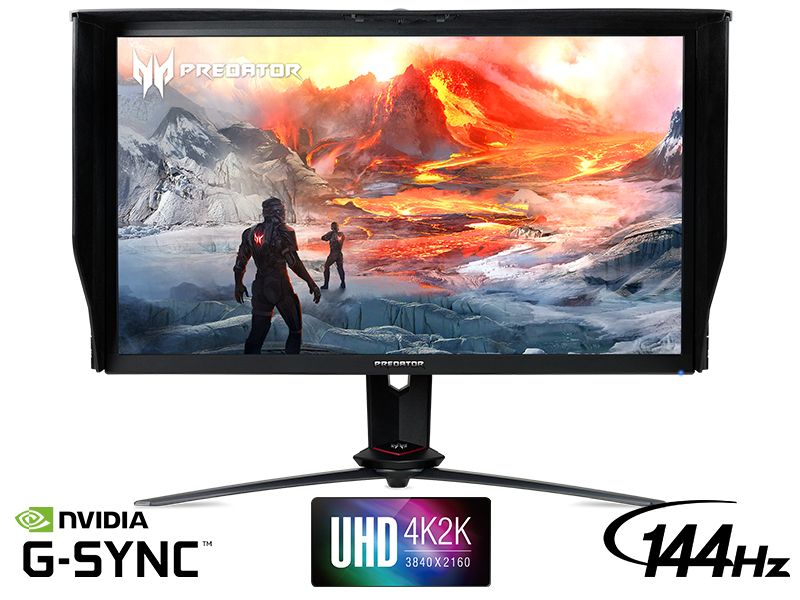
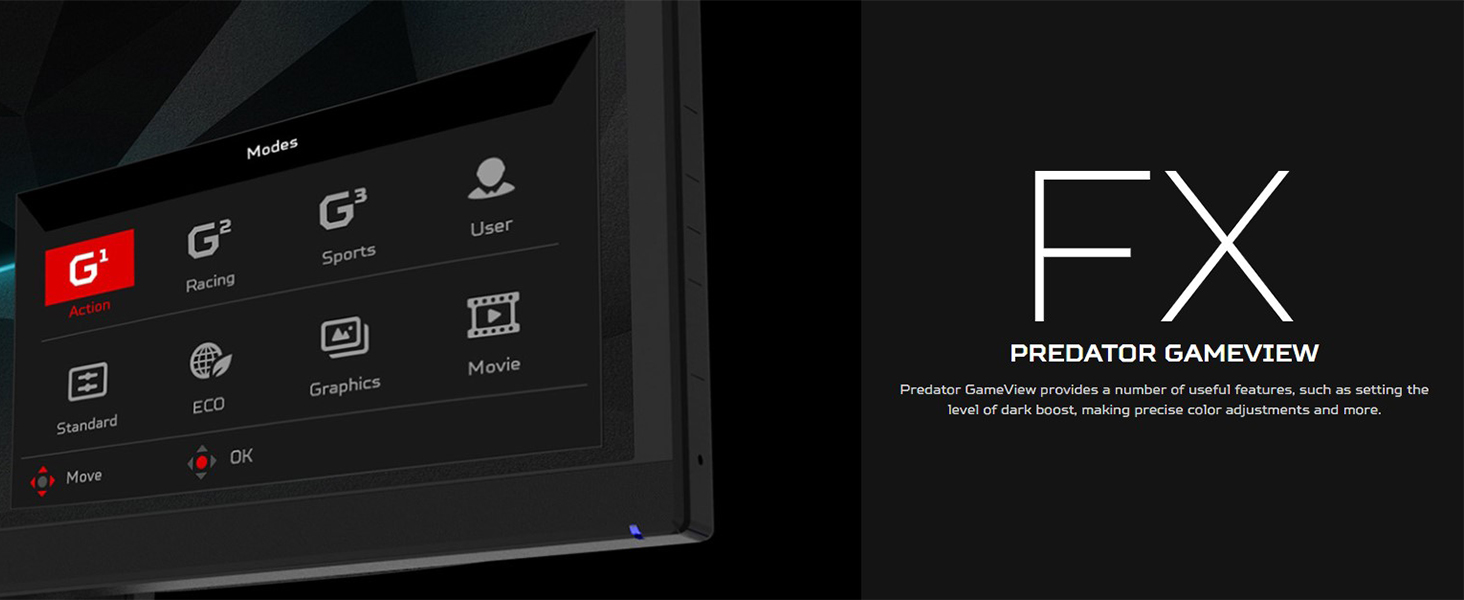
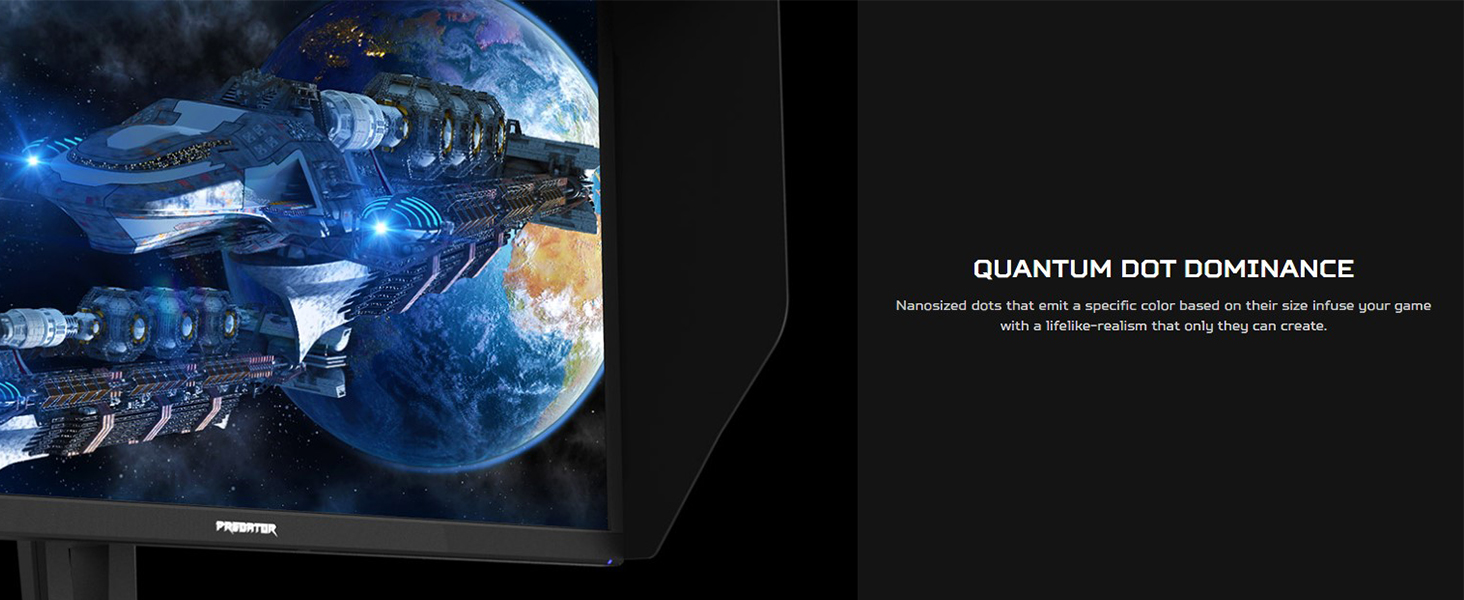
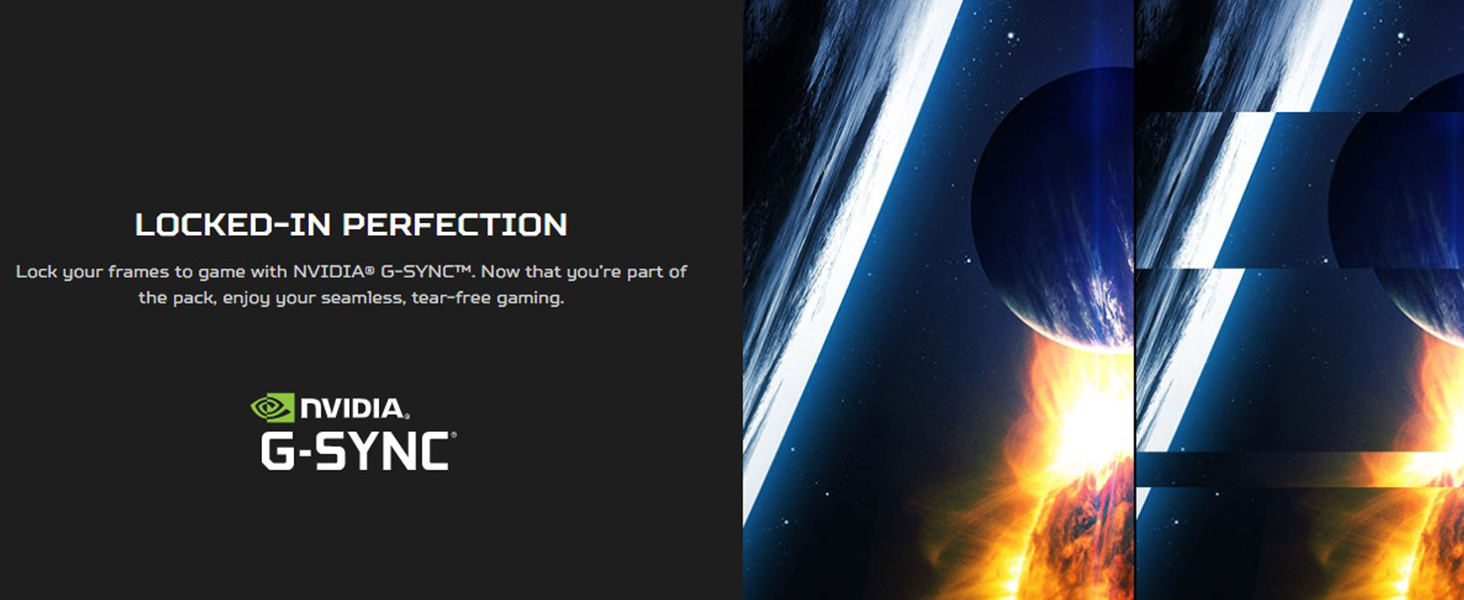
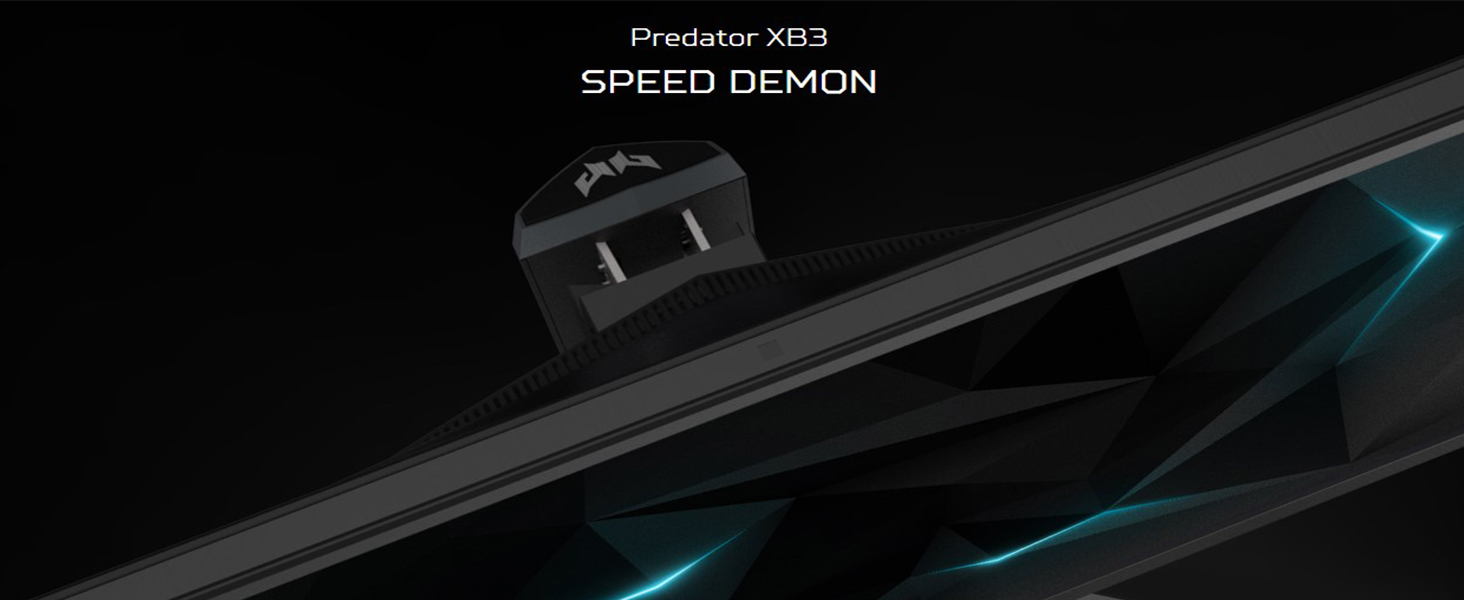
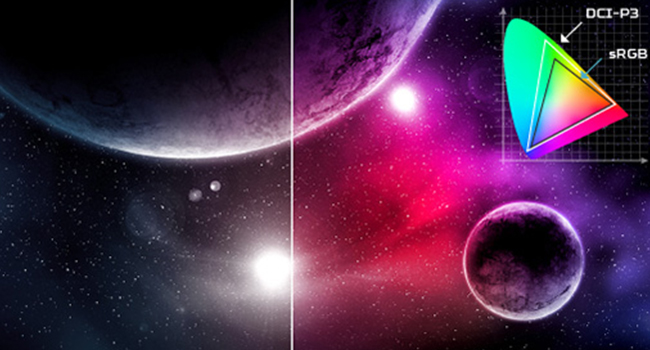
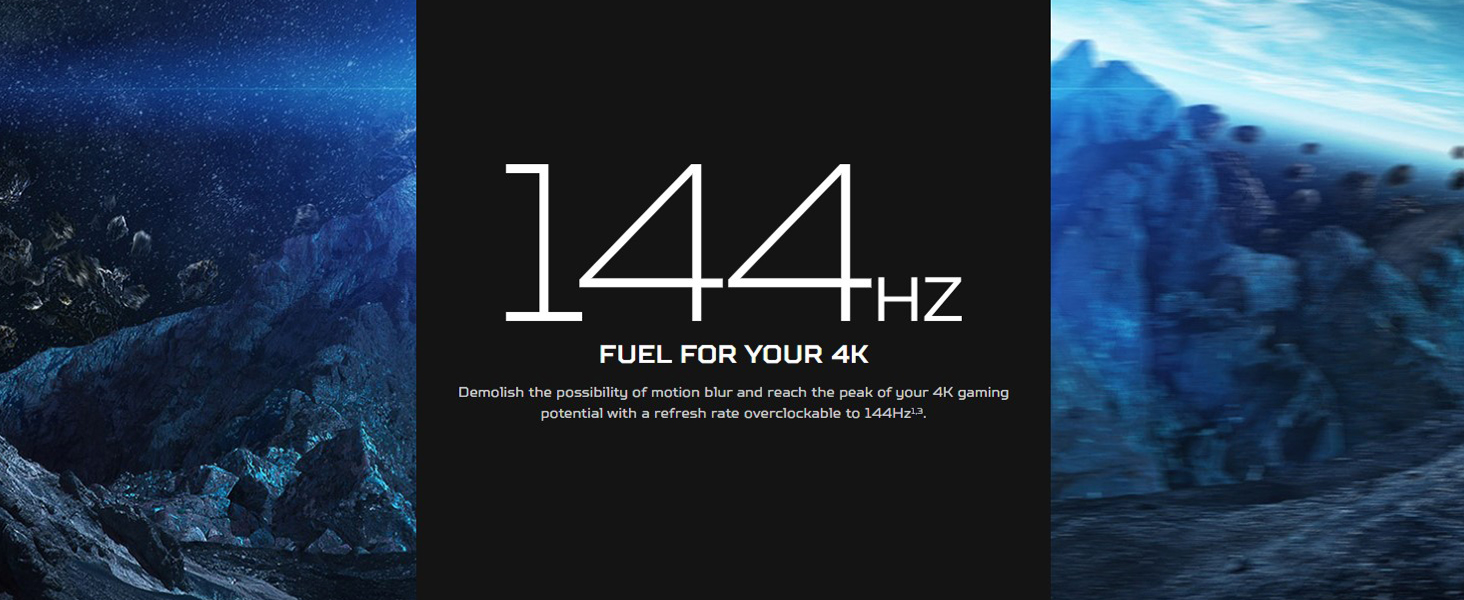
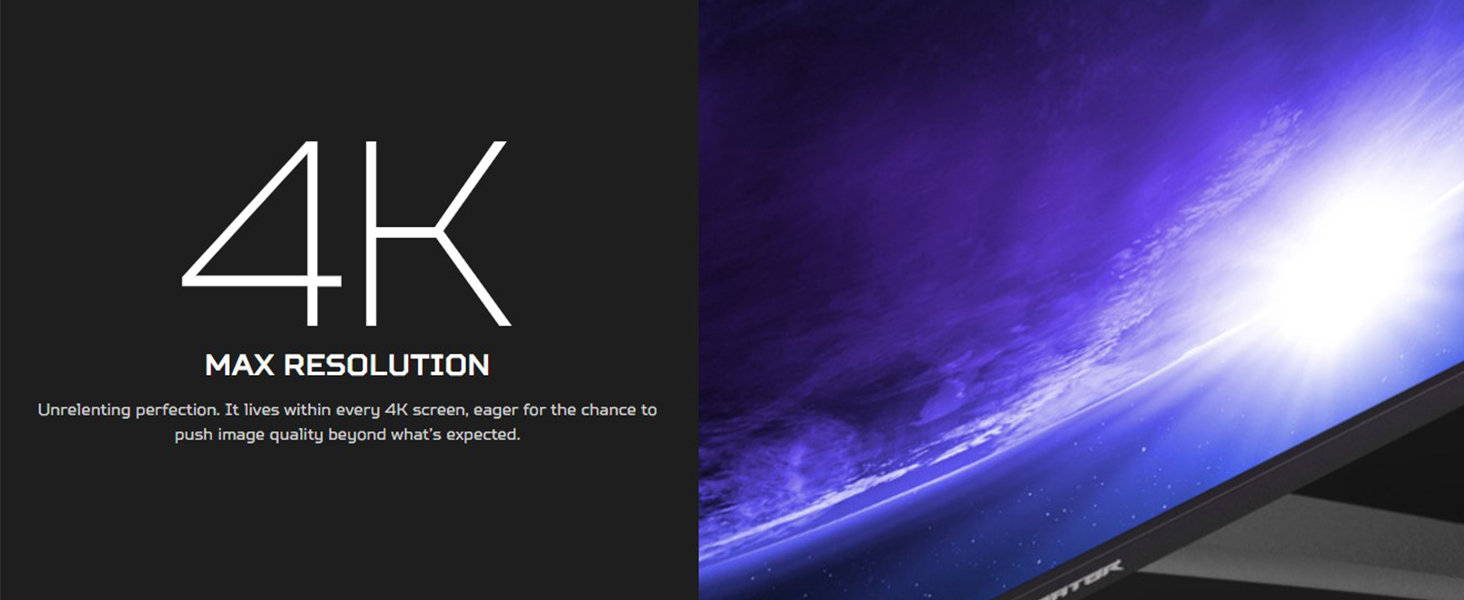
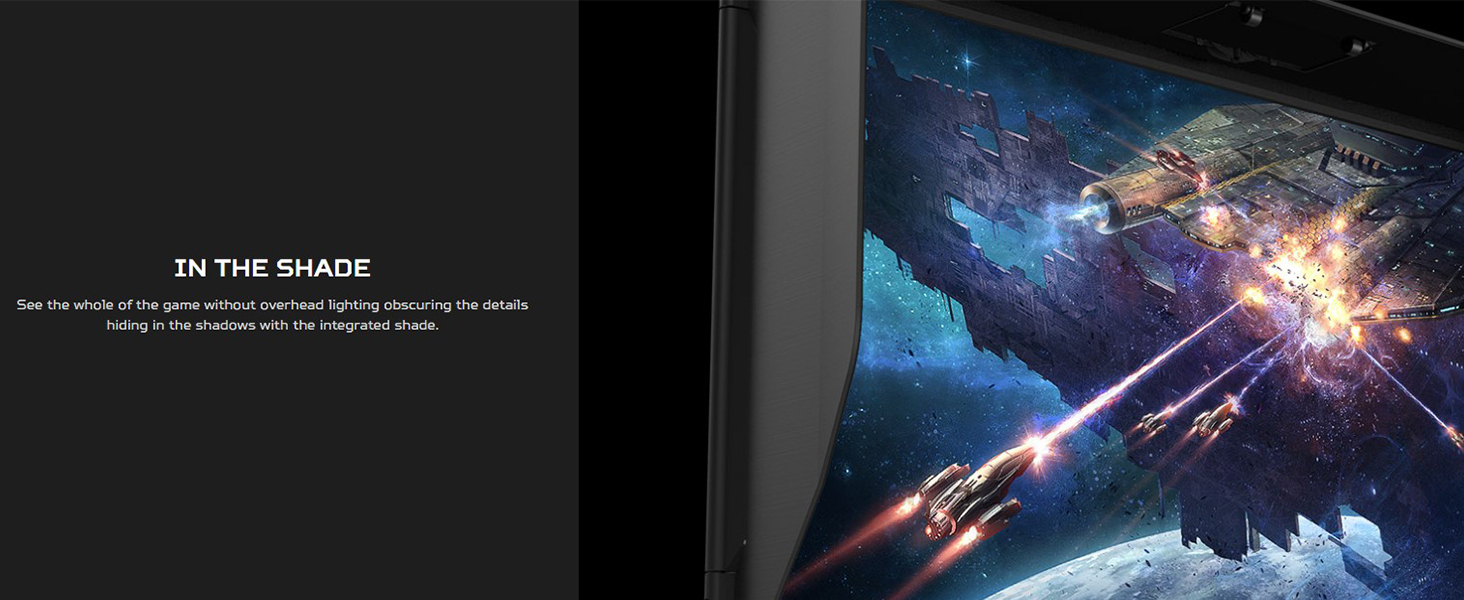
Fasten your seatbelt: The Predator XB273K Ultra HD display with 4K resolution is all about no compromises on gaming performance, color or speed. This 27-inch (3840 x 2160) monitor combine’s jaw dropping specs including an IPS panel that supports blazing-fast 144Hz refresh rate. This G-SYNC Compatible monitor takes gameplay to the next level of smooth. Unleash gaming’s maximum potential to provide richer colors far beyond what has been previously possible. Experience something new. (UM.HX3AA.P03). Review: First, the bad (but not actually bad, since it got way better). When I received the monitor, it had lots of backlight bleed (hereafter referred to as BLB), and it was distracting in games. However, most of the BLB went away within a couple of weeks of regular use, and the remaining amount is well within acceptable limits (i.e. I don't notice it in games or other normal use). It's not bad even in the worst case scenario (BLB test page: black screen with very high brightness). Now that the BLB is down to low/normal levels, I'm very happy with this monitor. It checks all the boxes I wanted checked: 4k, HDR, 120Hz, G-Sync compatible. Colors are rich and vibrant. The brightness goes way brighter than I need it to. Contrast is great, especially in HDR mode. (I've heard that HDR400 monitors aren't as good at this as higher spec'd HDR monitors such as HDR600 or HDR1000, but this looks great to me.) The only niggling concern I have left is probably a windows issue or graphics card driver issue, and that is that the colors look washed out when the computer wakes up from sleep. However, it's not really much of a concern, since I can get the colors to look right again by toggling HDR off and on again in the Windows control panel. Review: Pros: - 4K 120Hz - Great colour profile - Nice accessibility options (blue light, light sensor etc.) - Decent pivot and movement abilities Cons: - A lot of the menu configurations don't seem to save after a 'reboot'. Things like the Light Sensor only work properly when first applied, otherwise they don't work at all until you 'reapply' it. Other features like ASM never seem to save to any profile - The stand tends to stick out way too much (and in length wise, not appearance) - 144Hz is only achievable by sacrificing some quality This monitor, for the price it was selling for was honestly a very sweet deal. To get 4K 120Hz baseline really opens up a whole new door to gaming experiences. Didn't bother trying out 144Hz mode as that does require you to sacrifice some quality (and not that many games can run at 144 fps anyway), but tbh didn't really feel like much was missed My main issue did come from the menu panel settings. A lot of them just didn't seem to save no matter what I tried, which proved to be annoying because some settings like Light Sensor, which greatly help manage the brightness, had to be reapplied each time I wanted it to actually work.
| ASIN | B07X5MWMDG |
| Adaptive Sync | G-Sync |
| Aspect Ratio | 16:9 |
| Box Contents | 2 x Display Port v1. 4, 2 x HDMI v2. 0 and 4 x USB 3. 0 Ports (Display Port and USB Cable Included) |
| Brand Name | acer |
| Colour | Black |
| Colour Gamut Value | 100 |
| Contrast Ratio | 1000:1 MAX (Native) |
| Customer Reviews | 4.1 4.1 out of 5 stars (848) |
| Display Technology | LED |
| Display Type | Hd,Ips |
| Global Trade Identification Number | 00193199351159 |
| Hardware Connectivity | HDMI, USB, USB 3.0 |
| Has Color Screen | Yes |
| Image Brightness | 600 candela_per_square_meter |
| Item Dimensions D x W x H | 30.7D x 62.9W x 54.1H centimetres |
| Item Weight | 10.89 kg |
| Manufacturer | Acer |
| Maximum Display Resolution | 3840 x 2160 |
| Model Name | delta |
| Model Number | XB273K Gpbmiipprzx |
| Mounting Type | Wall Mount |
| Native Resolution | 3840x2160 |
| Network Connectivity Technology | DisplayPort |
| Picture Quality Enhancement Technology | Quantum Dot, G-SYNC Compatible |
| Pixel Pitch | 0.155 |
| Product Features | High Dynamic Range, USB Hub |
| Refresh Rate | 144 Hz |
| Resolution | 4K UHD 2160p |
| Response Time | 1 Milliseconds |
| Screen Finish Type | Matte |
| Screen Size | 27 Inches |
| Specific Uses For Product | Business, Education, Gaming, Photo Editing, Programming, Video Editing |
| Total HDMI Port | 2 |
| Total USB 3.0 Ports | 4 |
| Total USB Ports | 4 |
| Total Video Out Ports | 4 |
| UPC | 193199351159 |
| Viewing Angle | 178 Degrees |
P**Y
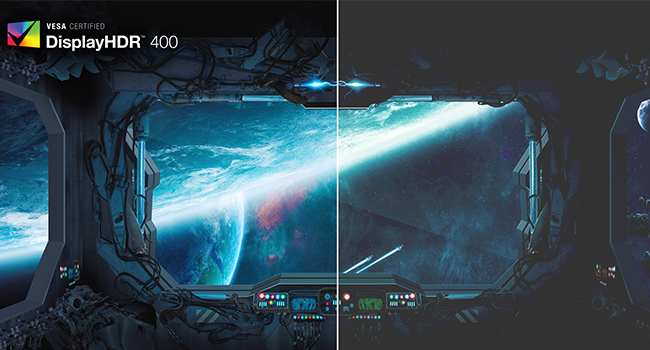
First, the bad (but not actually bad, since it got way better). When I received the monitor, it had lots of backlight bleed (hereafter referred to as BLB), and it was distracting in games. However, most of the BLB went away within a couple of weeks of regular use, and the remaining amount is well within acceptable limits (i.e. I don't notice it in games or other normal use). It's not bad even in the worst case scenario (BLB test page: black screen with very high brightness). Now that the BLB is down to low/normal levels, I'm very happy with this monitor. It checks all the boxes I wanted checked: 4k, HDR, 120Hz, G-Sync compatible. Colors are rich and vibrant. The brightness goes way brighter than I need it to. Contrast is great, especially in HDR mode. (I've heard that HDR400 monitors aren't as good at this as higher spec'd HDR monitors such as HDR600 or HDR1000, but this looks great to me.) The only niggling concern I have left is probably a windows issue or graphics card driver issue, and that is that the colors look washed out when the computer wakes up from sleep. However, it's not really much of a concern, since I can get the colors to look right again by toggling HDR off and on again in the Windows control panel.
J**D
Pros: - 4K 120Hz - Great colour profile - Nice accessibility options (blue light, light sensor etc.) - Decent pivot and movement abilities Cons: - A lot of the menu configurations don't seem to save after a 'reboot'. Things like the Light Sensor only work properly when first applied, otherwise they don't work at all until you 'reapply' it. Other features like ASM never seem to save to any profile - The stand tends to stick out way too much (and in length wise, not appearance) - 144Hz is only achievable by sacrificing some quality This monitor, for the price it was selling for was honestly a very sweet deal. To get 4K 120Hz baseline really opens up a whole new door to gaming experiences. Didn't bother trying out 144Hz mode as that does require you to sacrifice some quality (and not that many games can run at 144 fps anyway), but tbh didn't really feel like much was missed My main issue did come from the menu panel settings. A lot of them just didn't seem to save no matter what I tried, which proved to be annoying because some settings like Light Sensor, which greatly help manage the brightness, had to be reapplied each time I wanted it to actually work.
B**C
I was replacing a 1080p ultra wide. I purchased a VA ultra wide monitor and it just sucked. I did a deep dive online and found this to be the best available on paper. It has met all my expectations. The only downside for me is it's not ultra wide.
M**K
I was fortunate enough to get a rtx 3070 in March at a reasonable price. Last month, I decided to do research for a 4k monitor. After doing all of my research, I decided to purchase this one. Everything about this monitor is amazing. The specs are just right and in combination with my graphics card, helps deliver a stunning gaming experience. For reference, I am now running a Ryzen 9 5900x with a rtx 3070 graphics card and 32gig ram on a x570 master motherboard. I don't need a full 144mhz and with setting the best response time and gsync, I have no issues at all. I am still learning how to apply hdr settings properly, but I can tell a difference. And even without installing the flaps on the monitor, I am impressed. So far, this monitor handles Shadow of the Tomb Raider, Doom Eternal and World of Warcraft without any issues. I did have some screen issues with 4k on Rage 2, but I may have done something wrong with graphics settings. The menu is easy to work with and I didn't expect the led lights at the bottom of the monitor for added extra lighting. I am slightly disappointed with the color options but oh well. If you are looking for a good quality 4k monitor and still want the capability of gaming at 2k with high end specs, do not hesitate to spend the money on this monitor. You won't regret it.
C**S
This monitor is a disaster. It has a great screen that looks amazing, low lag, good response times, great colors... But, it does not work as advertised. It is supposed to work in 144Hz mode with two DP cables. It does work, but the monitor won't wake up from sleep and recently it won't wake up after being manually turned off either. Also, the OSD settings are extremely buggy and frustrating. If you select 144Hz mode, the overdrive settings should unlock, but this doesn't always happen. You have to switch back and forth until it finally unlocks. Overall, this has been the most frustrating monitor to use. Yes, it looks great if you can get it to work correctly, but you can't.
Trustpilot
Hace 2 meses
Hace 5 días