We remain fully operational. Our teams are working around the clock to ensure your deliveries continue safely.

Descargar la aplicación


Servicios al cliente
Sobre nosotros
Copyright © 2025 Desertcart Holdings Limited
Descargar la aplicación





🖨️ Elevate your workspace with the MFC-J4540DW — where speed meets smart connectivity!
The Brother MFC-J4540DW is a versatile 4-in-1 inkjet printer designed for professional and home office use, offering wireless and NFC connectivity, a large 400-sheet paper capacity, fast print speeds up to 20 ppm, and a user-friendly 6.8cm color touchscreen. It delivers high-resolution prints with long-lasting ink cartridges, making it a reliable productivity hub for multitasking millennials.


| ASIN | B09B7P12KC |
| Additional Printer Functions | All In One |
| B&W Pages per Minute | 20 ppm |
| Best Sellers Rank | 62,080 in Computers & Accessories ( See Top 100 in Computers & Accessories ) 3,938 in Inkjet Printer Ink Cartridges |
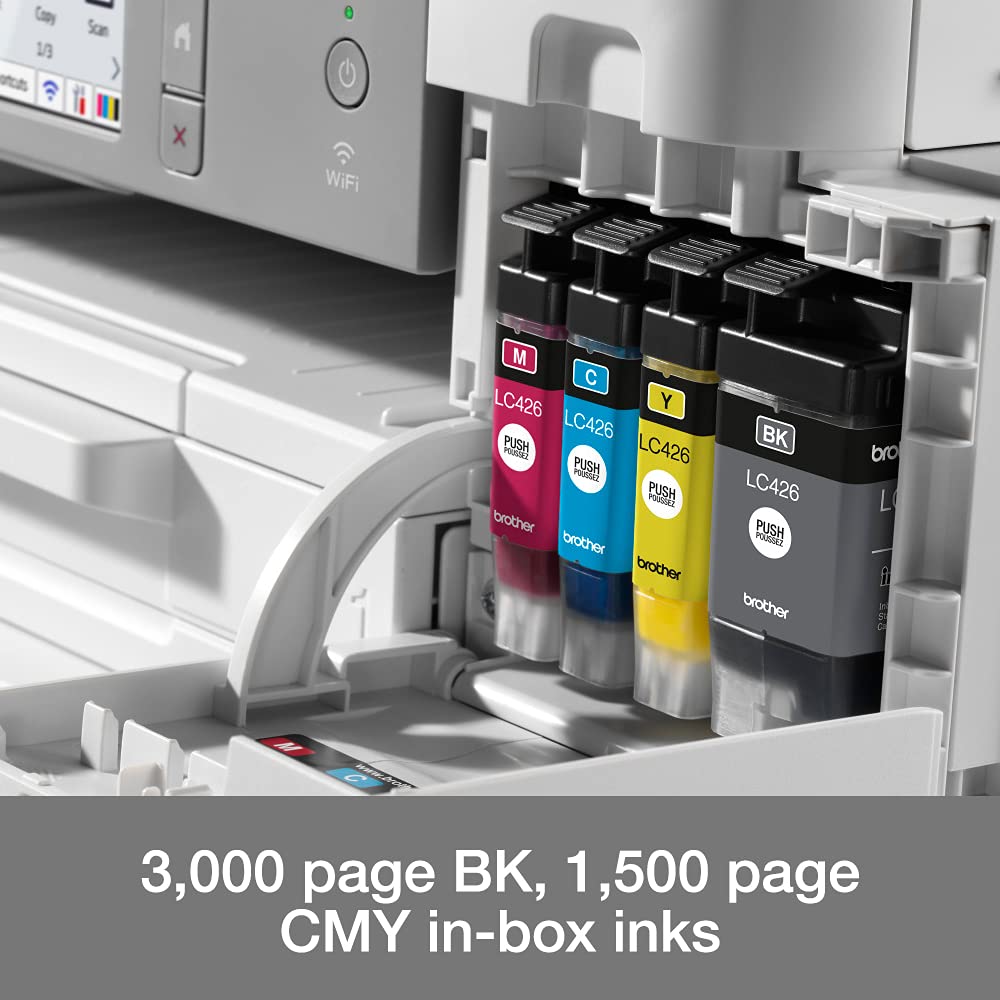
| Box Contents | Boxed ink cartridges with 3000 pages in black and 1500 pages in colour |
| Brand | Brother |
| Brand Name | Brother |
| Color Depth | 24 bpp |
| Color Pages per Minute | 19 ppm |
| Colour | Color |
| Compatible Cartridge | LC3033, LC3034 |
| Compatible Devices | Tablets skyld |
| Connectivity technology | Ethernet, NFC , USB, Wi-Fi |
| Control Method | App |
| Controller Type | Android, iOS |
| Customer Reviews | 4.2 out of 5 stars 137 Reviews |
| Display Type | LCD |
| Dual-sided printing | Yes |
| Duplex | Automatic |
| Hardware Interface | USB 2.0 |
| Initial Page Print Time | 1 Seconds |
| Ink Colour | Black, Colour |
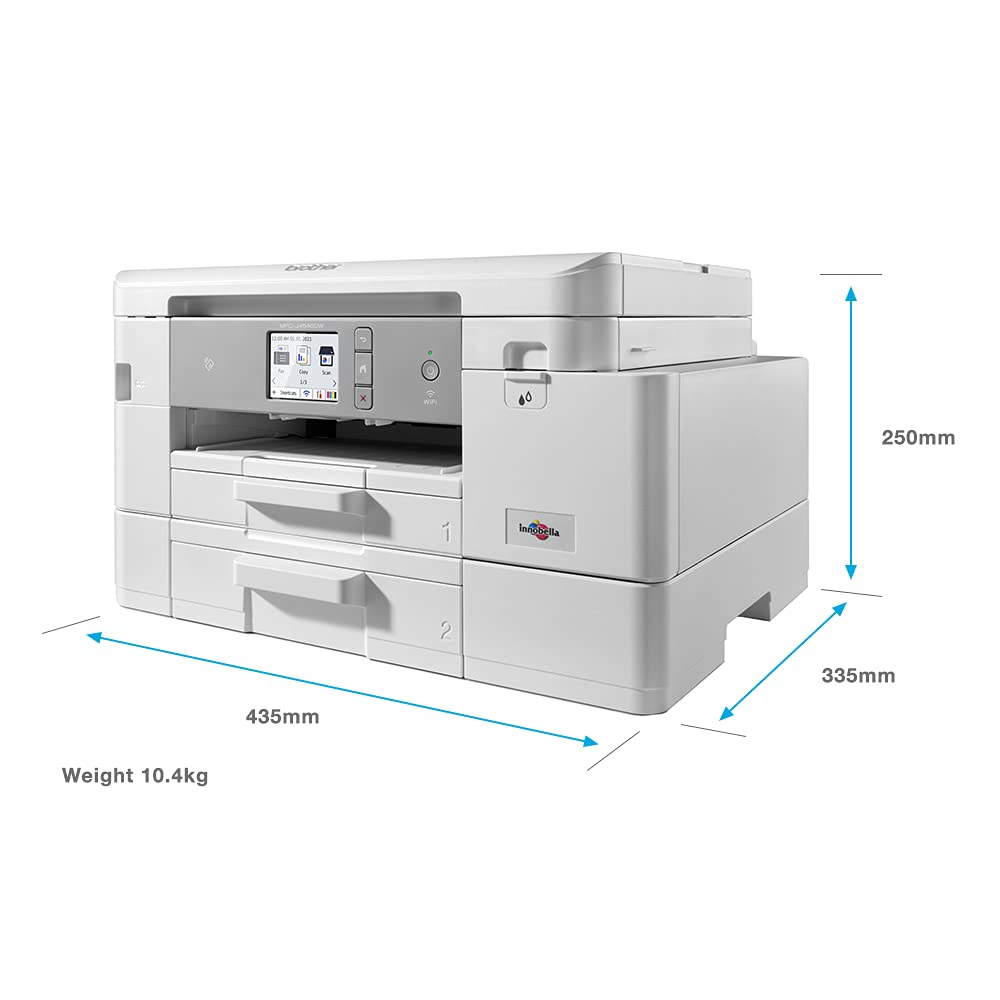
| Item Dimensions D x W x H | 33.5D x 43.5W x 25H centimetres |
| Item Type Name | Multifunction Printer |
| Item Weight | 11.61 Kilograms |
| Item height | 25 centimetres |
| Manufacturer | BROTHER |
| Maximum Copy Resolution Black and White | 1200 x 4800 dots per inch |
| Maximum Copy Resolution Color | 1200 x 4800 dots per inch |
| Maximum Copy Speed Black and White | 20 ppm |
| Maximum Print Resolution Black and White | 4800 x 1200 dpi |
| Maximum Sheet Capacity | 400 |
| Maximum print Resolution Color | 4800 x 1200 dpi |
| Media Size Maximum | A4 |
| Model Name | MFC-J4540DW |
| Model Number | MFC-J4530DW |
| Model Series | J4540 |
| Model name | MFC-J4540DW |
| Network Connectivity Technology | Ethernet, NFC, USB, Wi-Fi |
| Number of Trays | 1 |
| Other Special Features of the Product | Touch Screen |
| Paper Size | A4 |
| Power Consumption Size | 21 Watts |
| Print media | Card stock, Envelopes, Glossy photo paper, High-resolution paper, Paper (plain) |
| Printer Output Type | Colour |
| Printer Type | Inkjet |
| Printing technology | Inkjet |
| Product Warranty | 1 Year Manufacturer |
| Resolution | 1200 x 4800 dpi |
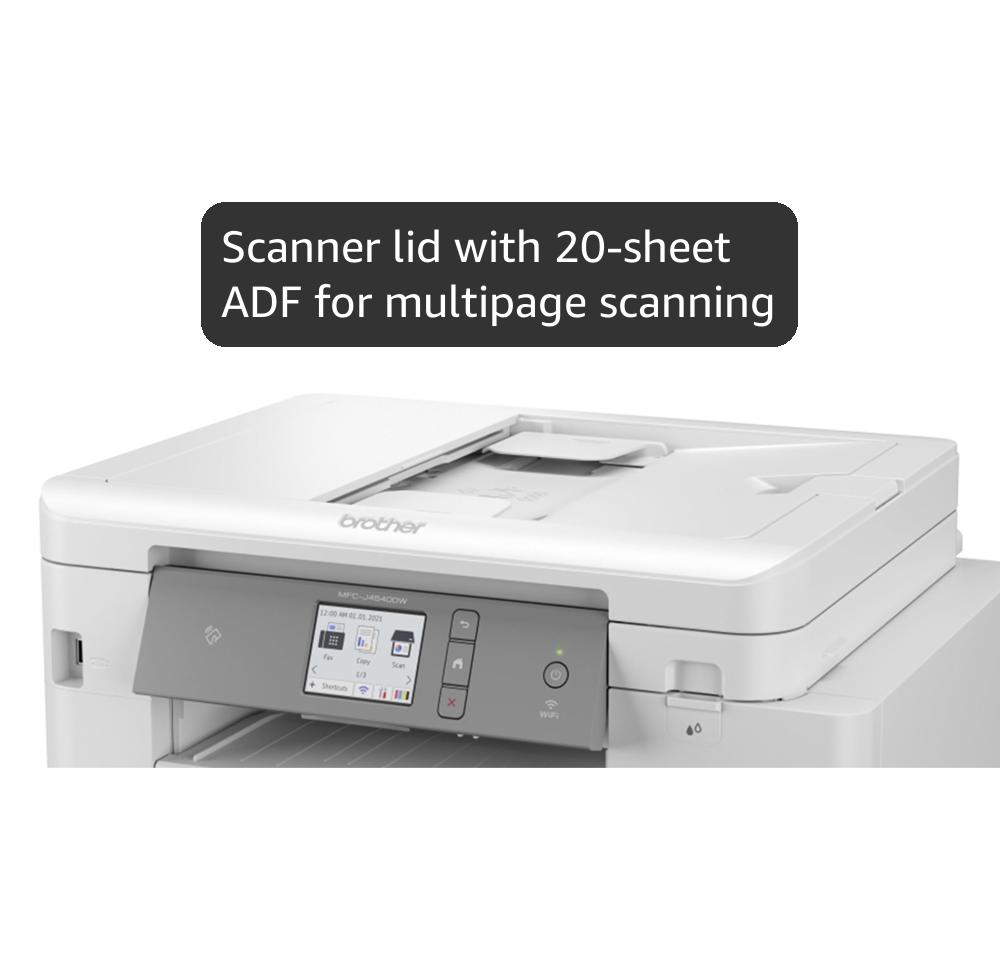
| Scanner Type | Sheetfed |
| Special feature | Touch Screen |
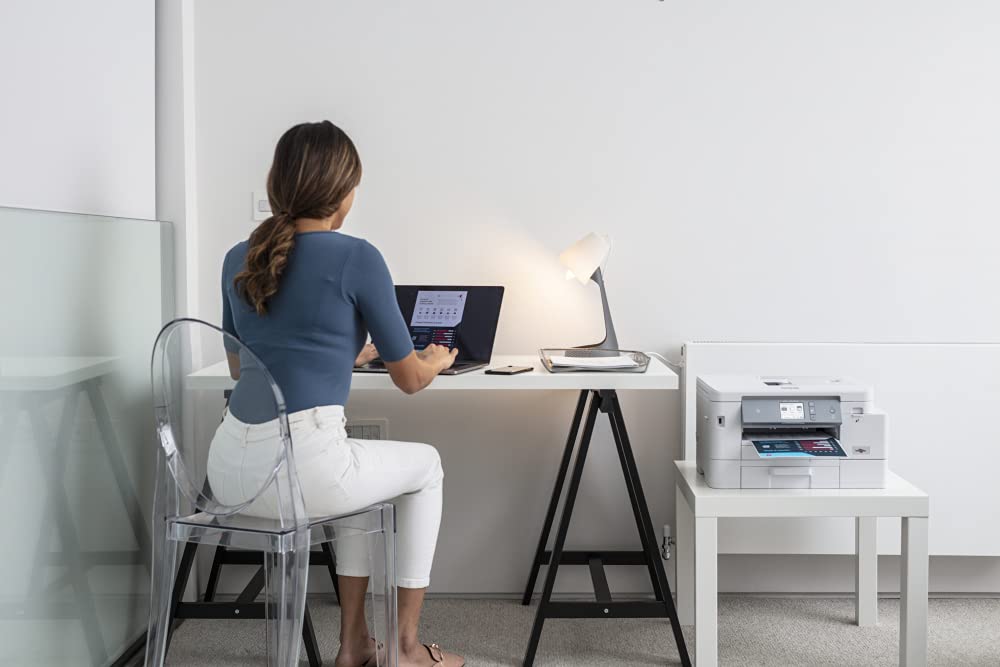
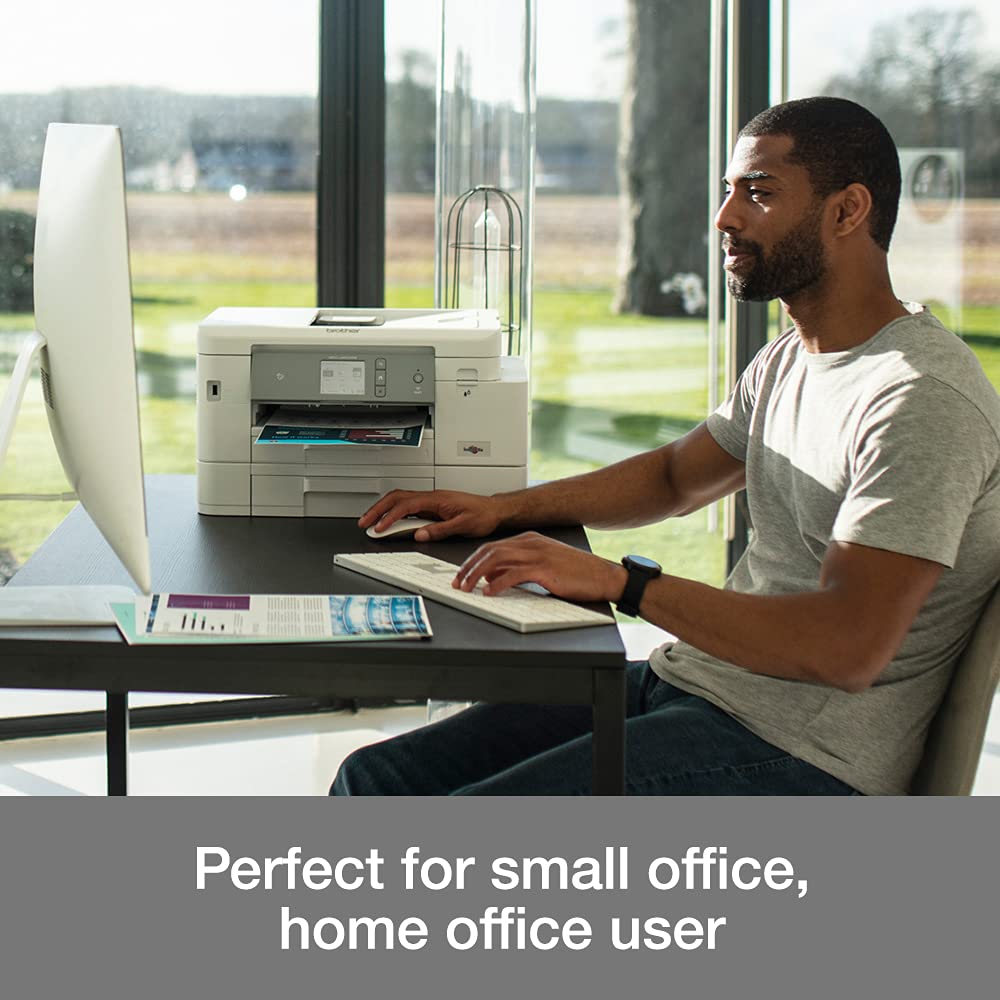
| Specific Uses For Product | Home, Office, School |
| Total USB 2.0 Ports | 1 |
| Total USB Ports | 1 |
| Unit Count | 1.0 Count |
| Warranty Type | limited warranty |
K**D
Great printer
Great wireless printer, easy to setup and prints sheets quickly. Looks great too
H**R
A Happy Customer
Excellent quality and so easy to set up using the QR code. I’m delighted with the quality of the printing.
M**P
A ROBUST, EFFICIENT PRINTER
I've always used Canon and Epson printers and I suppose I've become used to their whirrings and grinding before they made their mind up to clunkily print anything. However, this printer opened up a new world of speed, efficiency and silent printing (apart from Greyscale which clunks a bit due to speed of printing). This is an ultra-efficient printer of near office quality. I was expecting photoprints to be of reduced quality but they were as good as any other home printer I have had over many years. Set up was a bit confusing but a bit of trial and error got there in the end. It is essential to download the apps from Brother to ensure appropriate Windows drivers are loaded. Software has a definite retro feel with dated graphics but works well. Only one snag to date and that is Photoshop Elementsreports scanner "not connected or in use" so currently having to use Windows native scanner or Brother software. All in all quite pleased with this purchase but hope inks last as long as software indicates because cartridges cost an arm and a leg!
R**R
Hassle Free!
Over the years I've owned about 6 inkjet printers of various makes - Canon, Epson, HP and Brother. This is by far the best of the lot. It cost about £50 more than previous printers but it's worth the extra. Wi-Fi setup was easy and I've used it extensively for printing, copying and scanning including double sided. I haven't used the automatic document feeder yet so can't comment on that. I've also printed a few photos which came out looking fantastic. Something worth noting. When scanning, I tend to use the software. I tried scanning from the printer but got an error saying that it couldn't find my PC. This was due to it being blocked by my anti-virus software so I disabled that temporarily and it worked ok.
A**N
A Compact Workhorse
After 12 years my previous and wholly reliable printer printed its last page! So began the process of looking for a new one. I have had many HP printers over the years and as the last one was I was tempted to replace brand for brand but also wanted to explore alternative brands. So after exploring reviews and testimonies I opted for Brother as their printers are well regarded and well reviewed. And so for the first time I purchased a Brother Printer MFC-J4540DW. It was a reasonably straightforward set up. I carefully followed the enclosed instructions and if I had any issue it would be in getting it connected to WiFi. However, after a few attempts I got it connected and from there on in it has been smooth sailing. I ensured all drivers were updated as well as the firmware and this was easy to achieve. As was ensuring all computers and tablets that need to print items off were connected. Again once the printer had been connected to the home WiFi connecting these hardware items was a straightforward process. The speed and quality of the print is exceptional as it its quiet printing. My previous HP printer was on the large size and I was unable to place it on the desk top but this does everything I need (print, scan, copy and fax (does anyone still fax?!)) But this is compact enough to sit on the desk. I haven't printed any photos yet to know what that quality is like but so far I am mightily impressed by this compact workhorse.
M**A
Awful product. avoid it.
I did buy this product few weeks ago. Initial easy to instal. in minutes. did work perfect for few weeks . I am unable to use it anymore. not wireless anymore. I contacted Brother UK team to try to help me. Awful experience. They cannot help me. I was advised to download from Apple Store an application which to can use it you have to pay a monthly or yearly fee. I would not recommend Brother products. If you want to pay that amount of money only for few weeks do it. I lost near £200 . I feel like I was robbed.
A**R
Nice, easy to use printer
I bought this to replace an ancient HP Officejet 8600 Plus, which has been a reliable machine that I did not want to replace. It has all the functionality of the HP Officejet Plus but is slightly smaller, despite having an extra paper tray. You can store two different grades of paper in the paper trays and select which tray the printer should use each time you print. Otherwise, it always uses tray 1 by default. The printer was very easy to set up, partly via the screen on the printer and partly via the phone app. It connected to all my devices (Windows 11 PC, iPhone and MacBook) without issue. The printer has produced rich colour and fine detail. It has a borderless option as well as “fill media”, which is great for printing leaflets of any size up to A4 (it doesn’t fit paper larger than A4). I haven’t tried printing photos as yet. As a reluctant buyer who was happy to keep my old printer, I am very pleased with it. I hope it proves to be as reliable as my old printer has been.
M**N
Great Brother printer
Received today and upon set up, first impression is great, the printer looks good and set up was easy. Inks are full!. Scanning is easy with the top feed. Connected to my 5G internet without any problem. I feel like I need to find things to print just to use it! It’s good! Am use to buying a cheap printer and paying over the odds for ink. I just print for home needs, so didn’t want to spend too much. Am happy with this product and would definitely recommend. Look on Brother website for Cashback offer, it got took down on Amazon the day I received my printer but still look on the Brother website as you could get Cashback
Trustpilot
Hace 3 semanas
Hace 2 semanas