We remain fully operational. Our teams are working around the clock to ensure your deliveries continue safely.

Descargar la aplicación


Servicios al cliente
Sobre nosotros
Copyright © 2025 Desertcart Holdings Limited
Descargar la aplicación




Buy anything from 5,000+ international stores. One checkout price. No surprise fees. Join 2M+ shoppers on Desertcart.
Desertcart purchases this item on your behalf and handles shipping, customs, and support to Nicaragua.
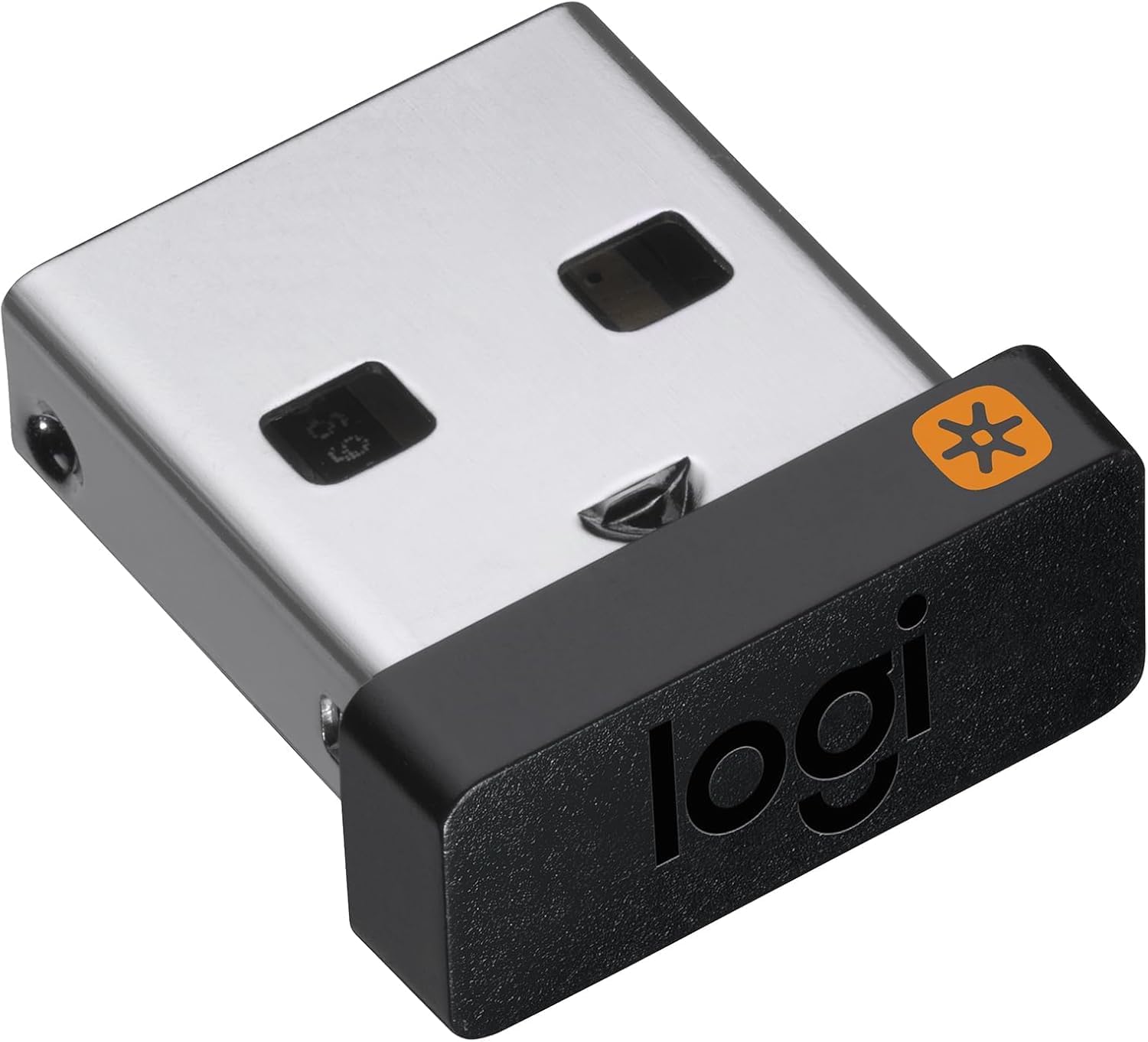
🔌 Unlock wireless freedom across all your devices—because one receiver should do it all.
The Logitech USB Unifying Receiver uses advanced 2.4 GHz wireless technology to connect up to six compatible Logitech mice and keyboards to a single computer. It supports seamless multi-device workflows with Logitech Flow, enabling effortless file transfers between computers. Compact and reliable, it offers a stable connection up to 33 feet and is compatible with Windows and Mac OS systems, making it an essential accessory for professionals seeking clutter-free, efficient setups.


| ASIN | B072JW9LT8 |
| Best Sellers Rank | #5,560 in Computers ( See Top 100 in Computers ) #204 in Computer Keyboard & Mice Accessories |
| Brand | Logitech |
| Built-In Media | receiver, user guide |
| Color | Black |
| Compatible Devices | Desktop |
| Connector Type | USB Type A |
| Current Rating | 10 Amps |
| Customer Reviews | 4.2 4.2 out of 5 stars (17,887) |
| External Testing Certification | ANATEL: 571303229 |
| Finish | Matte |
| Global Trade Identification Number | 00097855133991 |
| Input Voltage | 12 Volts |
| Item Dimensions | 9 x 6 x 15 millimeters |
| Item Type Name | Logitech USB Unifying Receiver - 910-005235 |
| Item Weight | 5 g |
| Manufacturer | Logitech |
| Model Number | 910-005235 |
| Number of Items | 1 |
| Package Quantity | 1 |
| Power Plug Type | Type A - 2 pin (North American) |
| Specific Uses For Product | personal, gaming, business |
| UPC | 097855133991 |
| Unit Count | 1 Count |
| Warranty Description | 1 - year limited warranty |
J**L
perfect product
with my wireless logi keyboard. works nicely
L**M
Dongles are real working
We lost our logitech dongles due to so many guest and visitors coming in the office for meetings. Hence we purchased it as replacement to support our MX logi computer peripherals (keyboard & mouse) So far everything is working fine and it does pair very smoothly!
M**.
Perfectly works for my Keyboard K 580
Those who are saying that it doesn't work, here is a tip for them. 1. Please download 'Logitec Receiver Software" 2. Off the keyboard 3. During installation you will get instruction to on the keyboard 4. Congratulation your logitec device is working :) Cheers
A**L
didnt work for my Logitech headset
I thought it would work for any logitech product but not the case. in past i was able to pair using combination of mute and volume up but strangely not working anymore. i think mute button is not working. In past i lost the usb bluetooth. now need to have another headset
G**L
المنتج يتحدث عن نفسه شركة عريقة لا تحتاج للتقيم والشرح
A**N
جيد ويعمل مع جميع الاصدارات القديمة والحديثة، يتطلب تثبيت البرنامج الخاص بالمنتج لكي يتم تعريفه، على عكس القطعة الي تيجي مع المنتج بالكرتون تكون معرفة وجاهزة، ولكن هذا يحتاج اعادة تعريف على الكوميوتر
S**A
Fixed the issue on new m1 pro
Absolutely required if you are running mouse from logitech and using an m1 mac machine. This solves the stuttering issue on master mouse using bluetooth.
R**A
Waste of time and money
Didn't work for me
A**R
Works well. Needs pairing with the device.
G**A
Funciona perfeitamente!!! Como o meu mouse é o PebbleM350 (1° versão) ele não é compatível com o app Logi Options+, porém você consegue conectar o receptor USB facilmente por meio do app Logitech Unifying Software (https://support.logi.com/hc/pt-br/articles/360025297913-Unifying-Software)
L**E
Picked up a cheap second hand ergonomic mouse that didn't come with adaptor. This paired easily with it and works without any concerns.
L**O
Buenísimo!!! Muy fácil de adaptar y configurar, funciona de maravilla, muy recomendable, hay que bajar el software a la computadora y listo, muy rapido
A**G
Working flawlessly with LG MX2AnyWhere
Trustpilot
Hace 2 semanas
Hace 1 semana