
Descargar la aplicación


Servicios al cliente
Sobre nosotros
Copyright © 2025 Desertcart Holdings Limited
Descargar la aplicación

🚀 Elevate your home network to next-gen speed and security — don’t get left buffering!
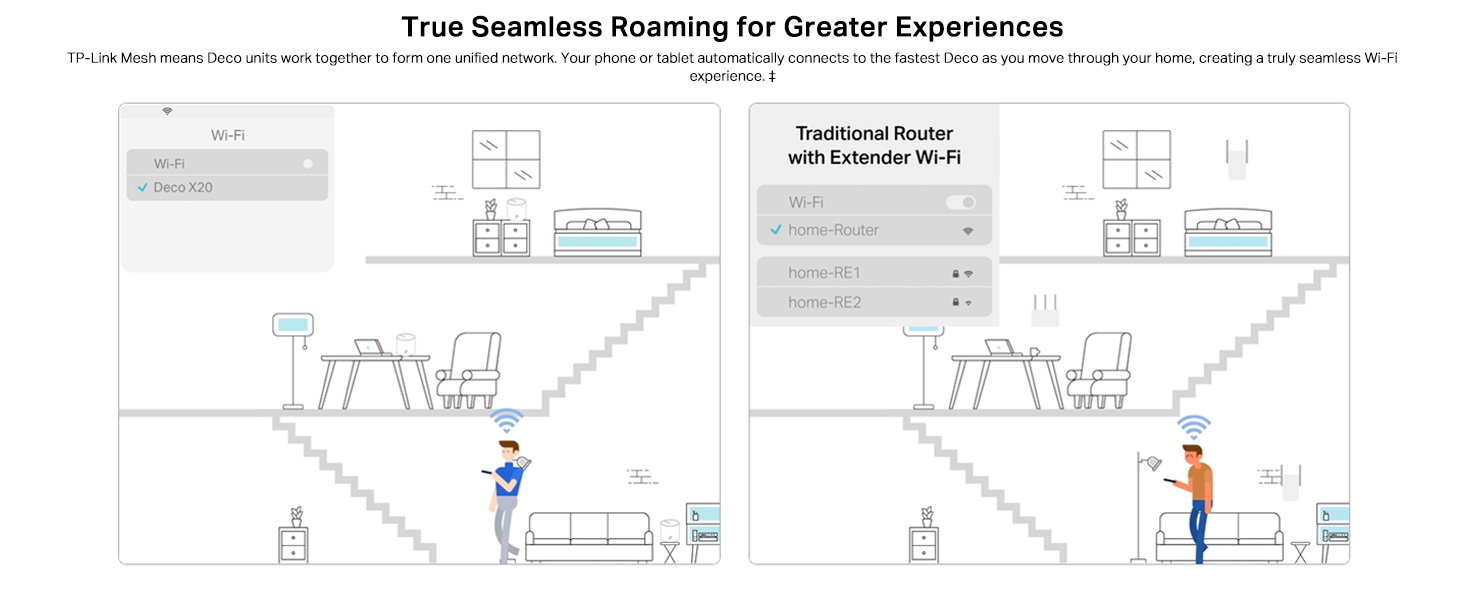
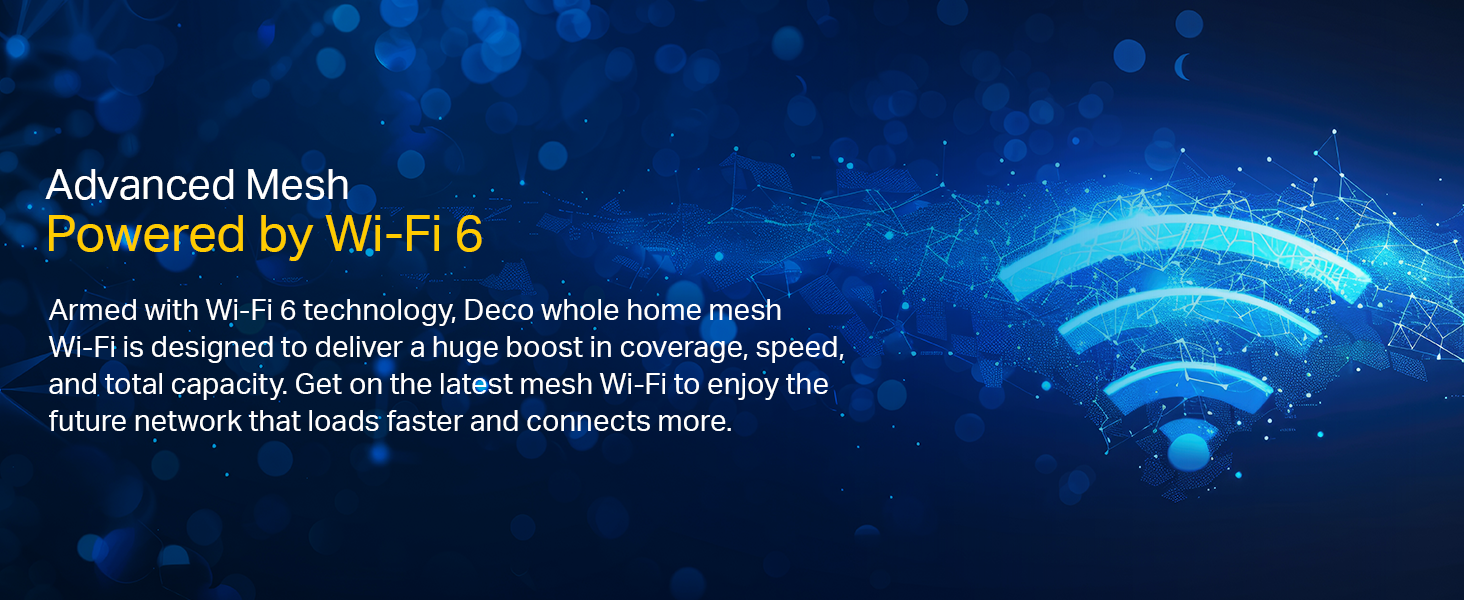
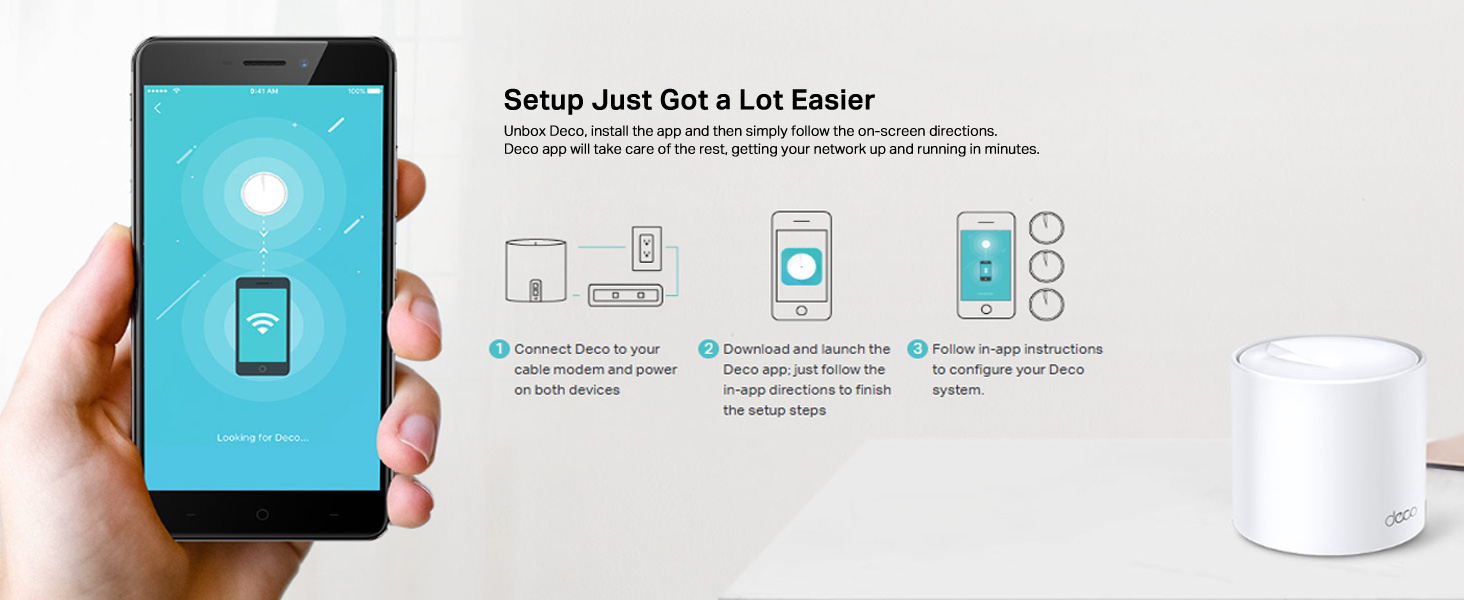
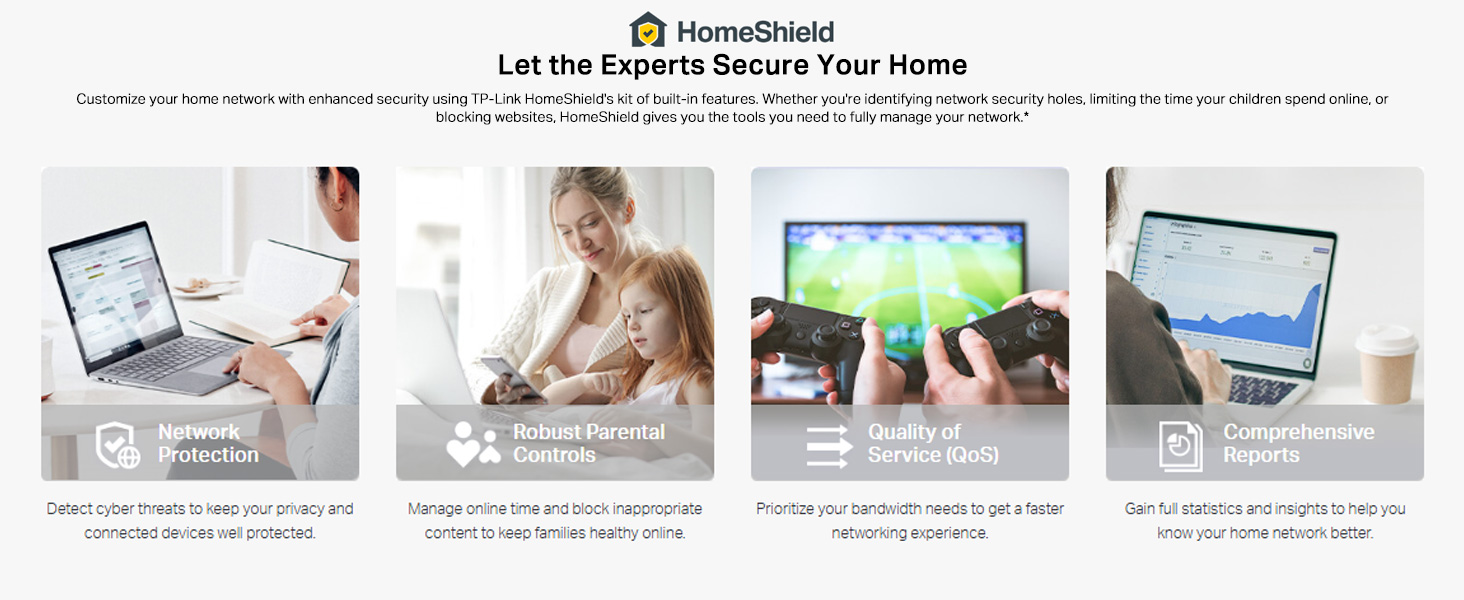
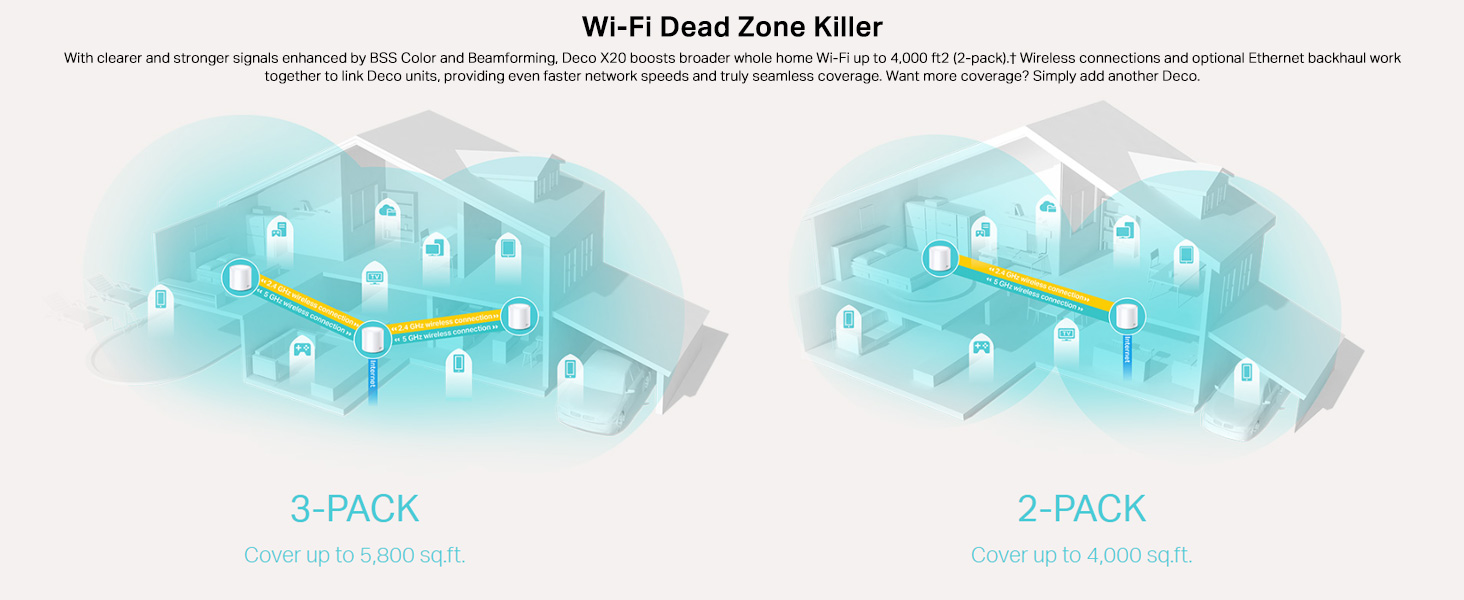
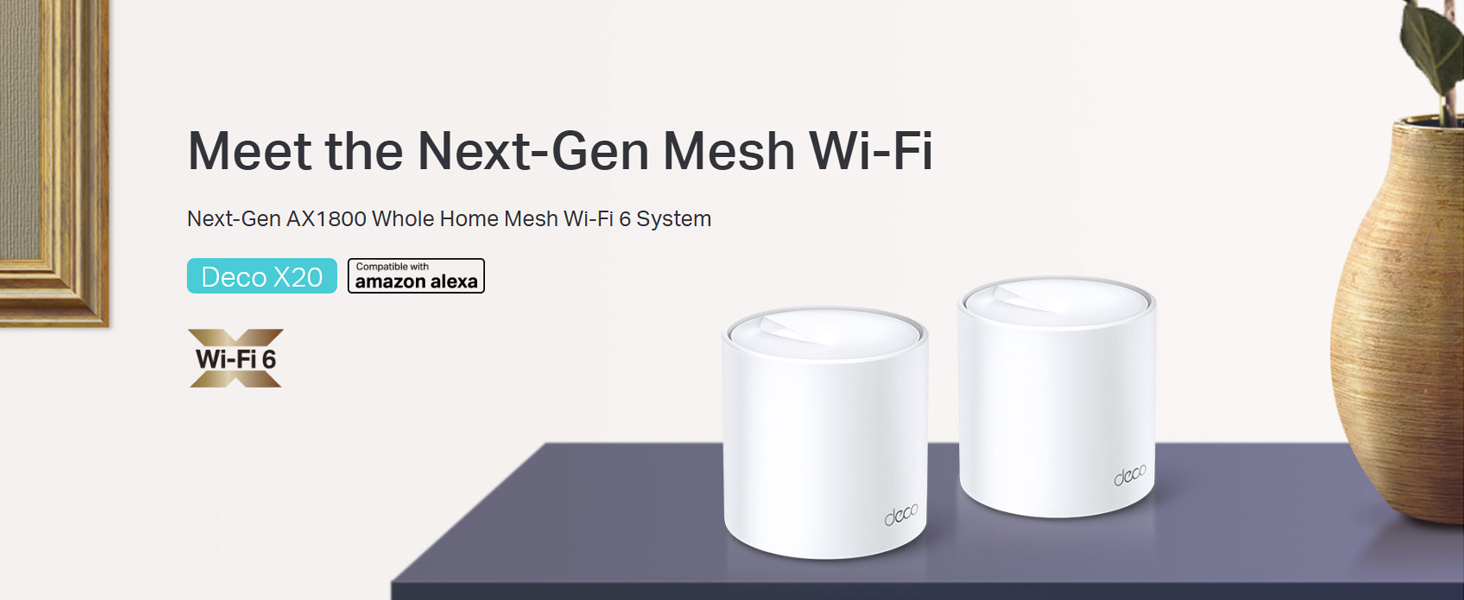
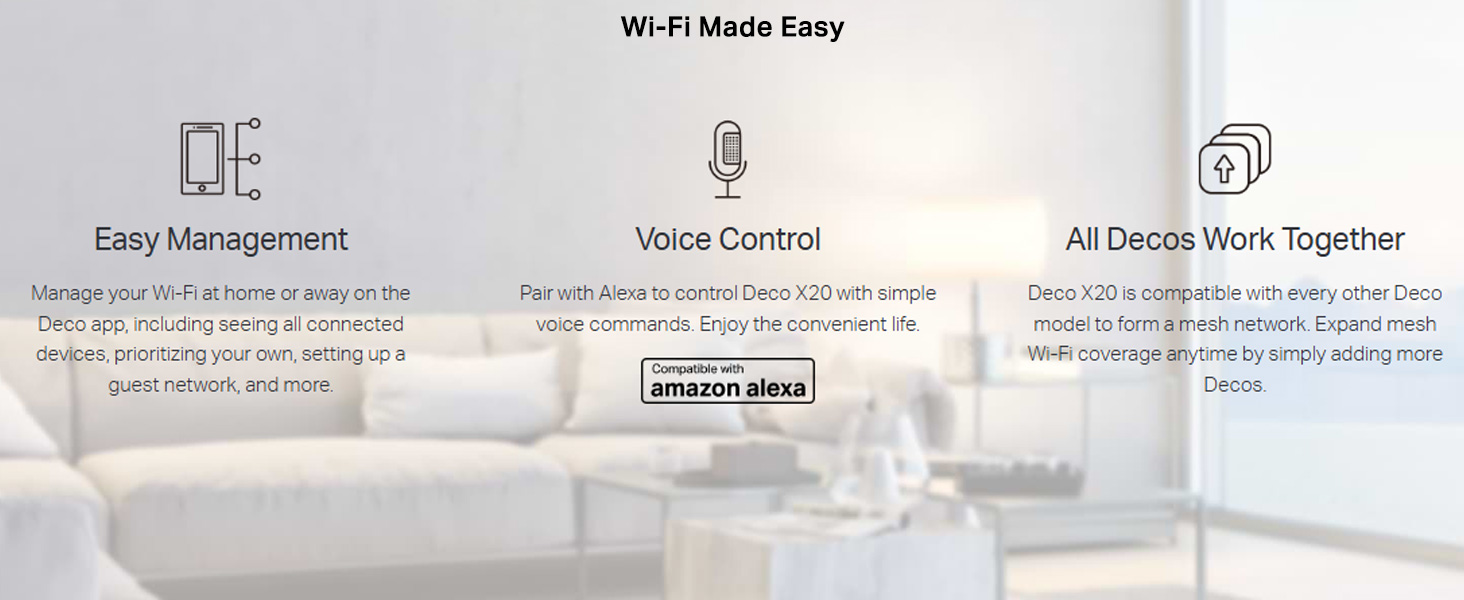
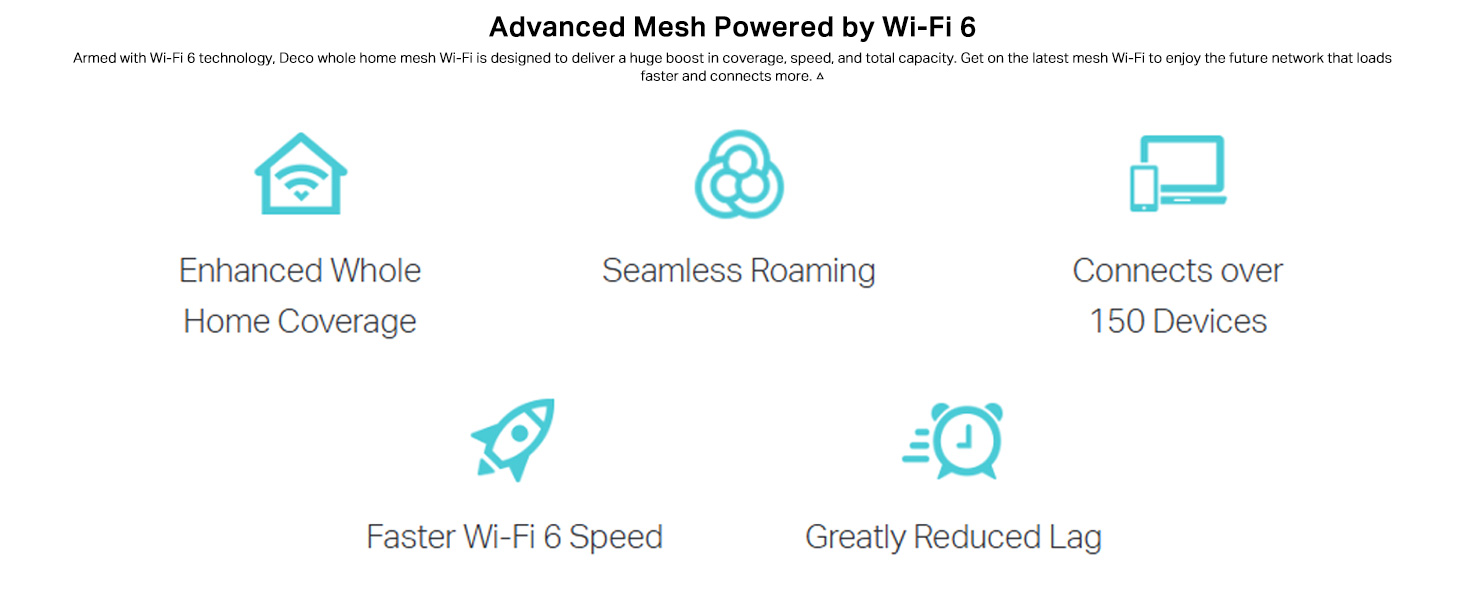
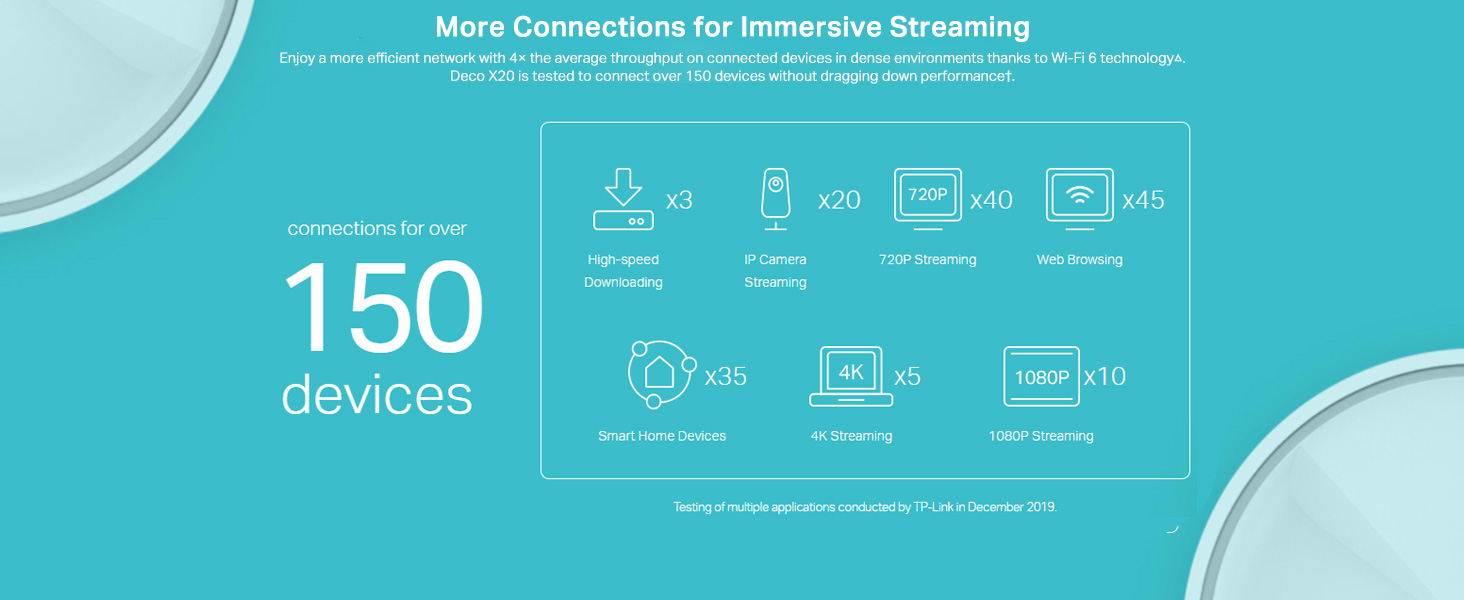
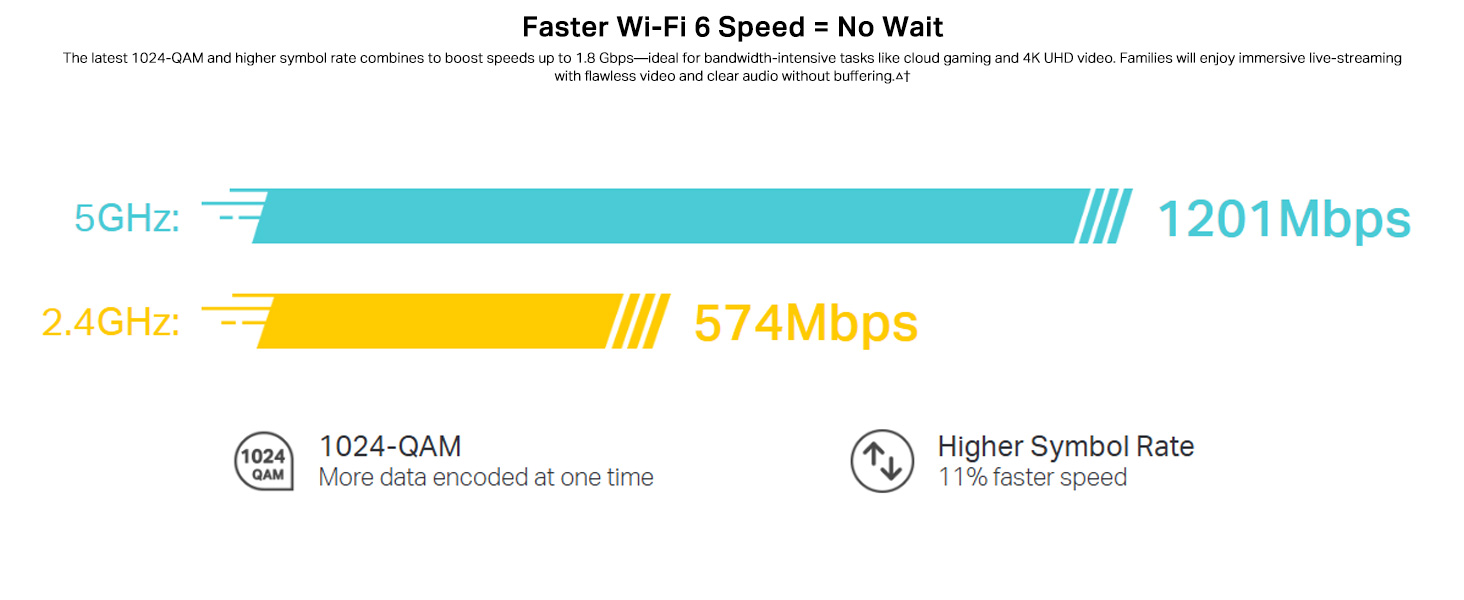
The TP-Link Deco X20 (2-Pack) is a cutting-edge Wi-Fi 6 mesh system delivering AX1800 speeds and seamless coverage up to 4000 sq ft. Designed to replace traditional routers and extenders, it supports simultaneous connections for 15+ devices with ultra-low latency, perfect for smart homes and multi-floor residences. Featuring built-in HomeCare antivirus, WPA3 security, parental controls, and Alexa compatibility, it offers a secure, easy-to-manage network controlled via a user-friendly app.





| ASIN | B07G392VCD |
| Are Batteries Included | No |
| Batteries | 1 Lithium Ion batteries required. |
| Best Sellers Rank | #3,291 in Computers & Accessories ( See Top 100 in Computers & Accessories ) #6 in Whole Home & Mesh Wi-Fi Systems |
| Brand | TP-Link |
| Colour | White |
| Connectivity Type | Wi-Fi |
| Country of Origin | India |
| Customer Reviews | 4.4 4.4 out of 5 stars (972) |
| Date First Available | 23 July 2020 |
| Generic Name | Mesh Router |
| Importer | TP-Link India Private Limited Office No.1, Tower 2, Level 2, Raiaskaran Tech Park, Andheri Kurla Road, M.V Road, Andheri East-400072 Contact: Toll Free 1800-209-4168, [email protected] |
| Included Components | 2 Deco X20 units, 1 RJ45 Cable, 2 Power Adapters, 1 Quick Installation Guide |
| Item Dimensions LxWxH | 11 x 11 x 11.4 Centimeters |
| Item Height | 11.4 Centimeters |
| Item Weight | 1 kg |
| Item Width | 11 Centimeters |
| Item model number | Deco X20(2-pack) |
| Lithium Battery Energy Content | 2 Kilowatt Hours |
| Lithium Battery Weight | 2 Grams |
| Manufacturer | TP-Link |
| Net Quantity | 1 Count |
| Number of Lithium Ion Cells | 5 |
| Number of Lithium Metal Cells | 5 |
| Operating System | RouterOS |
| Packer | Pacific Technology Private Limited Survey No, 57/3/55, 57/2/56, 57/1/57, Silver Industrial Estate, village Bhimpore, Nani Daman, daman Dadra and Nagar Haveli and Damn and Diu, India 396210 |
| Product Dimensions | 11 x 11 x 11.4 cm; 1 kg |
| Series | Deco X20 |
| Voltage | 240 Volts |
| Wireless Type | 802.11ax |
M**A
Amazing
Excellent product and easy to use, App is very user friendly and very easy to installation via app only. Coverage area is excelletion. My home is of 3 floor of 1000 sq feet area of each floor. and it is well coverage for two floor and third floor is also catching range but i need enough speed so i will purchase Deco S7 now Full coverage to all the floor. Mesh networking is much better then AP network. One more thing you dont need to configure primery router but you have to disable primery router wifi. and it is also budget friendly as compaired to other Mesh networking device available in the market. If you need good connection you have to connect all deco mesh via wired backhaul. I have bought this on 2nd Dec 2024, till now no complaint. and can control all connected devices through app from anywhere in the world. Must have product for home networking.
M**Y
Worth buying to cover complete home automation IoT devices
Easy to configure. Good range and dual band. I can cover my 2 story building with 3 Decos. With this I can make perfect connected home with more than 15+ devices - Camera NVR, Samsung TV, Samsung AC, Bosch Dishwasher, Alexa, Water automation controller, Smart light, 4 mobile devices and 3 computers, Forbes Robo cleaner, Atomberg Fan, Gate automation controller. Deco mobile app has an inbuilt speed test feature. Can view and manage the devices easily from the app. I can create a guest WiFi account for the visitors.
3**3
Great Performance, Average Range
Really happy with the Deco X20 so far. Setup was super easy, and the Wi-Fi has been fast and stable throughout the house. Streaming, video calls, and gaming all work great with no issues. The only downside is the range — it’s decent, but not amazing. If you’ve got a bigger place or thick walls, you might need an extra unit. Overall, a great system for the price!
V**Y
TP-Link Deco X20: Seamless Whole-Home WiFi with Full Speed Coverage!
I have a two-story building with a built-up area of 3,000 sq. ft., where my WiFi router (100 Mbps plan) is placed in the main hall. Problem: My workspace and bedroom are on the first floor, but the WiFi signal does not reach these areas. To improve coverage, I installed a WiFi extender on the first floor, which provides good signal strength but reduces the speed to below 20 Mbps. However, for streaming high-quality content on my TV and ensuring a smooth work experience, I need at least 40 Mbps. Solution: The TP-Link Deco X20 is truly impressive. I ordered a set of two units (one main unit and one satellite), and the setup was incredibly easy. I placed the main unit on the ground floor and the satellite unit at the first-floor entrance. Now, I’m getting the same speed as on the ground floor (100 Mbps). Super happy! 😊
S**R
Value for money
I was hesitant while purchasing this expensive mesh router to meet my requirement of not getting enough bw in another rooms whr my workstation is located. I have only 2 options 1. Extend lan cable to another room and use WiFi router 2. Use mesh router Option 2 was risky as I was not sure if it will work or not and the money will be wasted. I have taken the risk and I am very satisfied. It’s a good product and reliable, easy to install. Connected to Jio router through LAN in living room and another mesh router will be in different room. Actual speed 300mbps, other rooms getting 200mbps. I was using extender previously and the speed I was getting is around 100mbps and that is also not consistent sometimes low speed.
N**N
Very good Mesh Network for home
I ordered 4 units to cover my duplex 3BHK home of 3000sqft. I am using as a wired backhaul with 2 gigabit switches added to network. Coverage is very good, speed is very good may be because of wired backhaul. Setup is easy with the app, but one precaution is you have wait for some time when the led light color changes, because that is the only guide of what is going on. If TP-Link can put the color light guide in the beginning it will be very useful. After set up the app gives visual status of everything & total control of everything. You can monitor & control even when you are away from home. You can set up parental control.
B**U
Reliable product
Works as advertised. No problems noticed. No connection drop outs. Signal strength and coverage are found to be good in a 3 bedroom apartment. App is well designed.
L**X
My WiFi has been a disaster for years. With a new fiber connection coming soon, I figured I should get a decent WiFi setup as well. Before we didn't have WiFi coverage everywhere in our 3-story house and we'd have to reboot the WiFi at least 3 times a day. With the deco, no more reboots and 5-bars Wifi signal everywhere throughout the house? its truly a game changer for us. So much so that I'm not even sure we still need the new fiber connection anymore! Setup was easy using a smartphone? Literally took me 4 minutes + updating all of the WiFi connections in my smart home. Suddenly my smart dishwasher will stay connected, which I'd completely given up on, despite it being only 1.5m from where the WiFi excess point used to be. Now it's ~8 meters away and works great, super stable. I'm a happy camper, and with only 2 units!! I expected to need 3, and having to provide an Ethernet link to get good coverage but I don't even need to break out my power line connection for that!
V**R
excellent produit. wifi fort, stable, facile a installer et a gérer au quotidien grace a l'appli. utilisé dans une maison a étage de 220m2, aucun problème, le second spot en relais ethernet ce qui permet d'avoir autant de puissance sur les 2 niveaux. Nécessite tout de même une connexion initiale fibre pour bénéficier vraiment de la puissance du système et d'une liaison en cable ethernet cat.8 depuis la box et vers le second spot si utilisé en relais. Plus besoin du wifi de ma box (wifi 5) que j'ai éteins pour bénéficier maintenant d'un wifi 6.
B**I
Ürünler çok kaliteli ve anlatıldığı tüm fonksiyonlara sahip
J**Y
Je connaissais deja le produit. Il est tres Bon.
J**.
Me ha gustado la facilidad de instalación y la velocidad de transmisión de datos. Eso sí, hay que utilizar un cable de alta velocidad desde el router al cubo principal, aunque la misma app ya te lo dice cuando mide la velocidad
Trustpilot
Hace 3 días
Hace 5 días