We remain fully operational. Our teams are working around the clock to ensure your deliveries continue safely.

Descargar la aplicación


Servicios al cliente
Sobre nosotros
Copyright © 2025 Desertcart Holdings Limited
Descargar la aplicación
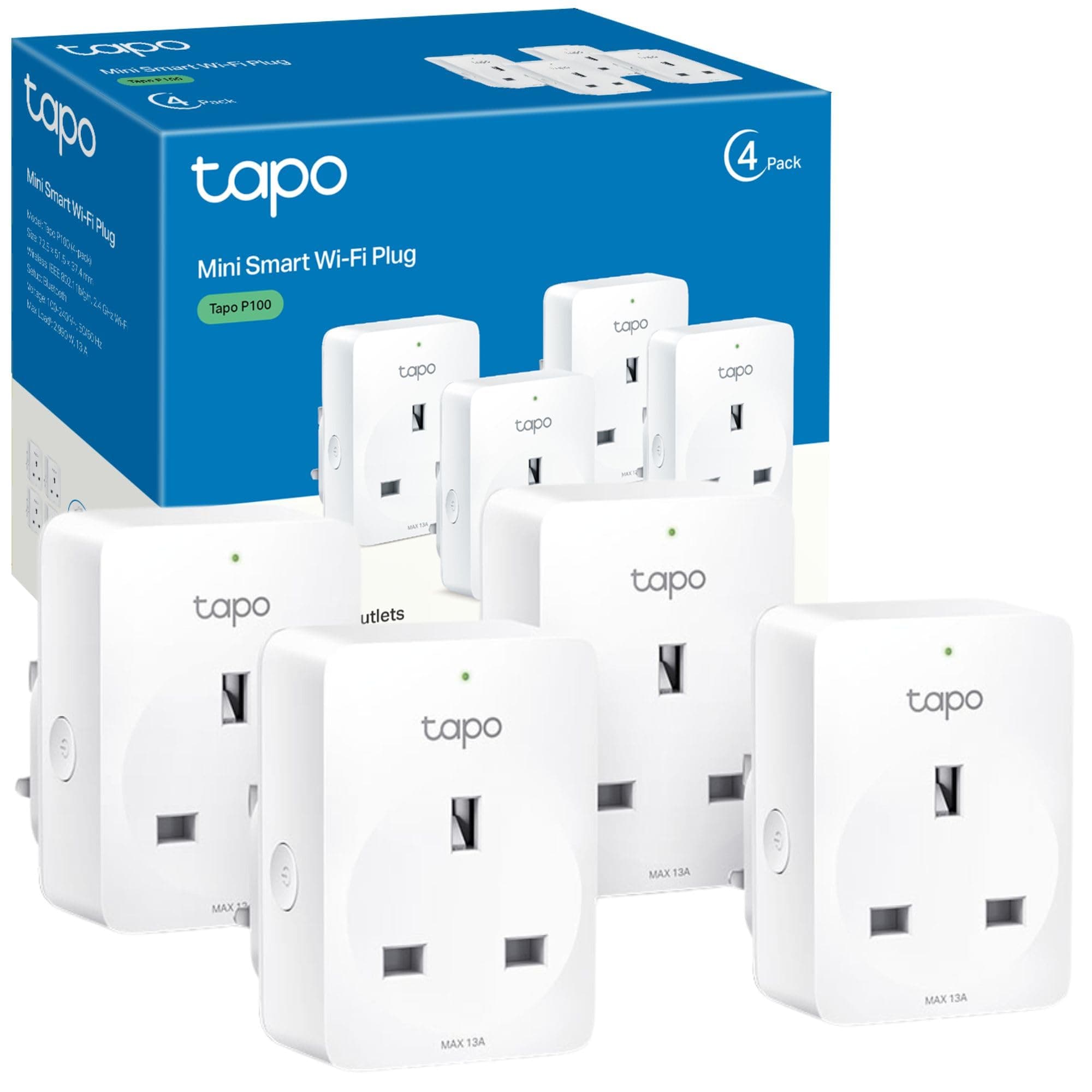
🔌 Power up your life with smart control—because your home deserves to be as savvy as you are!
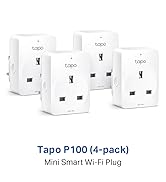
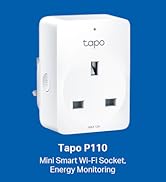
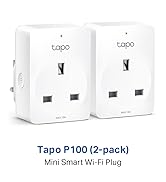
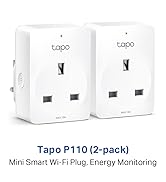
The Tapo P100 (4-Pack) Smart Plug offers 13A/2990W power capacity with easy Wi-Fi setup—no hub needed. Compatible with Alexa and Google Assistant, it enables voice control, remote app management, and customizable scheduling. Featuring device sharing and an away mode for enhanced security, these compact plugs deliver reliable, energy-efficient smart home automation with multiple safety certifications and a 2-year warranty.


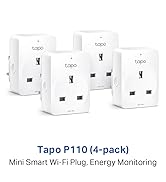

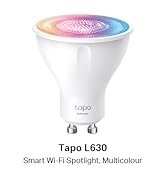
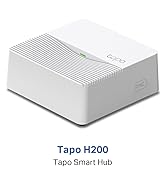
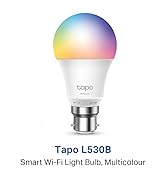



| ASIN | B0875CTMGH |
| Amperage | 13 Amps |
| Best Sellers Rank | 299 in DIY & Tools ( See Top 100 in DIY & Tools ) 3 in Smart & Remote Controlled Plugs |
| Brand | Tapo |
| Colour | White |
| Connector Type | Type A or Type B |
| Country Of Origin | China |
| Customer Reviews | 4.7 4.7 out of 5 stars (17,763) |
| Included Components | Smart Wi-Fi Plug -Tapo P100*4 |
| Item Dimensions D x W x H | 4D x 5.1W x 7.2H centimetres |
| Item Type Name | Smart Plug |
| Item Weight | 0.37 Kilograms |
| Manufacturer | Tapo |
| Material | Plastic |
| Number Of Wires | 3 |
| Number of Poles | 1 |
| Plug Type | Type A or Type B |
| Product Grade | new |
| Product Warranty | 2 year manufacturer |
| Specification Met | CE, CSA, NEMA, UL, cUL, cULus |
| Unit Count | 1.0 count |
| Voltage | 240 Volts |
M**N
Intuitive, reliable and a great safety device
For the price you can't go wrong with these smart plugs Pros + Small size so fit next to other plugs + Feel like good quality materials + Very easy to setup via the Tapo app. Plug in, instantly found via Bluetooth and easily connected to WiFi + Great app. Intuitive & reliable. Name your plugs, manually turn them off and on via the app or set routines where you have the options of times, sunset or sunrise. You also have the option of days so you could potentially create some really complicated routines. + They even track how long they've been on for Cons - Not compatible with the Philips Hue app. Only a problem if you already have a load of devices on Hue like me. These will be turning lamps on and off in my house for security as well turning my electric blanket on. Well worth buying
K**N
Very easy to set up: control over the phone is great!
I didn't realise this was associated with TP-Link, which is a reputable brand. The App is linked to them some how and I simply love the app. It was very easy to use - they do have a lot of products though but it was easy enough to find the model of this plug. Simply be near your socket for the setup and conveniently label and icon your devices so you can recognise them faster. The only downside is that they all had firmware updates, I'm not sure how common it is but I've disabled Auto-Update in the middle of the night. Inspection: These plugs feel sturdy which is what you want in something that's connected to the mains. There's switches to the side and a not too bright LED to indicate whether it's searching for a Network or Ready to go. Weight-wise, it's a good weight, not like a small shaver adapter, maybe 2 or 3 times the weight of that. Function: I had no issues with them, they're work exactly as you'd expect. No signal drop outs no nothing! There is something that is unclear though during when setting the timer function and it seems like a few people have asked this before. But there's an "Away mode" which turns a device on and off to immitate someone being in. But although there's a time-range you can set on it, there's no frequency or how long a device should be on for, or anything specific. For example if this was connected to a lightbulb, it'd be pretty weird for it to be turned on and off frequently... The UI isn't particularly great for setting up manual timers too, they're not ordered in date form or "last created", and you have to manually input each Turn On/Off time so you end up making 14 entries if you were planning to turn something on once a day. It gets a bit confusing once it's past 12am too, so you have to remember to choose Tuesday 00:30am if you wanted something turn off Monday "Night". That's the main reason for 4 stars for the Timer Function. If it had more options like, "Turn on for how long?" that would be more user friendly. --- Overall good set of plugs, I'm very happy so far.
M**E
Setup was amazingly easy
I bought the 4 Tapo plugs because some of my Calex plugs had stopped working after 5 years of use. The design of the plugs is basic but functional with a button on the side which I didn’t need to use, and a small light on the front. The plugs do extend a couple of inches from the wall so be aware of what you plug into them. I have a big wall-wart with a couple of sockets and half a dozen usb points that I will need to replace as it’ll drag the Tapo out of the wall over time if I don’t. Normal plugs and extensions with cables should be fine but the block extensions will need to be used with caution (if at all). Having looked at the plugs, I was prepared for the usual fight to set them up… because that’s what it’s always like with these kind-of things. I scanned the QR code in the instructions booklet and installed the app. There was the usual faff of setting up and verifying an account, but once that had been done, I could begin. I plugged in the first plug and hit the ‘Add device’ button. The setup started with the (iPhone) app asking me to ‘enable permissions’, ‘enable Bluetooth’, ‘Choose Network’, etc. So far, so familiar! as this was identical to all of the other devices that I’ve setup in the past… but then something new, something different… something special. The developers of the app have added a simple ‘Save Network’ option which meant that after the first plug, I just held my phone next to the socket for a short while. I then chose an icon, tapped in a name for the device (eg: Television’, chose the name of the room (Living Room), clicked to check the firmware, and finally clicked to acknowledge that the setup was complete. The whole process of setting up 4 sockets literally took about 5 minutes. What a breath of fresh air! Using the app is incredibly easy: there is a simple column layout with panels for each device. Clicking/tapping on the top left icon (the one I chose during setup) in the panel opens the device page (where you can set timers and perform other actions). Clicking/tapping on the power icon on the top right of the panel switches the device on or off. When the device is on, the panel lights up a pale blue with the device icon a medium blue and the power icon a brighter blue. When the device is off, the panel returns to white with grey icons. The colour doesn’t appear to be customisable but maybe I just haven’t found the option to do so yet. Other sections of the app screen allow you to select favourite devices, or devices by room. I am very impressed by the UI/UX of this system and hope that the reliability of the plugs is just as good. Only time will tell! However, my initial feeling is that this is a quality product being sold for a reasonable price. I will definitely add more plugs and other devices over time.
R**D
Perfect 👌 👍
K**N
Simple to set up, fairly easy to integrate with Alexa once you find the right menu and assign to the right room / device. My kids’ minds were blown when I renamed Alexa to “Ghost” and asked to turn off the lights. Worth it just for that.
N**G
Highly recommended smart plug for almost all appliance you have. Can easily time it or switch on/off by voice command. Another good thing is if you forgot to switch off or unplug any of your connected appliances, you can just switch off remotely via app.
P**Y
Very handy
I**R
I have been using TP link smart devices for over 10+ years. This version works well in Ireland. Pretty easy to get them setup via the Tapo app once you create a new account. Once they are setup, you can easily add them in Google home.
Trustpilot
Hace 2 semanas
Hace 2 semanas