We remain fully operational. Our teams are working around the clock to ensure your deliveries continue safely.

Descargar la aplicación


Servicios al cliente
Sobre nosotros
Copyright © 2025 Desertcart Holdings Limited
Descargar la aplicación

🖼️ Elevate your art with precision and vibrancy that commands attention.
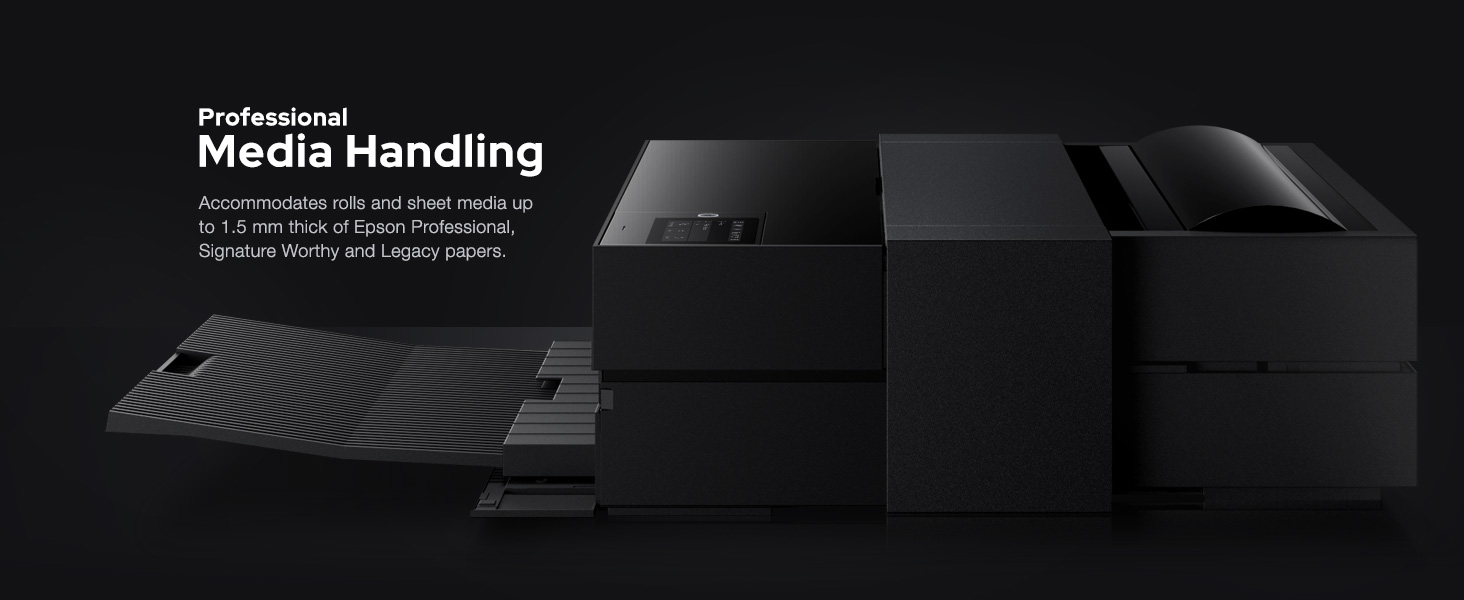
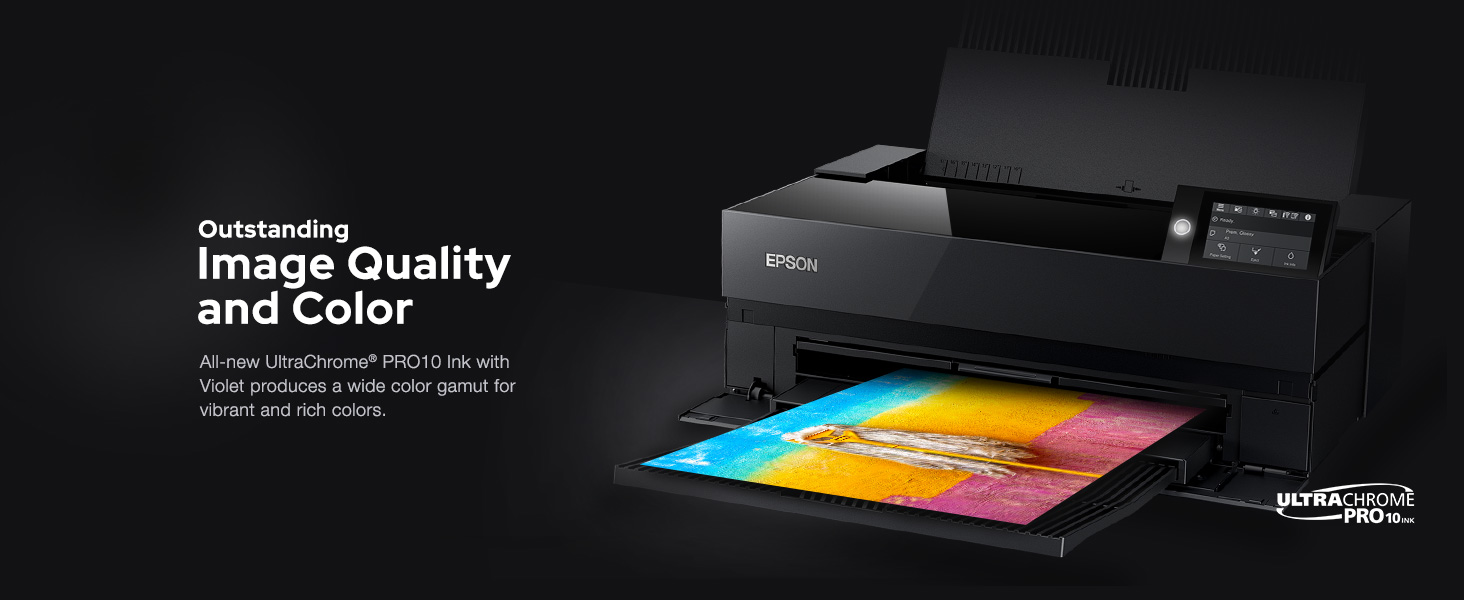
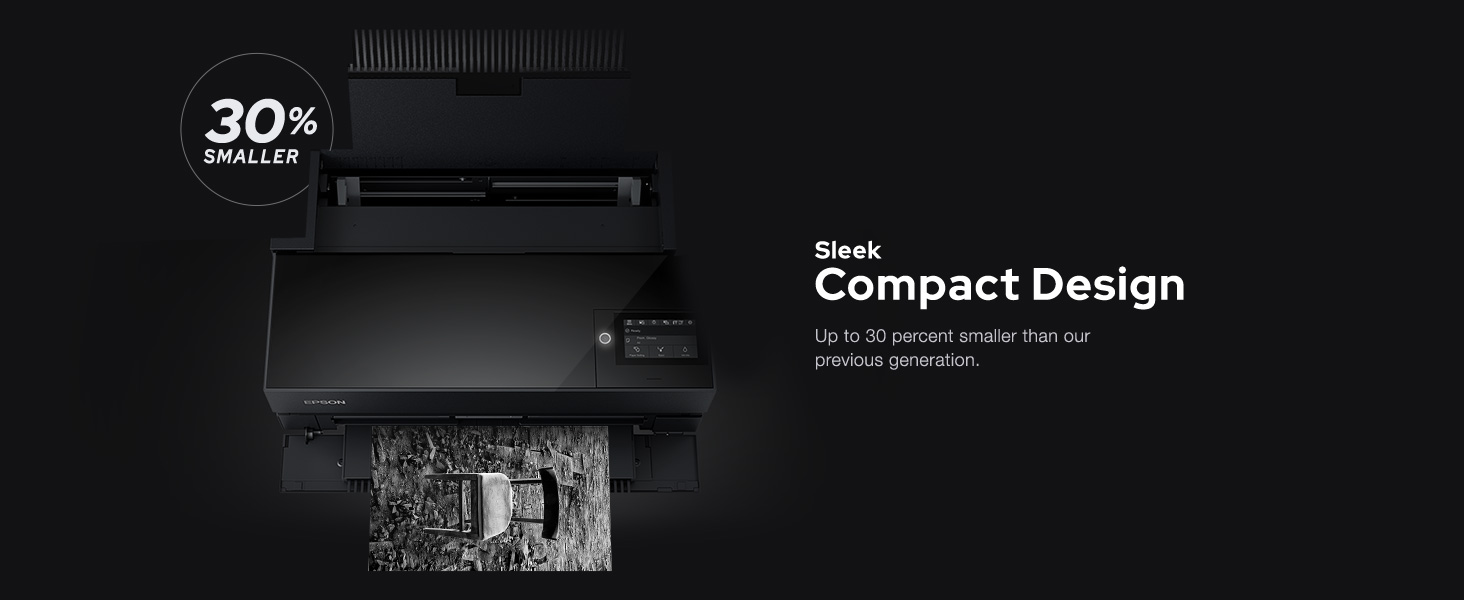
The Epson SureColor P900 is a professional 17-inch desktop printer engineered for photographers and artists seeking exhibition-quality prints. Featuring UltraChrome PRO10 ink with Violet, dual black ink nozzles, and a 10-channel MicroPiezo AMC printhead, it delivers vibrant, accurate colors and deep blacks without ink switching delays. Its compact design includes wireless iOS printing, a customizable touchscreen, and supports thick media and roll paper. With industry-leading print permanence of up to 200 years, the P900 is designed to produce gallery-grade prints that stand the test of time.



| ASIN | B0875K6D4H |
| Additional Printer functions | Scan |
| Batteries | AA batteries required. |
| Best Sellers Rank | #39,269 in Office Products ( See Top 100 in Office Products ) #81 in Laser Computer Printers |
| Color Depth | 24 bpp |
| Compatible Devices | Laptops, PC, Smartphones |
| Control Method | Touch |
| Controller Type | iOS |
| Customer Reviews | 3.7 3.7 out of 5 stars (458) |
| Date First Available | April 21, 2020 |
| Dual-sided printing | Yes |
| Duplex | Simplex |
| Global Trade Identification Number | 08715946677996 |
| Hardware Interface | USB |
| Included Components | P900 Printer, Set of initial ink cartridges – Ten high-capacity (Photo Black, Cyan, Magenta, Yellow, Light Cyan, Light Magenta, Gray, Matte Black, Light Gray, Violet), Power cord, User Guide Kit (Printer basics guide, Start Here poster), Accessory box, CD/DVD tray |
| Ink Color | Violet, Cyan, Magenta, Yellow, Black |
| Is Discontinued By Manufacturer | No |
| Item Weight | 35.3 pounds |
| Item model number | P900 |
| Language | Italian |
| Manufacturer | Epson |
| Max Copy Speed (Black & White) | 10 ppm |
| Max Input Sheet Capacity | 120 |
| Max copy resolution black-white | 600 dpi |
| Max copy resolution color | 5760 x 1440 dpi |
| Maximum Black and White Print Resolution | 5760 x 1440 dpi |
| Maximum Color Print Resolution | 5760 x 1440 dpi |
| Maximum Media Size | 11 x 17 inch |
| Memory Storage Capacity | 128 GB |
| Model Series | SureColor P-Series |
| Number of Trays | 2 |
| Number of USB 2 Ports | 4 |
| Output sheet capacity | 120 |
| Power Consumption | 24 Watts |
| Print media | Paper (plain) |
| Printer Ink Type | UltraChrome PRO10 |
| Processor Count | 1 |
| Product Dimensions | 14.7"D x 18.6"W x 29.3"H |
| Scanner Type | Photo |
| Series Number | 900 |
| Sheet Size | 17 |
| Smart Home Compatibility | Smart Home Compatible |
| Specific Uses For Product | professional photography |
| Total USB Ports | 2 |
| UPC | 010343954021 |
| Warranty Type | limited warranty |
| Wattage | 50 watts |
A**5
Reliable Printer for Independent Artists and Illustrators
As an independent artist and business owner, getting my own printer was a huge goal of mine, and I'm so glad I took the plunge! The printer is a game-changer for me; I can now produce my own fine art prints in any size up to 16x20". I primarily print on 8x10", 11x14" and 12x16" matte fine art paper, using Premium Matte paper by Durico or Finestra Art. The first printer I ordered did not work, but I called Epson and they immediately sent me a new printer and set up an exchange. I've been printing on my new printer for 3 months, and here is a summary of my experience: The Upsides: -Quick and easy wireless communication with my laptop -Great customer service from Epson -The printer yields gorgeous, rich, and vibrant colors; high color accuracy -Each print takes just a few minutes to create -The Epson Print Layout program is straightforward and easy to use. I open this up every time I want to print something. Once I've selected the size and type of paper, I let the printer choose the colors. I find that this produces a better, brighter color quality than the color profiles listed. -Each print is 25-50% the cost of ordering from a fine art printing business -I've ordered ink once in 3 months -Fits perfectly on the alex drawers from Ikea The cons: -Sometimes the printer takes in a few pages at once instead of one at a time. You must keep an eye on it. -For some, the printer might feel slow -If you accidentally shut your laptop, or if your laptop unexpectedly dies, the printer will stop printing midway and you have to start over -Ink costs are high ($522 to replace all cartridges), so you must factor that into your print costs. I calculated my cost of ink per print using ChatGPT -Epson and Amazon ran out of ink recently, so I had to buy my ink from B&H Photo in NYC -The first printer didn't work, which was stressful -The ink isn't quite as vibrant as my the art prints that I used to order from a fine art printer, but it works well enough for me and my customers.
J**O
Cannot handle fine art paper
DO NOT buy this printer if you plan on making more than a few prints a week. I am a full-time artist and decided to transition from having a professional make my prints to making my own at home. This printer makes beautiful prints, but unfortunately it requires you to hand feed each piece of paper if you want to print on anything other than regular letter paper. I even bought the thinnest, most lightweight fine art paper and it still requires me to hand feed the paper. It has a "thick paper" setting but you REALLY have to fiddle with it to get it to accept each sheet. It requires a learned finessing. Pretty much every time it will say "out of paper" and then restart the entire process. Even more annoyingly, it will frequently say "paper jam" once the paper does feed, and then takes almost a whole minute to recover. I spoke with several different people at tech support and they just said that this printer can't really handle thick paper, which is unfortunate because if you're going to spend this much on a printer that has 10 ink cartridges and prints with such precision, you definitely want to print on good paper. For months I have been spending hours every week babysitting the printer and getting it to print. There are times when it simply will not accept paper at all. Really disappointed.
A**N
Bold beautiful color
I had a local printer doing my prints. And he’ll still have to do the large ones. But I am delighted with the quality of prints I’m getting out of this. I’m new to the whole photography art world, so figuring out the settings to a little trial & error for me. But I’m learning & getting gorgeous prints from this printer. And my only regret is that I didn’t go ahead and buy the bigger printer. When I first started using this printer it left a smudge on the white boarder of the prints. It stopped doing it after a few prints without me having to do anything. But it was disappointing at first. The ink almost immediately says it is very low. I have a whole new set ready to go. But the cartridges keep going…. *update - it will eventually tell you that you have to replace an individual ink to proceed, so that's when you need to change it. I use Moab Entrada Rag Bright 300 cotton paper. I print directly from photoshop. I've had zero problems with crashing & needing to restart like another review said. But I also own a nicer Epson flatbed scanner. I have to use non-Epson scanning softwear because it would crash all the time & I'd have to restart it. So maybe Epson just has crappy softwear? The only thing I don't love about this printer is that it is bad at doing multiple pages. It doesn't bend the paper while it is going through the printer, which is great! I was able to print the backs of some postcards for marketing material for me. But I had to individually initiate each print....
E**A
Exxelente calicad fotografica.
R**M
المنتج رائع وممتاز ، جودة الصور وسرعة الطباعه ممتاززه ، متحرصين بتغليف المنتج جداً ، الفيش للكهرباء مو ثلاثي ، ثنائي
R**Y
The initial ink charge does use most of the ink in all of the cartridges, so do make sure you have a second set on hand from the start. When I am doing large prints there is a bit of black ink smudging at the very start of the print. By bit it is about 1/16 inch wide by one inch long, but don't see it on smaller print sizes. It may also be that I am cutting 17x25 from a roll and feeding as individual sheets. Also have not used it long enough to determine if it is a real problem, or just something just because it's new
A**T
Printer only came with about 1/4 cartridge of ink each. Thought that there would have been a full cartridge each for the initial purchase, considering that there are 10 different colours of ink. And the cost of the printer was not cheap, neither are the replacement full cartridges of ink.
Trustpilot
Hace 2 semanas
Hace 2 semanas